Studio Ghibli Style Artwork: How to Create Your Own
Learn what makes Ghibli-inspired artwork so charming, plus easy ways to turn your own photos into hand-painted anime-style art in seconds.
 Ghibli Style Team6 min read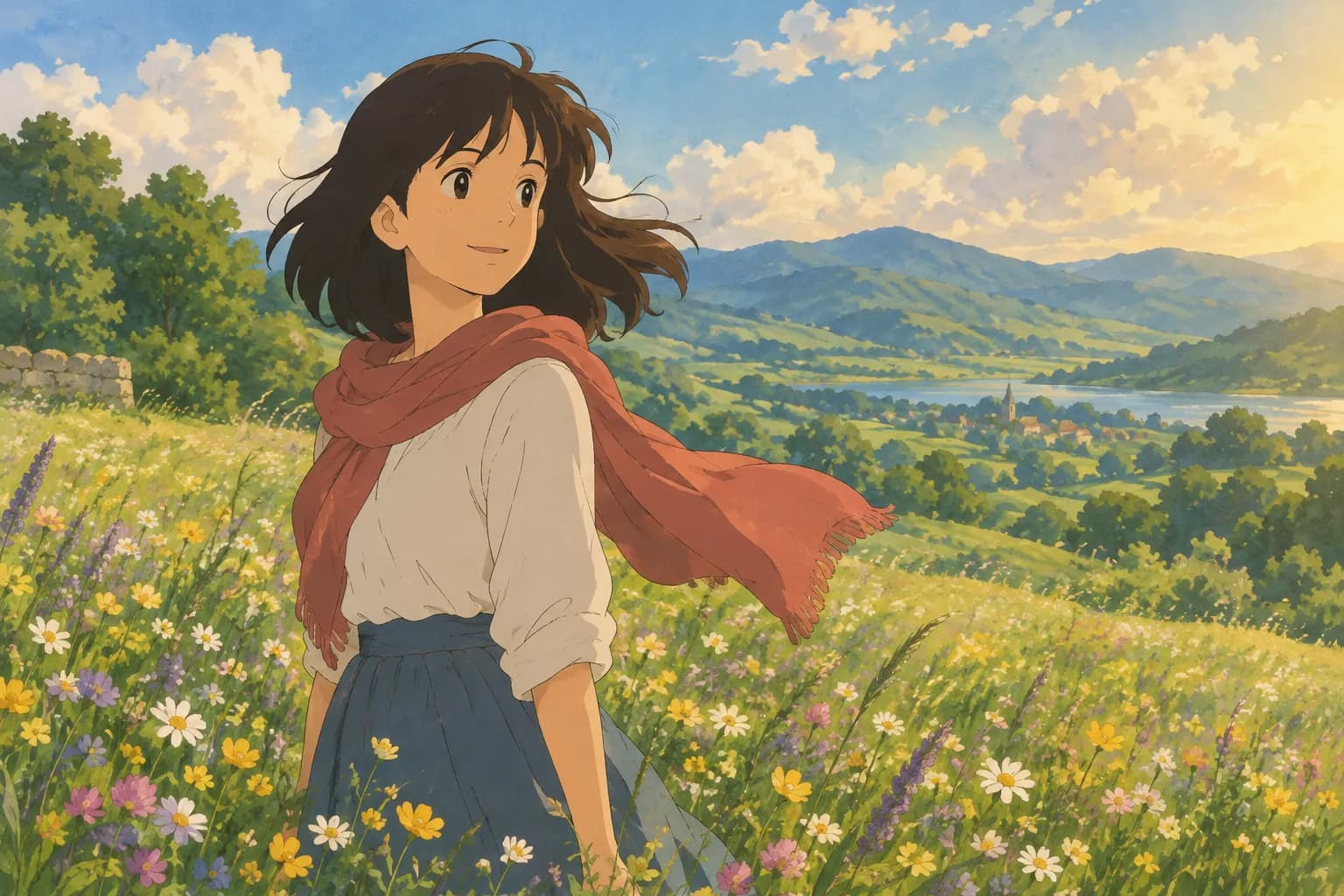
On this page
- What Makes "Ghibli-Inspired" Artwork Distinctive
- Where People Use Ghibli-Style Art
- How to Create Ghibli-Style Artwork From a Photo
- Option 1: Paint or Draw It by Hand
- Option 2: Use an AI Photo-to-Art Tool
- Tips for Better Results
- Related Styles Worth Trying
- A Quick Word on Pricing and Downloads
- FAQ
- Final Thoughts
If you've ever watched a hand-painted anime film and wished your own life looked that dreamy, you're not alone. The soft watercolor skies, warm golden light, and gentle, storybook feel of that art style have inspired a whole generation of fan art, wallpapers, and photo edits. This guide covers what gives Ghibli-inspired artwork its signature look, where people use it, and a few simple ways to create your own version starting from a photo you already have.
What Makes "Ghibli-Inspired" Artwork Distinctive
Before diving into how to make it, it helps to know what you're actually aiming for. A few visual traits show up again and again in this style:
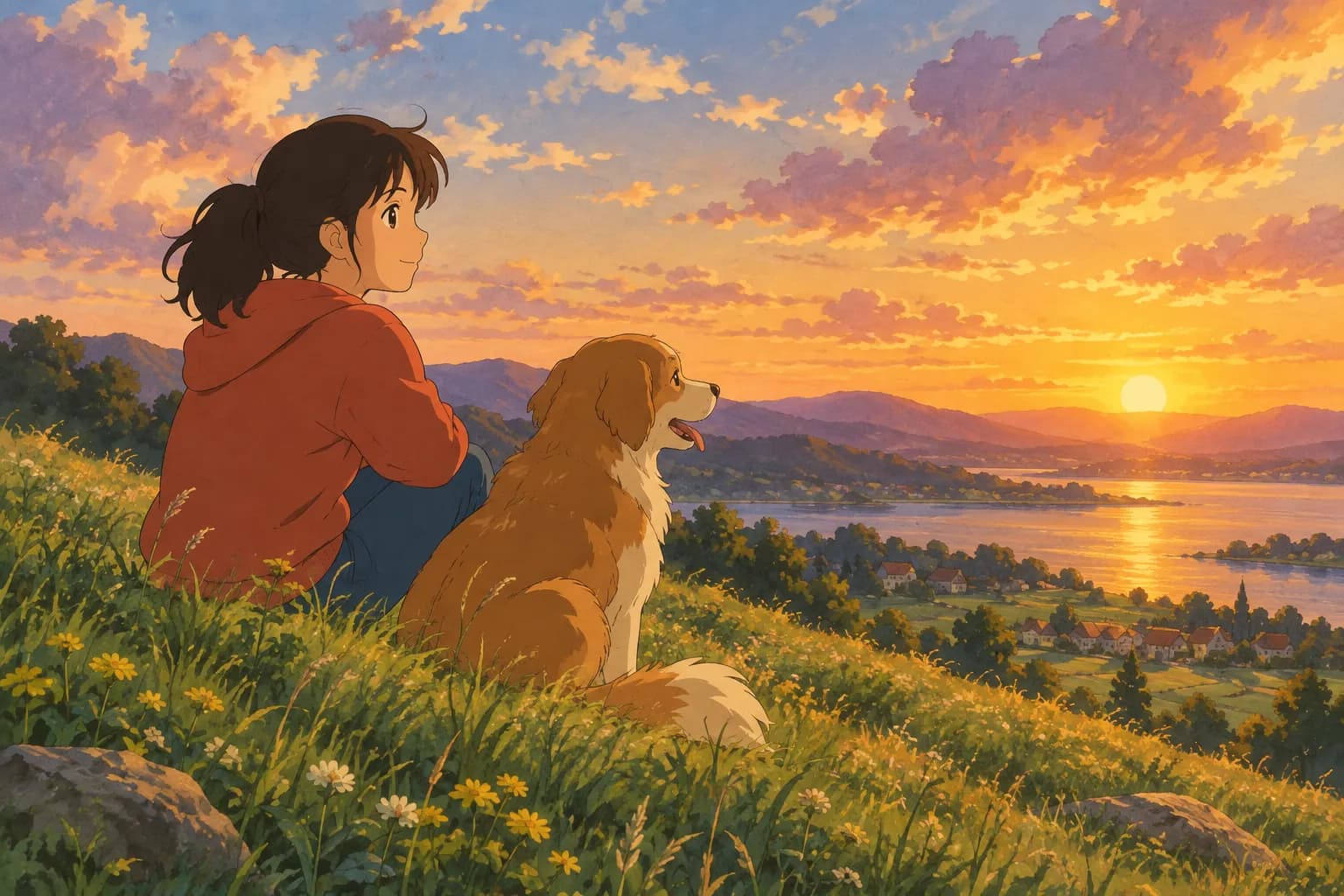
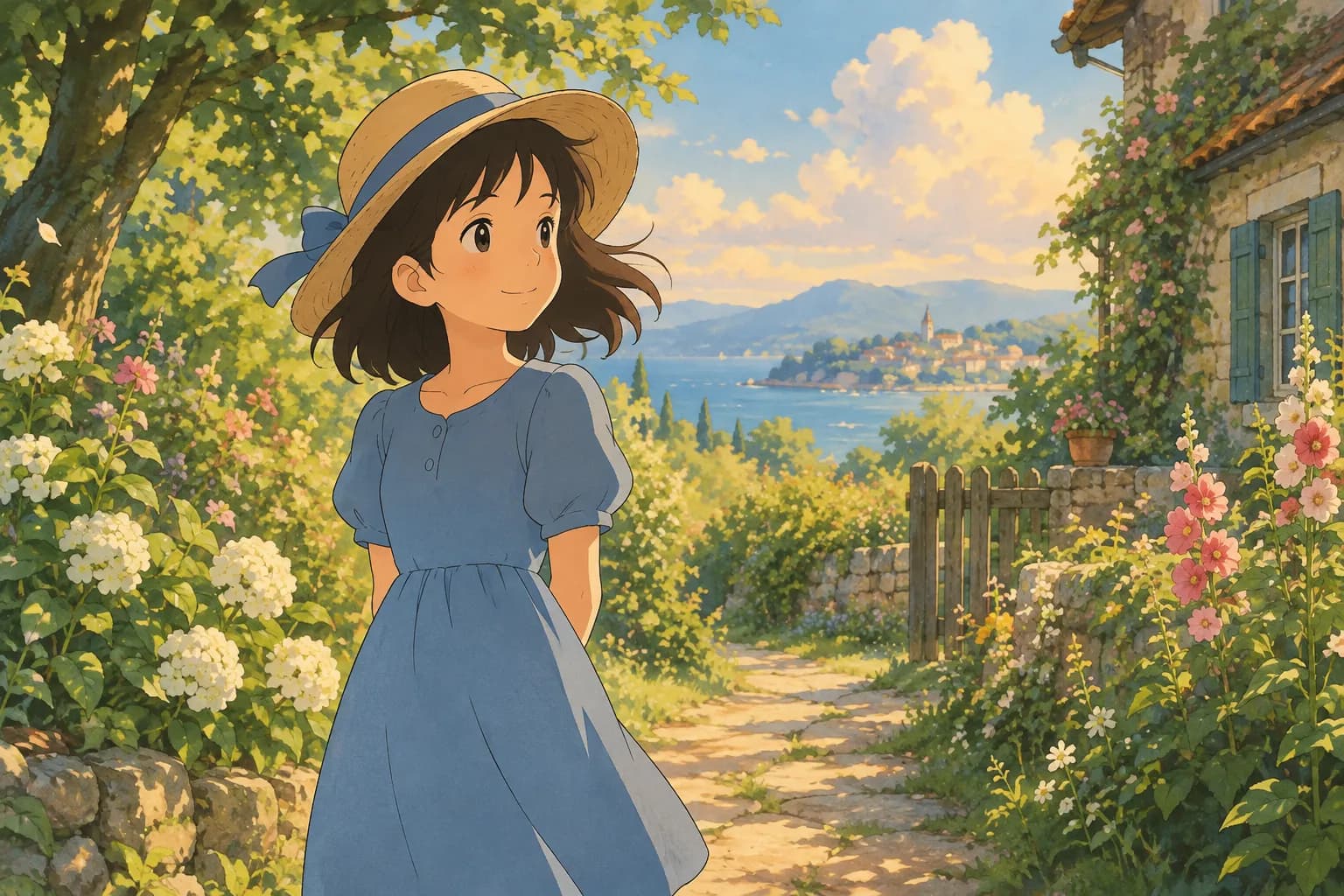
- Soft, hand-painted textures. Backgrounds look like watercolor or gouache paintings rather than crisp digital renders, with visible brushwork in clouds, grass, and foliage.
- Warm, natural light. Scenes often glow with late-afternoon sun, soft overcast daylight, or the gentle blue of early evening.
- Rounded, friendly character design. Faces are simplified but expressive, with big eyes and soft lines instead of sharp anime cel-shading.
- Lush, detailed environments. Rolling hills, old European-style towns, cluttered cozy rooms, and wild gardens are common backdrops.
- A sense of calm and wonder. Even busy scenes feel peaceful, like a quiet moment from a storybook.
Together, these elements create art that feels nostalgic and comforting — which is a big part of why people love turning their own photos into this style.
Where People Use Ghibli-Style Art
This look isn't just for fan illustrations. People commonly turn their photos into this style for:
- Phone and desktop wallpapers
- Social media profile pictures and avatars
- Printed gifts, like a framed portrait of a pet or couple
- Wedding or anniversary keepsakes
- Simply having a softer, more artistic version of a favorite photo
How to Create Ghibli-Style Artwork From a Photo
There are two broad paths: draw or paint it yourself, or use an AI tool to transform a photo automatically. Both are valid depending on your goals.
Option 1: Paint or Draw It by Hand
If you have illustration skills, you can study the style's traits directly:
- Start with a simple, well-lit reference photo.
- Simplify facial features and line work — fewer harsh edges, more soft curves.
- Use a muted, warm palette with watercolor-style texture in the background.
- Add atmospheric details like dust motes, soft clouds, or greenery to build mood.
This approach takes real practice, but it's rewarding if you enjoy traditional or digital painting.
Option 2: Use an AI Photo-to-Art Tool
If you want a finished piece in seconds rather than hours, an AI photo-to-art tool is the faster route. Ghibli Style is an independent site (not affiliated with Studio Ghibli) built around exactly this kind of transformation. You upload a photo of a person or a pet, choose a style, and get a result in about 20-30 seconds. The site's default look is its signature soft, hand-painted Ghibli-inspired style, so it's a natural starting point if that warm, storybook feel is what you're after.
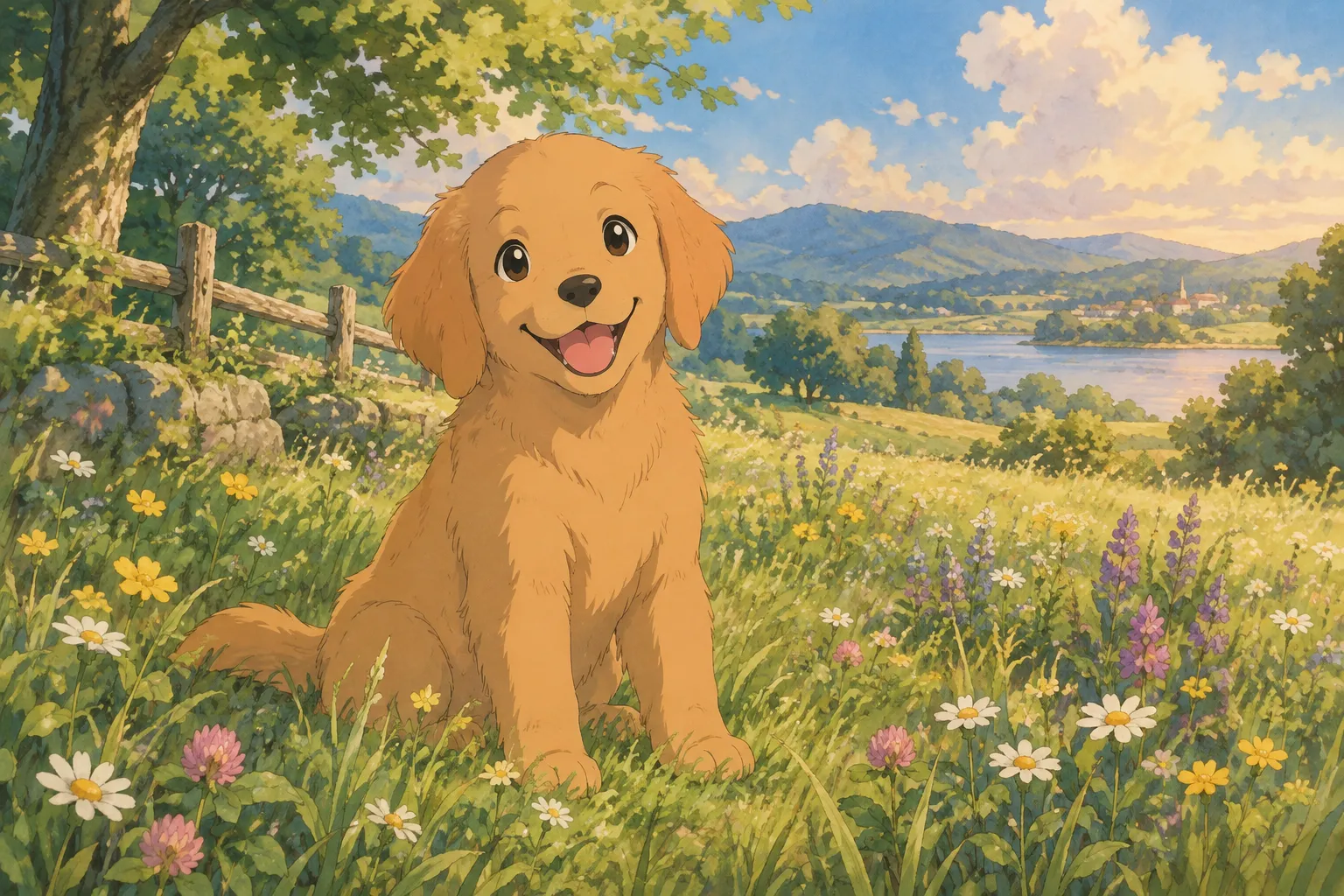
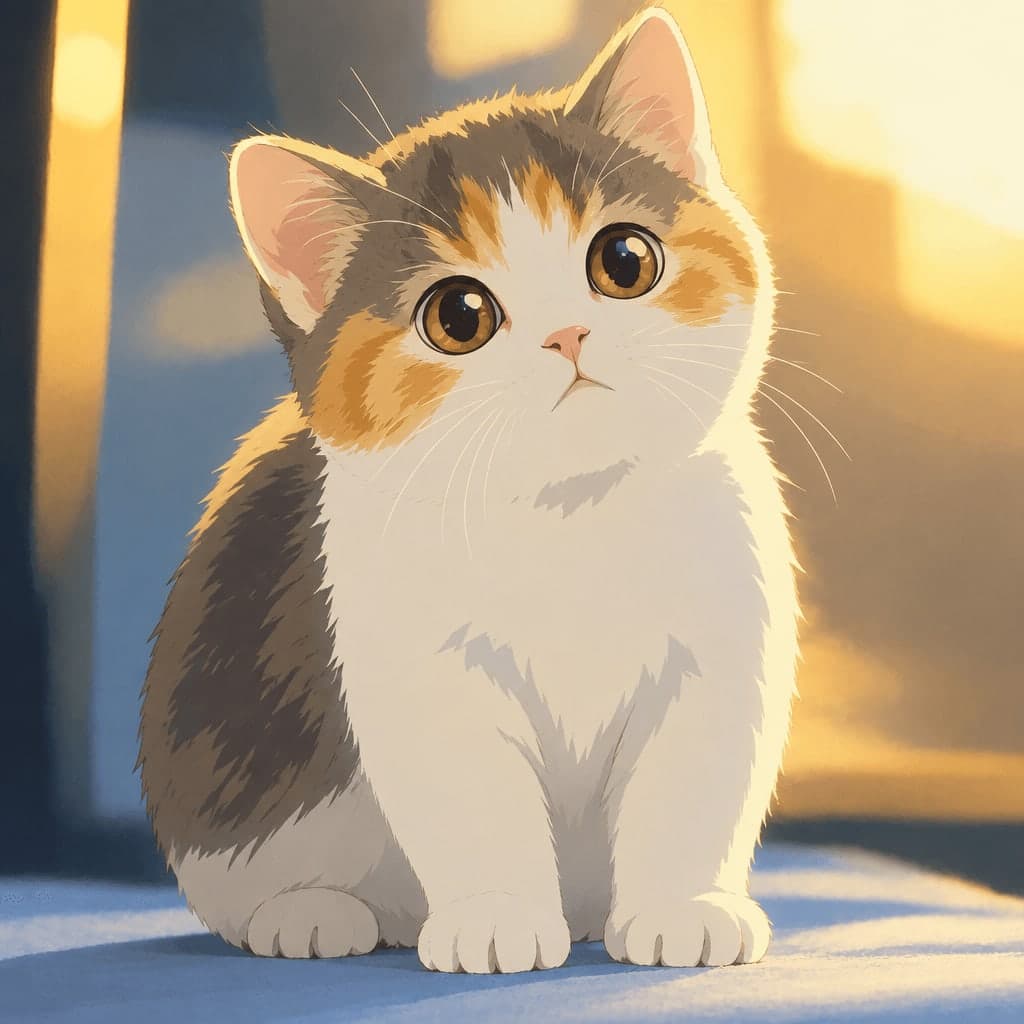
Here's an example of the transformation in action:
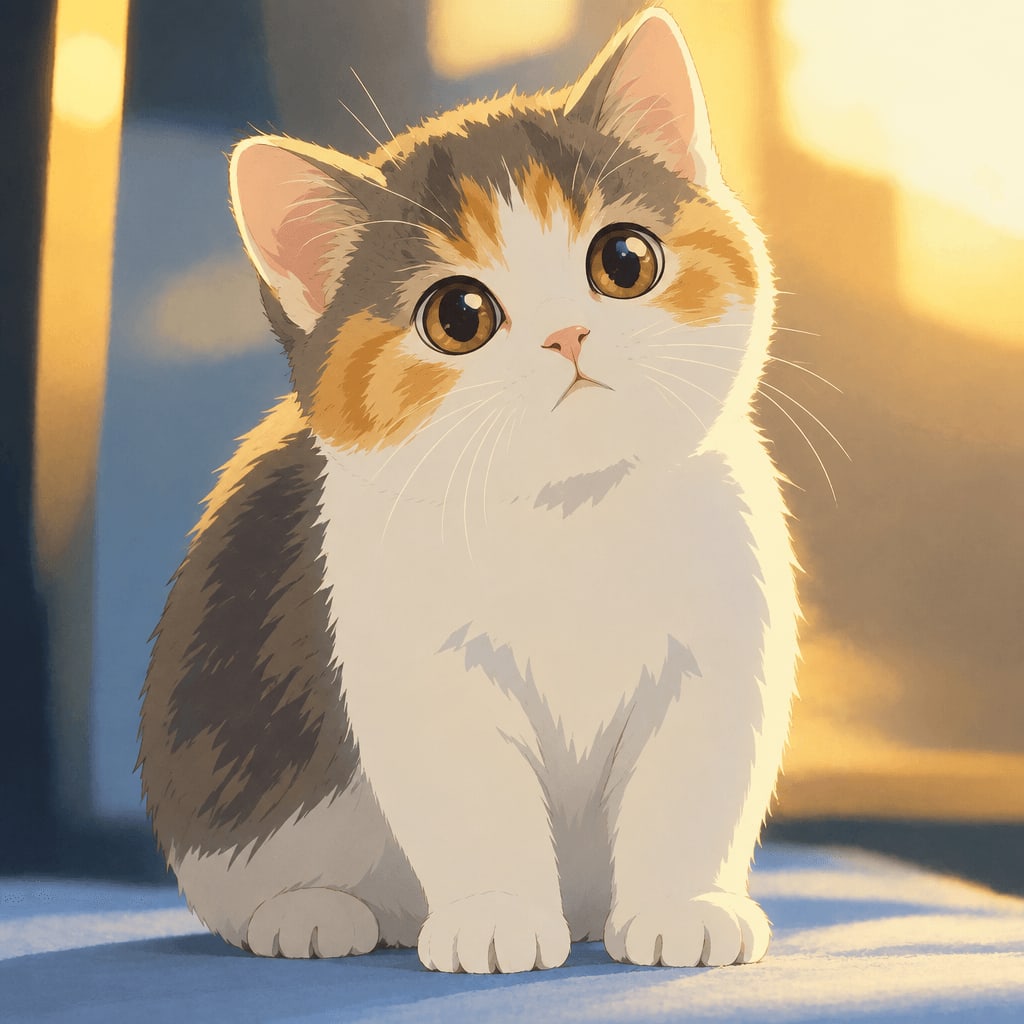
And a portrait example:
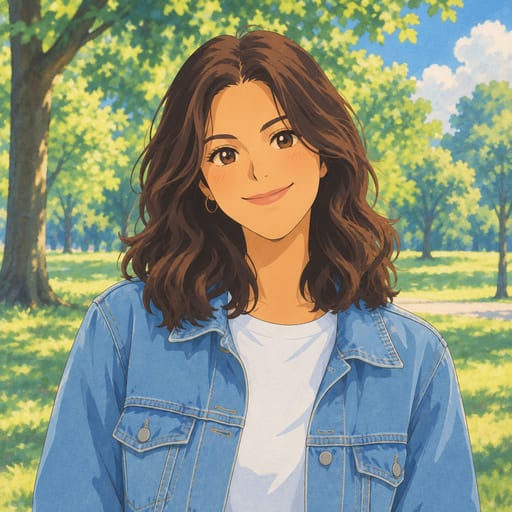
Beyond the classic look, the site offers 42 styles across 6 categories — cartoon and anime, art and painting, sketch, digital, 3D and toys, and photo and portrait. You can browse the full styles overview if you want to compare options before picking one.
Tips for Better Results
Whether you paint it yourself or use a tool, the quality of your starting photo matters a lot. A few tips:
- Use good, even lighting. Natural daylight from a window works great. Avoid harsh shadows across the face.
- Keep the subject clear and centered. A simple background helps the tool (or your own eye) focus on the main subject.
- Choose a sharp, in-focus photo. Blurry source images tend to produce blurry or muddled results.
- Try a few different photos. Different expressions and poses can lead to noticeably different, sometimes more charming, outcomes.
- Pets work wonderfully too. A photo of your dog or cat looking at the camera, with their eyes visible, usually turns into an especially sweet result.
Related Styles Worth Trying
If you like the general anime-art direction but want something different from the soft, painterly Ghibli look, a few related options are worth a look:
- Photo to Anime — a modern TV/film anime look with crisp lines and cel shading, a sharper contrast to the hand-painted feel.
- Anime PFP Maker — turns a selfie into a square anime profile picture, Ghibli-inspired by default, perfect for social media.
- Ghibli Wallpaper — free Ghibli-style wallpapers plus a tool that formats your photo into a 9:16 or 16:9 wallpaper.
- Watercolor Portrait — a softer, painterly option if you want something closer to fine art than anime.
A Quick Word on Pricing and Downloads
New accounts get 1 free image, and a failed generation never uses up a credit. Standard downloads are free, while HD downloads require credits, and on phones you can save straight to your Photos app. If you want to make more than a couple of images, check the pricing page for the current one-time credit packs and monthly subscription options. Finished images are kept in your private "My Works" page for a set number of days, longer if you've purchased credits or subscribed.
FAQ
Is this the same as official Studio Ghibli art? No. Ghibli Style is an independent, unaffiliated AI tool. It creates original images "in a hand-painted anime film style" inspired by that general aesthetic — it does not reproduce or claim any connection to Studio Ghibli's actual films or characters.
What kind of photo works best for a Ghibli-inspired result? A clear, well-lit photo where the subject's face (or a pet's face) is visible and in focus tends to give the best results. Simple backgrounds help too, since busy backgrounds can distract from the main subject in the final artwork.
Can I turn a photo of my pet into this style? Yes. The tool works with photos of people or pets, and pet portraits in this soft painterly style are a popular choice for prints and wallpapers.
How long does it take to get a result? Generating an image typically takes about 20-30 seconds once you've uploaded a photo and picked a style.
Final Thoughts
Ghibli-inspired artwork has such lasting appeal because it turns ordinary moments into something that feels warm, painterly, and a little magical. Whether you want to practice the technique by hand or get a finished piece in under a minute, the key ingredients are the same: good lighting, a clear subject, and a soft, inviting color palette. If you'd rather skip the brushes entirely, you can upload a photo and try the style for yourself on the home page.
Try the Ghibli style generator on your own photo.
Try it free