Ghibli Inspired Art: What It Means and How to Create Your Own
Learn what "Ghibli inspired" art looks like and how to turn your own photos into hand-painted, Ghibli-inspired illustrations in seconds.
 Ghibli Style Team6 min read
On this page
What Does "Ghibli Inspired" Really Mean?
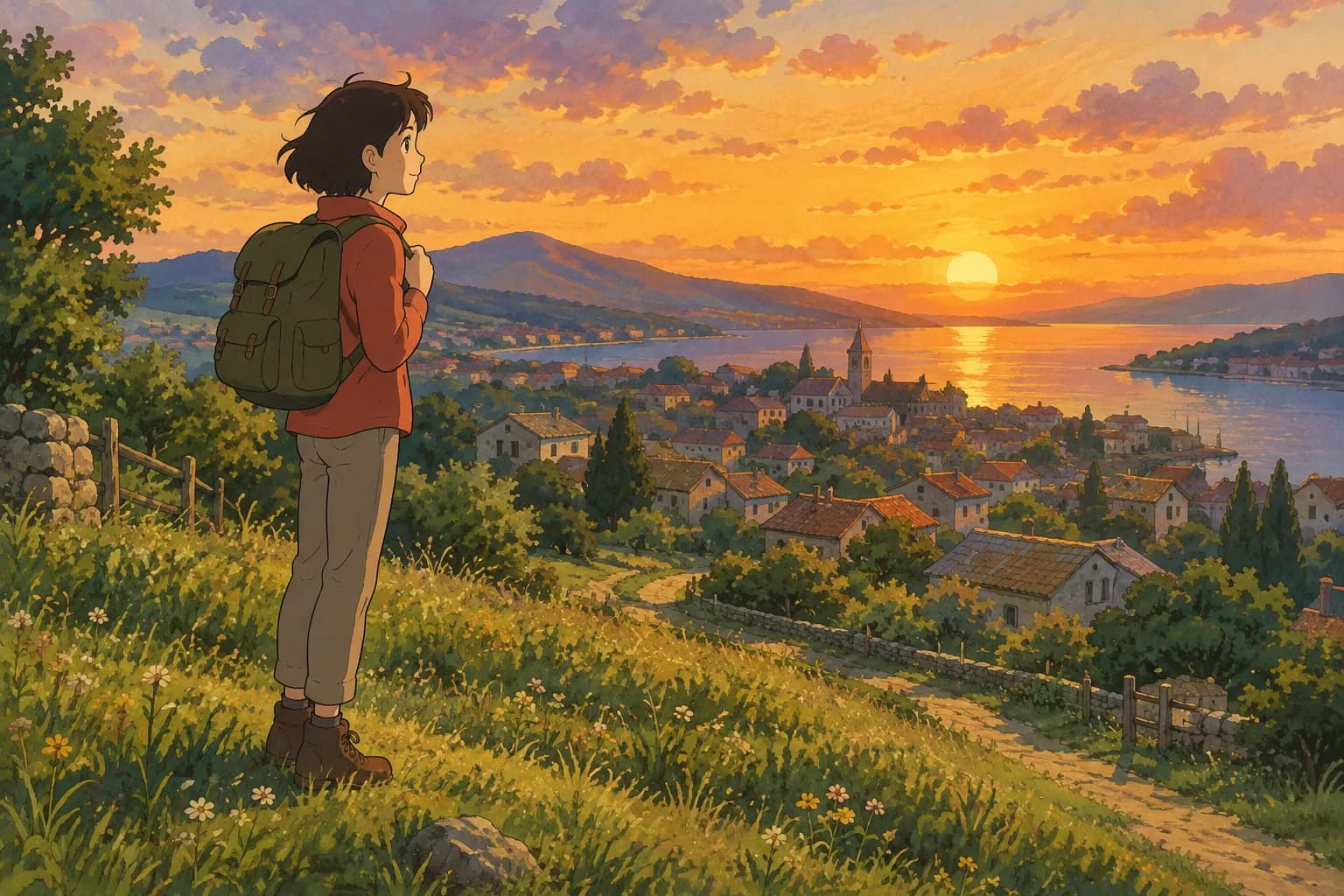
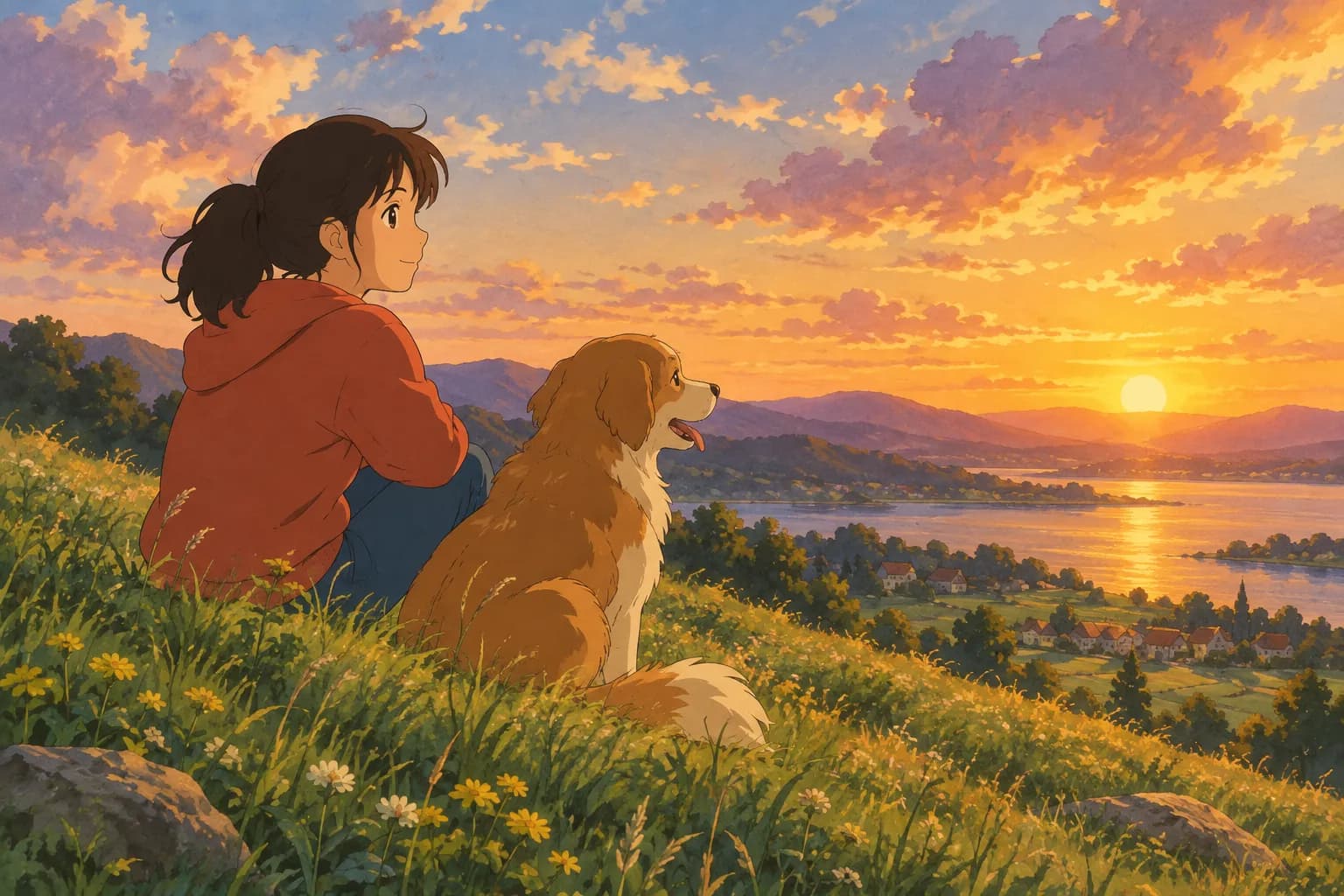
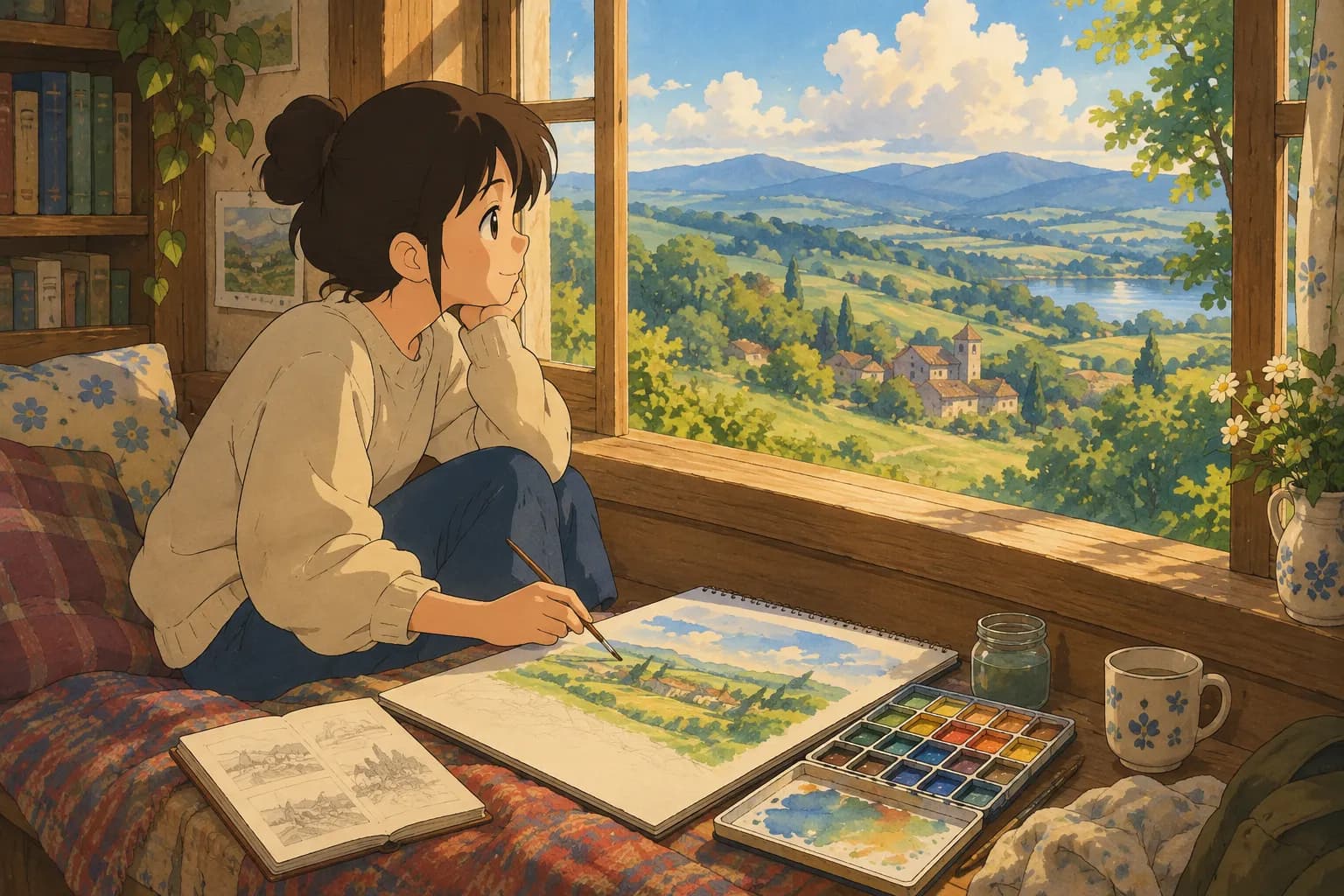
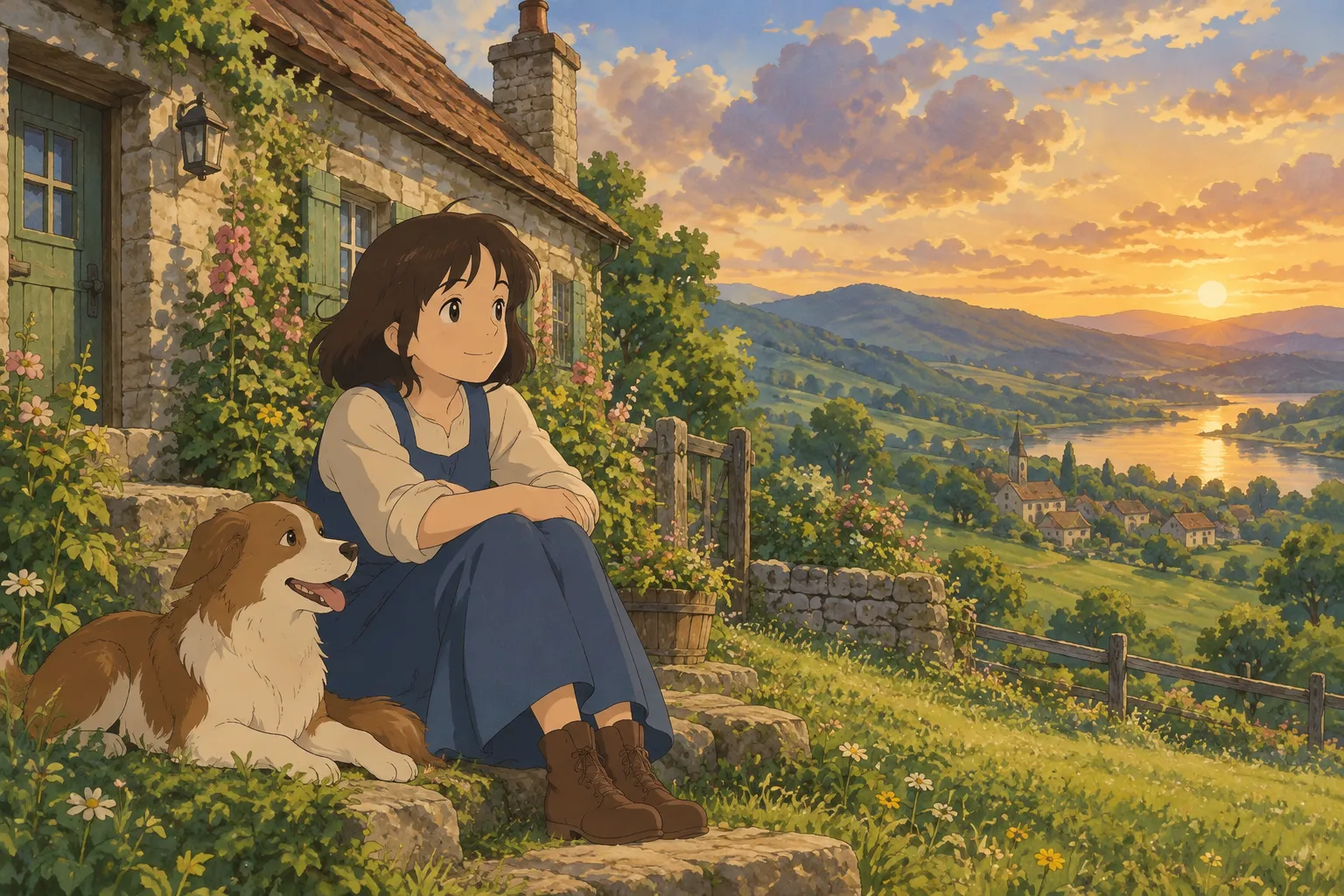
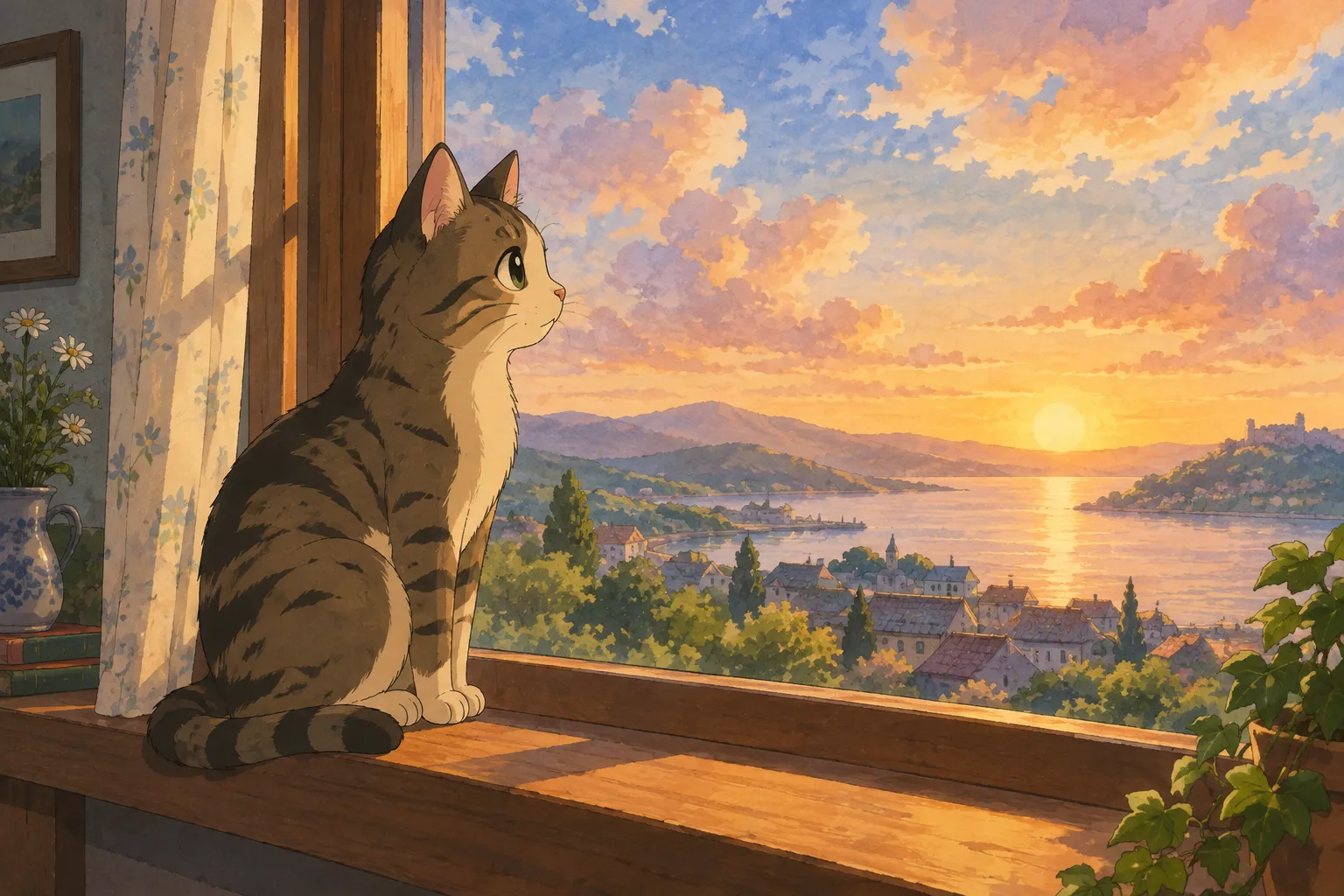
If you've spent any time scrolling through art communities or AI image generators, you've probably seen the phrase "Ghibli inspired" used to describe a certain look: soft watercolor-like skies, warm golden light, gentle linework, and a dreamy, nostalgic feeling. It's a visual style associated with classic Japanese animated films — lush backgrounds, expressive but simple character faces, and a painterly quality that feels handcrafted rather than digital.
Calling something "Ghibli inspired" is a way of describing an aesthetic influence, not claiming any official connection to a particular studio. Artists, illustrators, and hobbyists use the term to signal that their work draws on that same warm, hand-painted tradition — think countryside landscapes, cozy interiors, fluffy clouds, and characters with big, soulful eyes.
This style has become especially popular for turning personal photos into art. People want to see themselves, their pets, or their favorite memories reimagined in that soft, storybook way — and that's exactly where AI photo-to-art tools come in.
The Visual Ingredients of the Style
A few elements tend to show up again and again in Ghibli-inspired art:
- Soft, painterly textures instead of sharp digital edges
- Warm, natural lighting — golden hour sun, dappled shade, or the glow of a lantern
- Muted, earthy color palettes with pops of green, blue, and ochre
- Expressive simplicity in faces and gestures, rather than hyper-detailed realism
- A sense of place — rolling hills, old houses, forests, or quiet village streets in the background
Understanding these ingredients helps whether you're writing an art prompt, commissioning an illustrator, or picking a filter for your own photo.
How to Turn a Photo Into Ghibli-Inspired Art
You don't need painting skills to get this look anymore. AI photo-to-art tools can analyze a photograph and repaint it in a hand-painted anime film style, keeping the subject recognizable while reshaping the lighting, color, and brushwork to match that warm aesthetic.
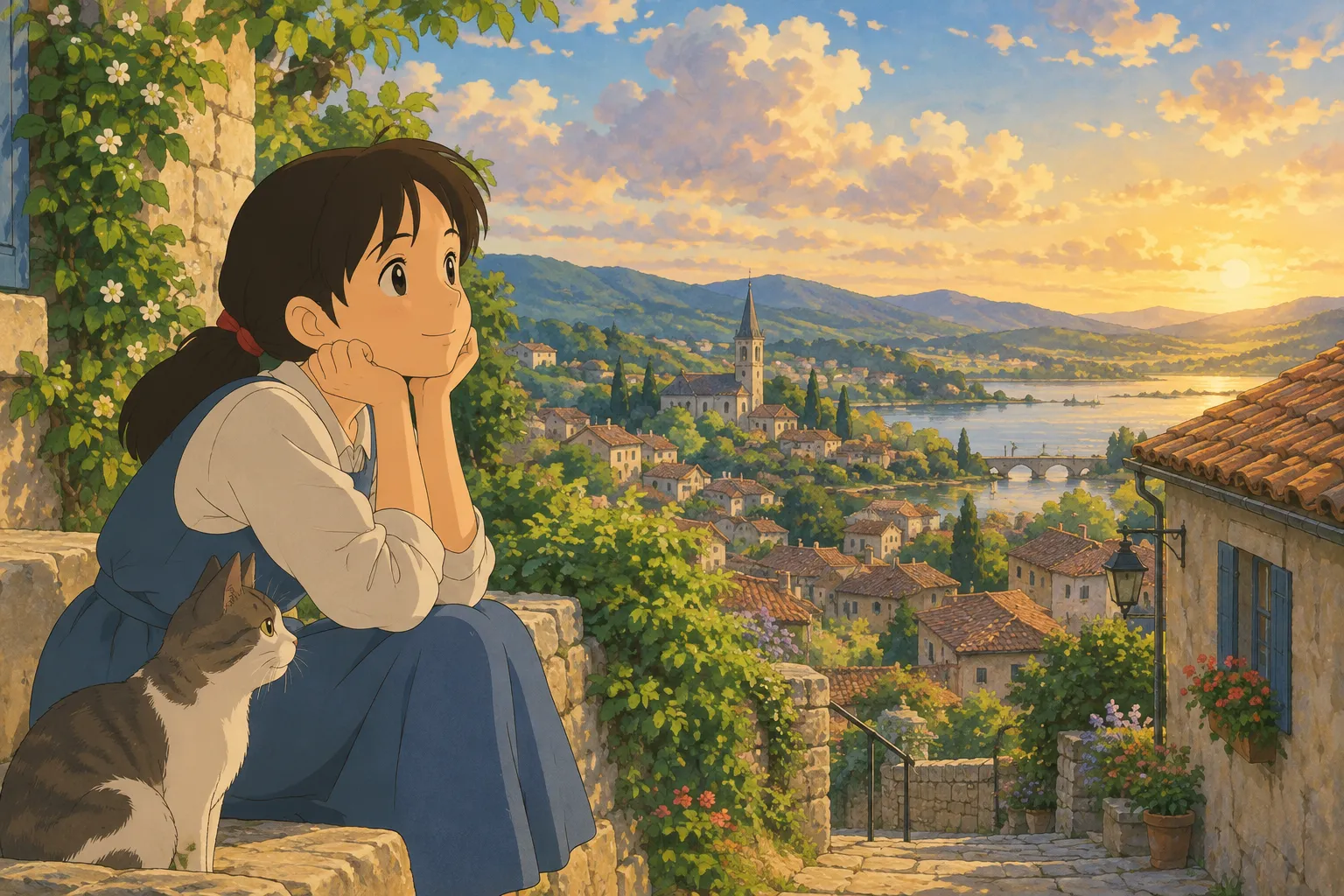
On Ghibli Style (ghiblistyle.co), the default style on the home page is exactly this soft, hand-painted look. You upload a photo of a person or a pet, choose the style, and get a result in about 20–30 seconds. It's a simple way to see a photo of your dog, your kid, or yourself transformed into something that looks like a still frame from a cozy animated film.
What Makes a Good Source Photo
The quality of your result depends a lot on the photo you start with. A few tips:
- Use good, even lighting. Natural daylight near a window works better than harsh flash or very dim rooms.
- Keep the face clearly visible. Avoid heavy shadows across the eyes or nose, and skip sunglasses if you want an expressive result.
- Choose a simple background. Busy backgrounds can confuse the style transfer; a plain wall, outdoor scene, or soft blur works best.
- Go for medium-to-close framing. Head-and-shoulders or half-body shots usually translate better than tiny full-body photos.
- Pick a natural pose and expression. Gentle smiles and relaxed posture tend to look most at home in this painterly style.
Pets work wonderfully too — a corgi, a cat curled on a windowsill, or a dog mid-run can all become charming hand-painted characters.
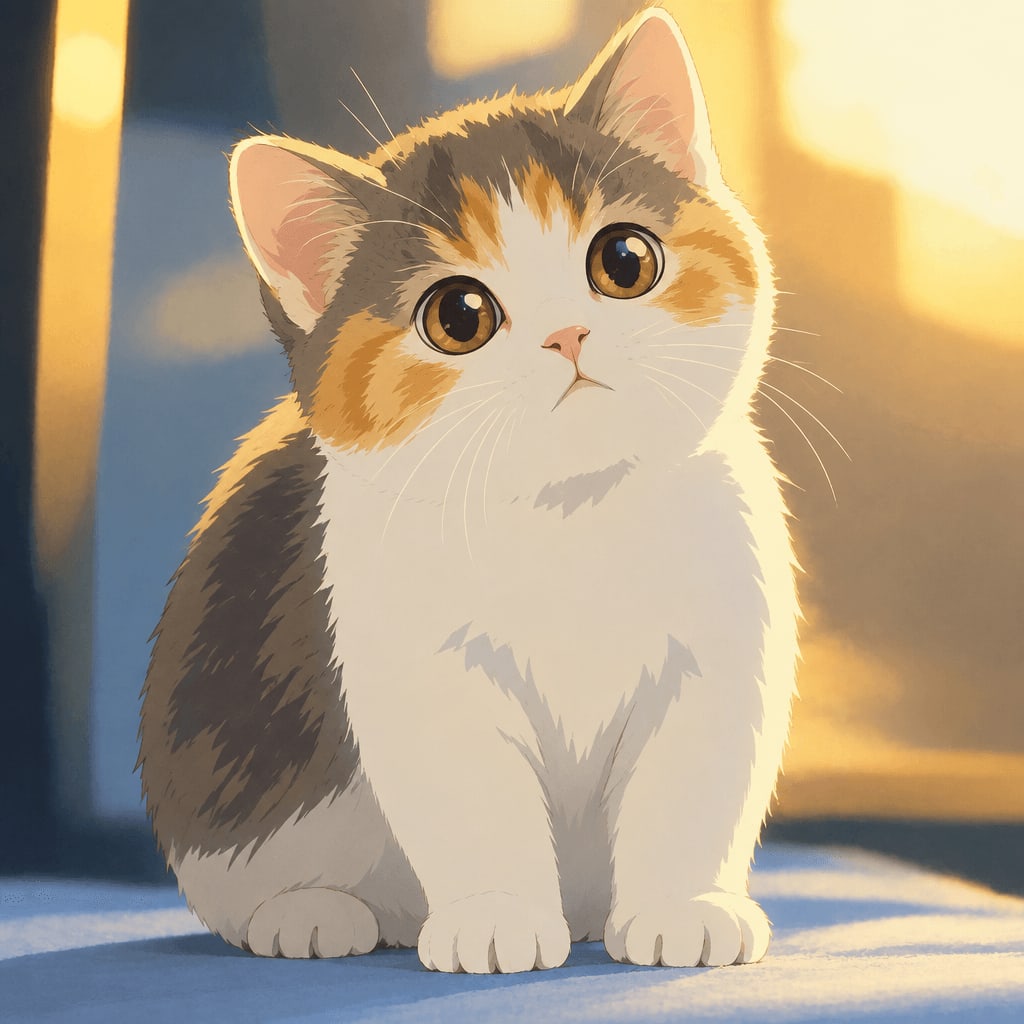
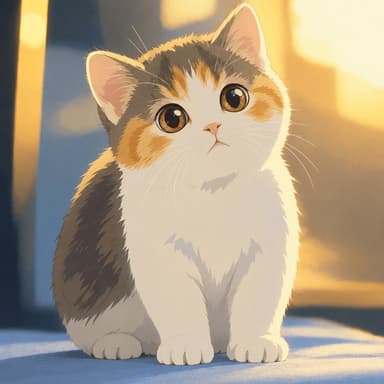
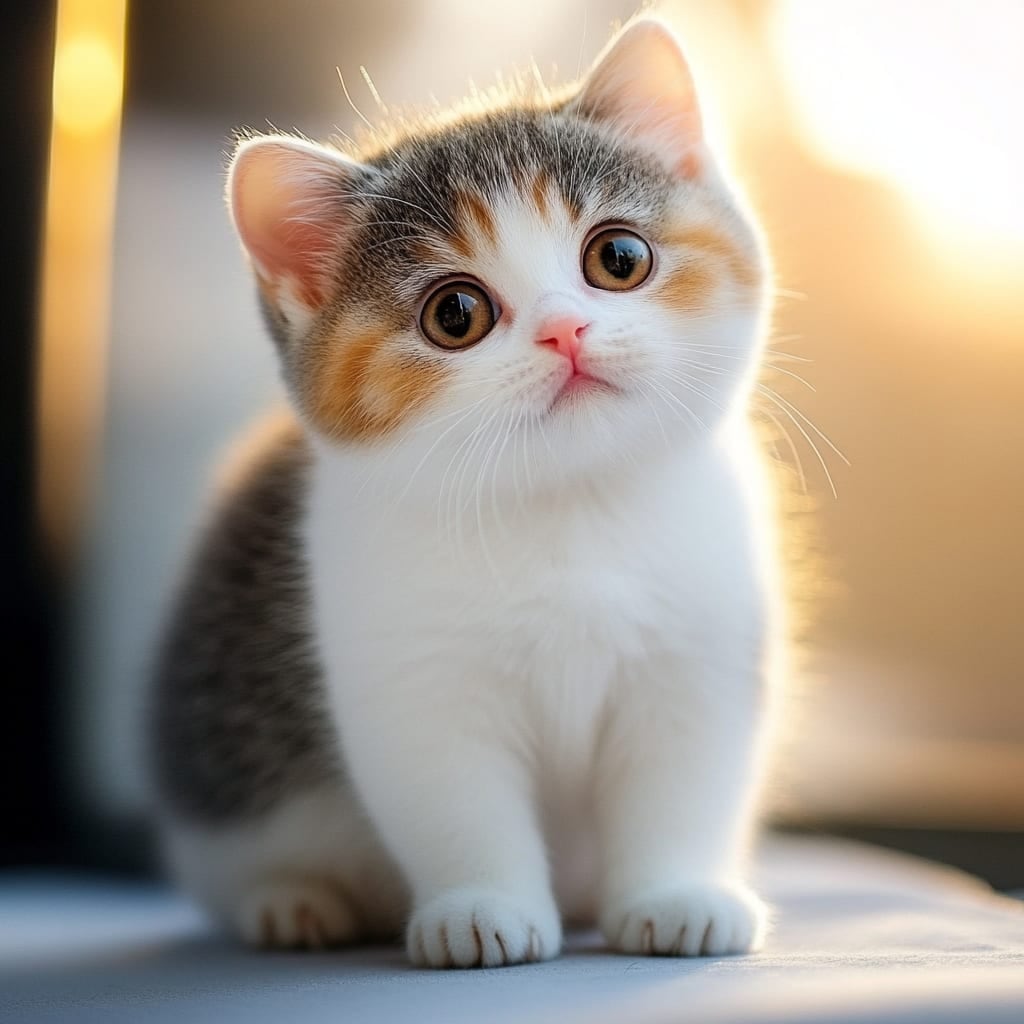
Here's an example of the same idea applied to a kitten — the original photo on one side, and the soft, painterly reimagining on the other:
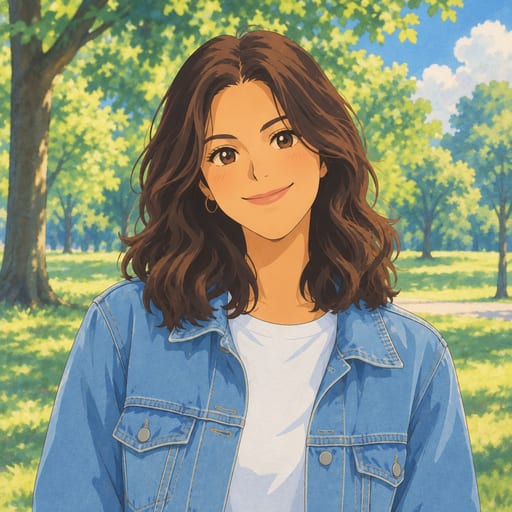
And a portrait example, showing how a straightforward photo can become a warm, illustrated scene:
To try it yourself, head to the home page — the signature soft, hand-painted look is the default style there, so it only takes a couple of clicks to upload and generate.
Other Styles Worth Exploring
The Ghibli-inspired look is just one of many ways to reimagine a photo. If you're curious about other options, the site offers 42 styles across six categories — anime, painting, sketch, digital, 3D/toy, and photo-realistic portraits. A few that pair especially well with the same photos you'd use for the Ghibli look:
- Watercolor portrait — for a softer, painterly feel without the anime influence
- Photo to anime — a crisper, modern cel-shaded anime look instead of the hand-painted film style
- Chibi maker — a cute, big-head illustrated version, great for stickers or profile pictures
- Ghibli wallpaper — turns your photo into a 9:16 or 16:9 wallpaper in the same warm style, ready for your phone or desktop
- Anime profile picture maker — a square avatar version, Ghibli-inspired by default
You can browse the full lineup on the styles page if you want to compare looks side by side before choosing one for your photo.
A Few Creative Ideas
Once you've made one Ghibli-inspired image, there are plenty of fun ways to use it:
- Turn a family photo into a wallpaper for your phone's lock screen
- Make a pet portrait to print and frame
- Create a matching set with a partner, sibling, or best friend using the couple or friends photos
- Use a chibi or sticker version as a profile picture or for messaging apps
- Build a small gallery of different styles from the same photo to compare which one captures the mood best
FAQ
Is "Ghibli inspired" art officially licensed? No. "Ghibli inspired" describes an aesthetic influence — soft, hand-painted, warm-toned illustration — not an official product or license. Tools like Ghibli Style are independent and not affiliated with any animation studio; they simply apply a similar visual style to your own photos.
What's the best type of photo to use? Clear, well-lit photos with a visible face (or a pet's face) and a simple background work best. Avoid extreme close-ups, heavy filters, or very dark lighting for the most accurate results.
How much does it cost to generate images? New accounts get 1 free image to try. After that, you can buy credits as a one-time pack (10 images for $4.99 or 40 images for $14.99, both valid for 12 months) or subscribe monthly (30 images for $9.99/month or 150 images for $29.90/month). You can see current options on the pricing page. Standard downloads are free; HD downloads use a credit, and a failed generation never costs you one.
Can I use this for pets, not just people? Yes — pets generally work great in this style. Corgis, cats, and other pets often turn out especially charming with the soft, storybook treatment.
Whether you're after a nostalgic keepsake, a new wallpaper, or just a fun way to see a favorite photo in a new light, the Ghibli-inspired look remains one of the most popular ways to turn an ordinary snapshot into something that feels like a warm, hand-painted memory.
Try the Ghibli style generator on your own photo.
Try it free