Photo to Manga Converter
See yourself drawn as a black-and-white manga panel, with ink lines and screentones.
or drag image here
Try one of these examples
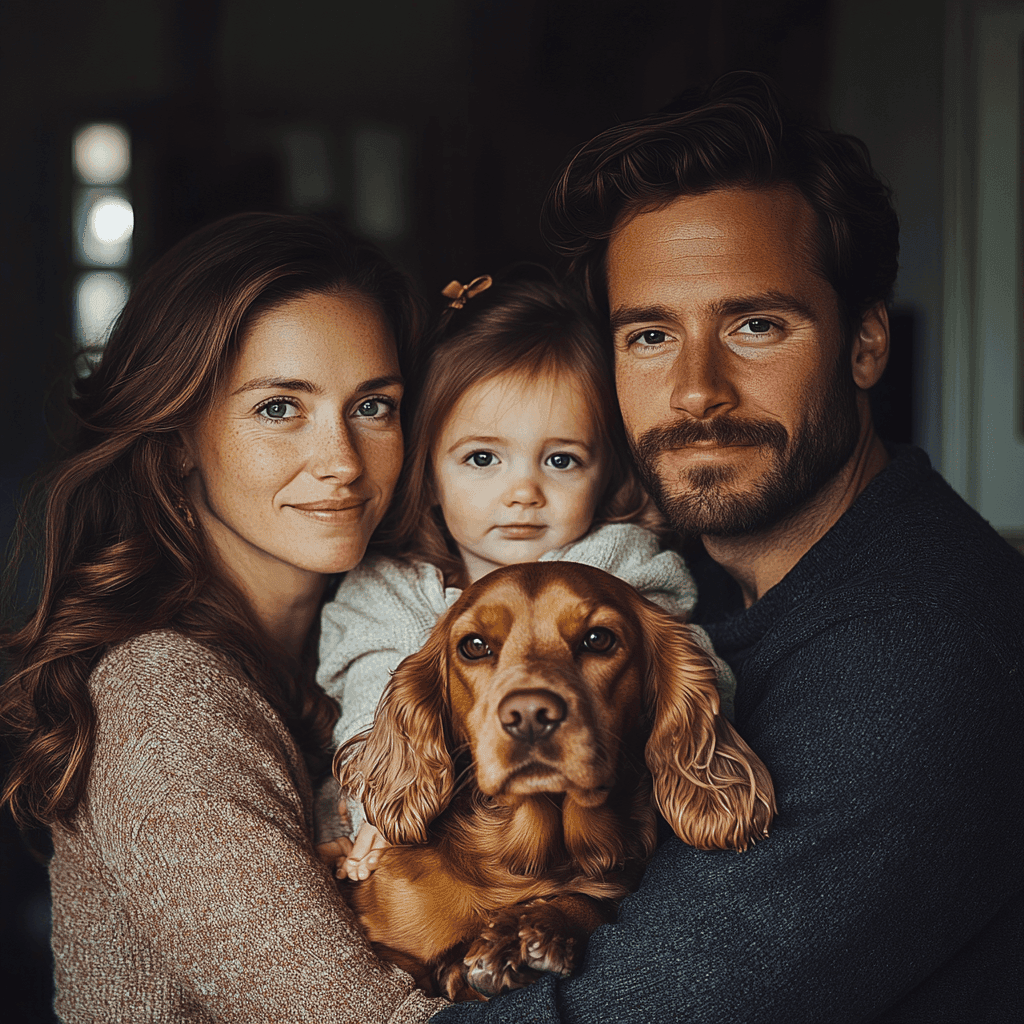
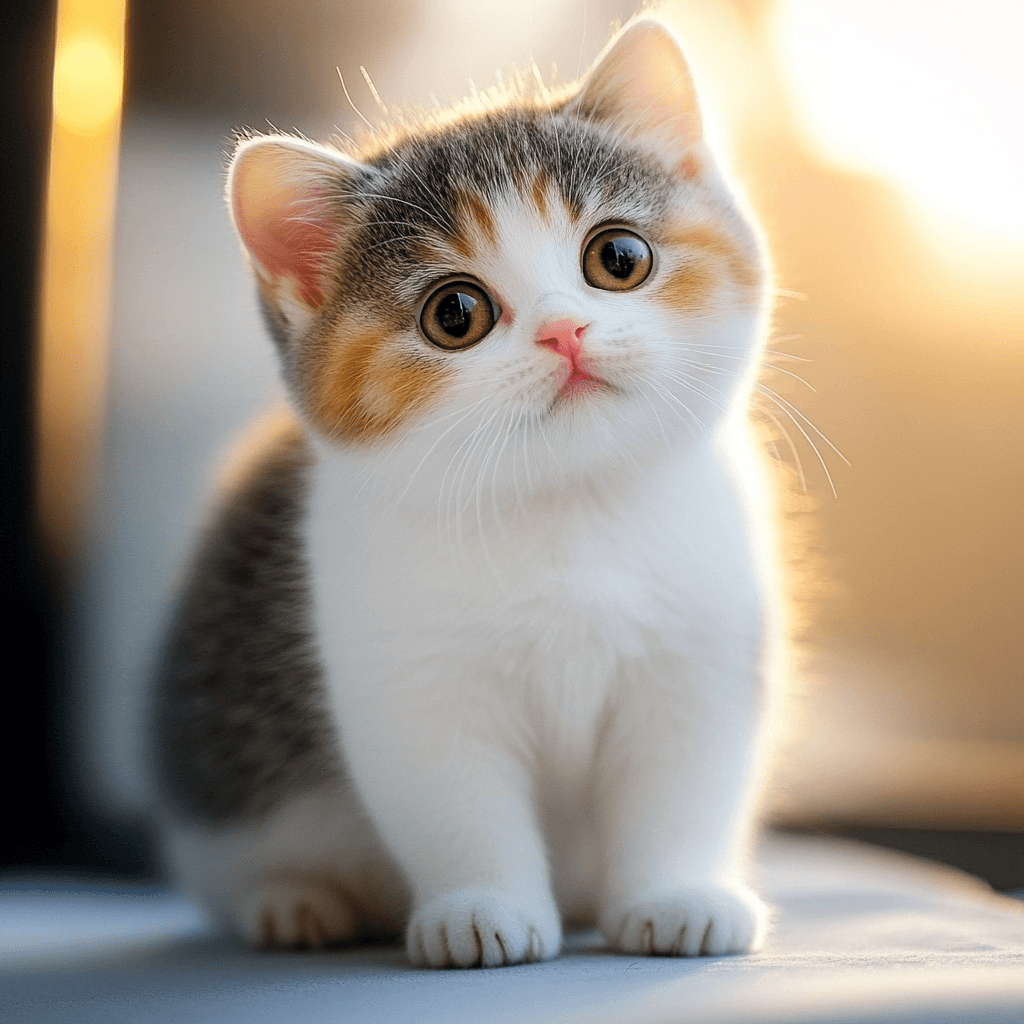
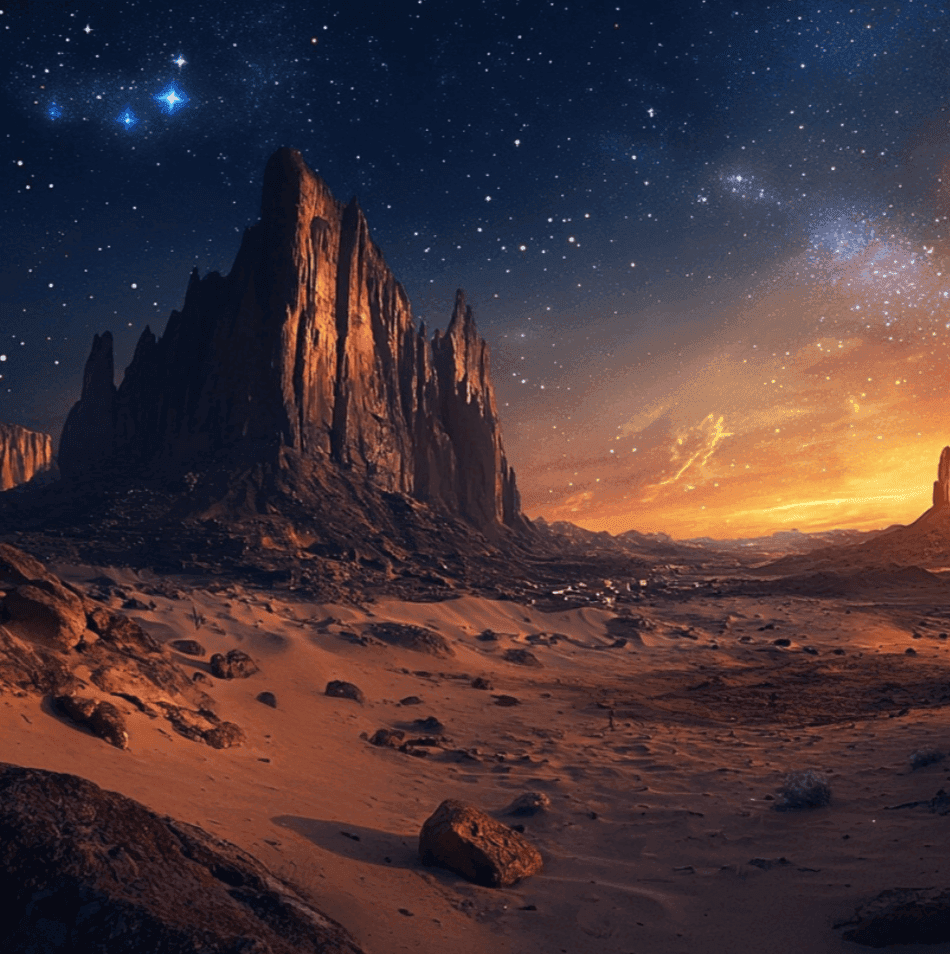
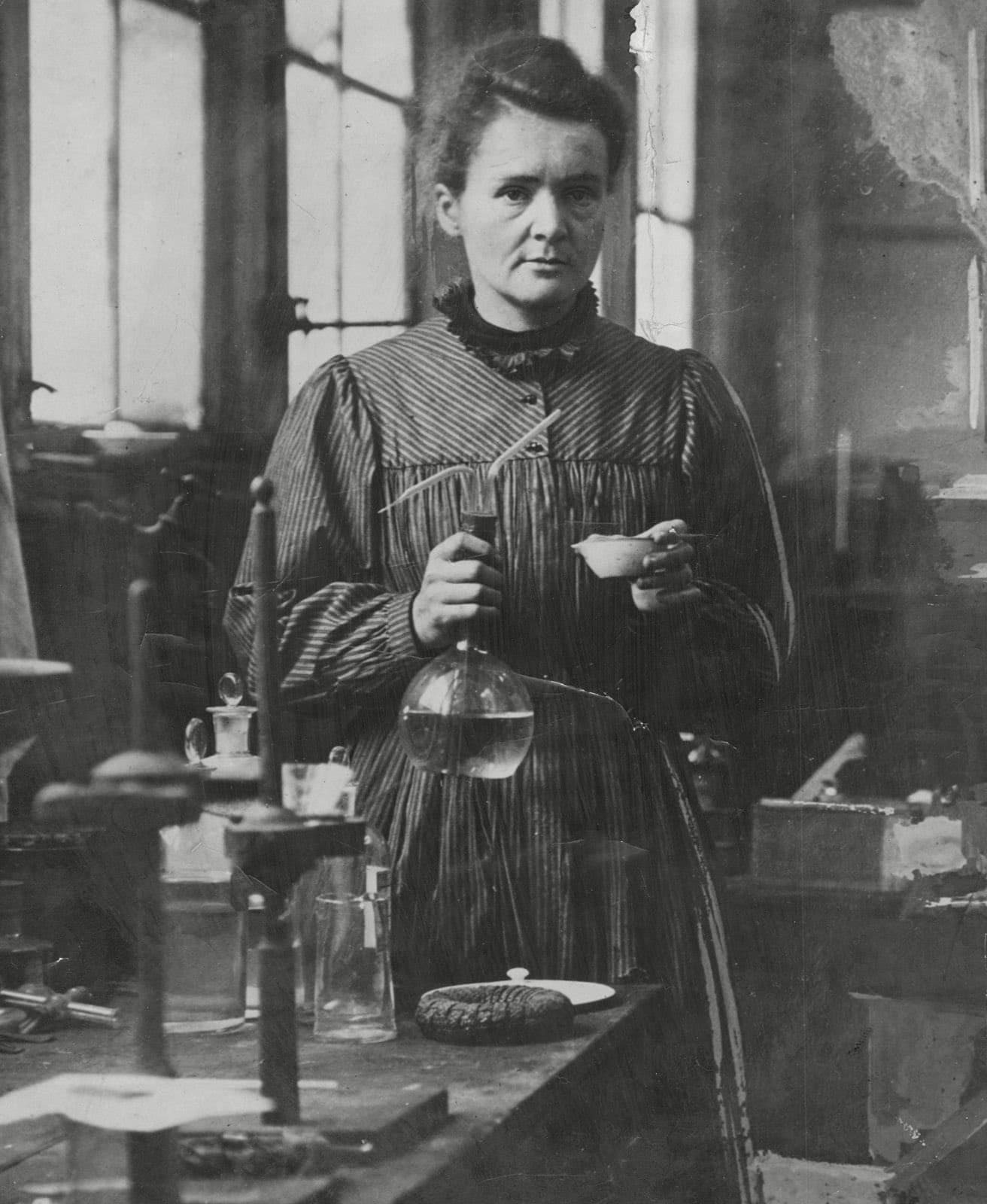
Before and after
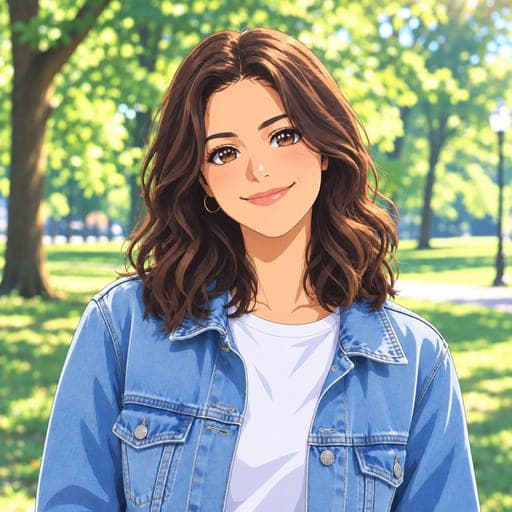
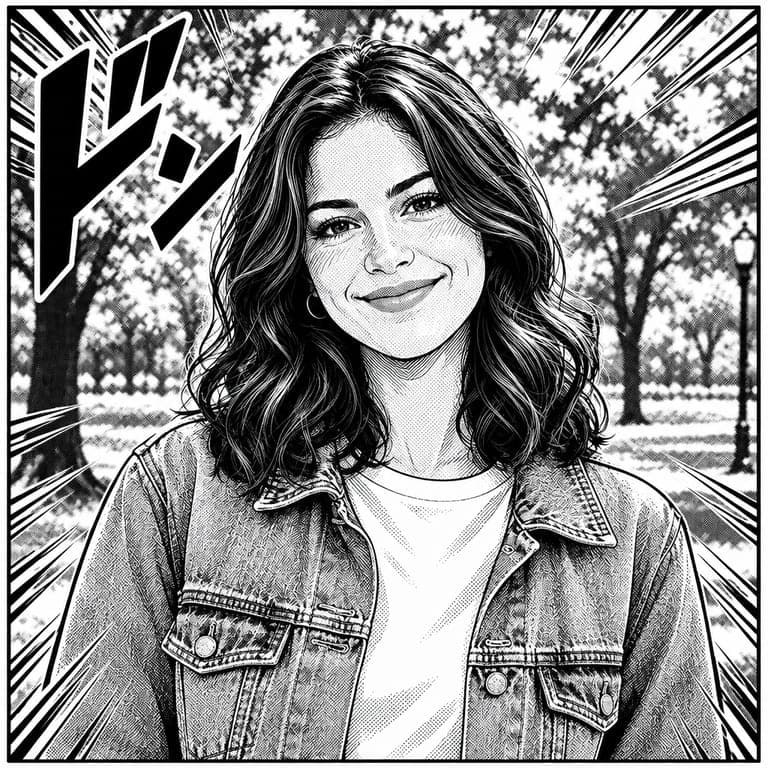
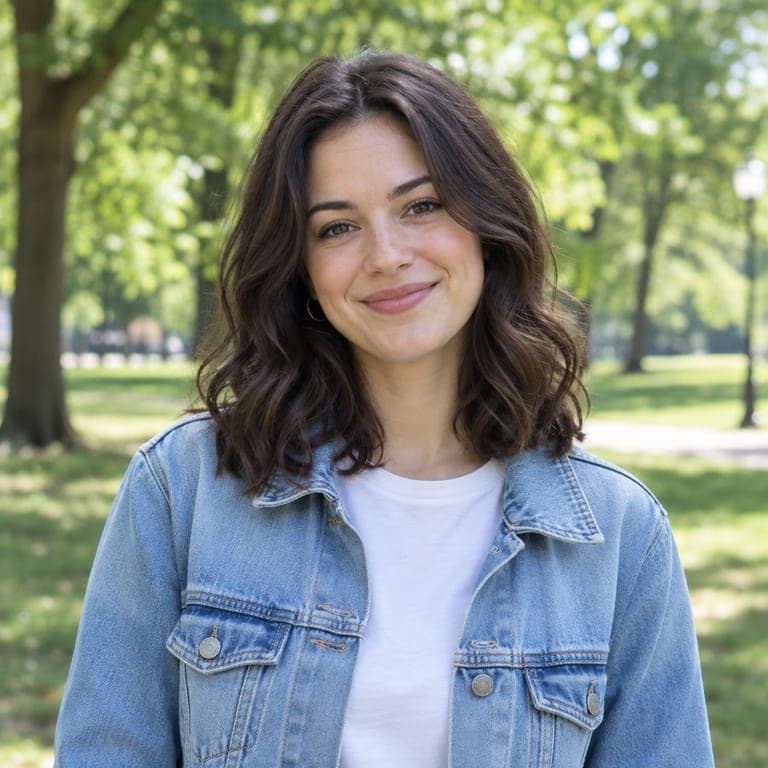
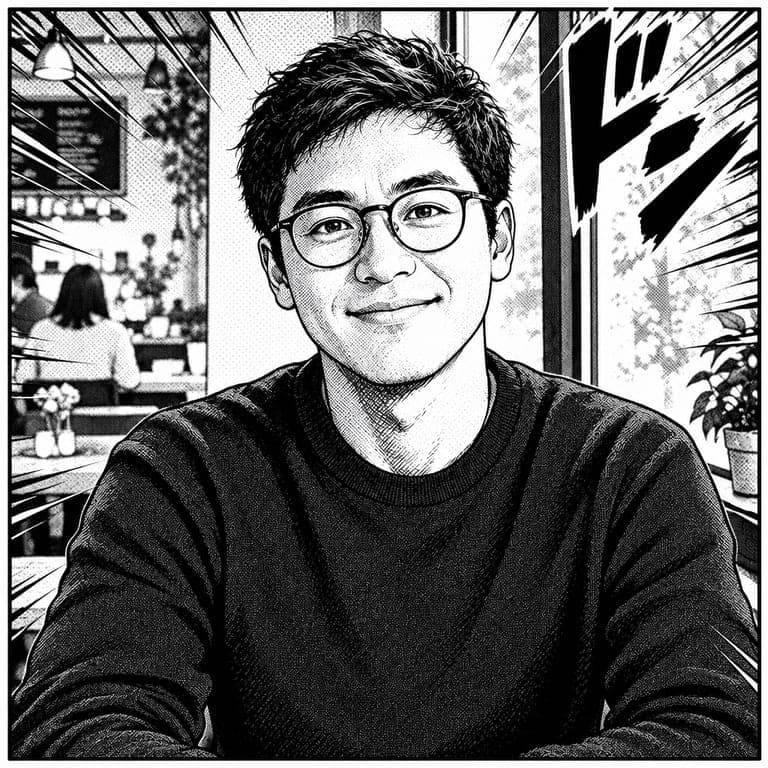
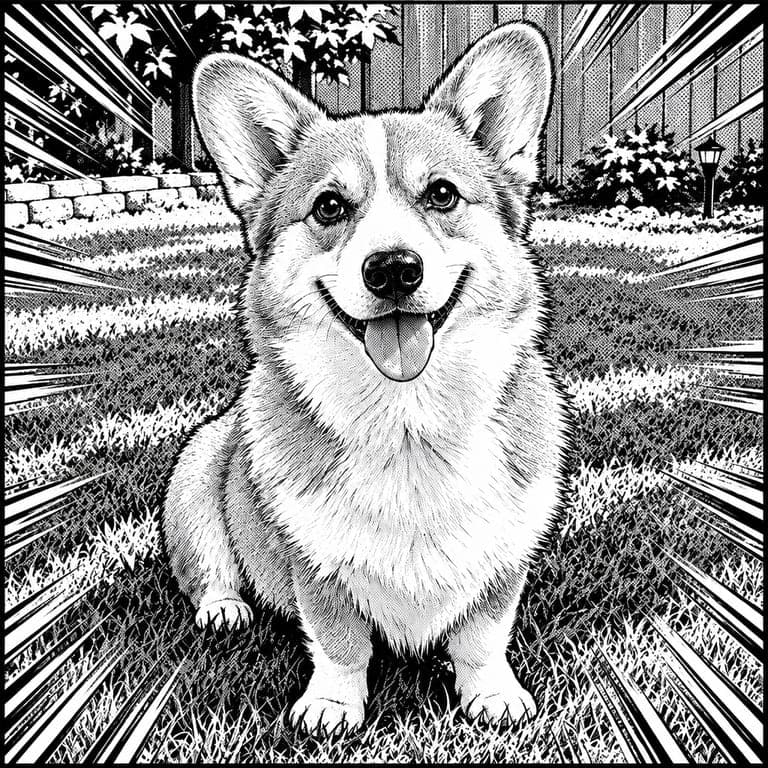
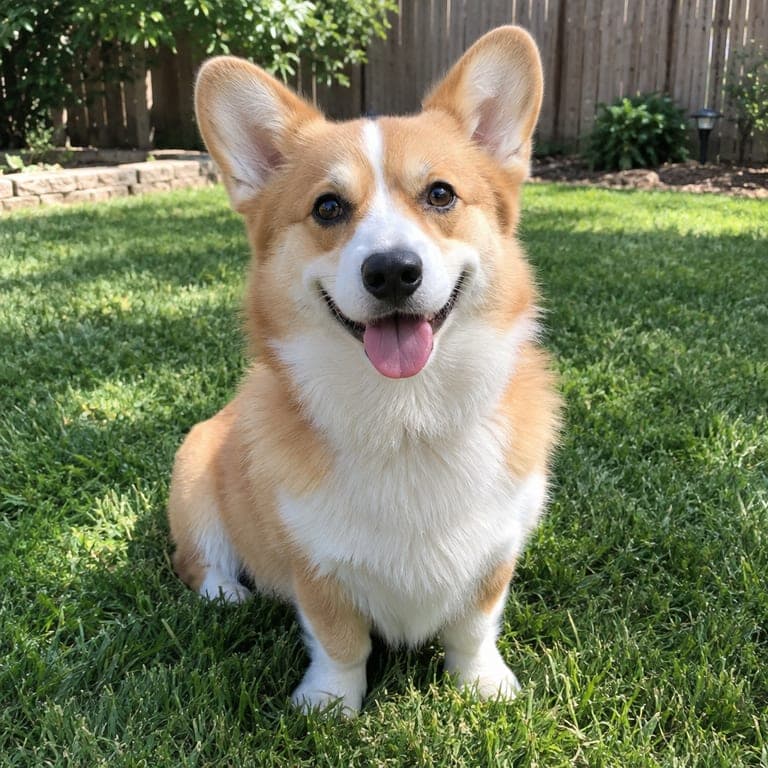
Manga has its own look: confident black ink lines, screentone dot shading, speed lines and dramatic framing, all in black and white. This style redraws your photo as a manga panel while keeping your face, hairstyle, glasses and clothes recognizable.
Real results from the tool. Drag the handle to compare.

How it works
- 1
Upload a photo
A clear photo of a person or a pet. JPG, PNG or HEIC from your phone all work.
- 2
Keep this style selected
It is already picked for you. You can switch to any of the other styles too.
- 3
Download or save
Get the result in about 20 seconds. Save it to your phone, or download it in HD.
Tips for the best result
- Photos with clear contrast between you and the background give the crispest ink lines.
- Dynamic poses and expressive faces look the most dramatic in manga.
- Glasses, hats and accessories are kept and add character.
- For a colored anime look instead, try the photo to anime style.
Frequently asked questions
Is the result in color?
No, it is black and white like a printed manga page. For color, use the anime or webtoon styles.
Can I make a whole comic page?
Each generation makes one panel from one photo. You can combine several results into a page yourself.
Will it copy a specific manga artist?
No. It creates an original manga-style drawing of you, not a copy of any artist or character.
Can I use a group photo?
Yes, small groups usually work well.