Oil Painting from Your Photo
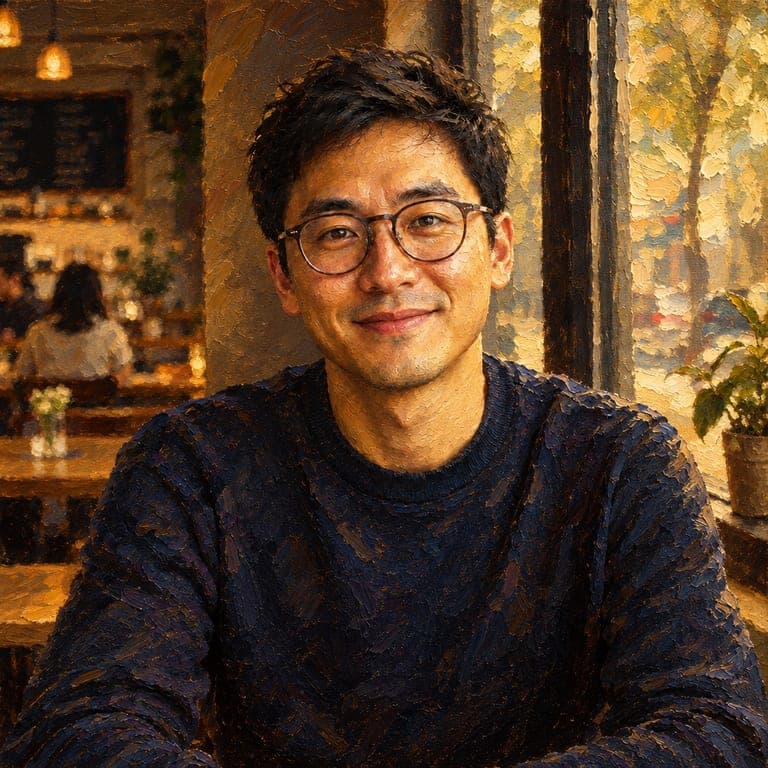
A classical oil portrait of you, with rich light and visible brushstrokes.
or drag image here
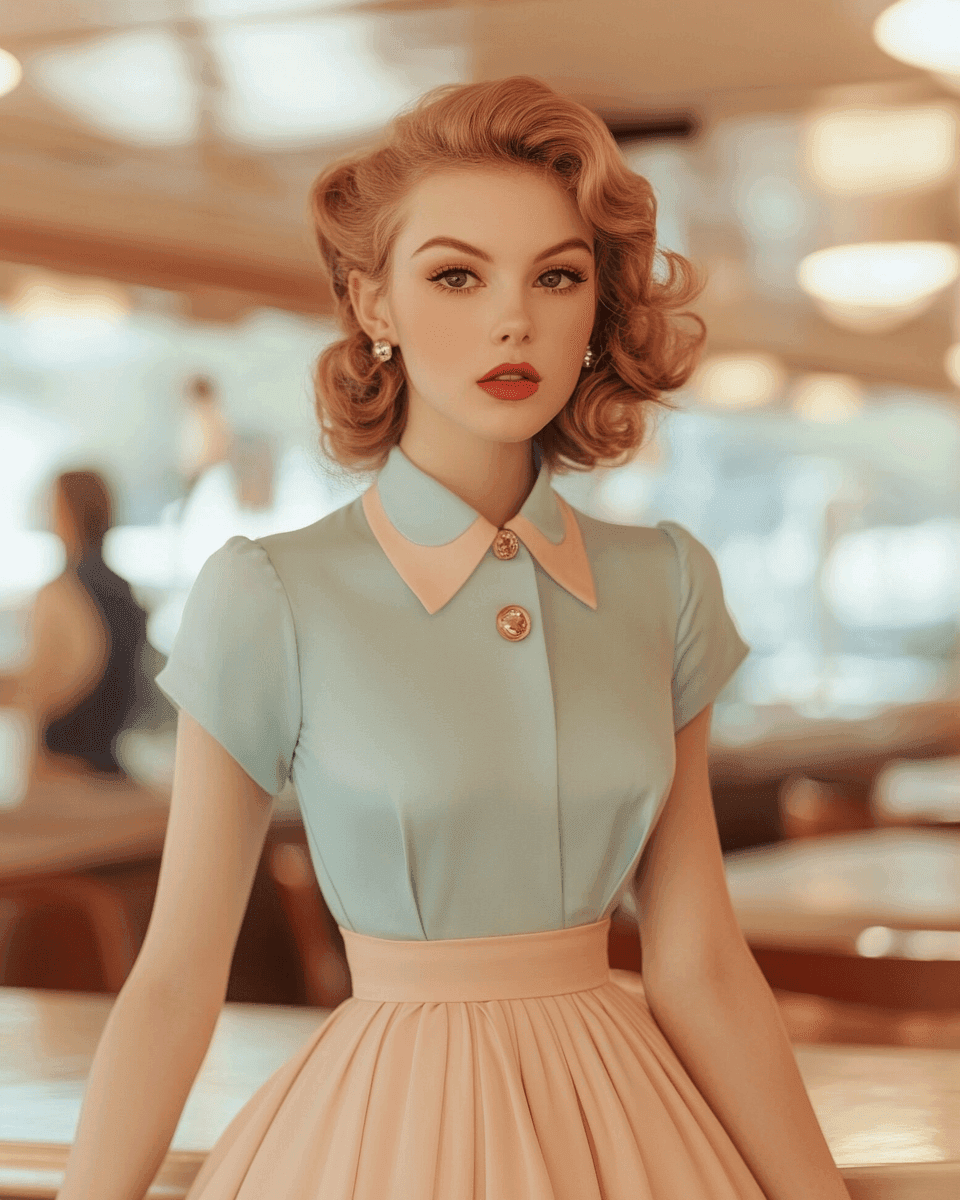
Try one of these examples
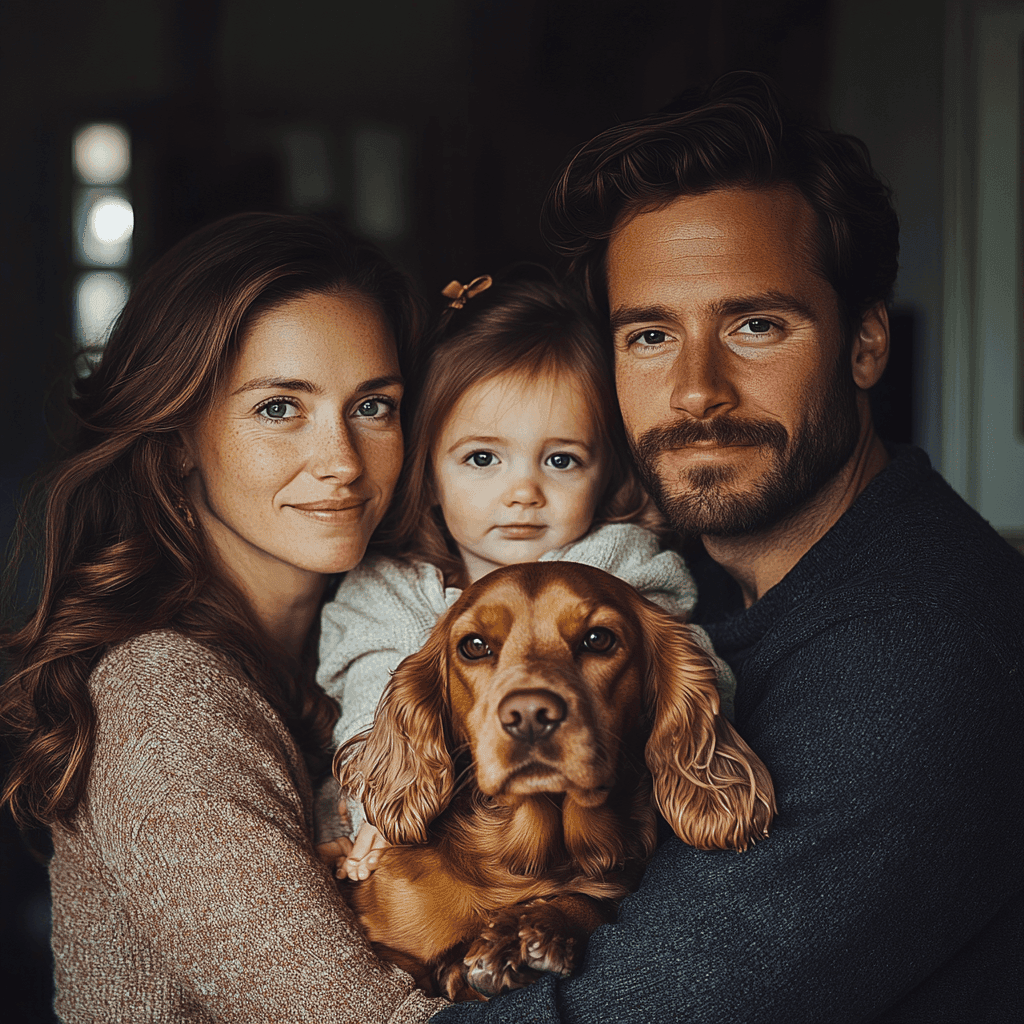
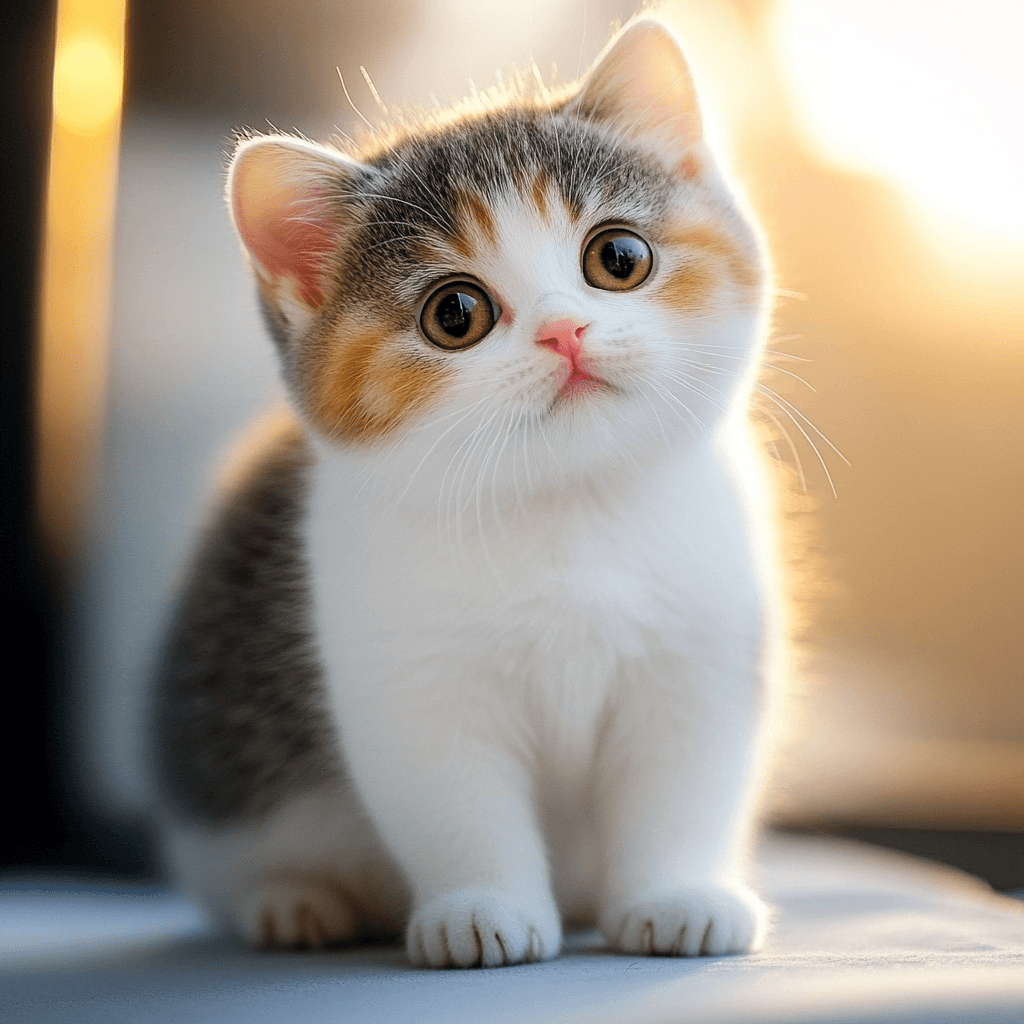

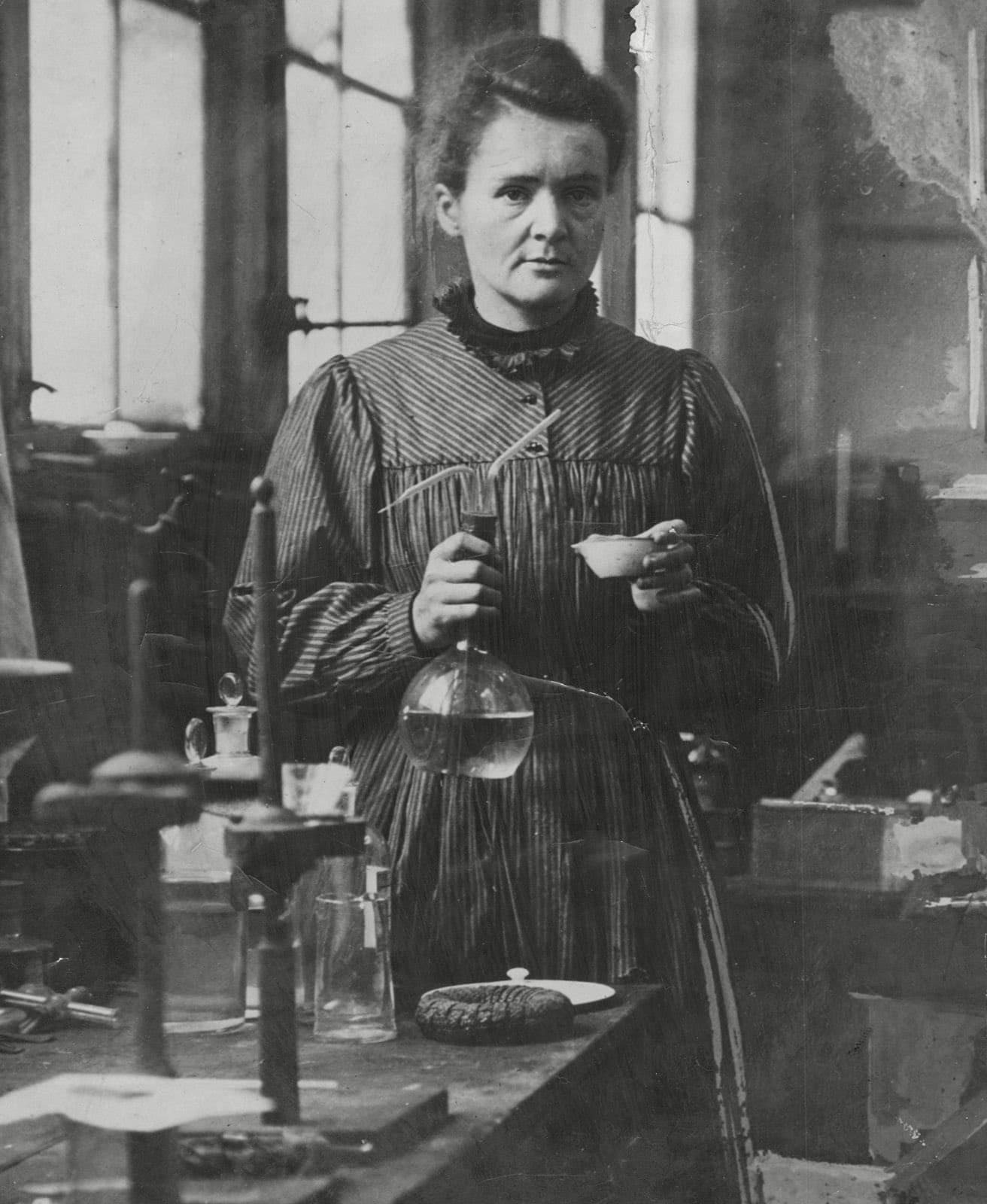
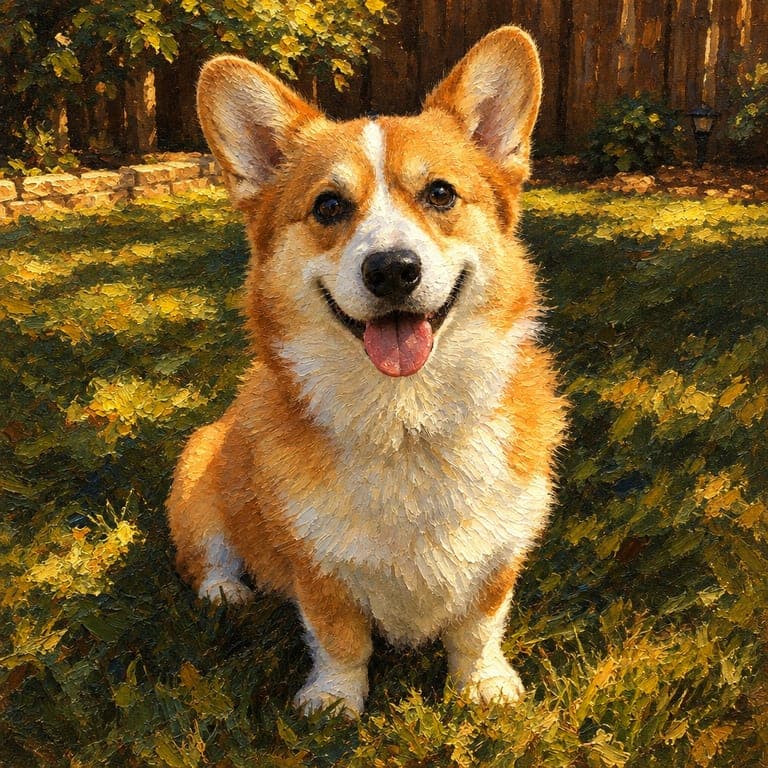
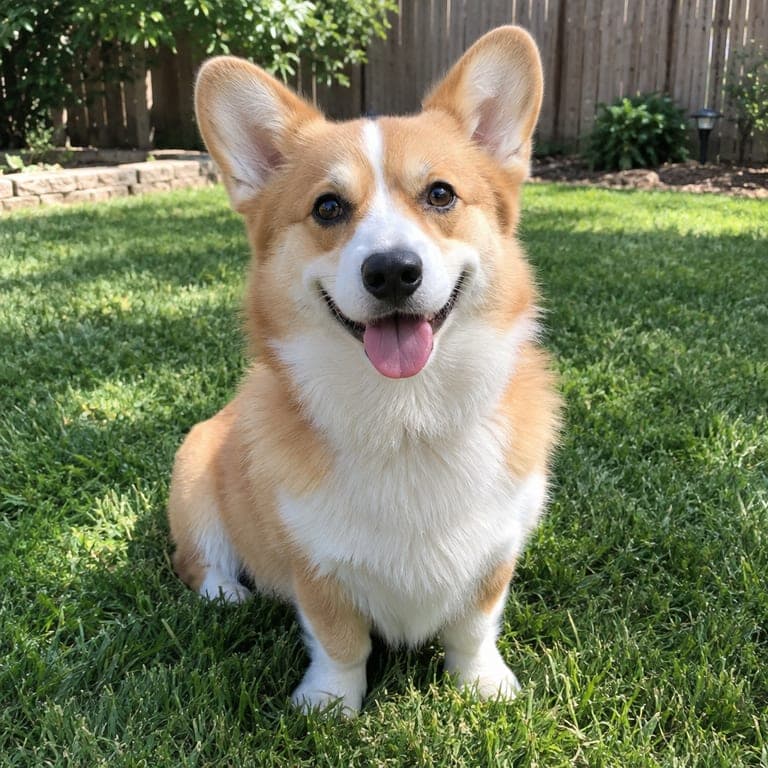
Before and after
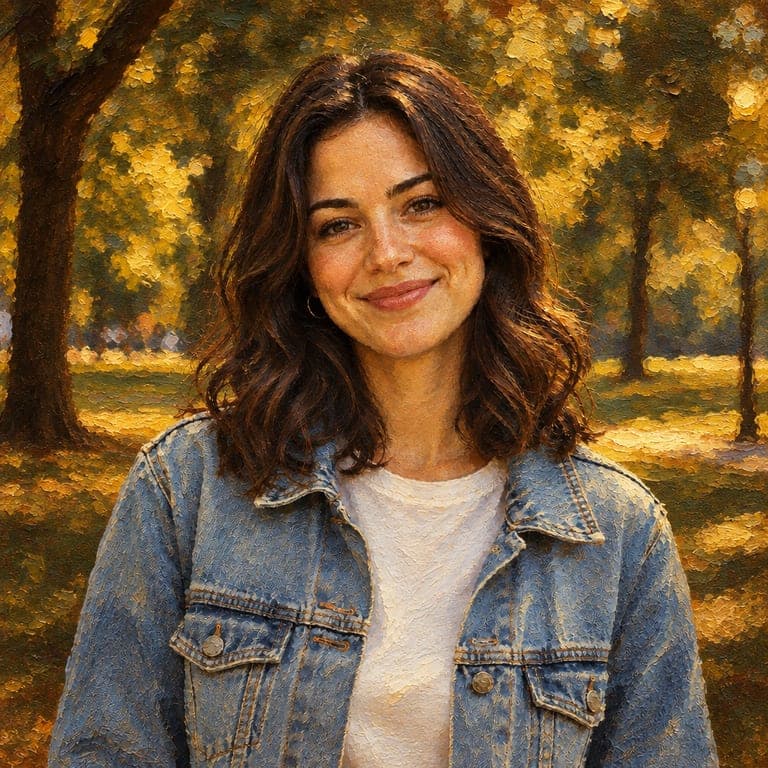
Classical oil portraits have depth and warmth: thick impasto brushstrokes, dramatic chiaroscuro light, deep tones and canvas texture. This style repaints your photo as an oil painting while keeping faces recognizable, making it a timeless choice for anniversaries, family gifts and pet portraits.
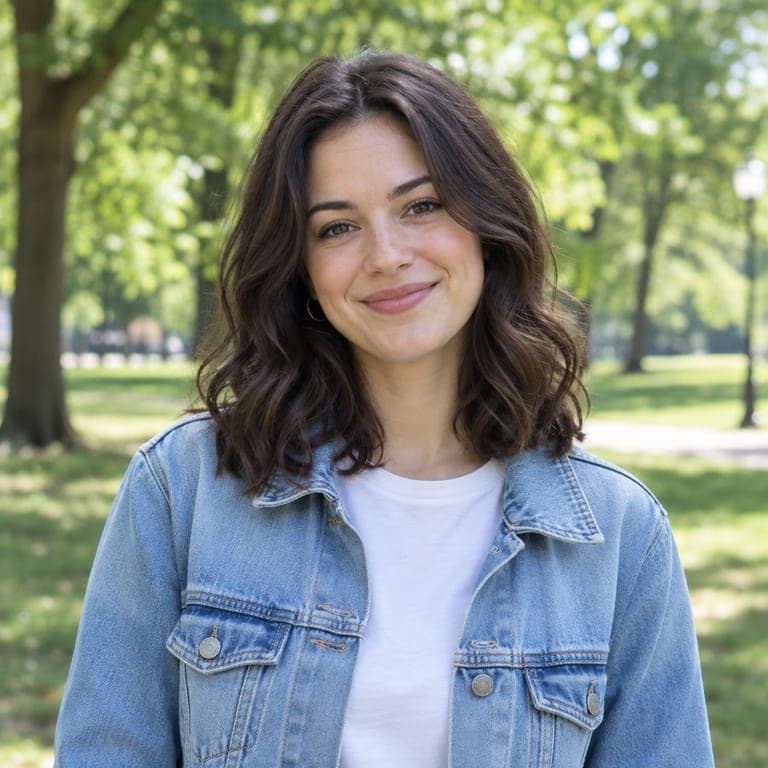
Real results from the tool. Drag the handle to compare.

How it works
- 1
Upload a photo
A clear photo of a person or a pet. JPG, PNG or HEIC from your phone all work.
- 2
Keep this style selected
It is already picked for you. You can switch to any of the other styles too.
- 3
Download or save
Get the result in about 20 seconds. Save it to your phone, or download it in HD.
Tips for the best result
- Photos with warm, directional light give the most painterly result.
- Formal or elegant outfits suit the classical look especially well.
- Pets look noble as oil portraits.
- Download in HD if you want to print it on canvas.
Frequently asked questions
Can I print it on canvas?
Yes. Download in HD and use any print service that accepts image files.
Does it look hand-painted?
It imitates visible brushstrokes and canvas texture, so it reads like a painted portrait.
Is it a good gift?
Oil portraits of couples, parents and pets are popular gifts for anniversaries and birthdays.
How long does it take?
Usually 20 to 30 seconds.