Photo to Pencil Sketch Converter
Turn your photo into a detailed graphite pencil drawing with soft shading.
or drag image here
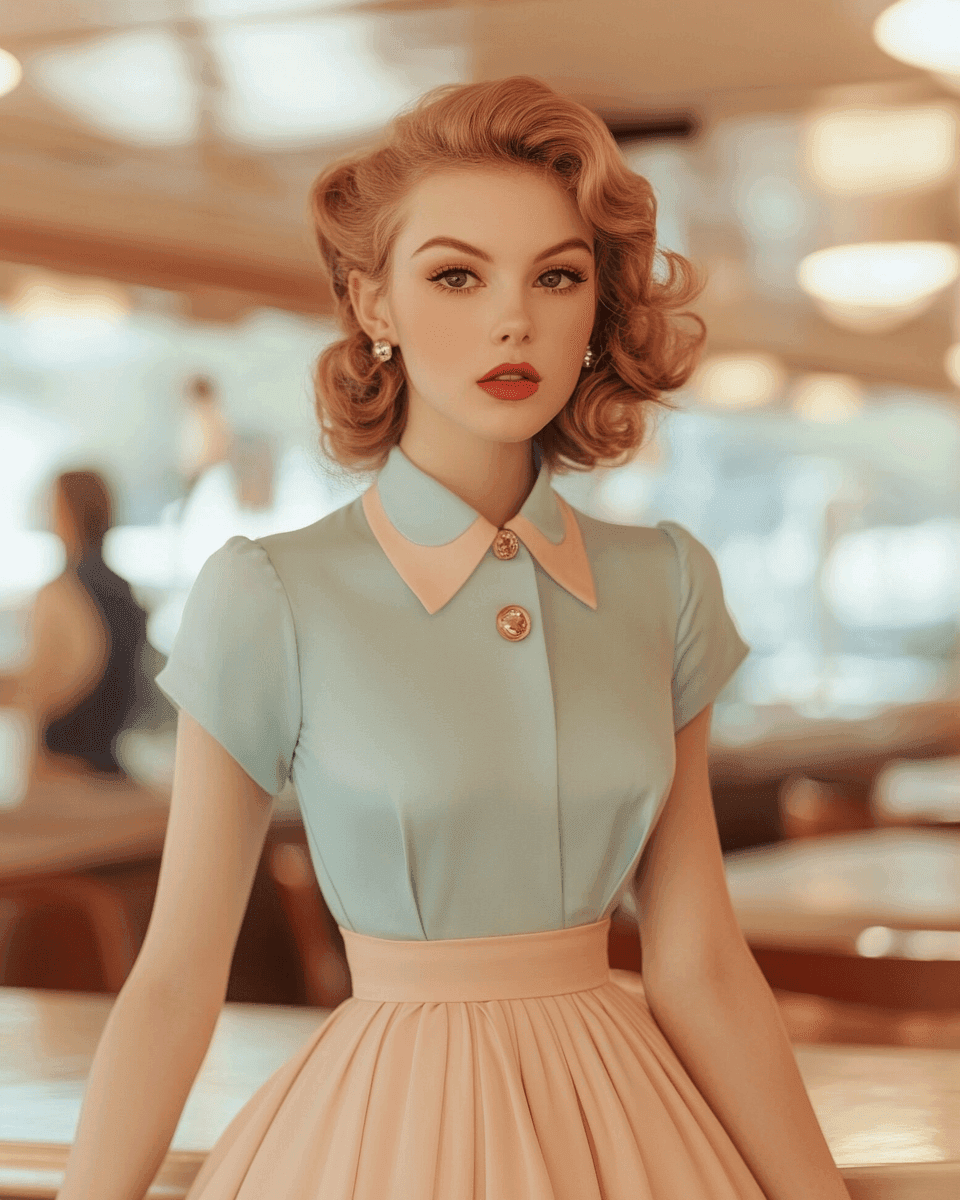
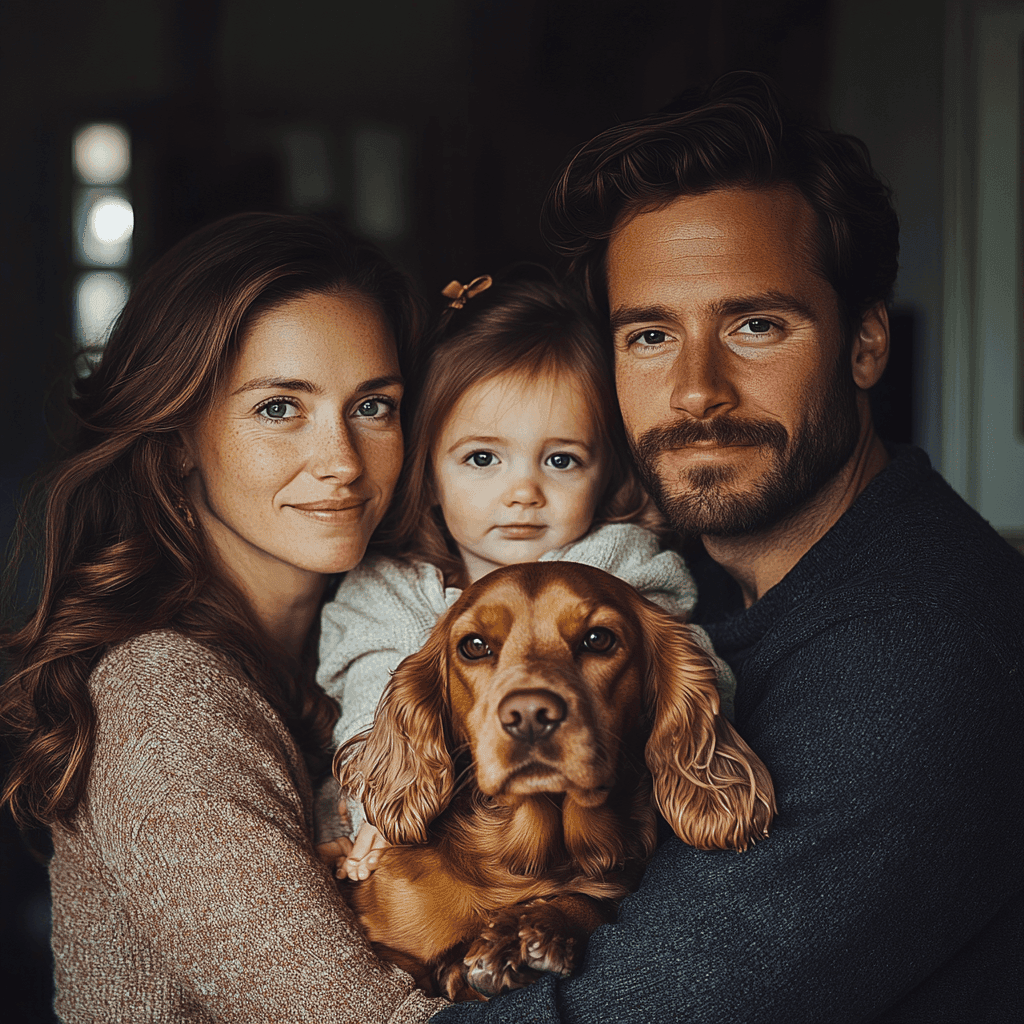
Try one of these examples
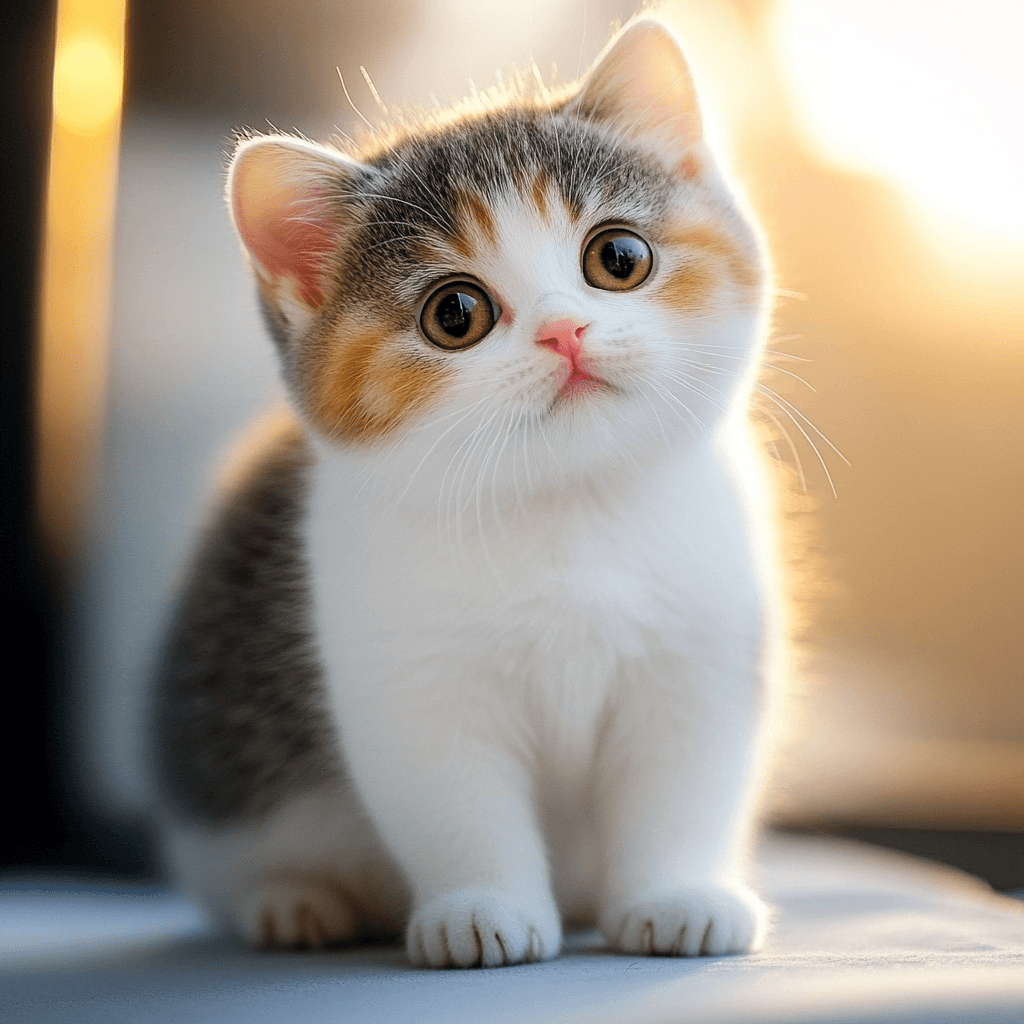
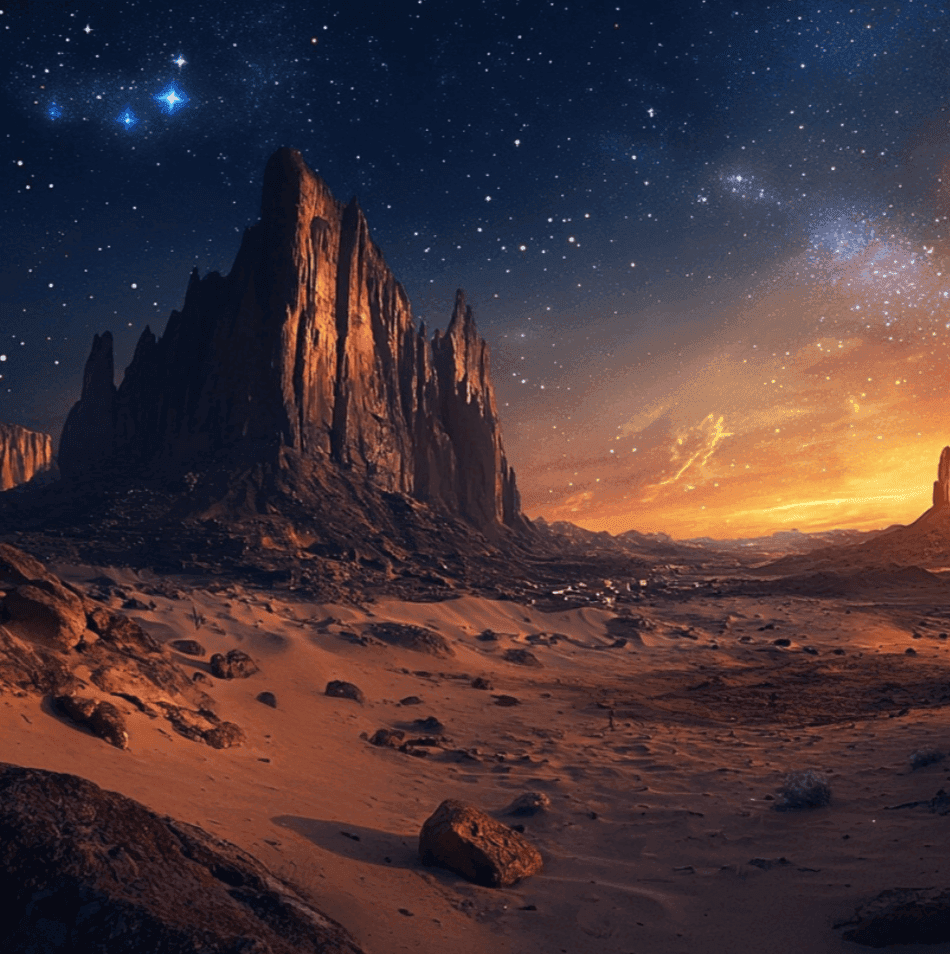
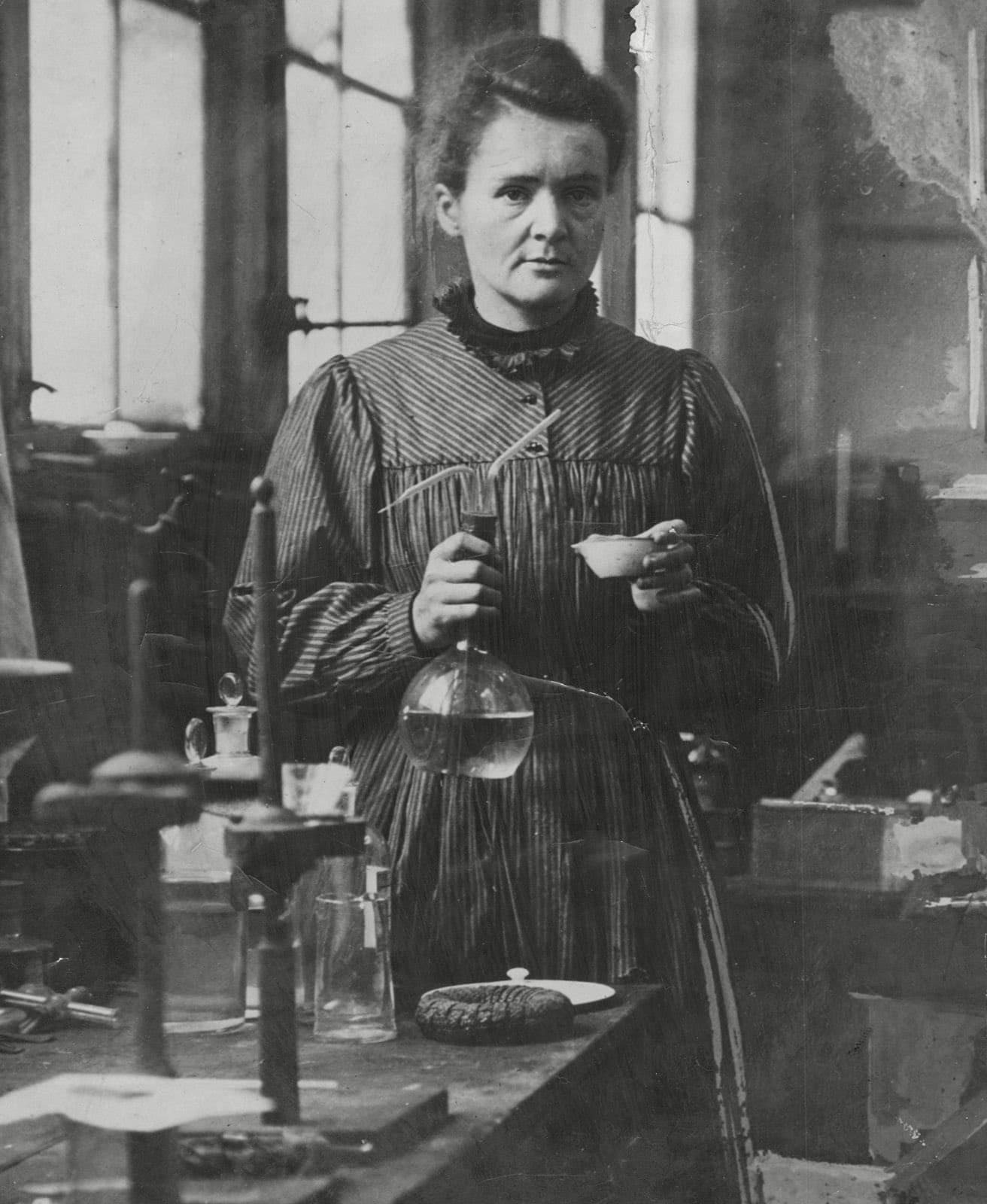
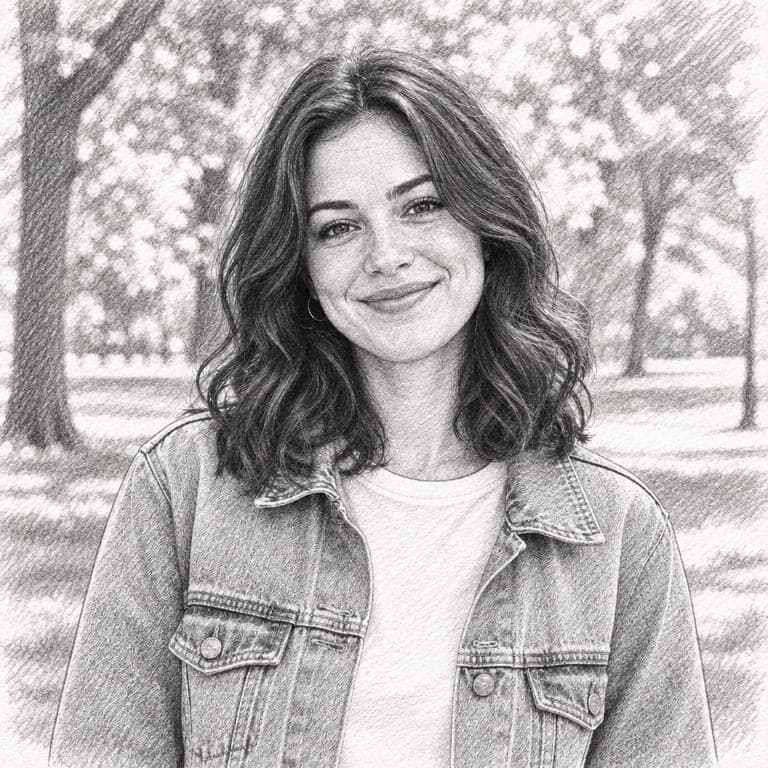
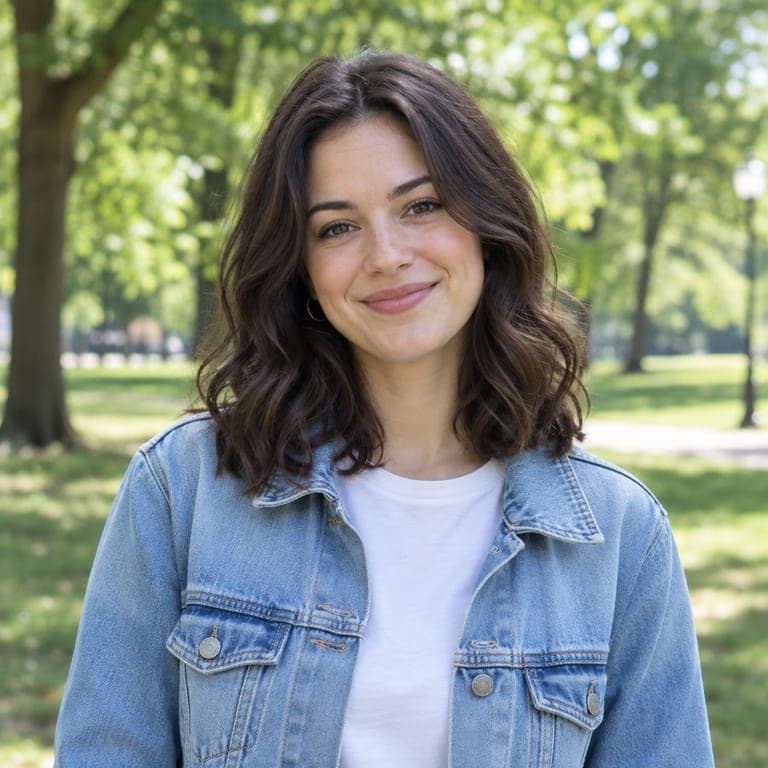
Before and after
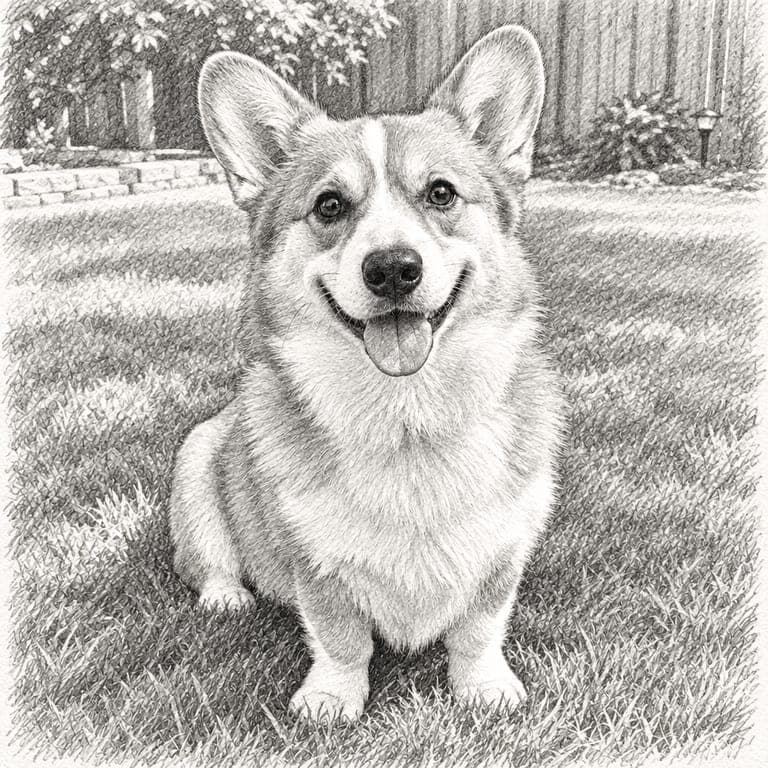
A good pencil sketch captures a face with just graphite: clean contour lines, soft shading and cross-hatching on white paper. This style redraws your photo as a hand-drawn pencil sketch, far beyond a simple edge filter, while keeping your likeness.
Real results from the tool. Drag the handle to compare.


How it works
- 1
Upload a photo
A clear photo of a person or a pet. JPG, PNG or HEIC from your phone all work.
- 2
Keep this style selected
It is already picked for you. You can switch to any of the other styles too.
- 3
Download or save
Get the result in about 20 seconds. Save it to your phone, or download it in HD.
Tips for the best result
- Well-lit photos with clear shadows give the best shading.
- Close-up portraits show the most detail in the face.
- Busy backgrounds become lightly sketched scenery.
- For bolder, darker strokes, try the charcoal style too.
Frequently asked questions
Is this just a filter?
No. Instead of tracing edges, it redraws the photo with pencil shading and hatching, like an artist's sketch.
Can I sketch my pet?
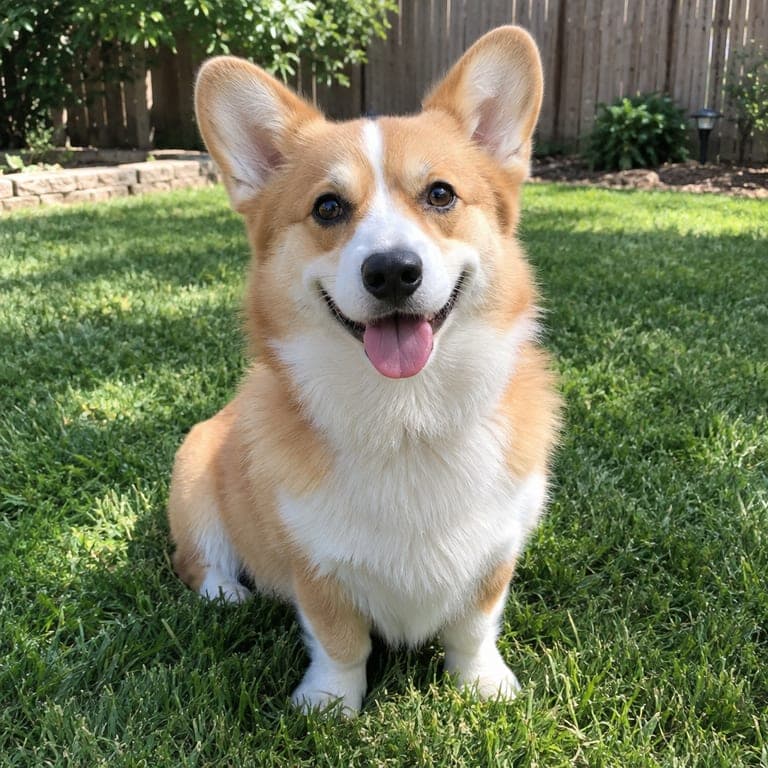
Yes. Fur texture comes out especially well in pencil.
Can I get a color version?
Try the colored pencil (crayon doodle) or watercolor styles for color.
What resolution do I get?
Standard downloads are 800 pixels wide; HD keeps the full resolution.