Claymation Filter
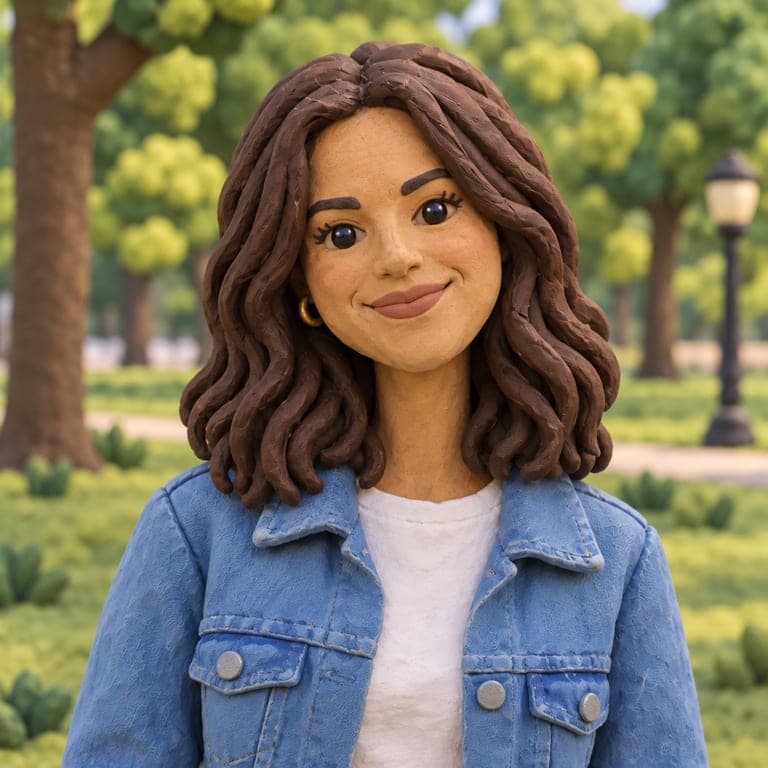
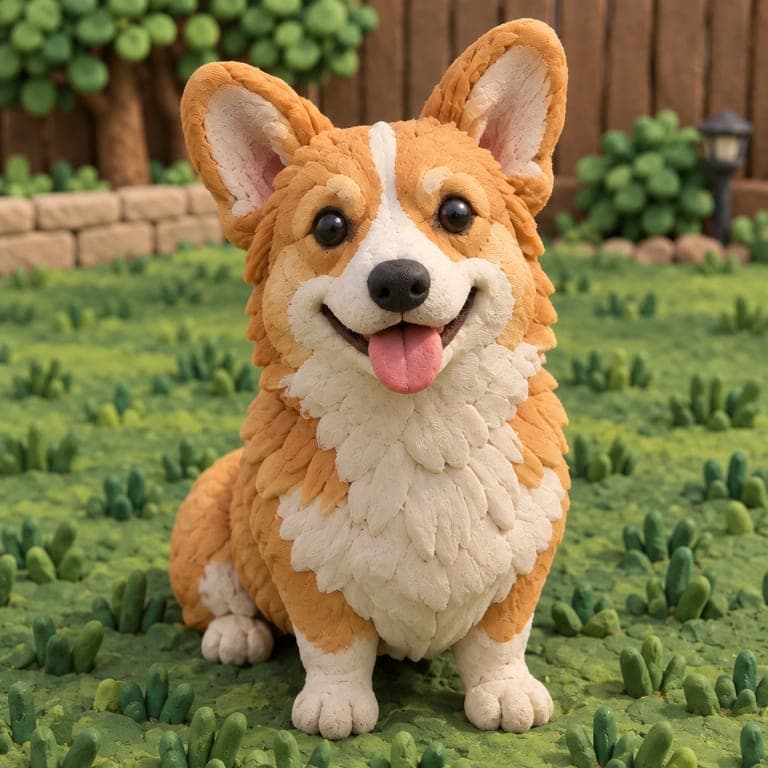
Become a handmade stop-motion puppet, sculpted from plasticine, fingerprints and all.

or drag image here
Try one of these examples
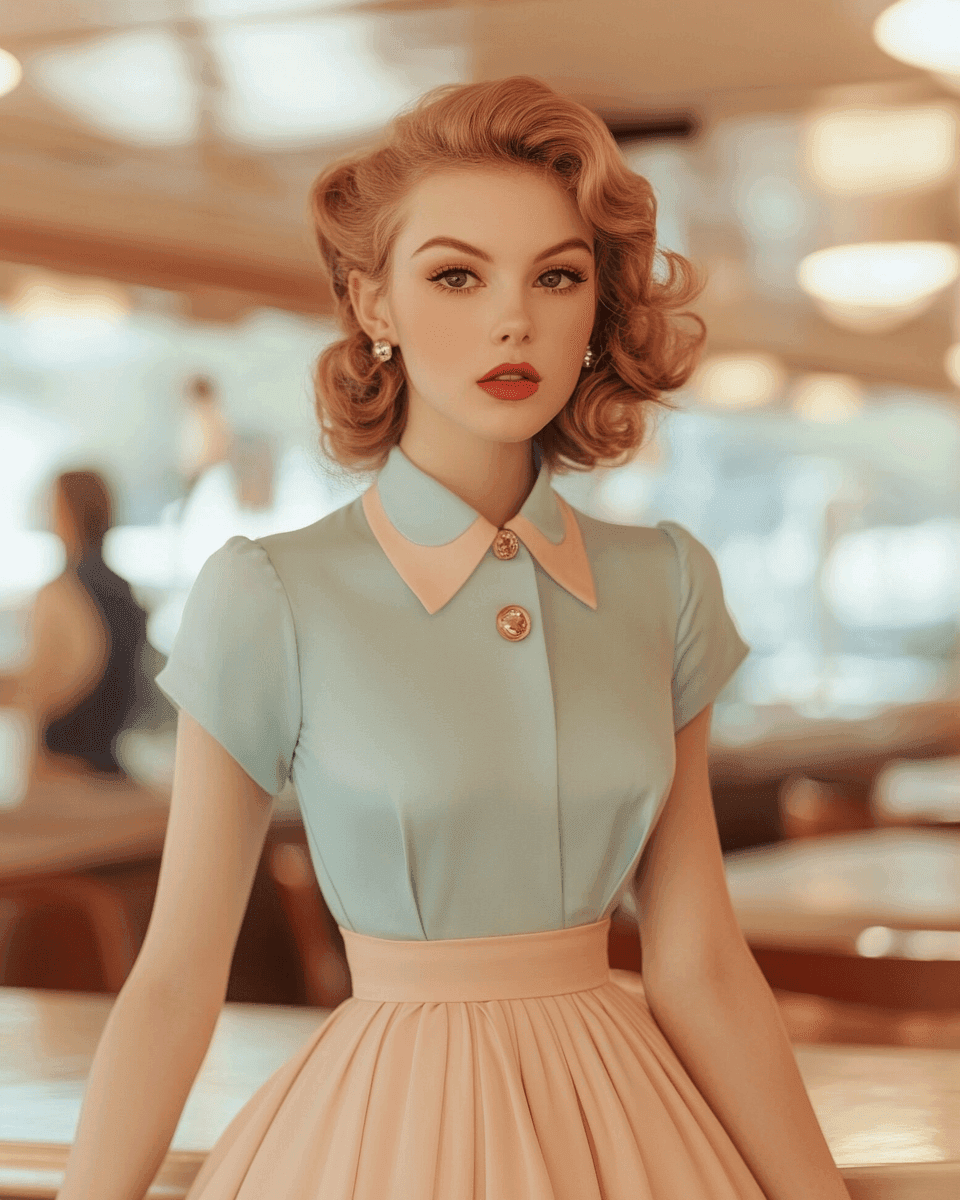
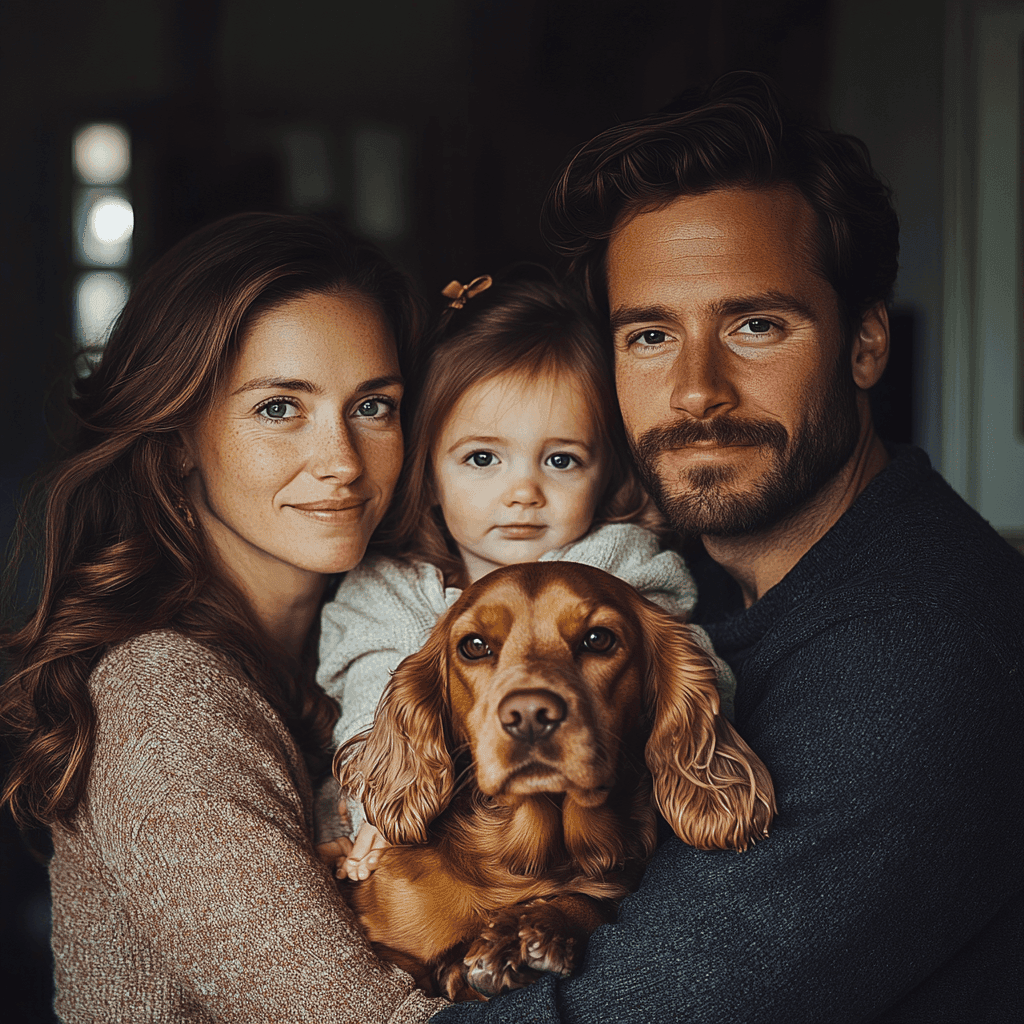
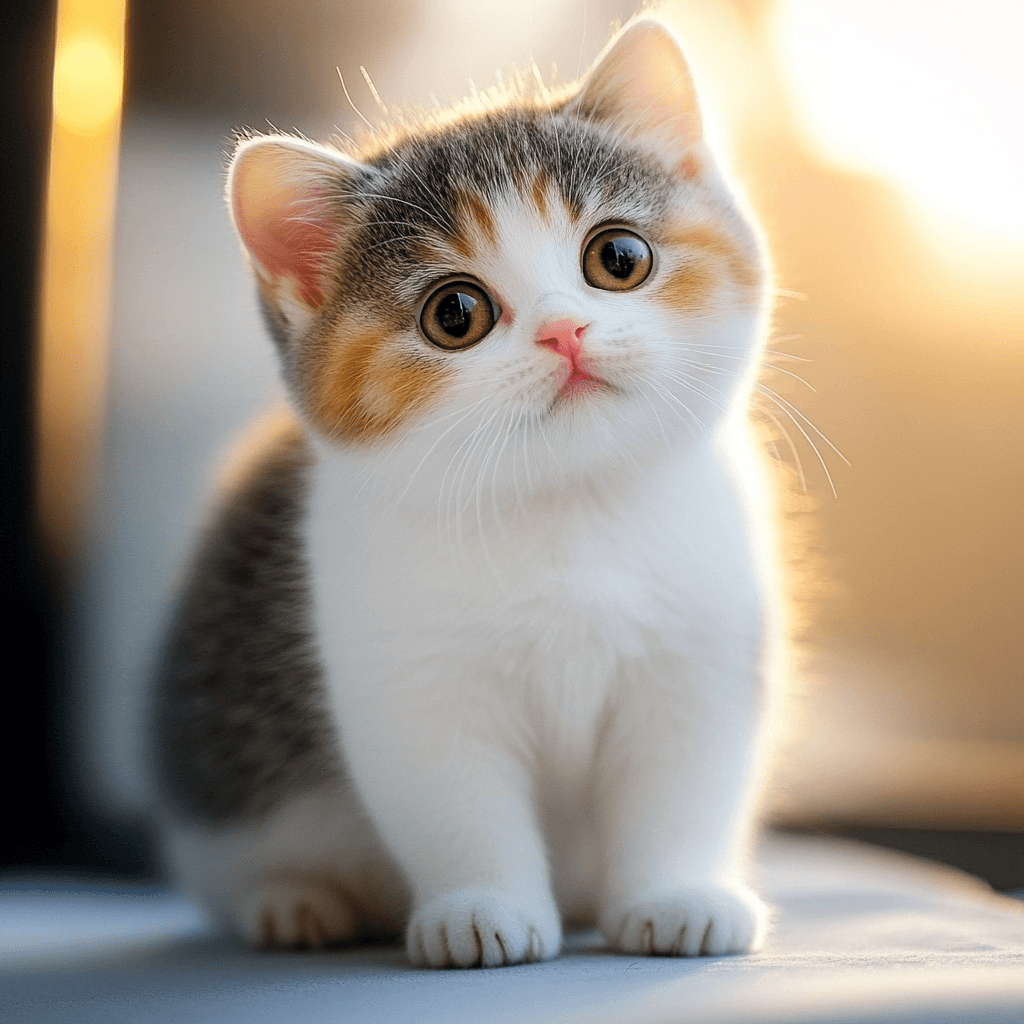

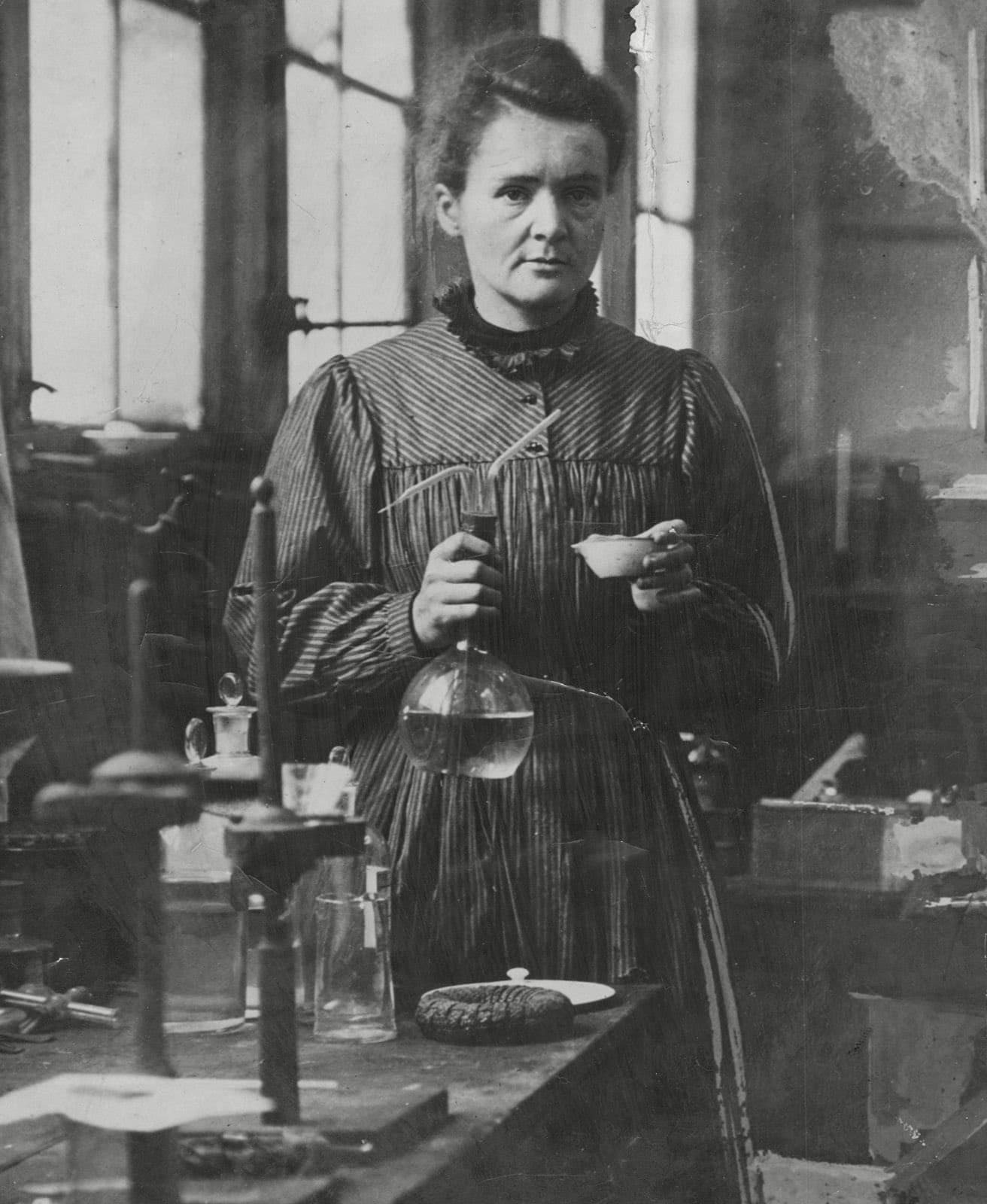
Before and after
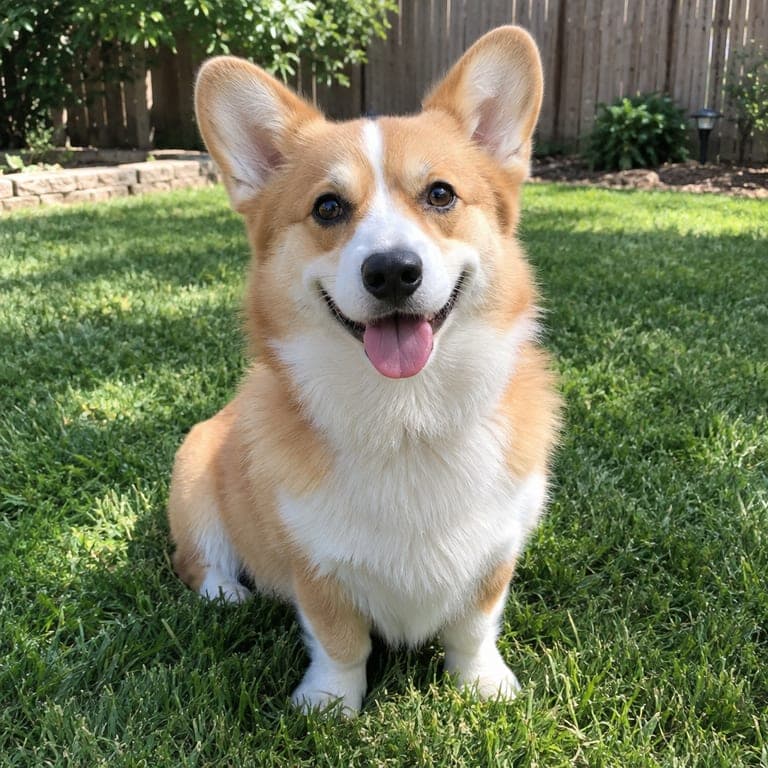
Claymation has a warm, handmade charm: slightly lumpy shapes, visible fingerprints and hair made of clay strands. This filter rebuilds your photo as a clay puppet on a miniature set, while keeping your face, hairstyle and clothes recognizable.
Real results from the tool. Drag the handle to compare.


How it works
- 1
Upload a photo
A clear photo of a person or a pet. JPG, PNG or HEIC from your phone all work.
- 2
Keep this style selected
It is already picked for you. You can switch to any of the other styles too.
- 3
Download or save
Get the result in about 20 seconds. Save it to your phone, or download it in HD.
Tips for the best result
- Simple outfits turn into the cleanest clay shapes.
- A photo with good, even light gives the clay a soft studio look.
- Pets look adorable as clay figures, especially fluffy ones.
- If the result looks too realistic, try again: every generation is different.
Frequently asked questions
Is this a video?
No, it is a still image that looks like a frame from a stop-motion film.
Will my face still be recognizable?
Yes. The AI keeps your face shape, hairstyle and signature clothing while sculpting everything in clay.
Can I make my dog or cat out of clay?
Yes, pets work very well with this style.
How do I get the best quality?
Use a sharp photo and download in HD. HD downloads are available with credits.