Photo to Pixel Art Converter
Turn your photo into a 16-bit retro game character, pixel by pixel.

or drag image here
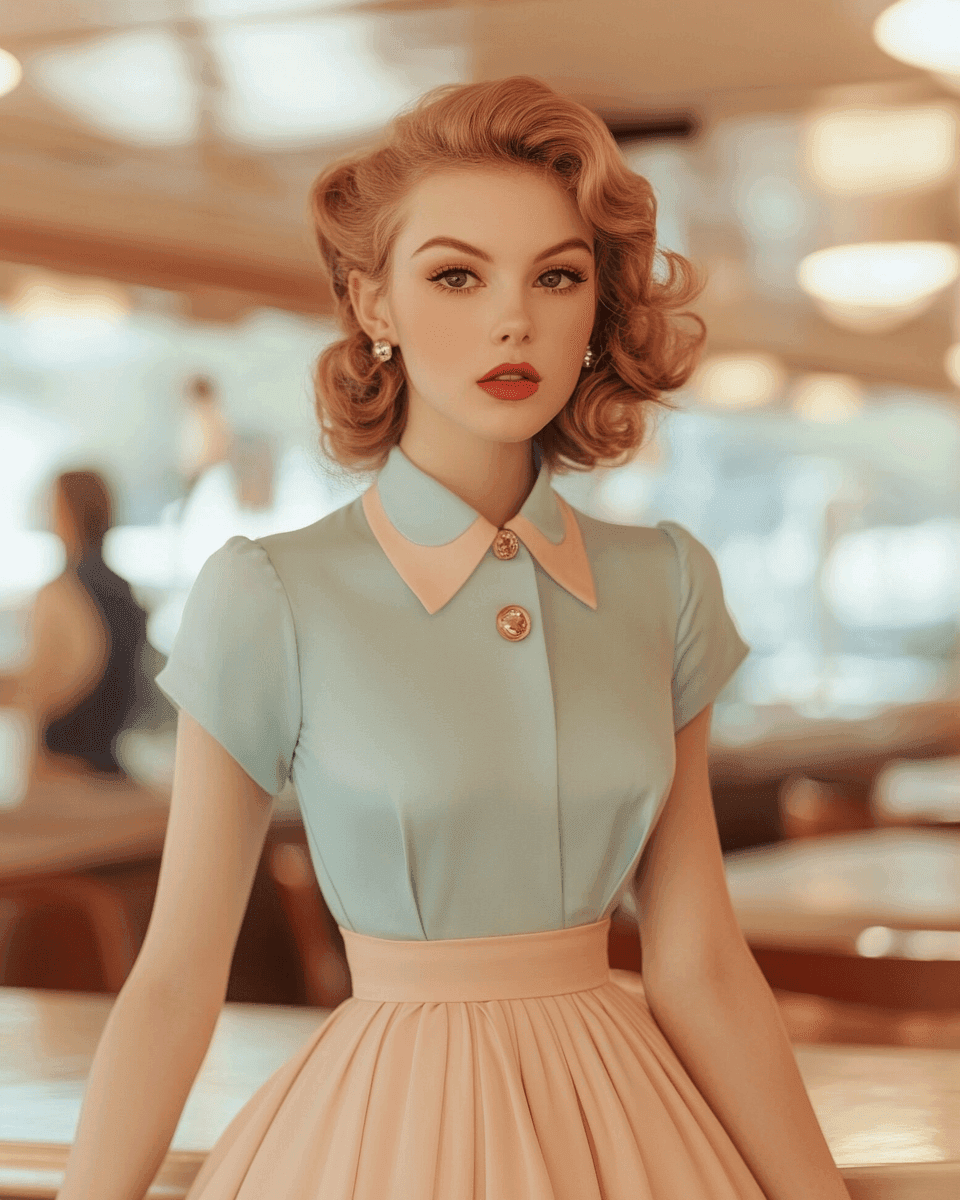
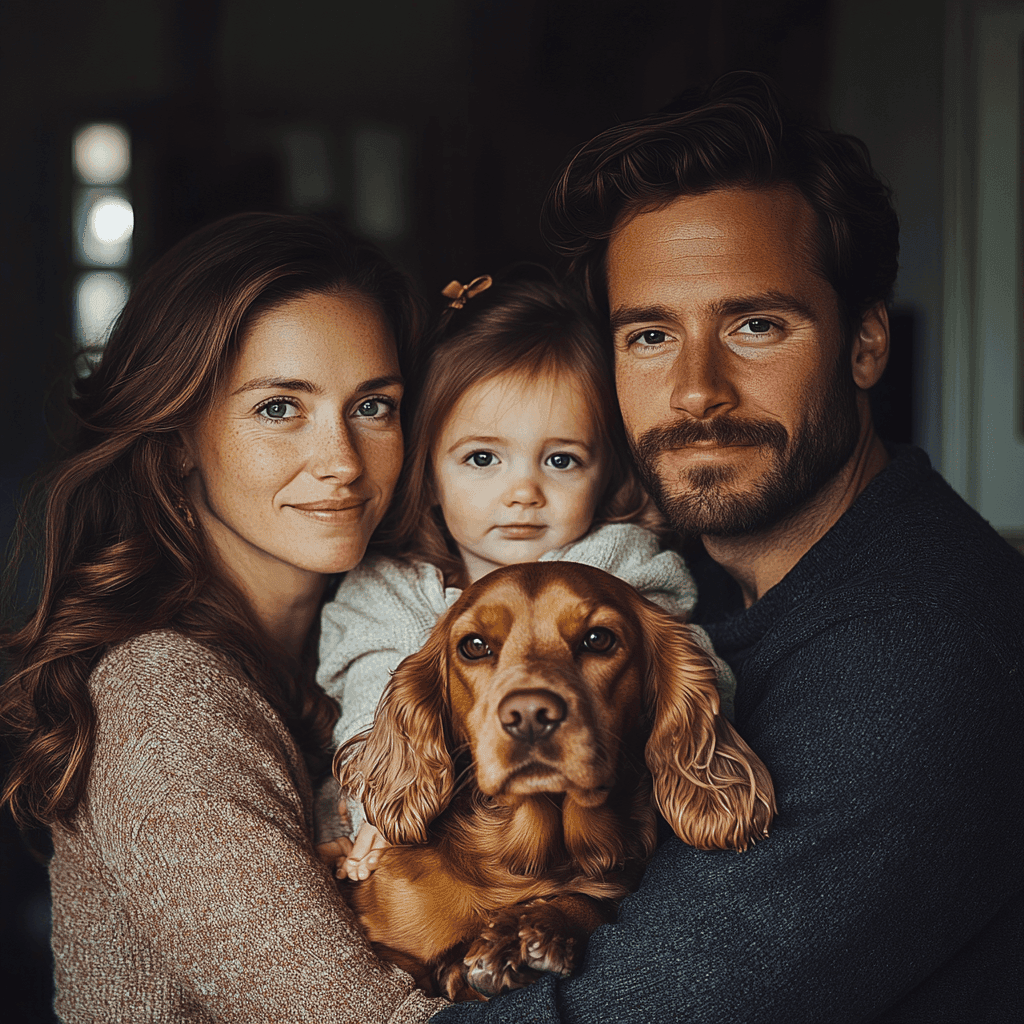
Try one of these examples
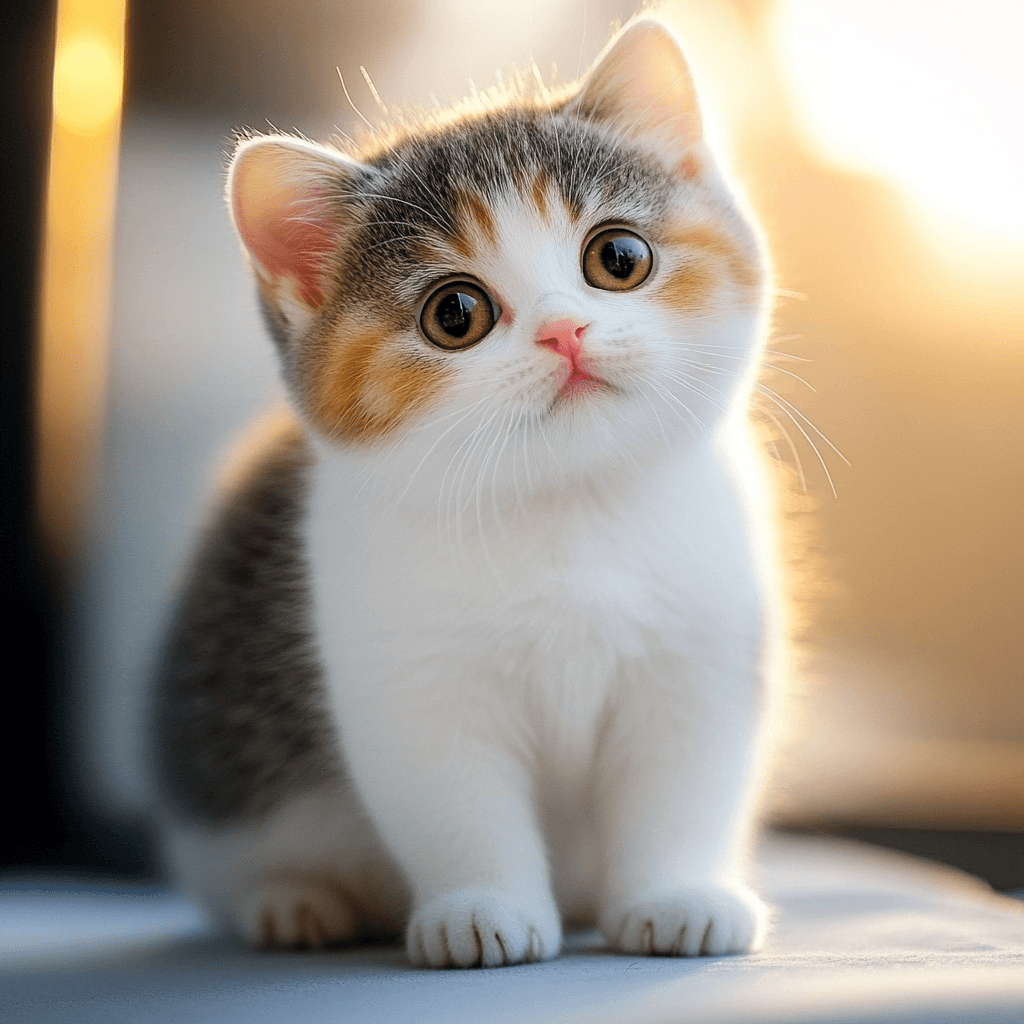
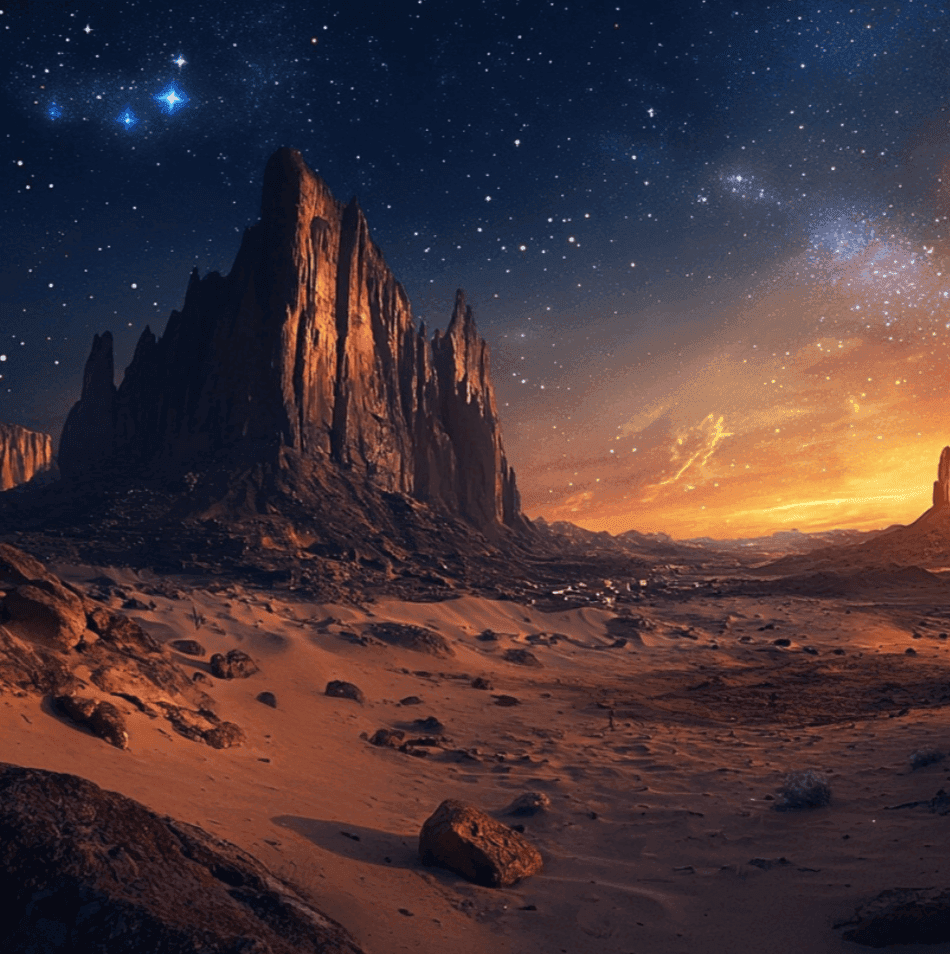
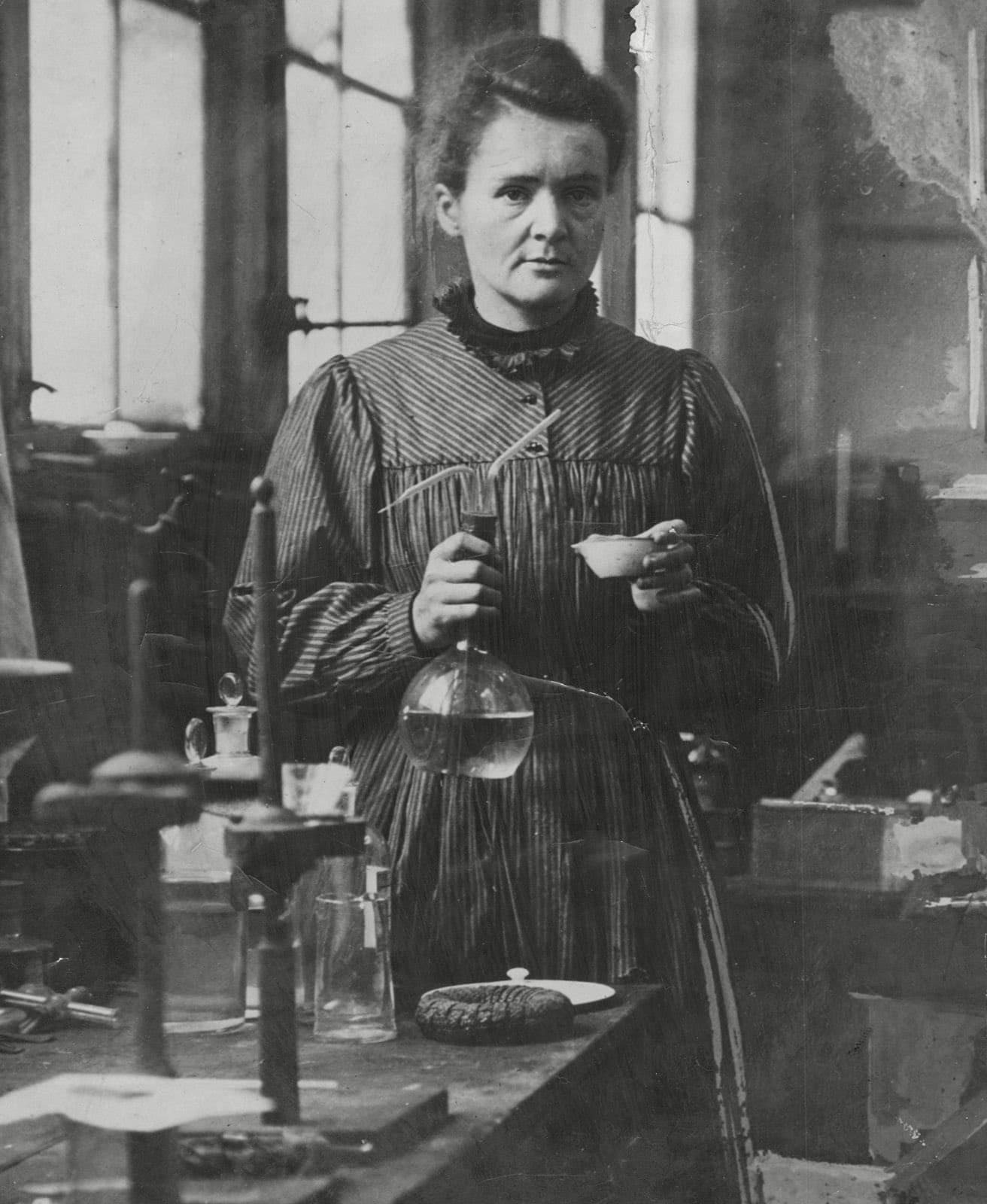
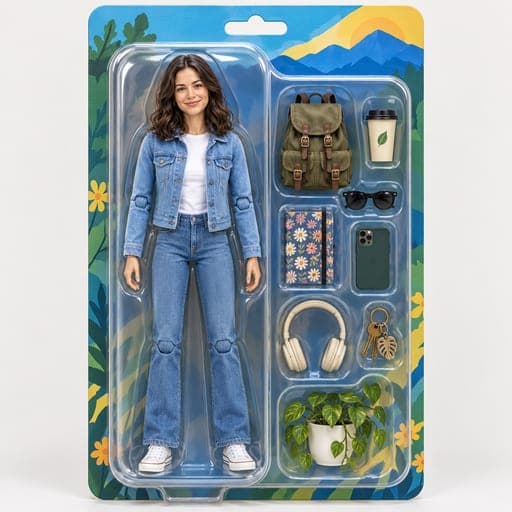
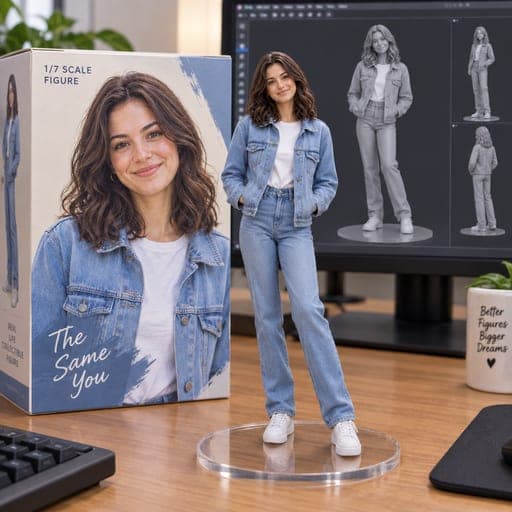
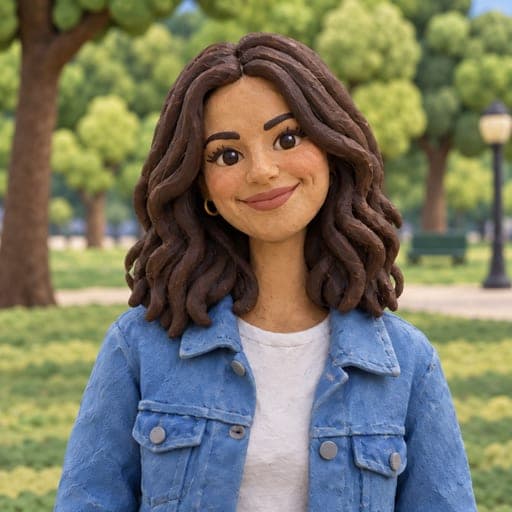
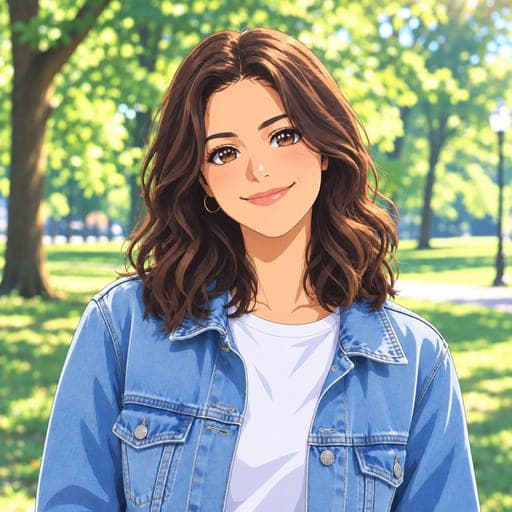
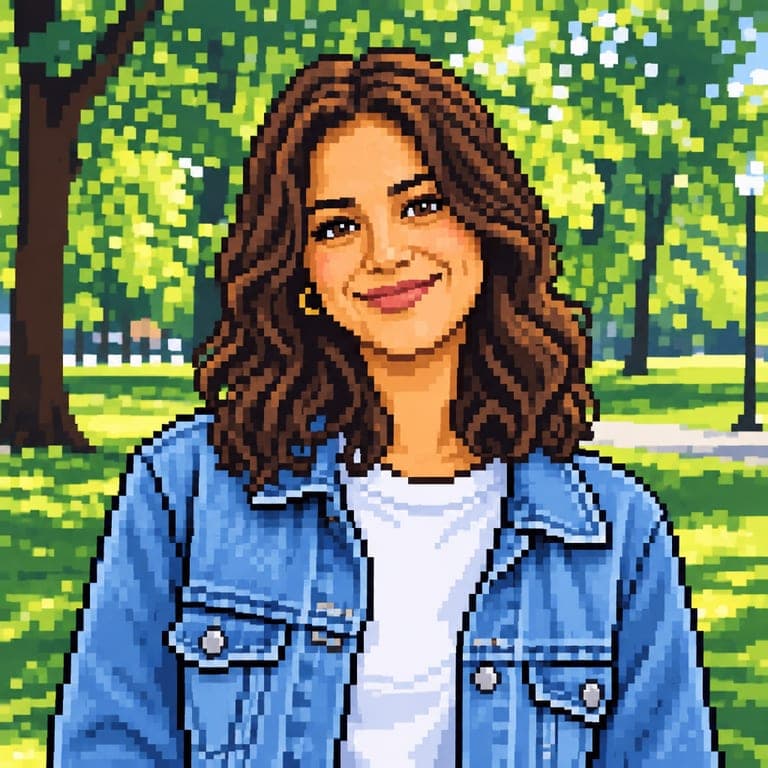
Before and after
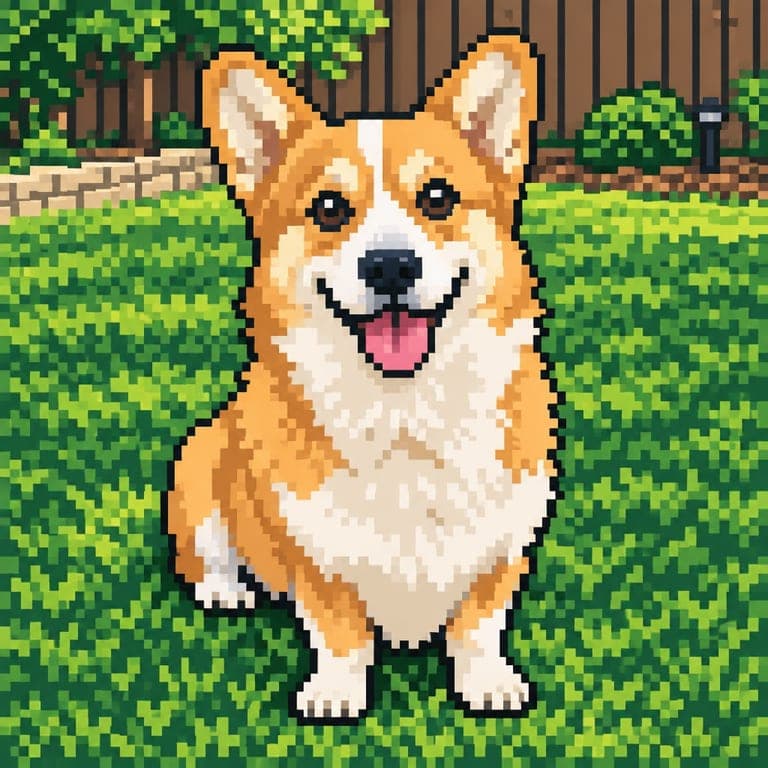
Pixel art brings back the look of classic 16-bit games: a limited color palette, crisp square pixels and clean dark outlines. Unlike simple pixelate filters, this redraws your photo as real pixel art, so faces and details stay readable.
Real results from the tool. Drag the handle to compare.


How it works
- 1
Upload a photo
A clear photo of a person or a pet. JPG, PNG or HEIC from your phone all work.
- 2
Keep this style selected
It is already picked for you. You can switch to any of the other styles too.
- 3
Download or save
Get the result in about 20 seconds. Save it to your phone, or download it in HD.
Tips for the best result
- Photos with strong, simple colors make the best pixel palettes.
- Close-ups keep your face readable at pixel scale.
- Busy backgrounds become detailed pixel scenery, which can look great.
- Download in HD to keep the pixels crisp.
Frequently asked questions
How is this different from a pixelate filter?
A pixelate filter just blurs your photo into blocks. This style redraws it as hand-made-looking pixel art with outlines and a retro palette.
Can I use it as a game avatar?
Yes, the square result works well as an avatar for games, Discord and social profiles.
Which resolution do I get?
The standard download is 800 pixels wide; HD keeps the full resolution.
Does it work for pets?
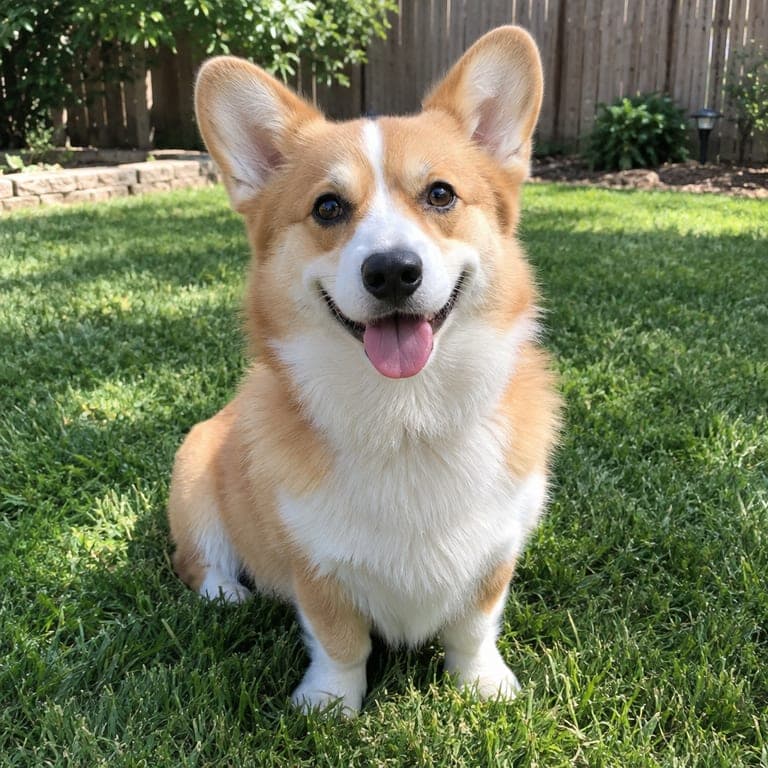
Yes, pets make great pixel sprites.