How to Make Ghibli Art From Your Own Photos
Learn how to make Ghibli-style art from a photo, step by step, with tips on lighting, framing, and the easiest AI tool to try the look yourself.
 Ghibli Style Team5 min read
On this page
- What Gives Ghibli-Inspired Art Its Look
- Option 1: Drawing or Painting Ghibli-Inspired Art by Hand
- Option 2: Turning a Photo Into Ghibli-Style Art With AI
- Before and After
- Tips for Getting the Best Result From a Photo
- Beyond the Classic Look: Other Styles Worth Trying
- Frequently Asked Questions
- The Takeaway
If you've ever watched a hand-painted anime film and wished you could see yourself, your pet, or your favorite memory drawn in that same soft, storybook style, you're not alone. That dreamy look — warm light, gentle colors, slightly simplified faces, and skies that feel alive — is one of the most requested art styles online. The good news is you don't need years of drawing practice to get it. This guide walks through two real paths: drawing it by hand, and using an AI photo-to-art tool to generate it in seconds.
What Gives Ghibli-Inspired Art Its Look
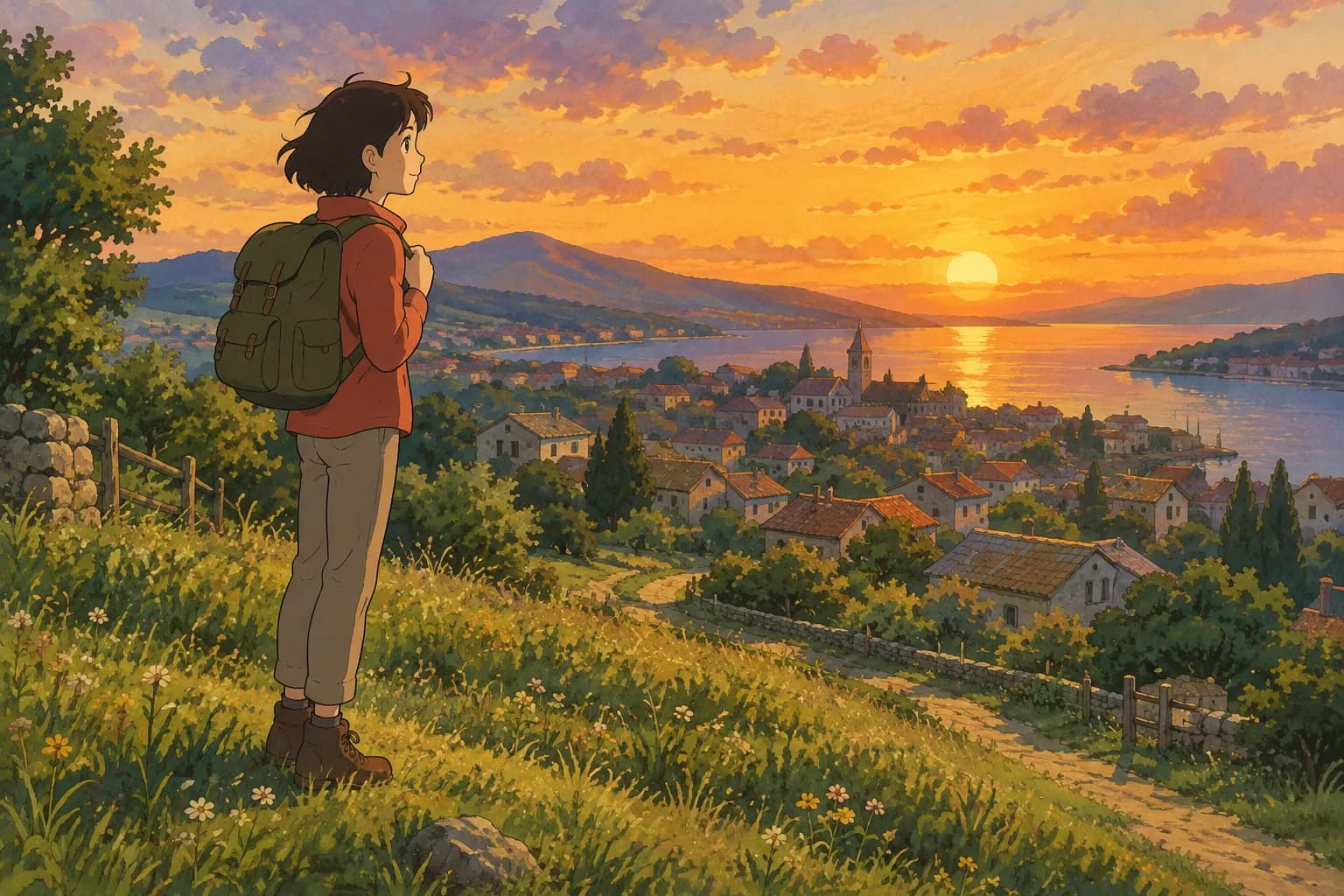
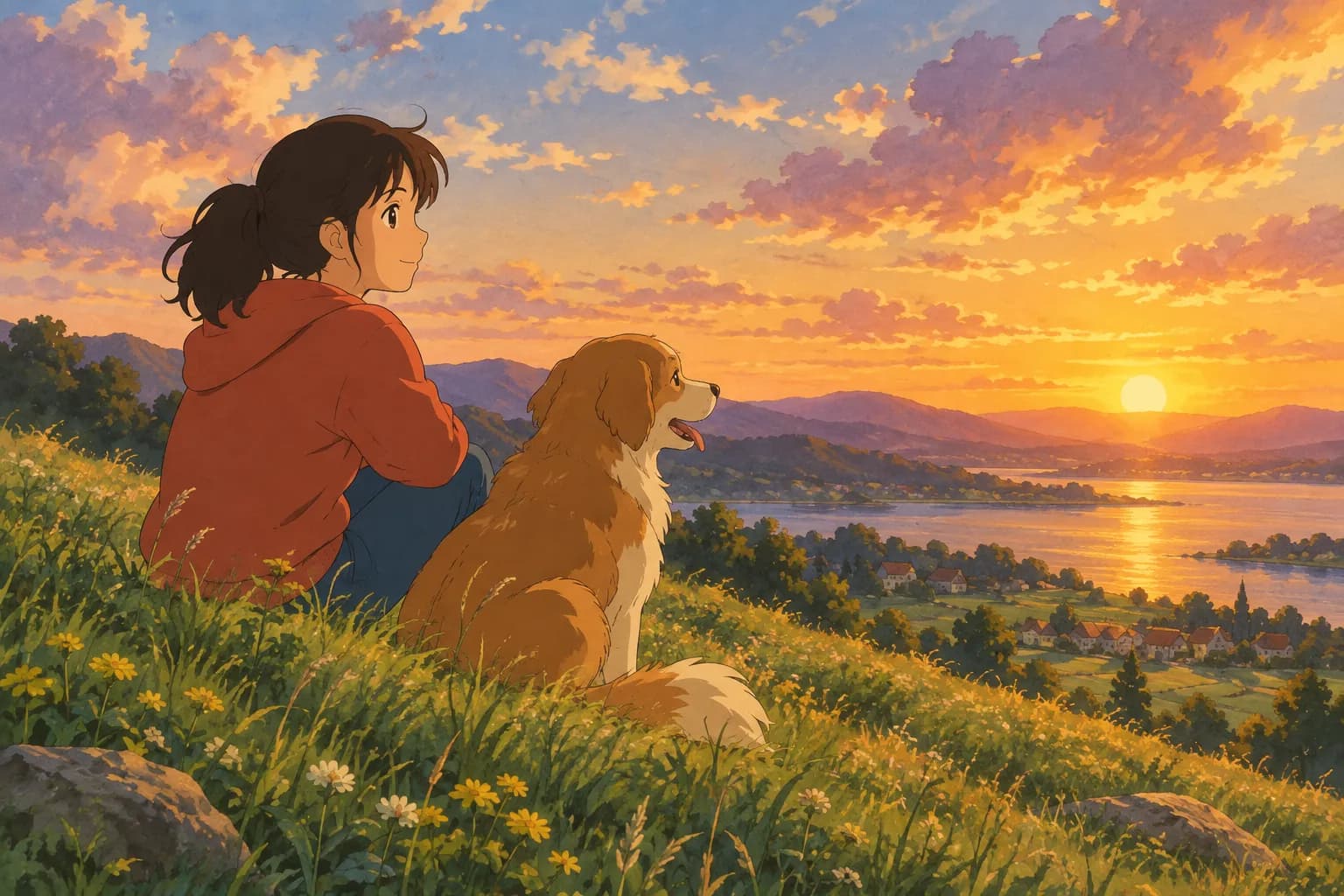
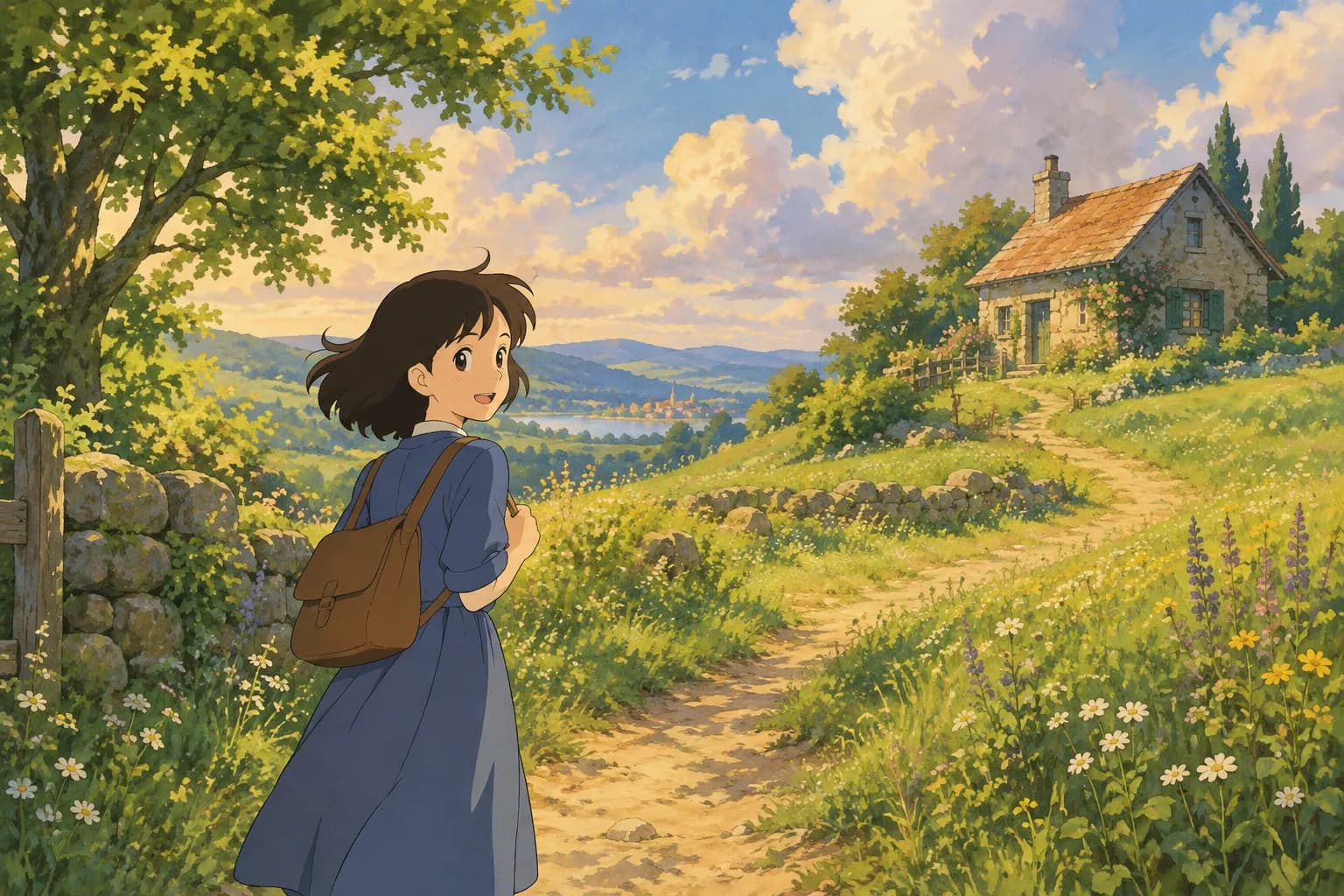
Before you make anything, it helps to know what you're aiming for. Hand-painted anime films in this tradition tend to share a few visual habits:
- Soft, painterly backgrounds — skies, grass, and water look brushed rather than sharply rendered, often with visible texture.
- Warm, natural light — golden hour glows, dappled sunlight through leaves, or soft overcast daylight are common.
- Simplified but expressive faces — fewer harsh lines, rounded features, and big, emotive eyes.
- Rich, slightly muted color palettes — greens, creams, warm browns, and soft blues instead of neon or high-contrast colors.
- A sense of stillness and wonder — even busy scenes feel calm, like a quiet moment in a larger story.
Keep these traits in mind whether you're painting by hand or prompting an AI — they're the difference between "anime filter" and something that genuinely feels hand-painted.
Option 1: Drawing or Painting Ghibli-Inspired Art by Hand
If you want to build the skill yourself, here's a simple workflow:
- Start with a reference photo, ideally one with good natural light. Overcast days or golden-hour shots give you that soft glow without harsh shadows.
- Sketch loose shapes first. Don't chase every detail — hand-painted anime art simplifies faces and clothing into clean, readable shapes.
- Block in color before details. Lay down flat base colors for skin, hair, sky, and background, then build up shading gradually with soft brushes.
- Add light last. A warm highlight along one side of the face or a glow behind the subject instantly makes a flat painting feel alive.
- Loosen up the background. Trees, clouds, and buildings can be impressionistic — it's the subject's face that should stay the clearest point of focus.
This approach is rewarding, but it takes real practice to get faces and lighting feeling right. That's where AI tools come in handy, either as a shortcut or as a way to study how the style breaks down.
Option 2: Turning a Photo Into Ghibli-Style Art With AI
If you'd rather get a finished piece in under a minute, an AI photo-to-art generator can do the heavy lifting. On Ghibli Style, the process is simple:
- Upload a clear photo of a person or a pet.
- Pick the Ghibli-inspired style — it's actually the home page's default look, built from that soft, hand-painted film aesthetic.
- Generate your image, which is usually ready in about 20 to 30 seconds.
- Download it, or save it straight to your phone's Photos app.
New accounts get one free image to try, so you can test it before deciding if you want more credits. And if a generation fails for any reason, it won't use up a credit.
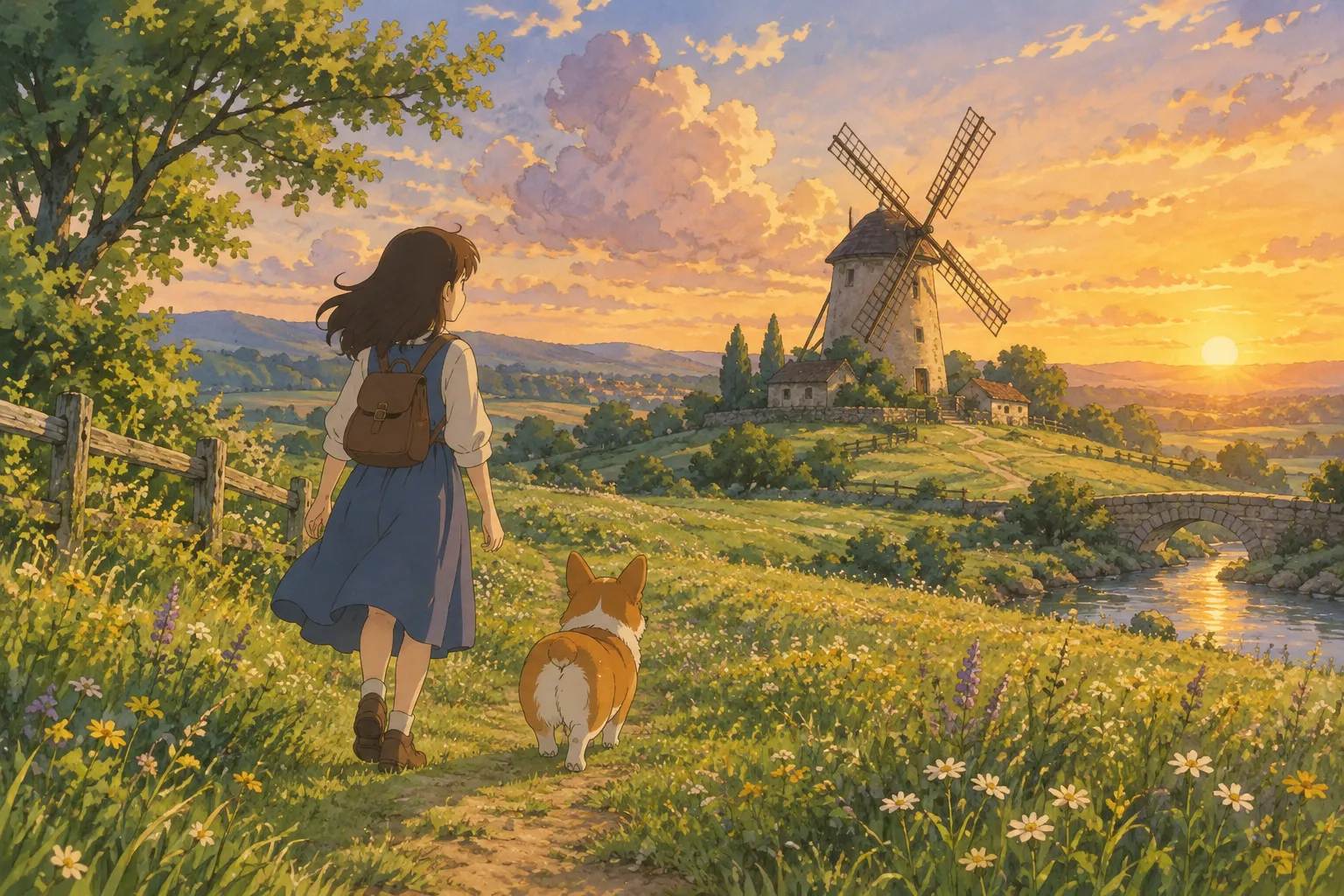
Before and After
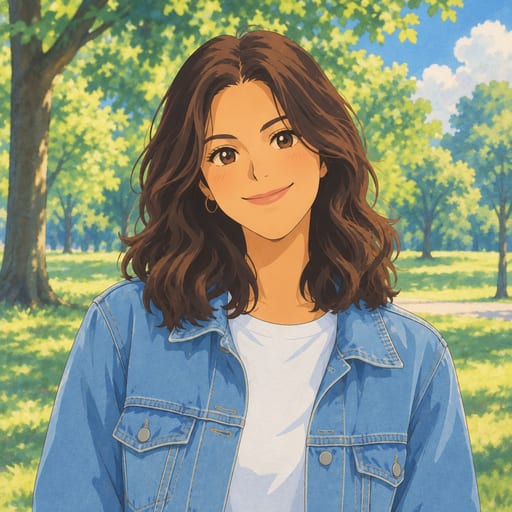
Here's an example of a portrait going from a regular photo to the hand-painted look:
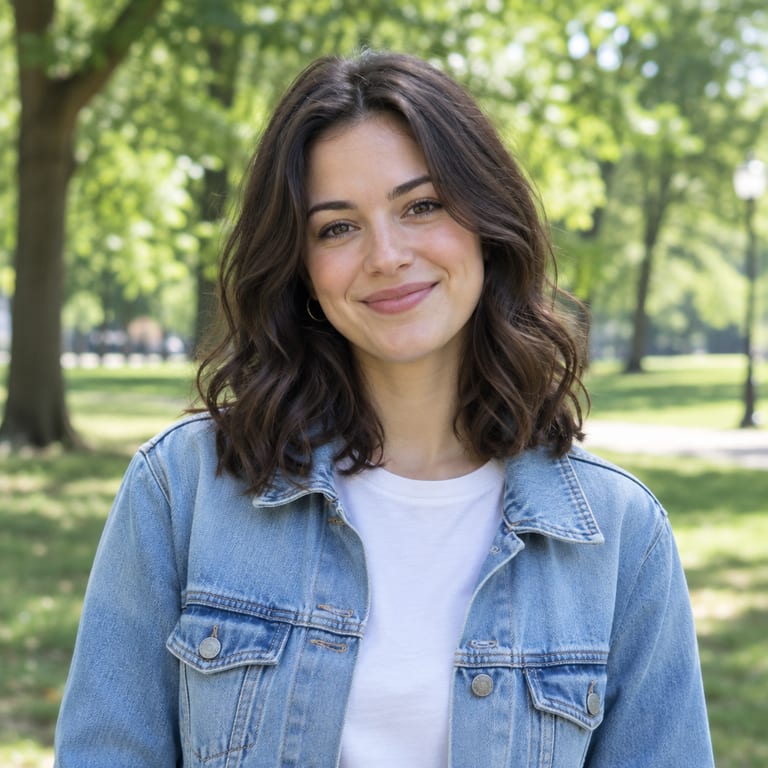
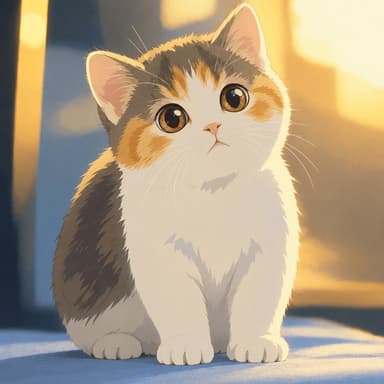
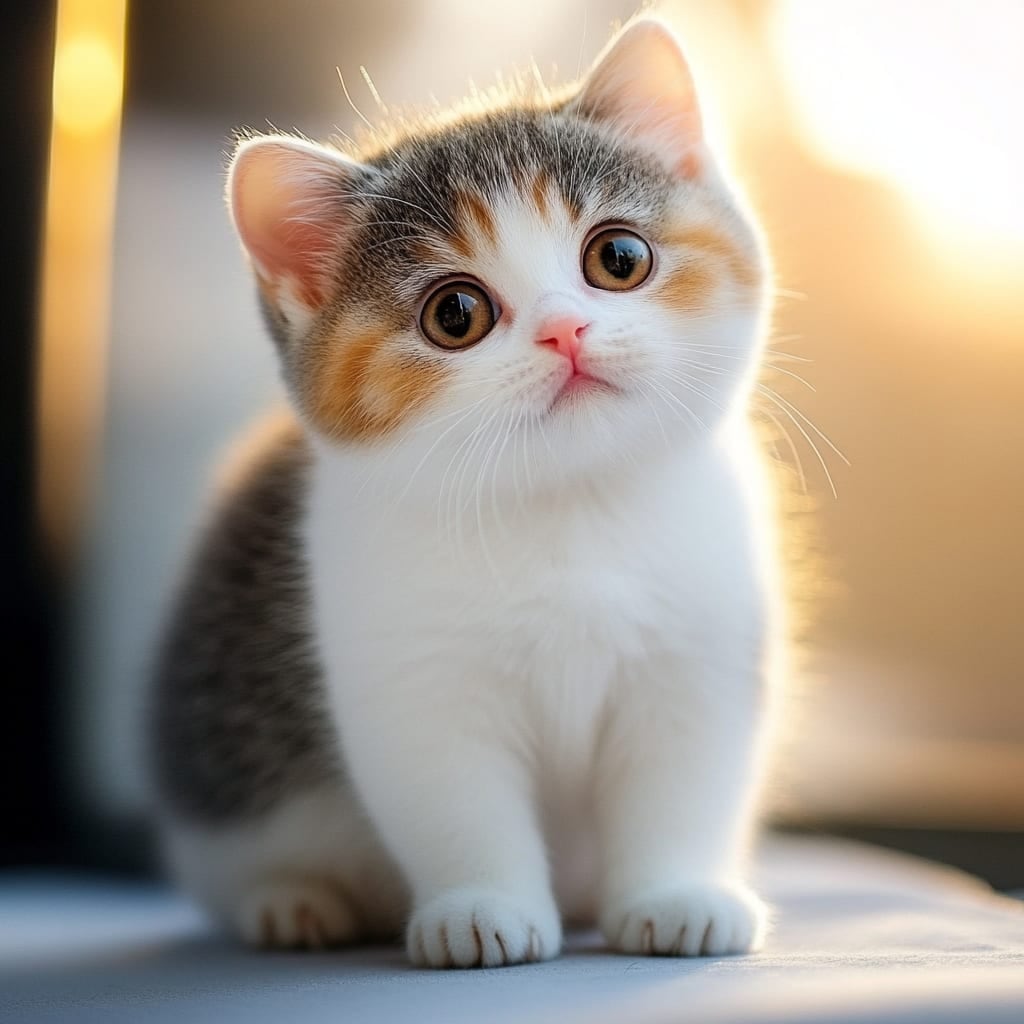
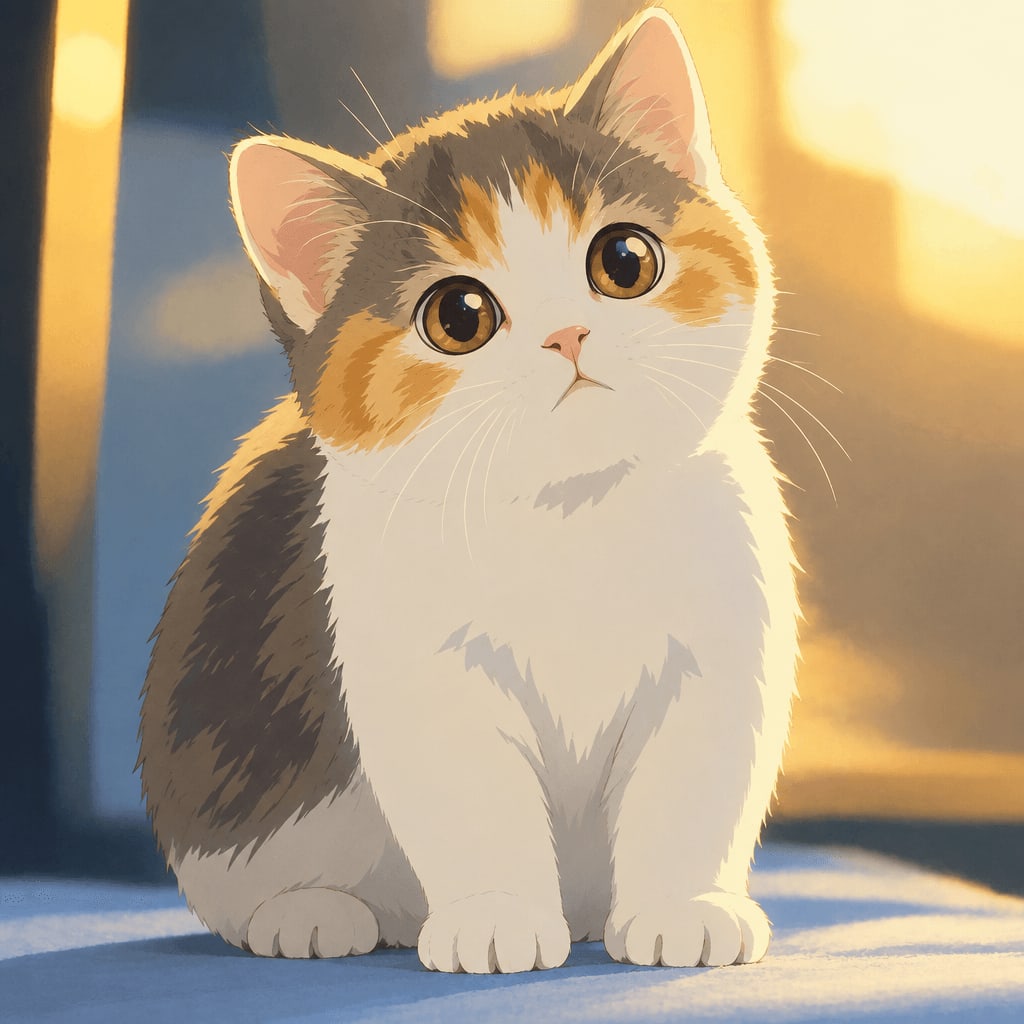
And it works just as well on pets:
Tips for Getting the Best Result From a Photo
Whether you're painting by hand or using AI, your source photo matters a lot. A few tips:
- Use a clear, well-lit face. Soft daylight or window light works better than harsh flash or very dark rooms.
- Avoid extreme angles. A front-facing or slight three-quarter angle keeps facial features easy to read and more recognizable in the final art.
- Simple backgrounds help. Busy backgrounds can confuse the style transformation; a plain wall, sky, or garden works well.
- High resolution matters. A sharp, uncompressed photo gives the AI more detail to work with than a blurry screenshot.
- Pets benefit from eye contact. A pet looking toward the camera with ears visible tends to translate beautifully into the style.
Beyond the Classic Look: Other Styles Worth Trying
The soft Ghibli-inspired look is just one of many styles available if you want to experiment further. Ghibli Style offers 42 styles across six categories, so the same photo can become very different things:
- Chibi Maker for a cute, big-head illustration
- Watercolor Portrait for a softer, painterly finish
- Photo to Anime for a crisper, modern cel-shaded anime look
- AI Action Figure Generator to turn a photo into a boxed toy figure
- Ghibli Wallpaper if you want your photo turned into a ready-to-use phone or desktop wallpaper
You can browse the full set on the styles page if you want to compare options before choosing.
Frequently Asked Questions
Is this actually Studio Ghibli's art style? No. Ghibli Style is an independent tool inspired by the general hand-painted anime film aesthetic. It isn't affiliated with or endorsed by Studio Ghibli, and it doesn't use their characters or logos.
What's the best kind of photo to upload? A clear, well-lit, front-facing photo with a simple background works best, whether it's a portrait of a person or a pet. Avoid heavy shadows or very cluttered scenes.
How much does it cost to make more than one image? Standard downloads are free. If you want HD downloads or more generations, credit packs start at 10 images for $4.99, and subscriptions start at 30 images a month for $9.99. Full details are on the pricing page.
Can I use this style for a wallpaper instead of just a portrait? Yes — the Ghibli Wallpaper tool is built specifically to turn a photo into a 9:16 or 16:9 wallpaper in this style, and also offers free downloadable wallpapers.
The Takeaway
Making Ghibli-inspired art is really about chasing a feeling: warm light, soft color, and a quiet sense of wonder. You can build that by hand with practice, or get there in seconds with the right photo and a tool built for it. Either way, start with a photo you love, keep the lighting soft, and let the style do the rest.
Try the Ghibli style generator on your own photo.
Try it free