Ghibli Artwork: How to Create Your Own Hand-Painted Style Art
Explore what makes Ghibli artwork so charming and learn how to turn your own photos into hand-painted, Ghibli-inspired art in seconds.
 Ghibli Style Team5 min read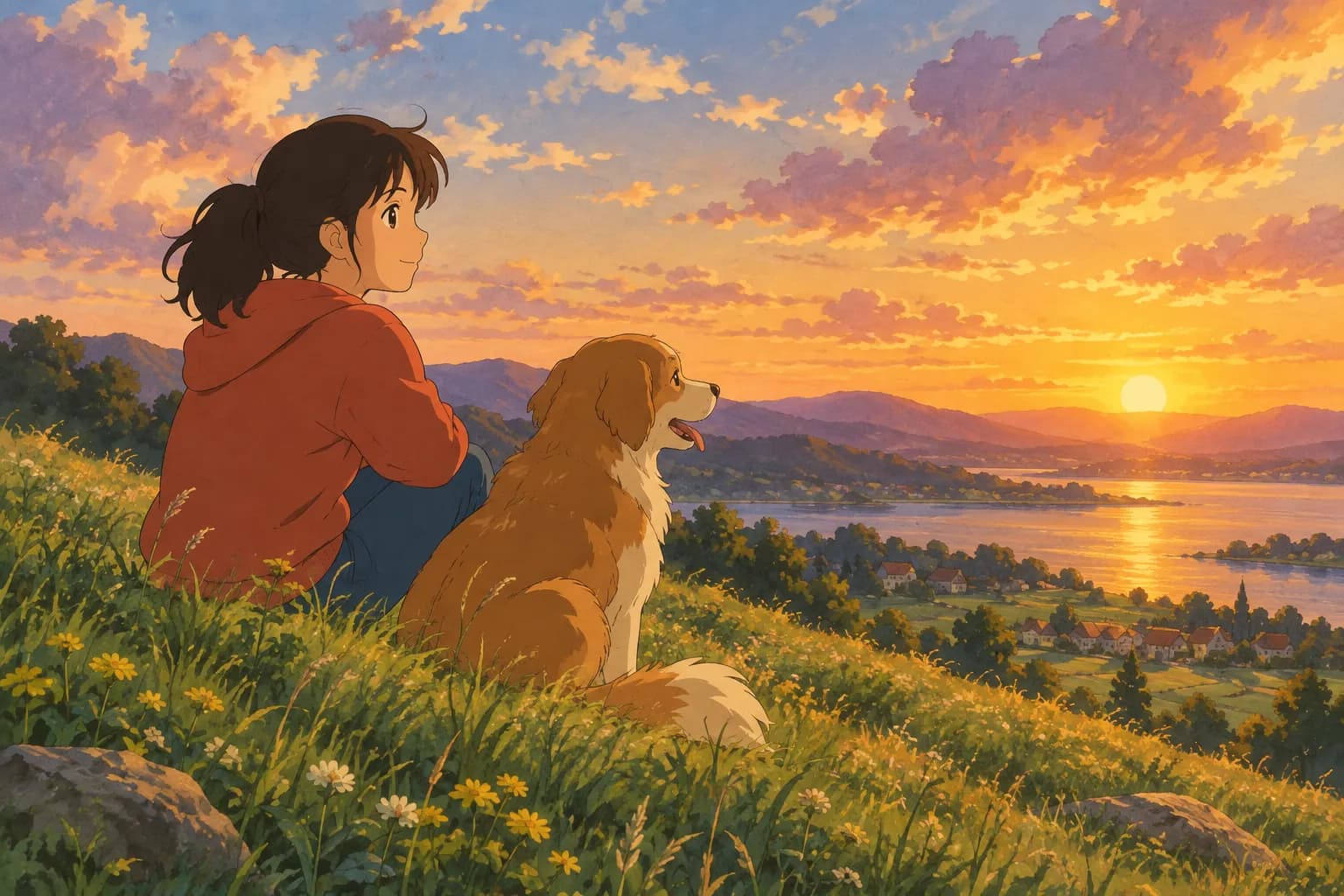
On this page
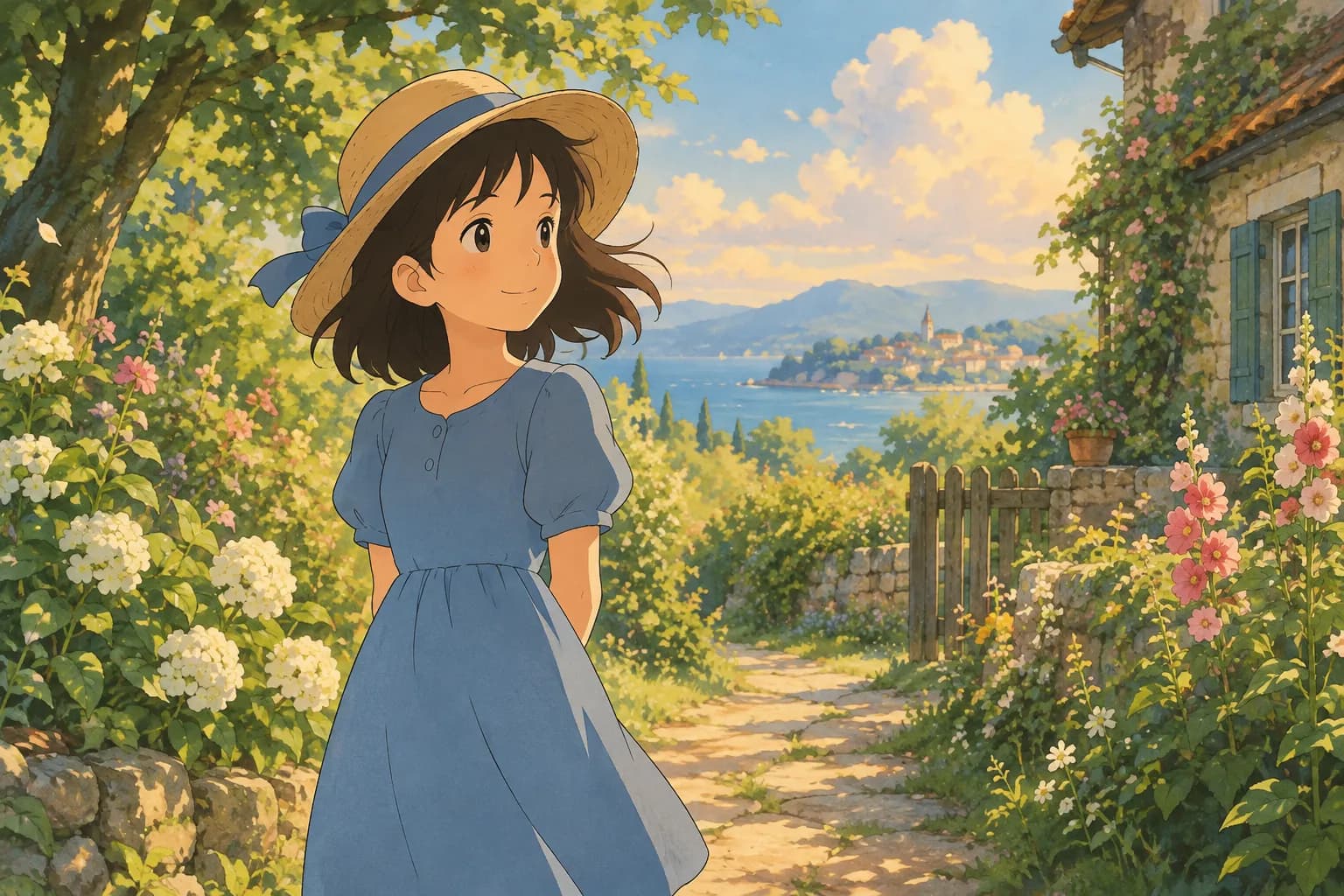
Few art styles feel as warm and nostalgic as the hand-painted look popularized by classic Japanese anime films. Soft watercolor skies, gentle character faces, and painterly light have inspired countless fans to search for "Ghibli artwork" — whether they want to admire it, study it, or create something similar from their own photos. This guide covers both: what gives this style its magic, and how you can turn a personal photo into a similar piece of art in under a minute.
What Makes Ghibli-Style Artwork So Recognizable
If you've ever watched a hand-drawn Japanese animated film, you already know the look even if you can't name it. A few visual traits define this aesthetic:
- Soft, painterly backgrounds. Skies, grass, and clouds look like actual watercolor or gouache paintings rather than crisp digital renders.
- Warm, natural lighting. Scenes often use golden-hour glow, dappled sunlight through leaves, or the cool blue of early morning.
- Gentle character design. Faces are simplified but expressive, with rounded features and soft shading instead of harsh cel-shaded lines.
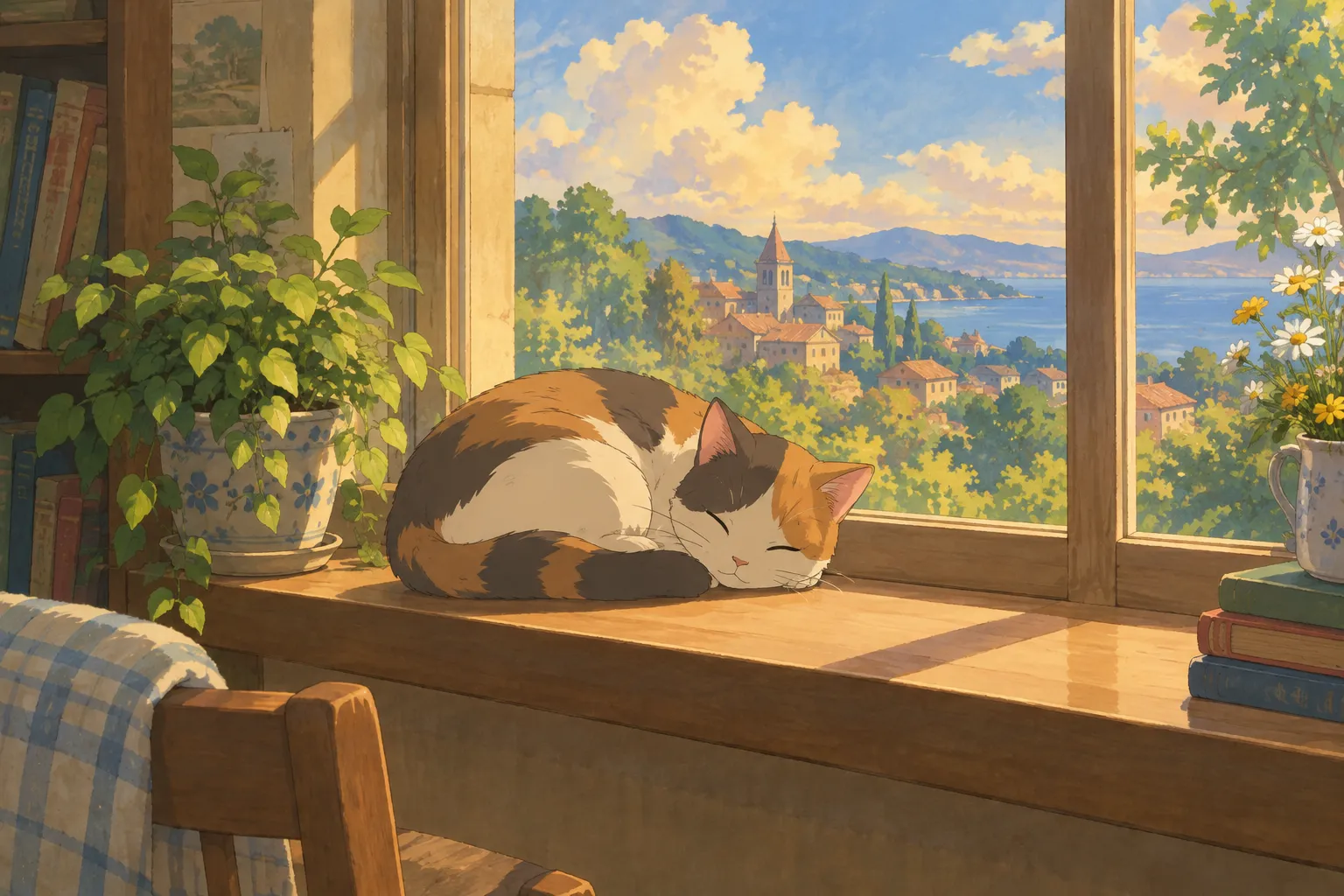
- A sense of quiet wonder. Even ordinary moments — laundry on a line, a cat napping, a bike ride — feel a little magical.
This combination is exactly why the style has become such a popular request for AI-generated art: it turns everyday photos into scenes that feel like frames from a storybook.
Why People Love Turning Photos Into This Style
A lot of people searching for Ghibli artwork aren't looking to draw it themselves — they want to see their own photo, their pet, or a favorite memory reimagined with that same soft, hand-painted charm. It's a popular choice for:
- Profile pictures with a distinct, artistic feel
- Custom phone or desktop wallpapers
- Printable art for a nursery, office, or gallery wall
- Fun gifts made from a couple's photo or a beloved pet portrait
How to Create Ghibli-Inspired Art From Your Own Photo
You don't need illustration skills or expensive software to get this look anymore. Ghibli Style (ghiblistyle.co) is an independent AI photo-to-art tool built around exactly this kind of transformation — it's not affiliated with Studio Ghibli, but its signature default style is a soft, hand-painted, Ghibli-inspired look designed to capture that same warmth.
Here's the basic process:
- Upload a clear photo of a person or a pet.
- Choose your style — the hand-painted look is the default on the home page, or you can browse the full style collection for other looks.
- Wait about 20–30 seconds for your image to generate.
- Download it for free in standard resolution, or use credits for an HD version.
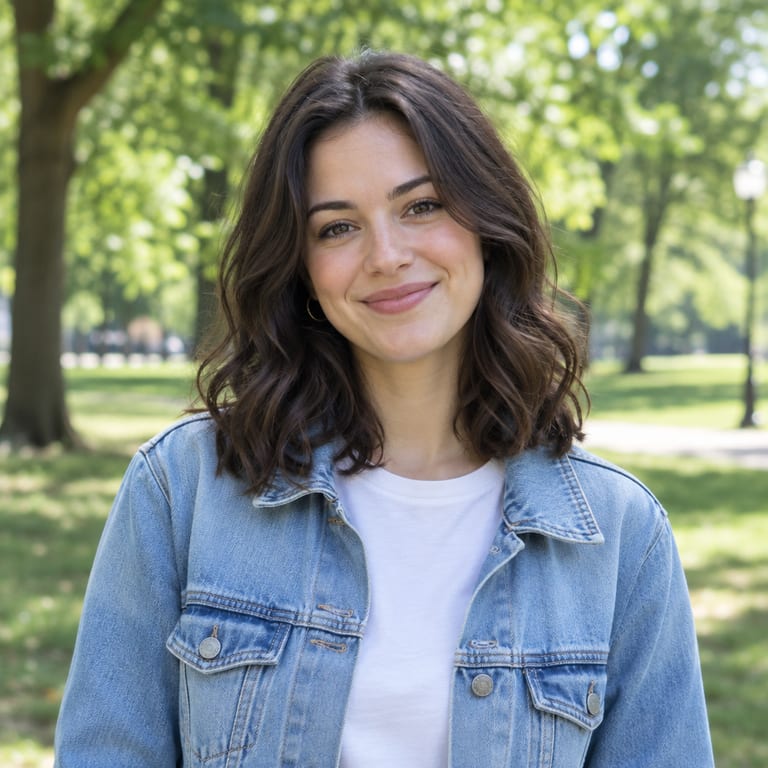
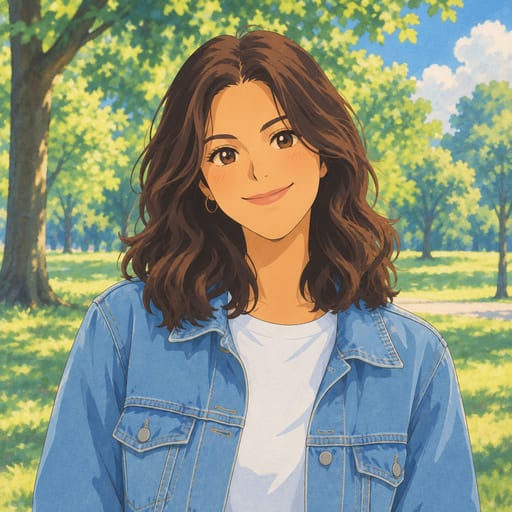
Before and After
Seeing an actual transformation helps set expectations. Here's a portrait before and after the hand-painted treatment:
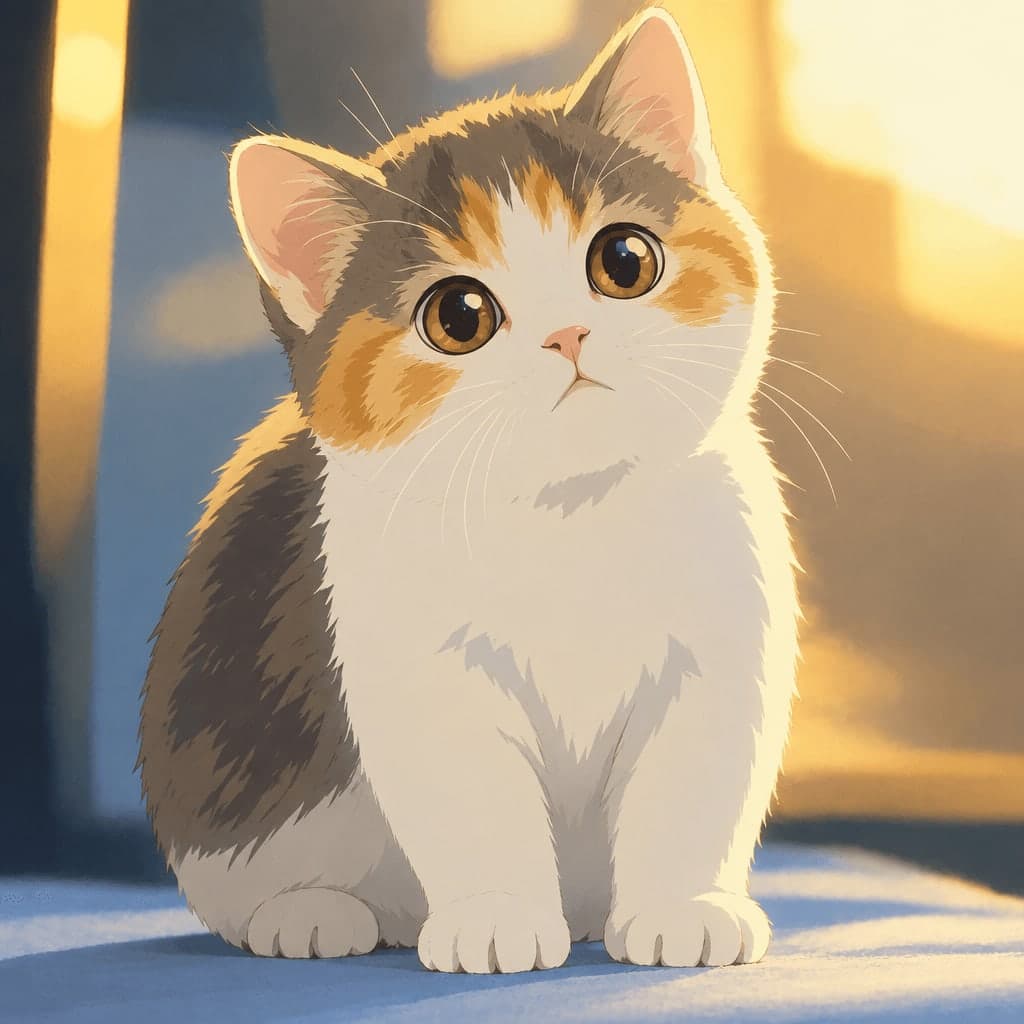
And pets work beautifully too — the soft shading is especially flattering on fur:
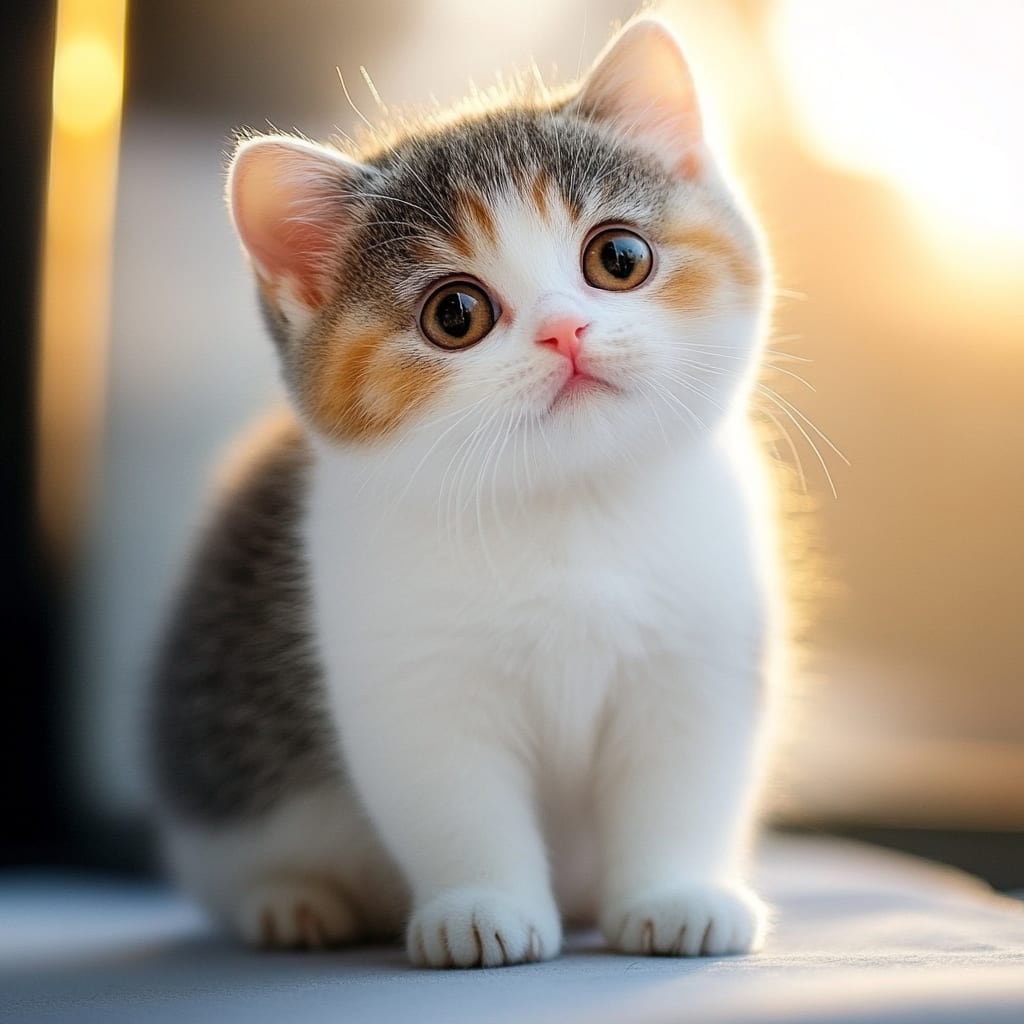
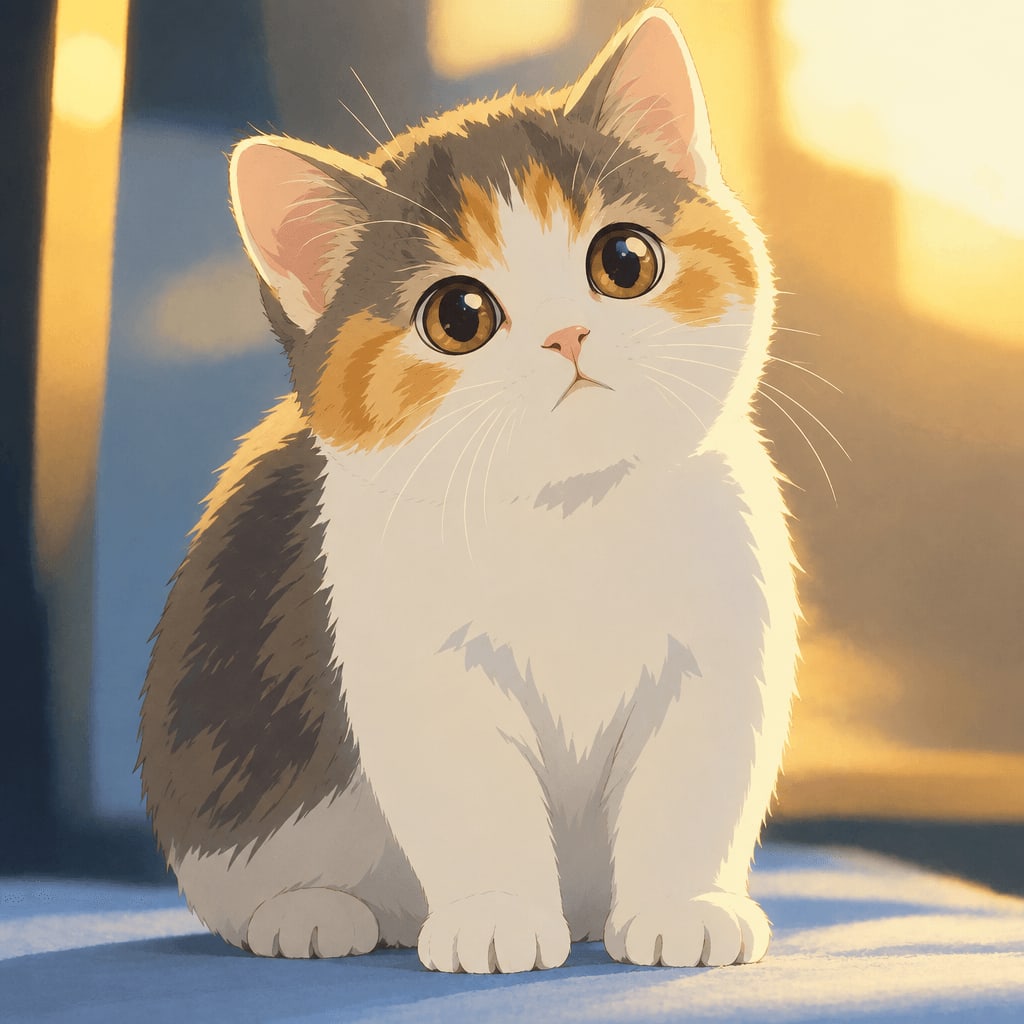
Tips for Getting the Best Results
The quality of your source photo makes a real difference. Keep these tips in mind:
- Use good, even lighting. Natural daylight near a window works better than harsh flash or very dark indoor shots.
- Choose a clear, front-facing or three-quarter shot. The AI needs to read facial features and expression clearly, so avoid photos where the face is turned far away or partially covered.
- Keep the background simple if possible. Busy or cluttered backgrounds can distract from the final painted effect.
- Higher resolution photos generally translate better. A sharp, well-focused image gives the AI more detail to work with.
- For pets, a calm, well-lit photo works best. Action shots can blur details that matter for a painterly result.
Other Styles Worth Trying
The hand-painted look is just one of 42 styles across six categories on the site. If you want variety, a few popular alternatives include:
- Photo to Anime — a crisper, modern TV/film anime look, distinct from the Ghibli-inspired style
- Watercolor Portrait — a softer, painterly finish without the anime character styling
- Chibi Maker — a cute, big-head illustration great for stickers or profile pictures
- Ghibli Wallpaper — turns a photo into a ready-to-use 9:16 or 16:9 wallpaper in the same hand-painted style
Using and Sharing Your Artwork
Once you have your image, standard downloads are free, and on phones you can save the result straight to your camera roll. If you want the higher-resolution version for printing or as a wallpaper, that requires credits. Generated images are also stored in your private "My Works" page for a limited time so you can come back and download them again later.
Pricing Options
New accounts start with 1 free image to try the style before committing to anything, and a failed generation never uses up a credit. Beyond that, there are a few flexible options on the pricing page, including one-time credit packs and monthly subscriptions for people who want to generate more artwork regularly.
FAQ
Is this actual Studio Ghibli artwork? No. Ghibli Style is an independent tool that creates images in a hand-painted, Ghibli-inspired style. It has no affiliation with Studio Ghibli and doesn't reproduce any of its characters or logos.
Can I turn a photo of my pet into this style, not just people? Yes. You can upload a photo of a person or a pet, and the tool works well for both — it's a favorite for cats and dogs especially.
How long does it take to get my image? Generation typically takes about 20 to 30 seconds per image.
Do I need special software or design skills? No. You just upload a photo, pick the style, and download the result. No editing or drawing experience is needed.
Final Thoughts
Whether you came here to understand what makes Ghibli-style artwork so beloved or to try turning your own photo into it, the appeal comes down to the same thing: a soft, painterly warmth that makes ordinary moments feel special. If you'd like to see it on your own photo, the home page is the easiest place to start — upload a picture, pick the style, and see it transformed in under a minute.
Try the Ghibli style generator on your own photo.
Try it free