How to Make a Picture Look Like Studio Ghibli Art
Learn how to turn any photo into a Ghibli-inspired hand-painted scene, from picking the right picture to the best AI tool and settings.
 Ghibli Style Team5 min read
On this page
If you've ever wished your vacation photo, pet picture, or selfie looked like it belonged in a cozy, hand-painted anime film, you're not alone. That soft, warm, painterly look — gentle lighting, lush backgrounds, expressive faces — is one of the most requested styles in AI art today. Here's how to get that look from your own photos, step by step.
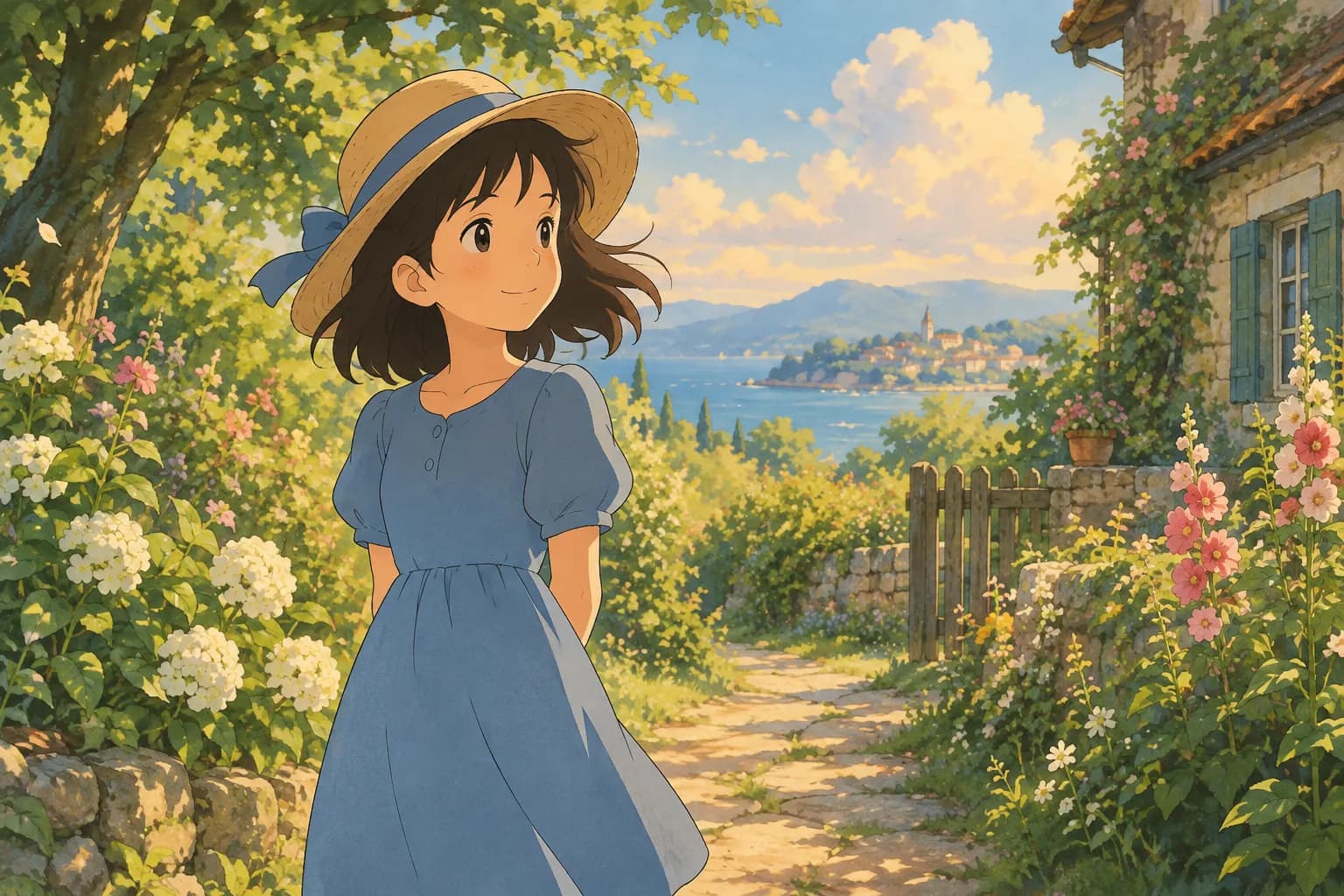
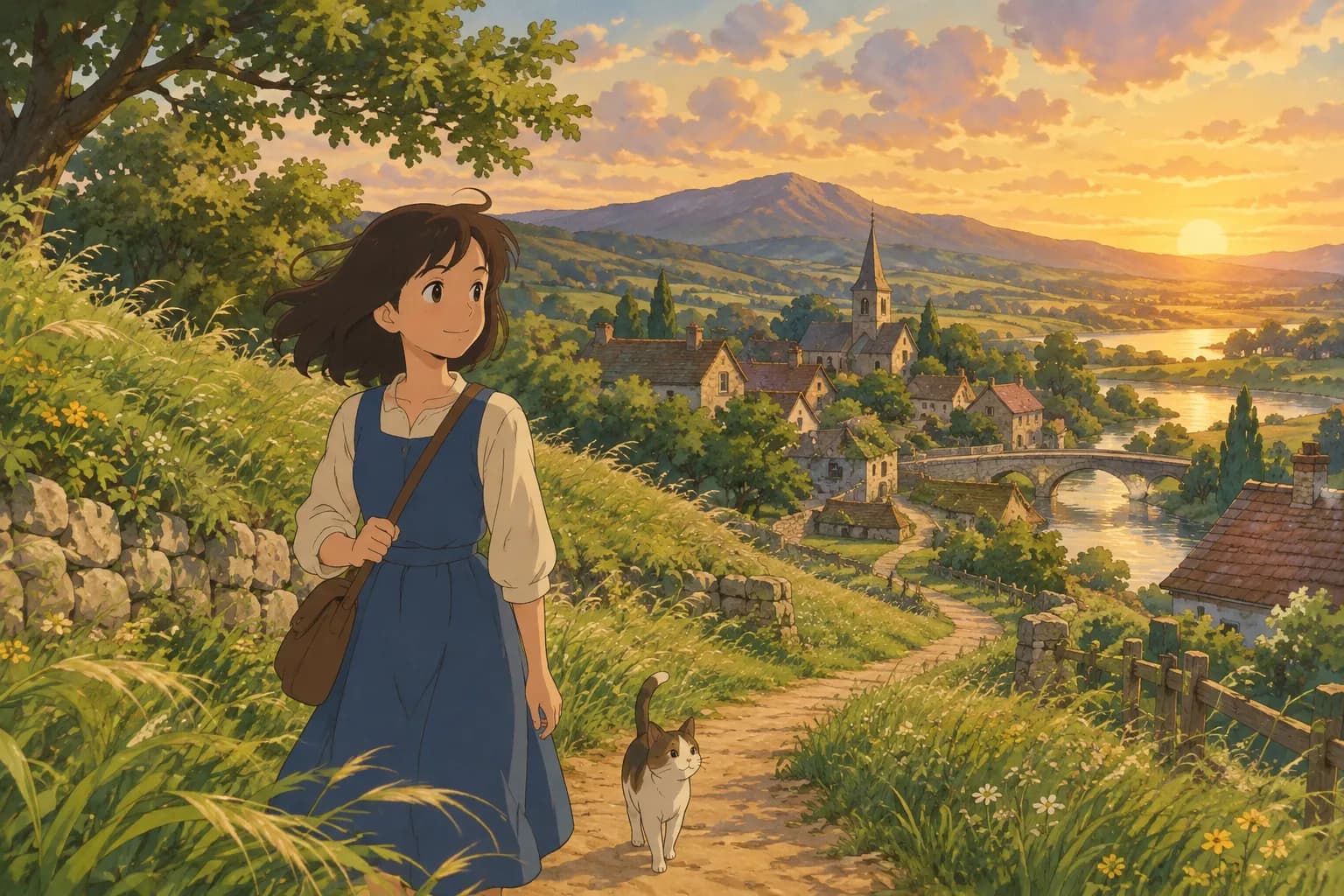
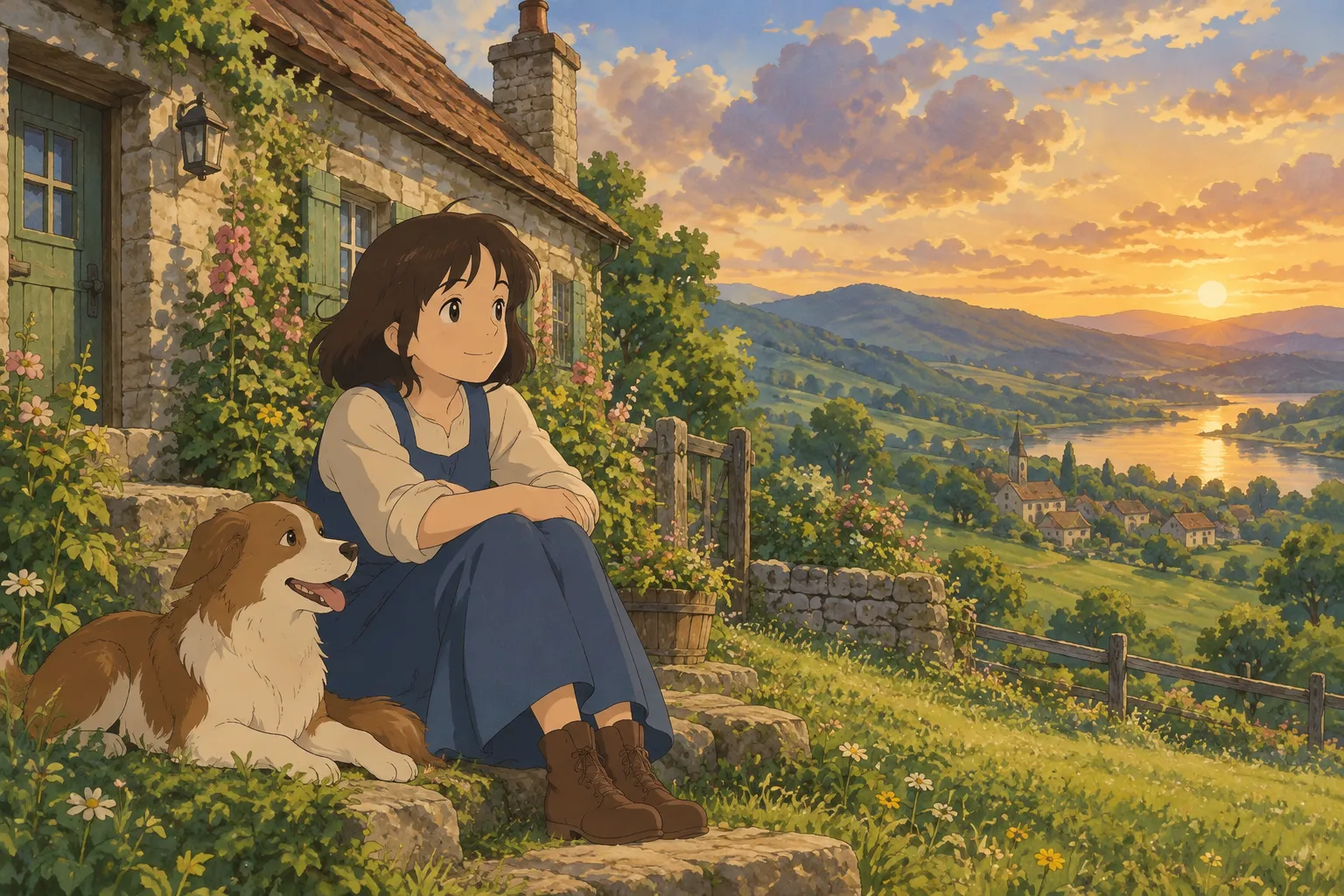
What Gives the Ghibli-Inspired Look Its Charm
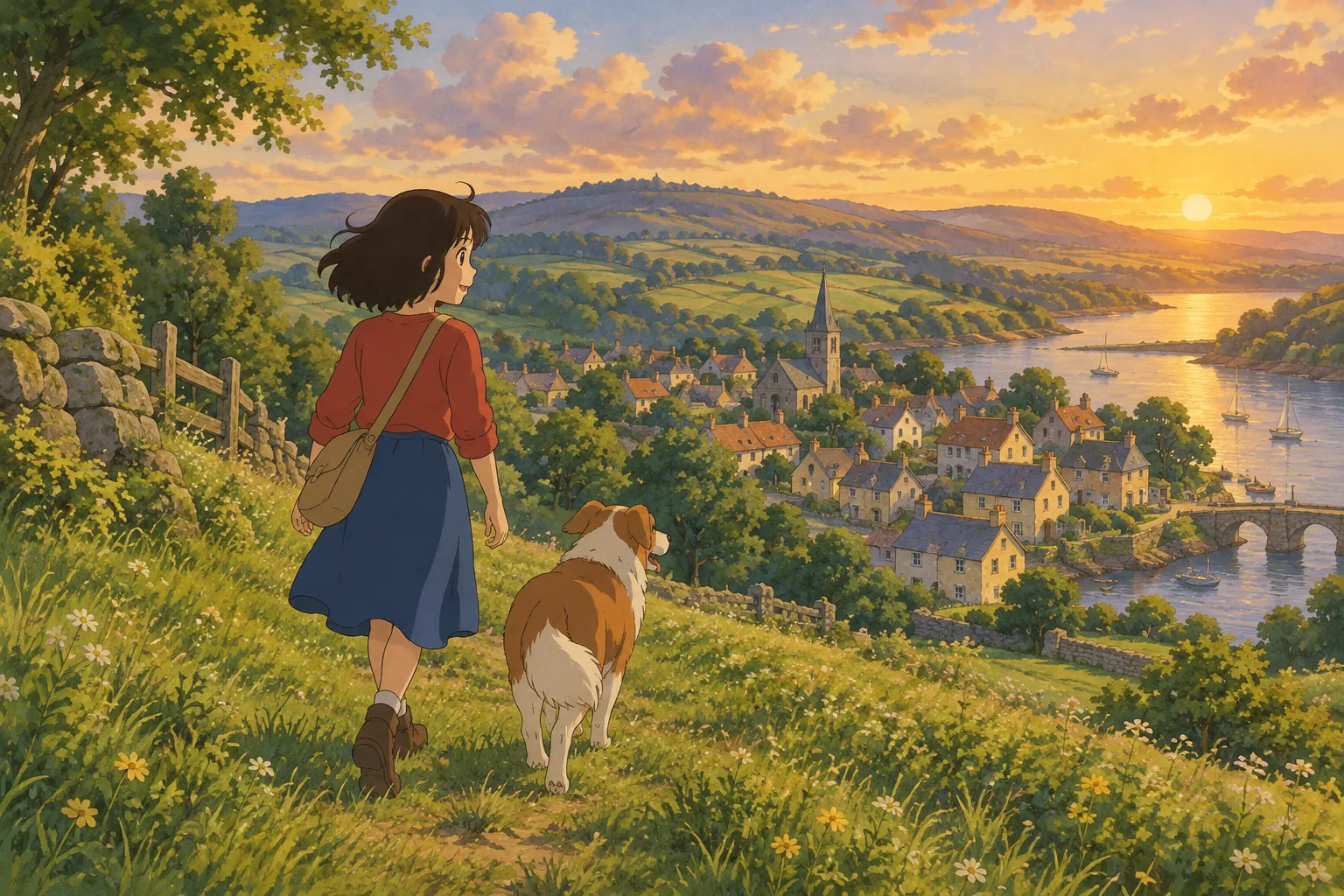
Before jumping into tools, it helps to know what you're actually recreating. The hand-painted anime film aesthetic usually includes:
- Soft, diffused lighting — think golden hour sun through leaves, or the gentle glow of an overcast sky, rather than harsh flash or direct studio light
- Warm, slightly muted colors — rich greens, dusty blues, warm creams, instead of oversaturated neon tones
- Painterly backgrounds — skies, grass, and water rendered with visible brushwork rather than photographic detail
- Rounded, expressive features — eyes and faces simplified just enough to feel illustrated, while still looking like the subject
Keeping these qualities in mind will help you choose both the right source photo and the right tool.
Step 1: Pick a Photo That Will Translate Well
Not every photo converts equally well into a painted style. A few tips:
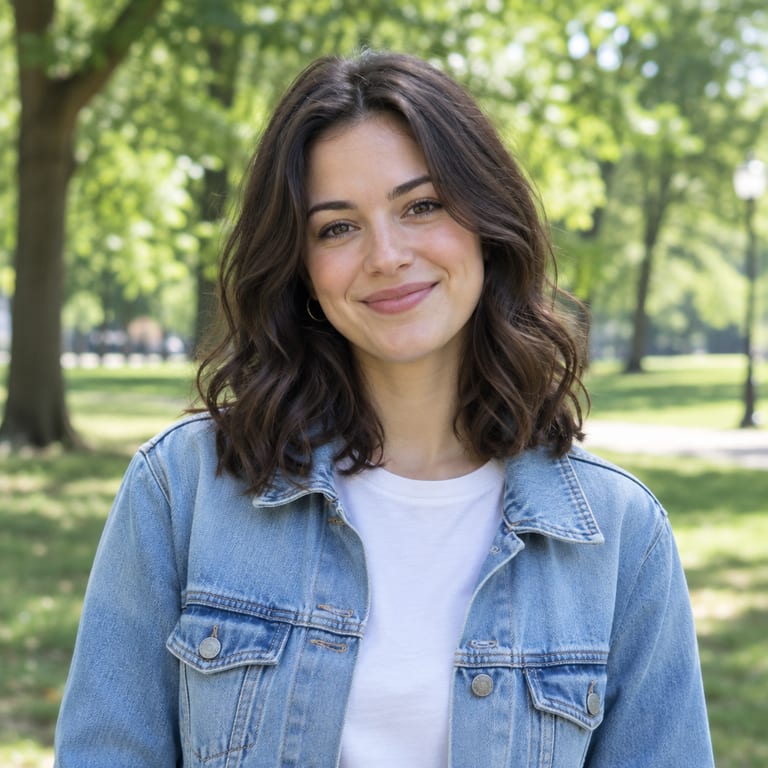
- Use good, even lighting. Natural daylight near a window or outdoors in shade works better than harsh overhead light or strong backlighting, which can confuse the AI and flatten details.
- Face the camera, or close to it. A clear three-quarter or front-facing shot keeps facial features recognizable after stylization.
- Keep the background simple. Busy, cluttered backgrounds can get muddled when repainted. A plain wall, open sky, or soft bokeh behind you gives the AI room to add Ghibli-style scenery.
- Higher resolution helps. A clear, well-lit photo from a phone camera is usually plenty — you don't need a professional camera.
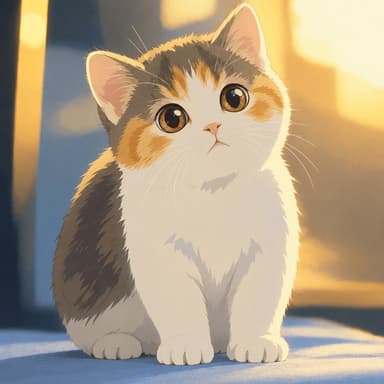
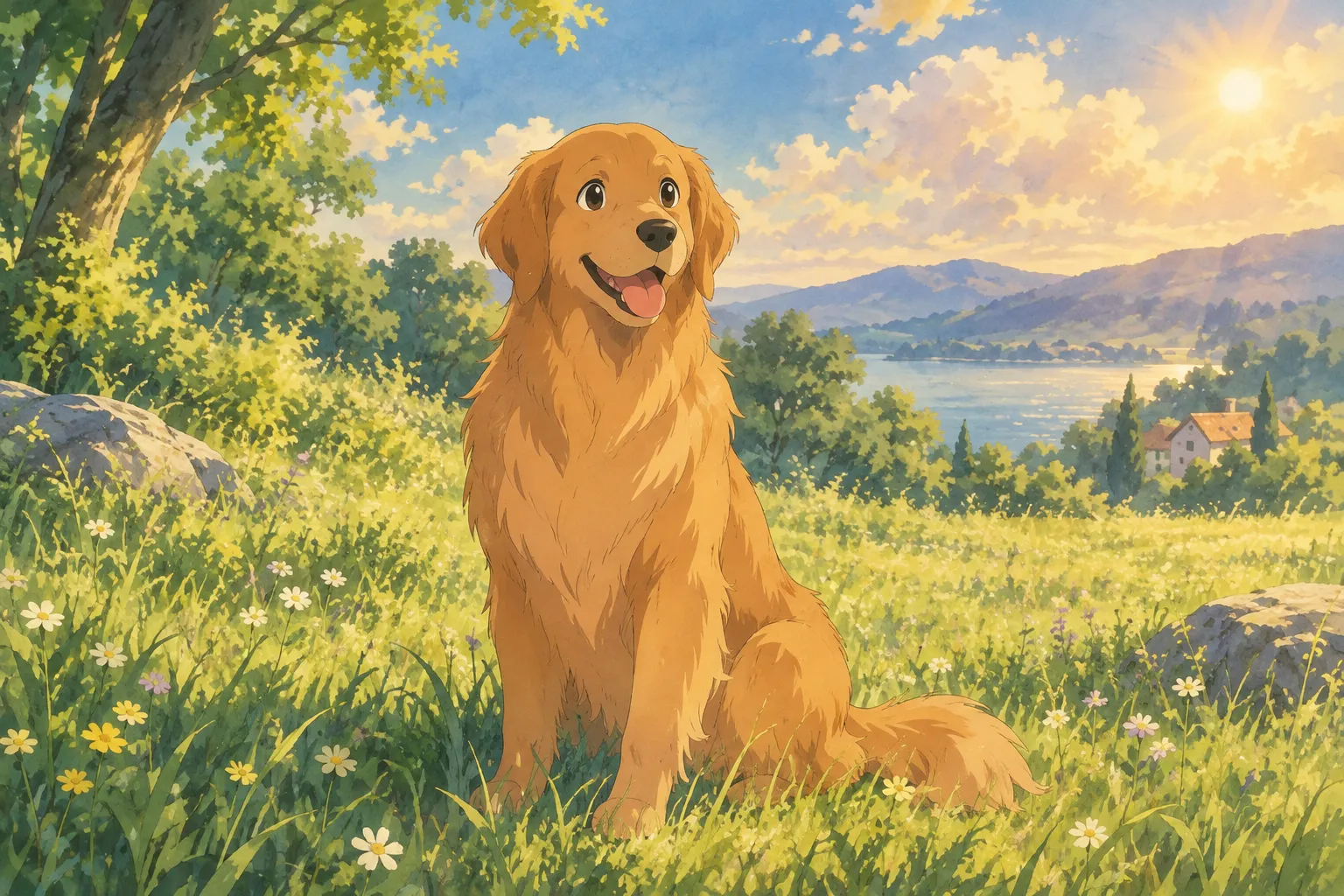
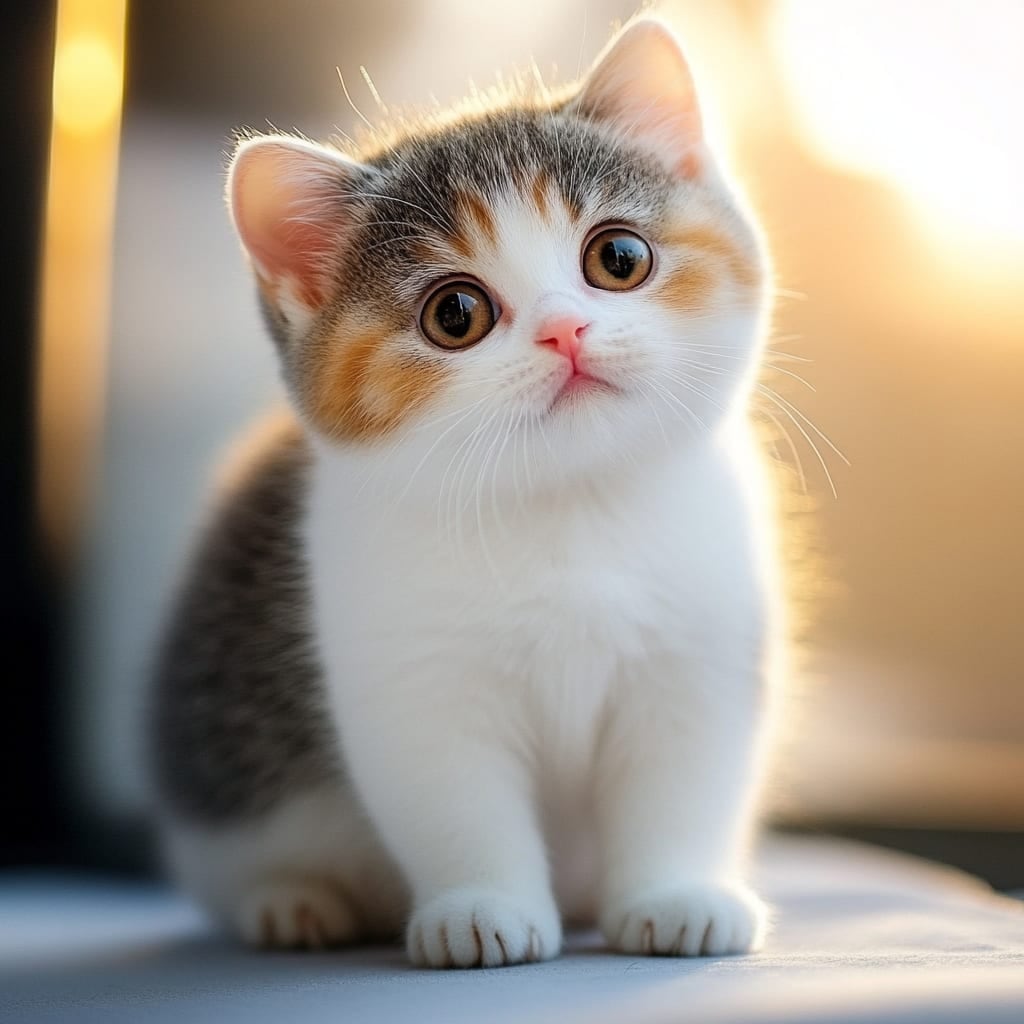
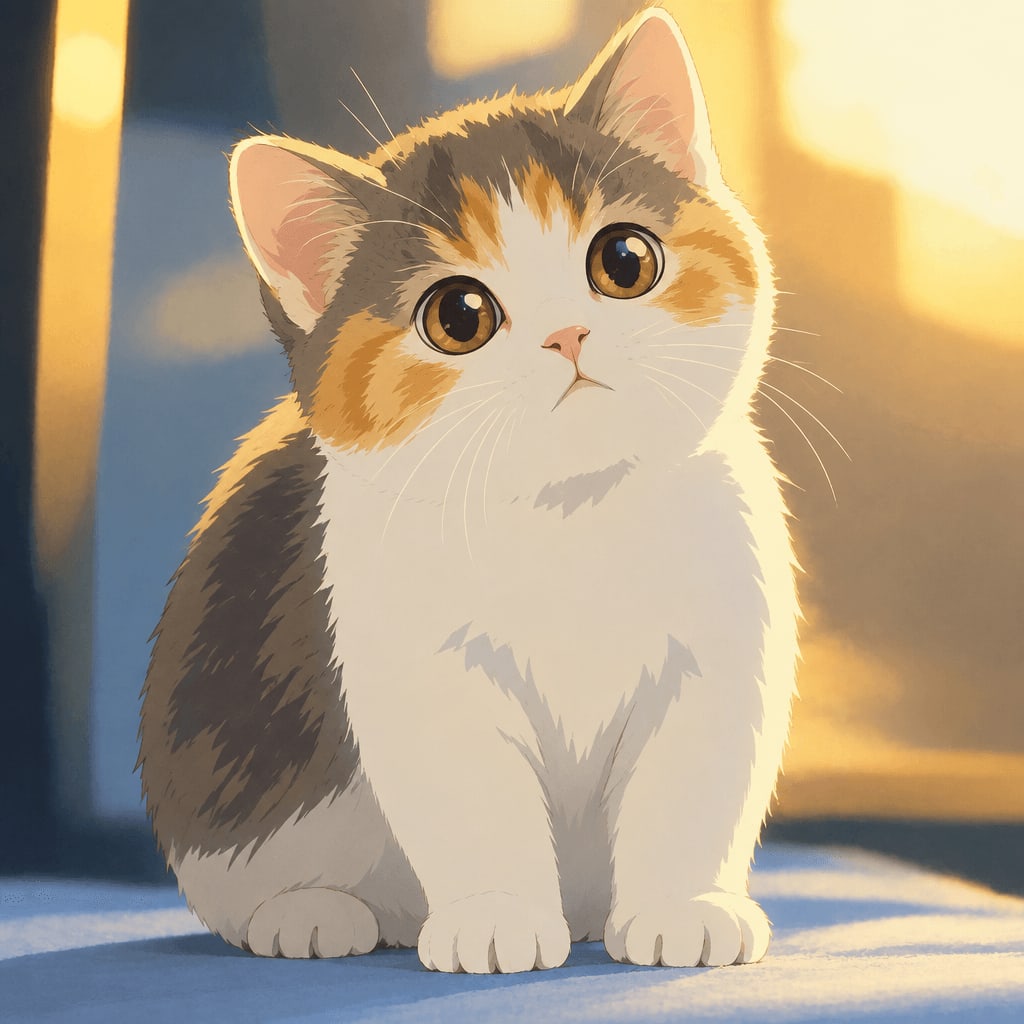
- Pets work beautifully too. A well-lit, close-up photo of your cat or dog's face tends to produce charming, storybook-like results.
Step 2: Choose a Tool That Specializes in This Style
You can technically attempt this look with general-purpose photo editors or filters, layering watercolor textures and color grading by hand, but it takes real illustration skill and a lot of time to get convincing results. The faster route for most people is an AI photo-to-art generator built specifically for this kind of transformation.
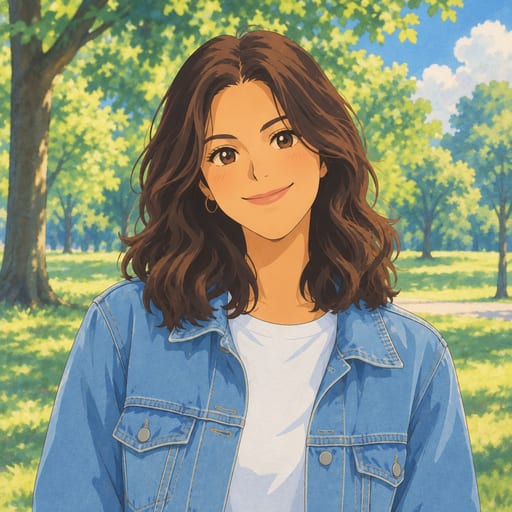
Ghibli Style is one such tool. It's an independent AI site (not affiliated with Studio Ghibli) with 42 styles across six categories — cartoon and anime, art and painting, sketch, digital, 3D and toys, and photo and portrait. The home page's default style is its signature soft, hand-painted Ghibli-inspired look, which is exactly the effect most people searching for this are after.
Using it is simple:
- Upload a photo of a person or a pet
- Pick the style (the hand-painted look is the default on the home page)
- Wait about 20–30 seconds for the result
New accounts get one free image to try it out, and a failed generation never uses up a credit, so there's no risk in experimenting with a couple of different photos to see which one turns out best.
Step 3: Compare Styles Before You Commit
The classic hand-painted look isn't the only option worth considering, especially if you want variety or a slightly different mood:
- Photo to Anime gives a crisper, modern TV/film anime look with cel shading — a sharper, more graphic alternative to the painterly Ghibli feel
- Watercolor Portrait leans into soft, bleeding colors for a more traditional fine-art look
- Ghibli Wallpaper turns your photo into a ready-to-use 9:16 or 16:9 wallpaper in the same hand-painted style, plus offers free downloadable wallpapers
- Anime PFP Maker crops and formats your portrait into a square avatar, Ghibli-inspired by default, perfect for social media profile pictures
If you're not sure which fits your photo, the full styles overview shows example transformations side by side.
Step 4: Get the Most Out of Your Result
Once you have your stylized image:
- Standard downloads are free, so you can save and share right away without spending anything
- HD downloads use credits if you want a higher-resolution file for printing or a larger display
- On a phone, you can save the image straight to your Photos app
- Your generated art is kept in your private "My Works" page — 30 days for free accounts, 90 days after buying credits, and a full year for subscribers
If you plan on converting more than a photo or two — say, a whole album of family pictures, or regular pet portraits — it's worth checking the pricing page. Options range from a one-time pack of 10 images for $4.99 up to a monthly subscription of 150 images for $29.90, depending on how often you plan to use it.
Tips for the Best Results
- Smile naturally. Genuine expressions tend to translate better than stiff poses into the gentle, emotive style.
- Try more than one photo. Since a failed generation doesn't cost a credit, it's worth testing a couple of shots with different lighting or framing to see which one the AI handles best.
- Think about the mood you want. A sunset photo might lean into warm golden tones, while an overcast or indoor shot might come out cooler and softer.
- Consider cropping tight on the face for profile pictures, or keeping more of the body and background in frame if you want a fuller, scene-like illustration.
FAQ
Do I need Photoshop or drawing skills to do this? No. AI photo-to-art tools like Ghibli Style handle the whole transformation automatically — you just upload a photo and pick a style.
Will it still look like me (or my pet)? Yes, good AI stylization keeps your recognizable features — face shape, expression, key markings on a pet — while reinterpreting colors, lighting, and texture in the painted style.
Can I use this style for a profile picture or wallpaper? Absolutely. The Anime PFP Maker formats results as a square avatar, and Ghibli Wallpaper formats them for phone or desktop backgrounds.
Is this affiliated with Studio Ghibli? No. Ghibli Style is an independent AI tool that creates art in a hand-painted anime film style inspired by that aesthetic. It has no official connection to Studio Ghibli.
Try It Yourself
The easiest way to see how your own photo would look is simply to try it. Head to the home page, upload a clear photo, and in under 30 seconds you'll have a hand-painted, Ghibli-inspired version ready to download and share.
Try the Ghibli style generator on your own photo.
Try it free