Ghibli Art Style: What It Is and How to Get the Look
A guide to the Ghibli art style: its visual traits, why people love it, and how to turn your own photos into Ghibli-inspired art in seconds.
 Ghibli Style Team6 min read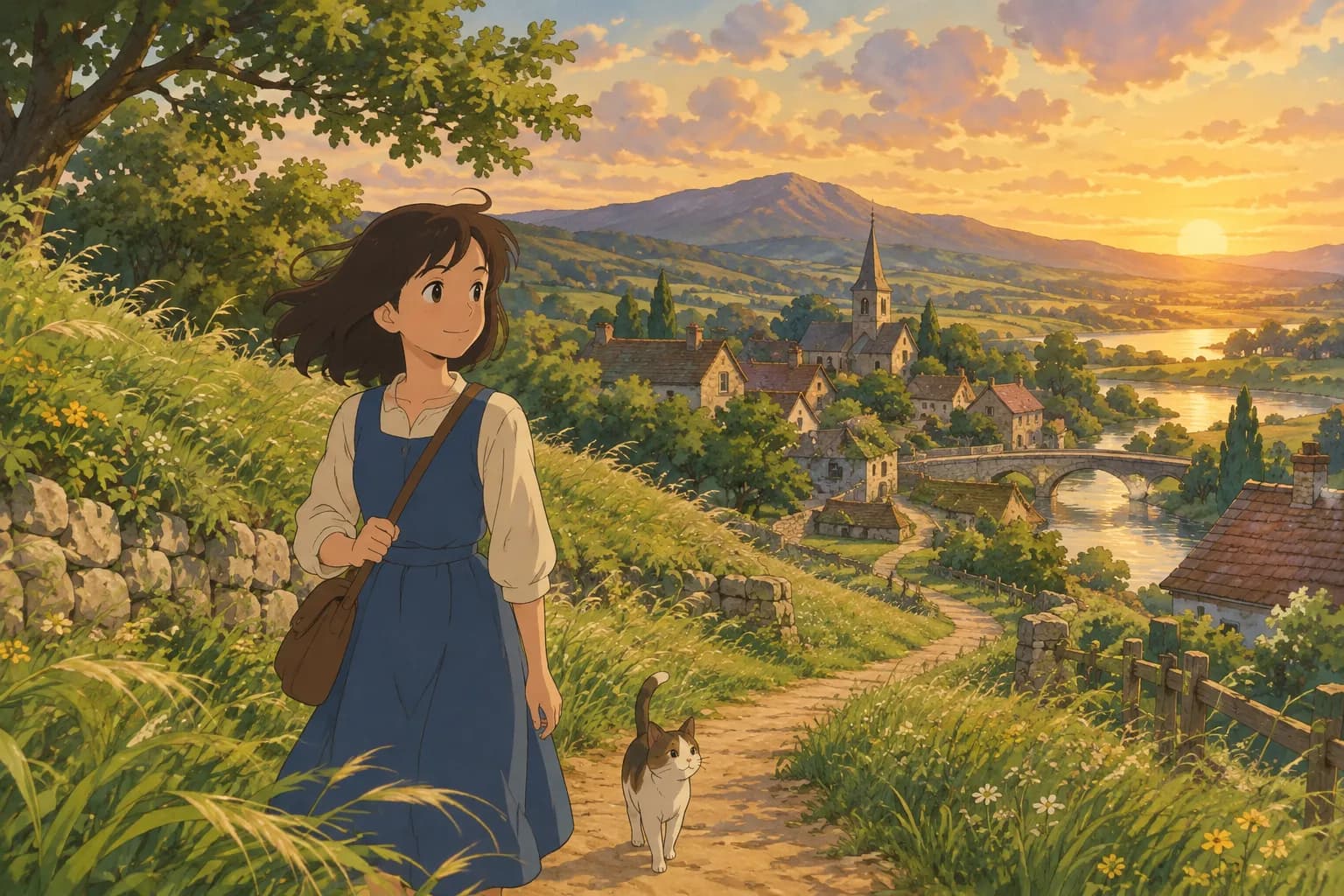
On this page
What People Mean by "Ghibli Art Style"
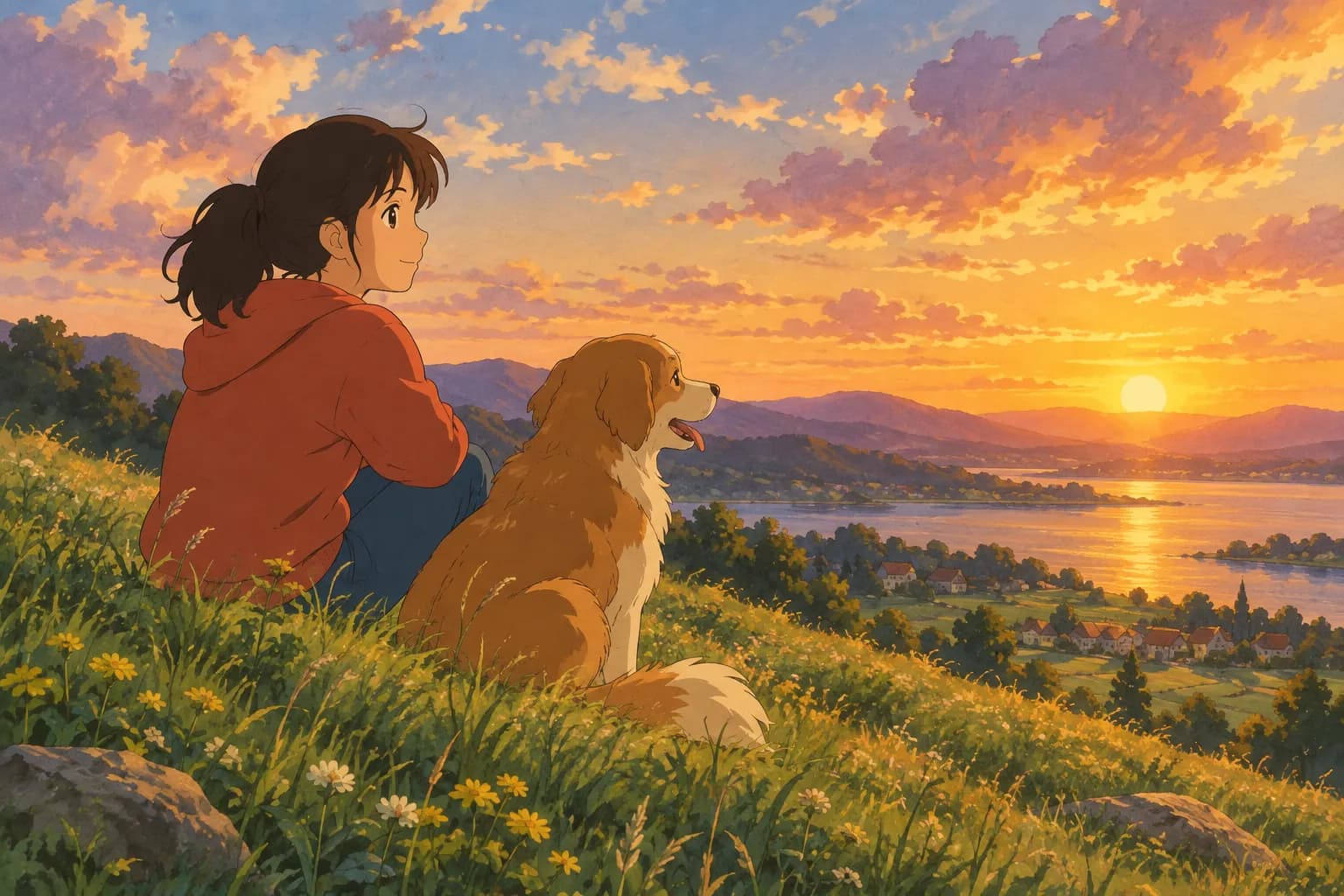
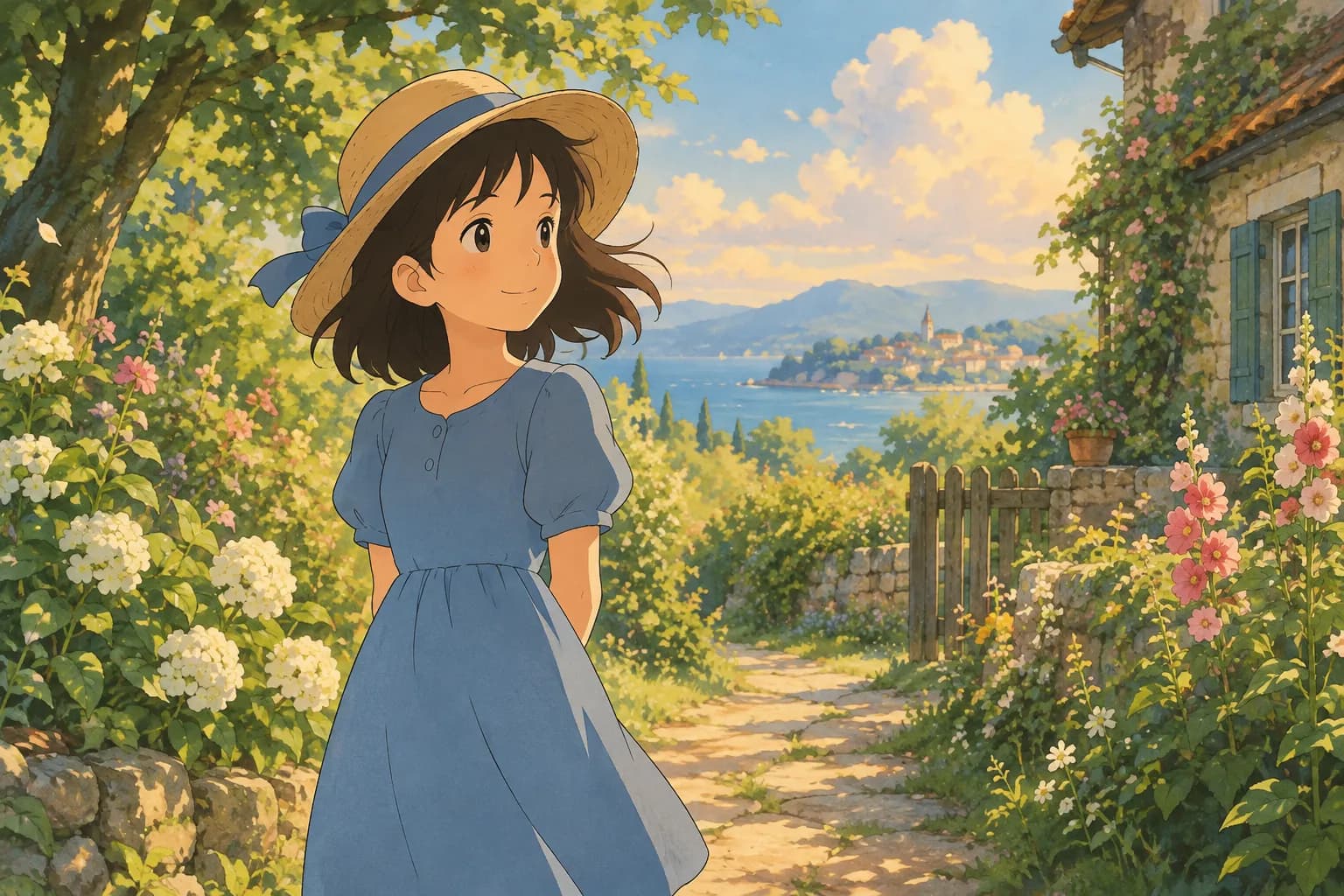
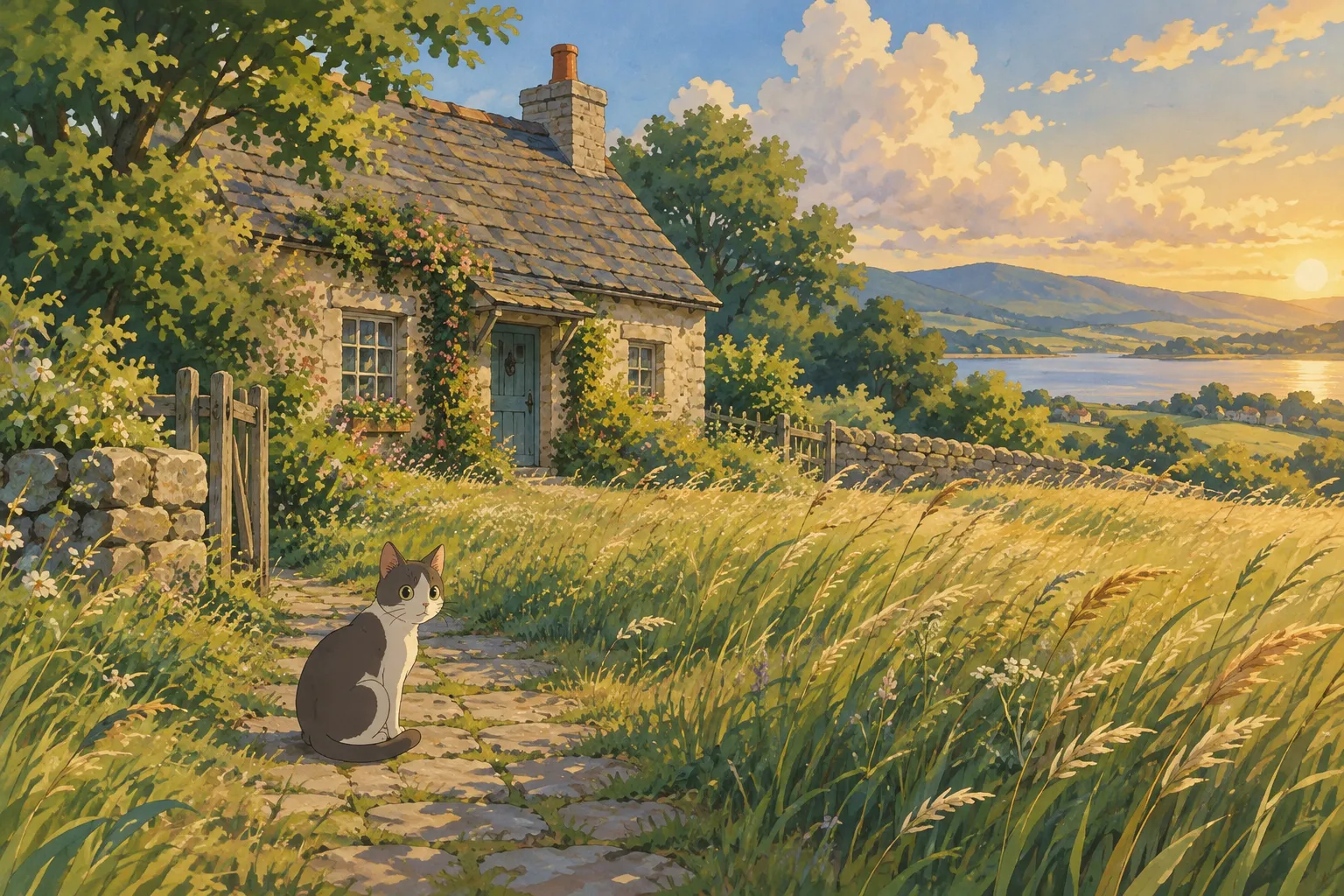
When someone searches for "ghibli art style" or "studio ghibli style art," they're usually picturing something specific: soft, hand-painted backgrounds, warm natural light, gentle color palettes, and characters with simple, expressive faces set against lush, detailed worlds. It's the look that made Japanese animated films famous worldwide for decades — watercolor-like skies, rolling green hills, cozy interiors, and a quiet, nostalgic mood even in busy scenes.
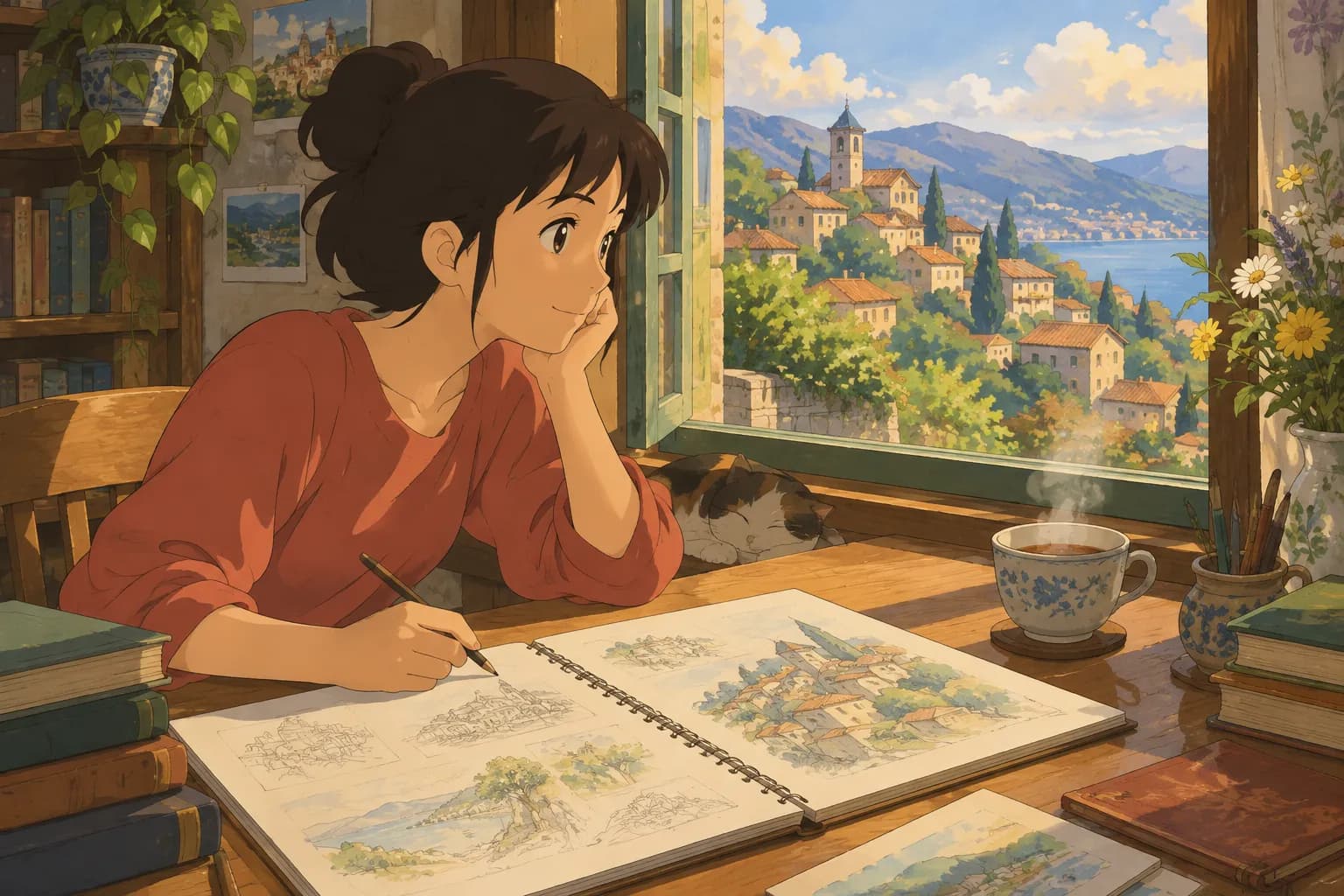
This style isn't just about character design. It's really a whole visual philosophy: painterly textures over slick digital lines, attention to small everyday details (steam rising from a teapot, dust in sunlight, wind moving through grass), and a sense that every frame could be a standalone painting. That's why "ghibli style of art" has become shorthand for a specific kind of warmth and craftsmanship that feels different from sharper, more modern anime looks.
Key Visual Traits of the Style
If you want to recognize or recreate this look, here are the elements that define it:
- Soft, hand-painted textures — backgrounds look like gouache or watercolor paintings rather than flat digital art
- Warm, natural lighting — golden hour glows, soft overcast skies, and gentle shadows rather than harsh contrast
- Simplified but expressive faces — characters have clean, rounded features with big, emotive eyes
- Rich environmental detail — skies, foliage, and architecture are often more detailed than the characters themselves
- Muted, nostalgic color palettes — lots of sage greens, dusty blues, cream, and warm browns
- A sense of stillness — even in action scenes, there's a calm, dreamlike quality to the composition
Ghibli Style vs. Other Anime Looks
It's worth noting that "studio ghibli style of art" is different from the crisper, cel-shaded look you see in a lot of modern TV anime, which tends to use bolder outlines and flatter colors. The Ghibli look is softer and more painterly — closer to a storybook illustration than a sleek animation frame. If you're trying to decide which style fits your photo, think about the mood you want: cozy and nostalgic points toward the Ghibli-inspired look, while bold and graphic points toward a modern anime style instead.
How to Turn a Photo Into Ghibli-Inspired Art
You don't need painting skills to get this look anymore. AI photo-to-art tools can take a regular photo and repaint it in a hand-painted, Ghibli-inspired style in under a minute. Here's how to get the best results, whether you're using an AI tool or briefing an artist.
Choosing the Right Photo
The source photo matters more than people expect:
- Good lighting — natural daylight or soft indoor light works best; avoid heavy shadows across the face
- Clear framing — a simple headshot or upper-body shot lets the style render facial details accurately
- Minimal clutter — busy backgrounds can confuse the painting process; simpler backdrops translate more cleanly into soft, painted scenery
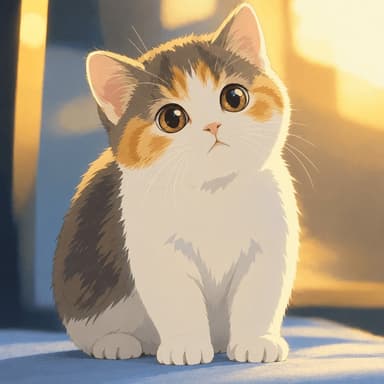
- Pets work great too — a clear, front-facing photo of a dog or cat often turns into a charming, storybook-style portrait
Trying It Yourself
Ghibli Style is an independent AI photo-to-art tool (not affiliated with Studio Ghibli) built around exactly this look. Its default style on the home page is a soft, hand-painted Ghibli-inspired transformation — upload a photo of yourself, a family member, or a pet, and you'll have a result in about 20-30 seconds. New accounts get one free image to test it out, and a failed generation never costs you a credit.
Here's an example of the transformation in action:
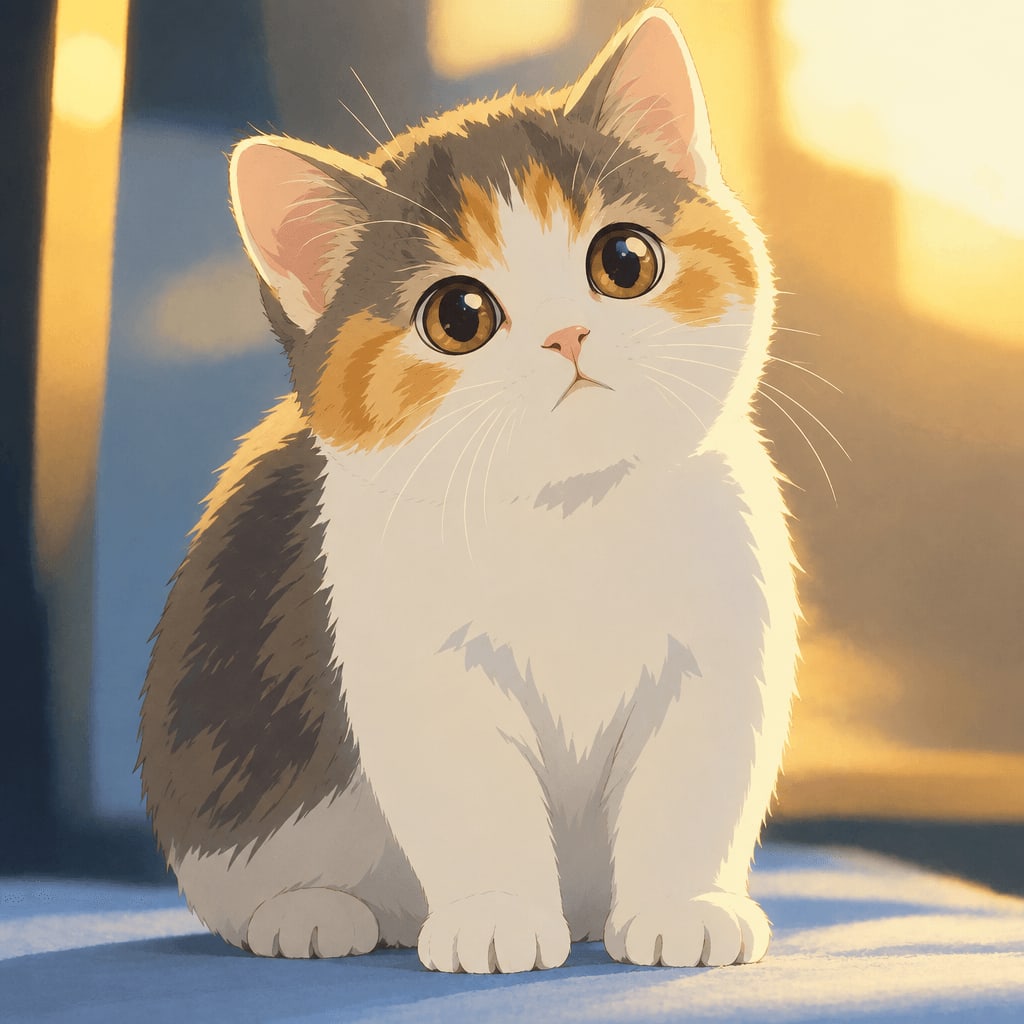
And a portrait example:
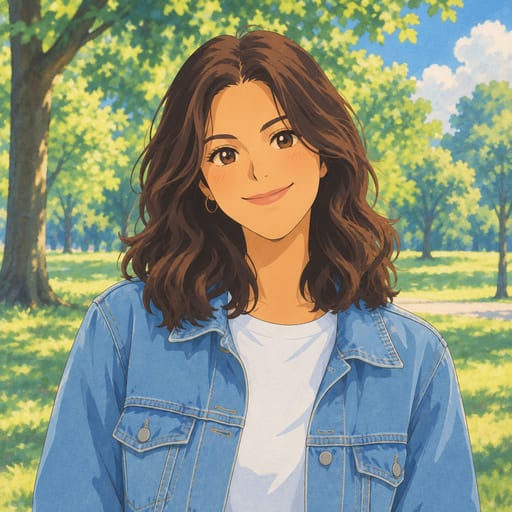
The site also offers 42 styles across six categories if you want to explore beyond the classic look — everything from watercolor portraits to pixel art to a modern anime cel-shaded style. You can browse the full lineup on the styles page.
Pricing and Downloads
Standard downloads are free, and HD downloads use credits. If you like the first result and want more, the paid options are straightforward: 10 images for $4.99 or 40 images for $14.99 as one-time purchases (credits last 12 months), or a subscription at 30 images a month for $9.99 or 150 images a month for $29.90, cancel anytime. Full details are on the pricing page.
Other Ways to Use the Style
Once you have a Ghibli-inspired portrait, there are a few fun directions to take it:
- Turn it into a desktop or phone wallpaper sized correctly for your screen
- Make it your anime profile picture for social media
- Compare it with a watercolor portrait or oil painting if you want a more classical painted feel instead
Tips for the Best Results
A few small adjustments can make a big difference in how your final image turns out:
- Face the camera, or close to it. Three-quarter angles and straight-on shots preserve facial likeness better than extreme profile shots.
- Skip filters on your original photo. Heavy Instagram-style filters or beauty smoothing can confuse the AI's reading of your features.
- Use a recent, well-lit photo. Soft daylight near a window is often more flattering than flash photography.
- Try more than one photo. Since a failed generation doesn't cost a credit, it's low-risk to experiment with a couple of source images and compare results.
- Think about the story you want to tell. A photo with a hint of context — a pet mid-stretch, a person laughing outdoors — tends to translate into a more charming, storybook-like final image.
FAQ
Is the Ghibli art style copyrighted? Specific characters, films, and logos are protected intellectual property, and tools that recreate the broader aesthetic should avoid using named characters or official branding. A general painterly, hand-drawn visual style, however, is a widely used artistic approach that many illustrators and tools draw inspiration from without claiming any official connection.
What's the difference between "ghibli style" and "anime style" searches? "Anime style" is a broad umbrella covering many visual approaches, from sharp cel-shaded modern shows to retro 90s looks. "Ghibli style" usually refers more narrowly to the soft, painterly, nostalgic aesthetic described above — muted colors, natural light, and detailed backgrounds.
Can I use this style for pets, not just people? Yes. Pet photos — especially dogs and cats with clear, front-facing shots — often turn out beautifully in this style, since the soft rendering suits fur texture and expressive eyes well.
How long will my generated images be available? Generated images are stored in your private "My Works" page for 30 days on a free account, 90 days after buying credits, and a full year for subscribers.
Final Thoughts
The Ghibli art style has such lasting appeal because it turns ordinary moments into something warm and a little magical — a sunny afternoon, a pet curled up on a windowsill, a portrait of someone you love. Whether you're researching the aesthetic for a design project or just want to see your own photo reimagined that way, the core ingredients are the same: soft light, painterly texture, and a gentle, nostalgic mood. If you want to see it applied to your own photo, try it here and see your first result in under a minute.
Try the Ghibli style generator on your own photo.
Try it free