The Ghibli Look: What It Is and How to Get It From Any Photo
What gives art the "Ghibli look," and how to turn your own photos into that soft, hand-painted anime style in seconds.
 Ghibli Style Team5 min read
On this page
What People Mean by the "Ghibli Look"
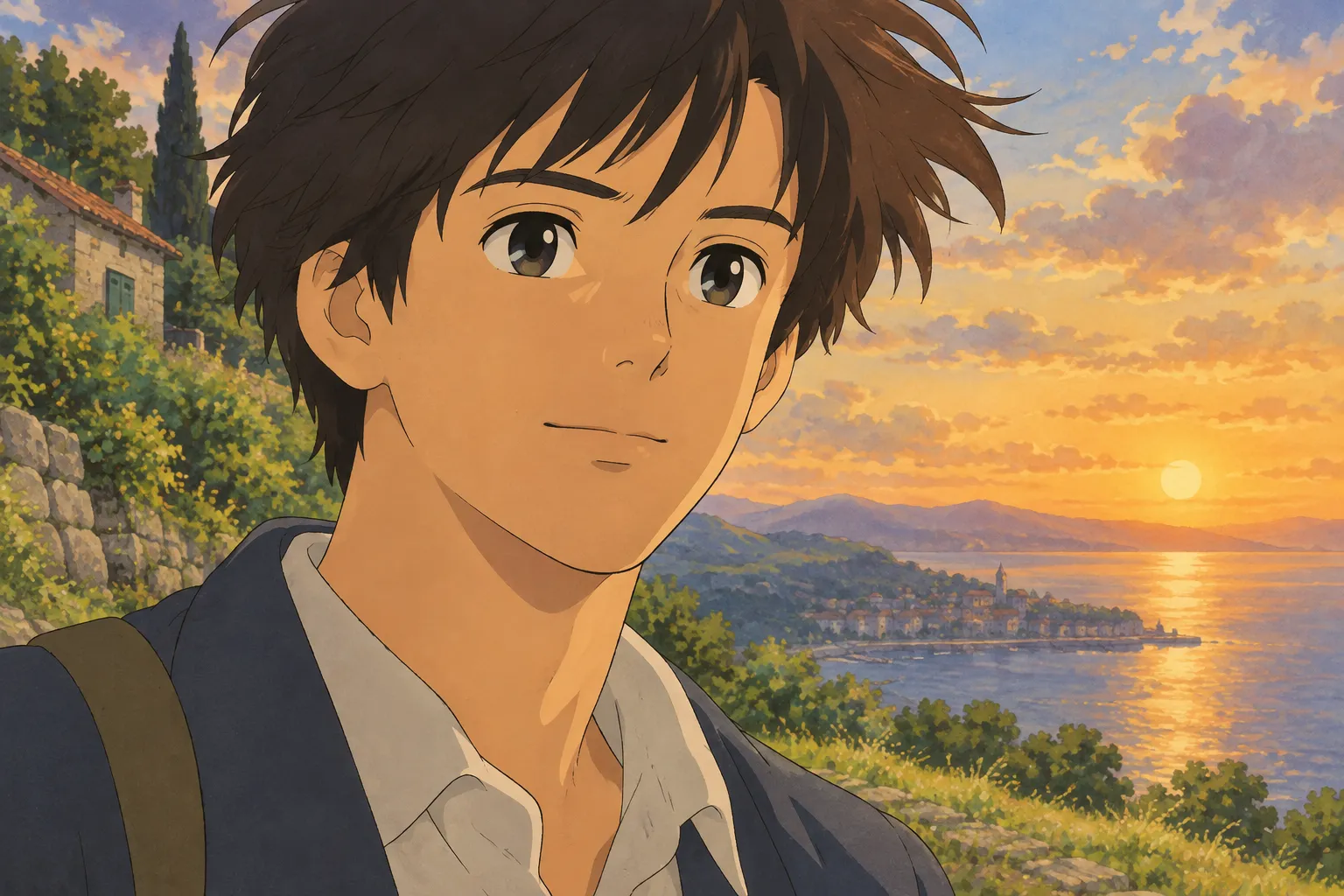
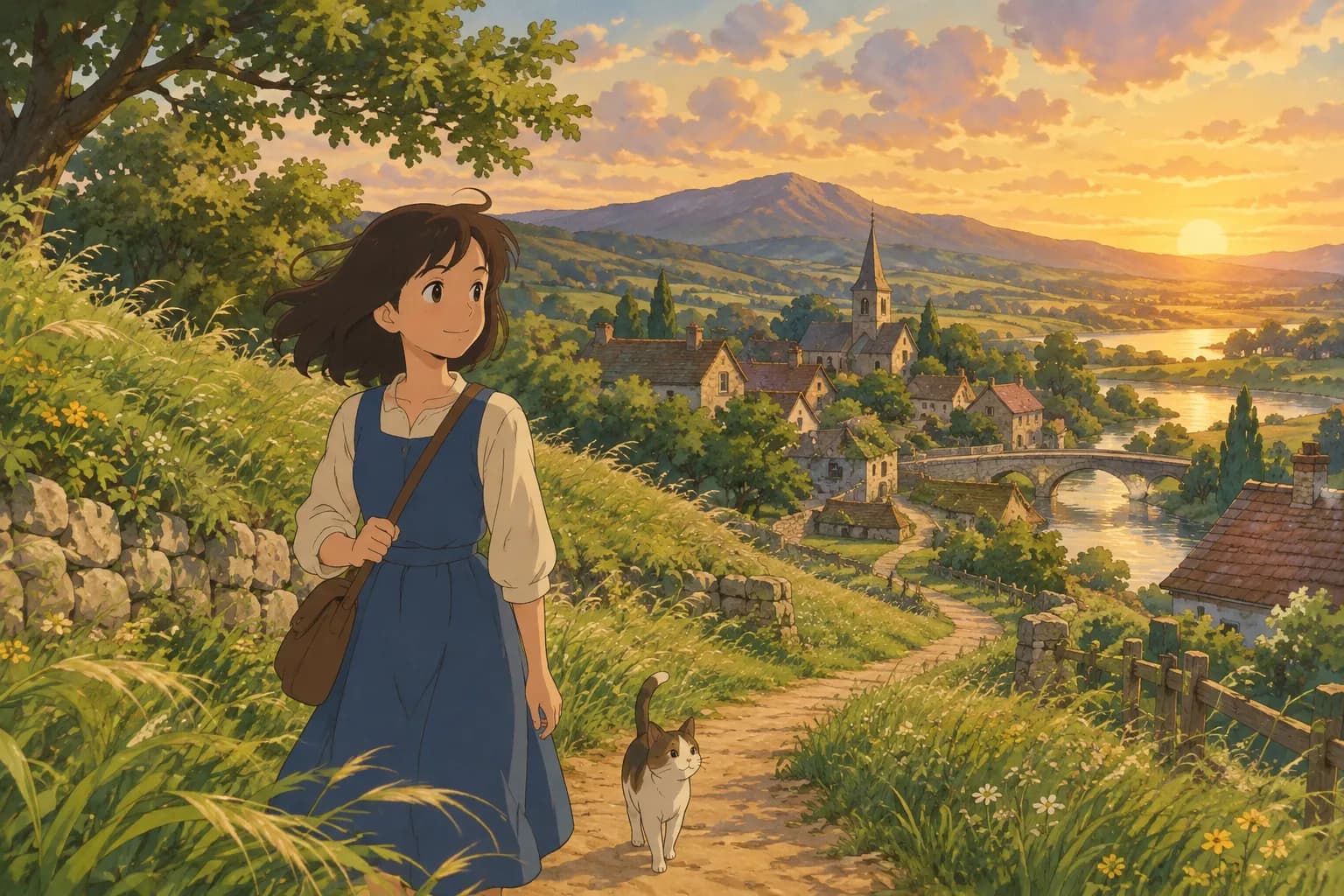
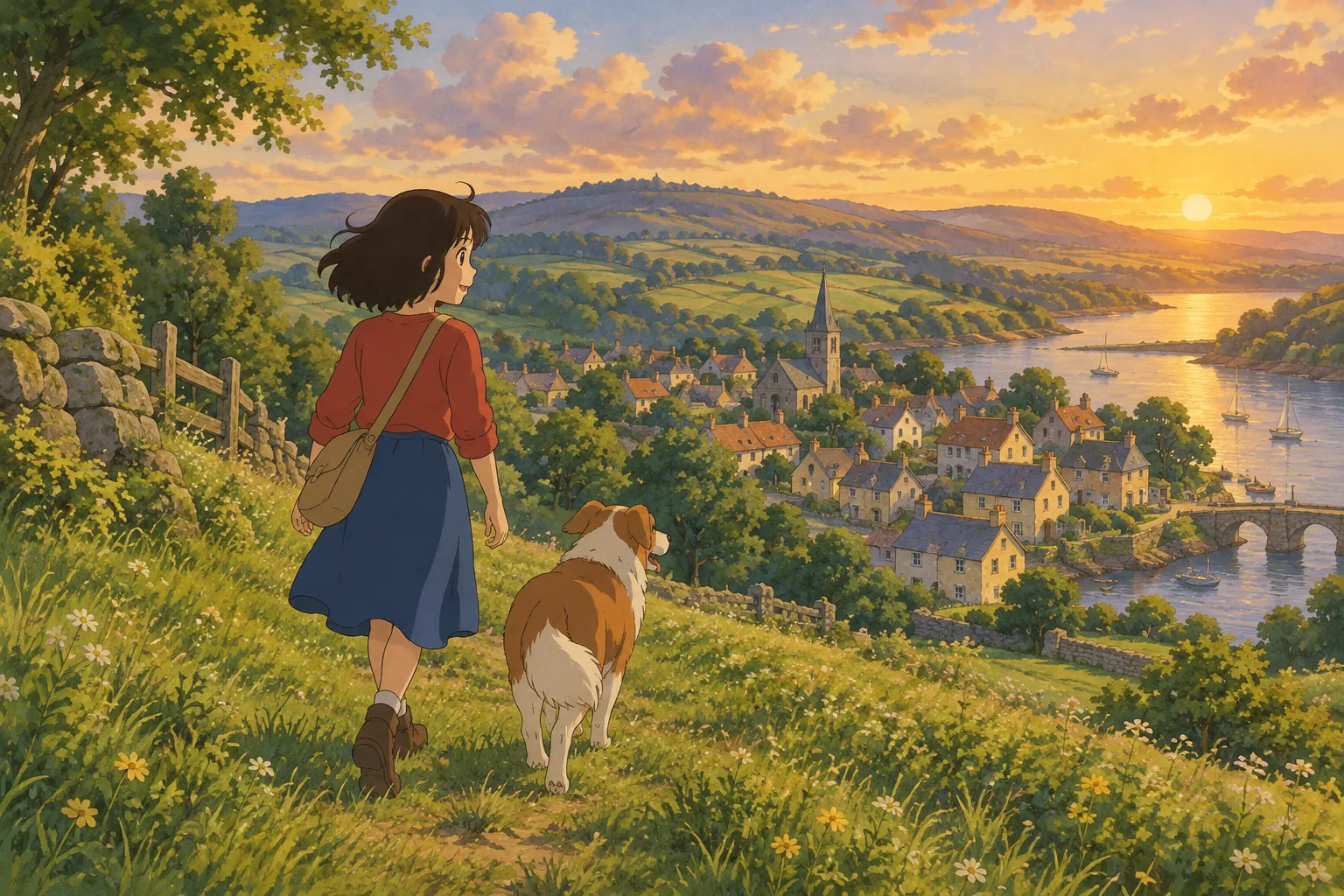
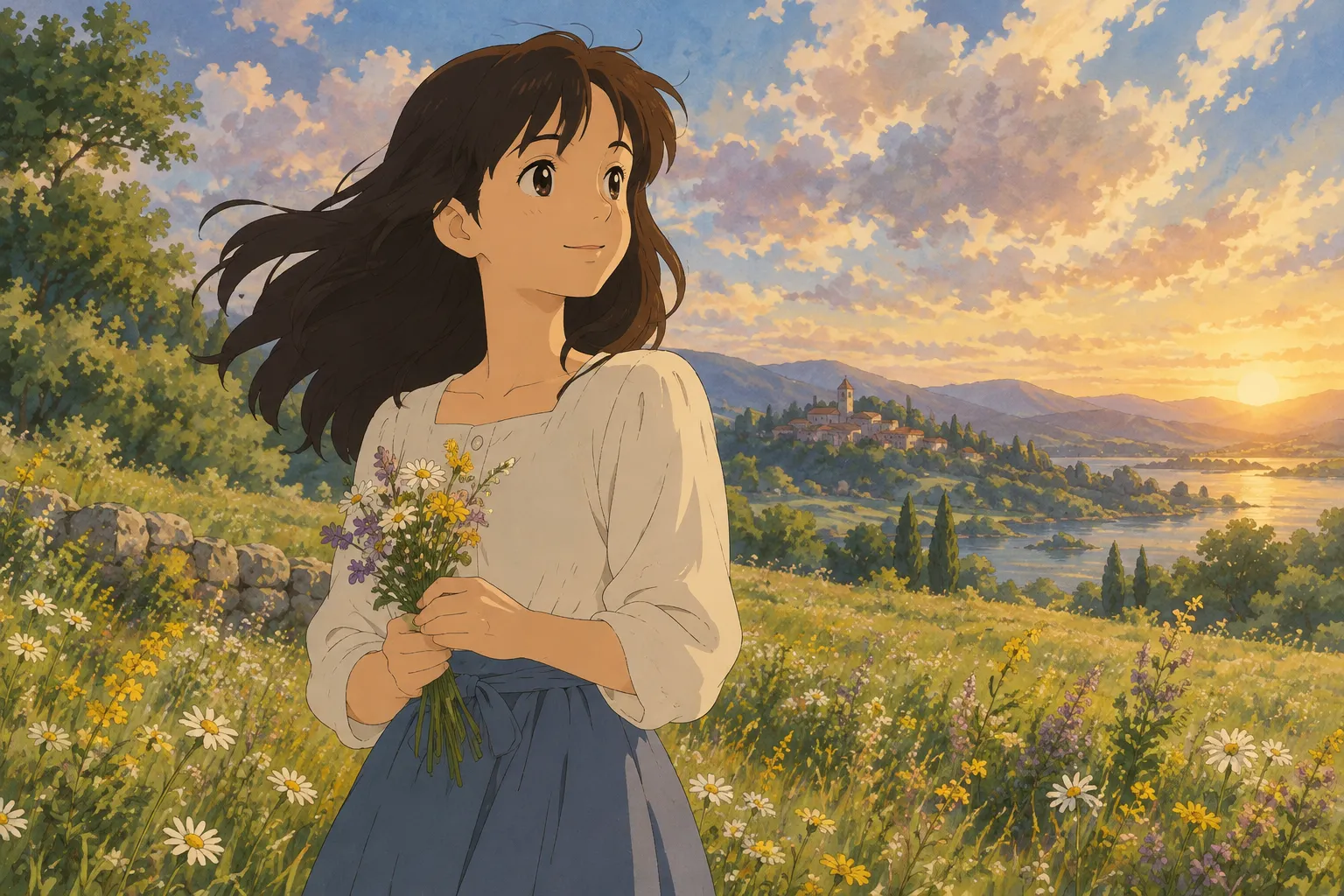
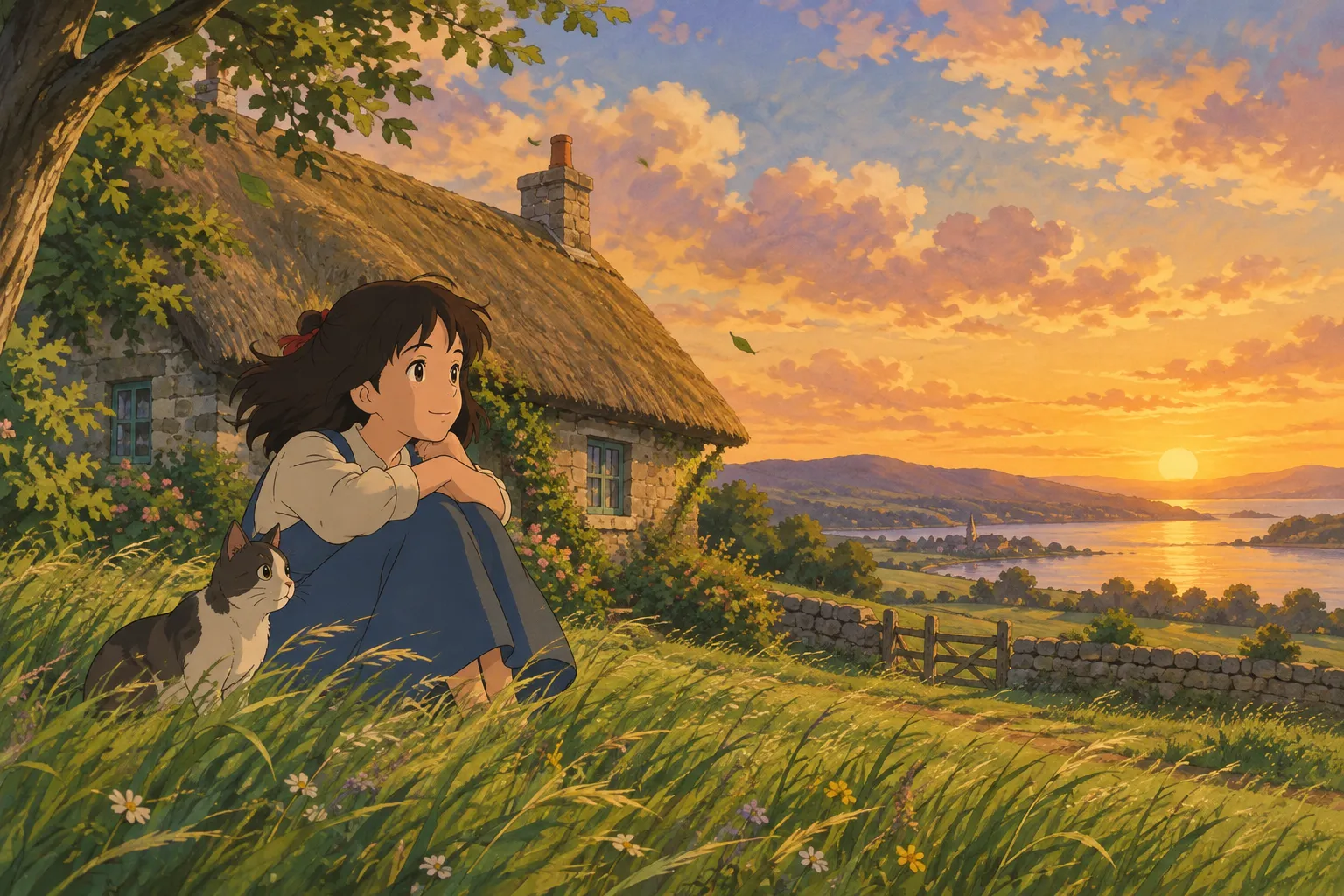
When people search for the "Ghibli look," they're usually picturing something very specific: soft watercolor-like backgrounds, warm golden light, rounded and gentle character faces, fluffy clouds, lush greenery, and a cozy, nostalgic feeling that makes even an ordinary afternoon look like a scene from a beloved hand-drawn film. It's less about any single character and more about a whole visual mood — painterly, warm, and a little magical.
That mood comes from a few recognizable ingredients: muted but rich colors, visible brushwork in the skies and foliage, soft directional lighting (often golden hour or misty morning light), and characters drawn with simple, expressive features rather than hyper-sharp anime lines. If you've ever wished a regular photo of yourself, your kid, or your dog looked like it belonged in that kind of storybook world, that's the "Ghibli look" people are chasing.
Why This Style Is So Popular
Part of the appeal is nostalgia — many people grew up watching hand-painted animated films with this aesthetic and associate it with comfort, wonder, and simpler storytelling. Part of it is purely visual: the soft color palettes and painterly textures are just pleasant to look at, which makes them great for phone wallpapers, profile pictures, or framed prints. And part of it is personal — turning a photo of a real moment (a pet napping in the sun, a couple on vacation, a solo portrait) into something that feels like a frame from an animated story adds a layer of warmth and sentimentality that a regular photo doesn't have.
How to Get the Ghibli Look Yourself
There are two main paths: learn to recreate the style by hand, or use an AI tool that applies it to your existing photos.
Option 1: Painting or Drawing It Manually
If you draw or paint, here's what to focus on:
- Soft, warm lighting. Favor golden hour, overcast diffused light, or soft interior lamplight instead of harsh midday sun or hard flash shadows.
- Muted, harmonious palettes. Think sage greens, warm creams, dusty blues, and soft oranges rather than neon or oversaturated colors.
- Simplified facial features. Large, expressive eyes, simple noses, and gentle expressions read as more "animated storybook" than photorealistic.
- Painterly backgrounds. Loose brushstrokes in skies, foliage, and water give that hand-painted texture, even if the subject itself is more detailed.
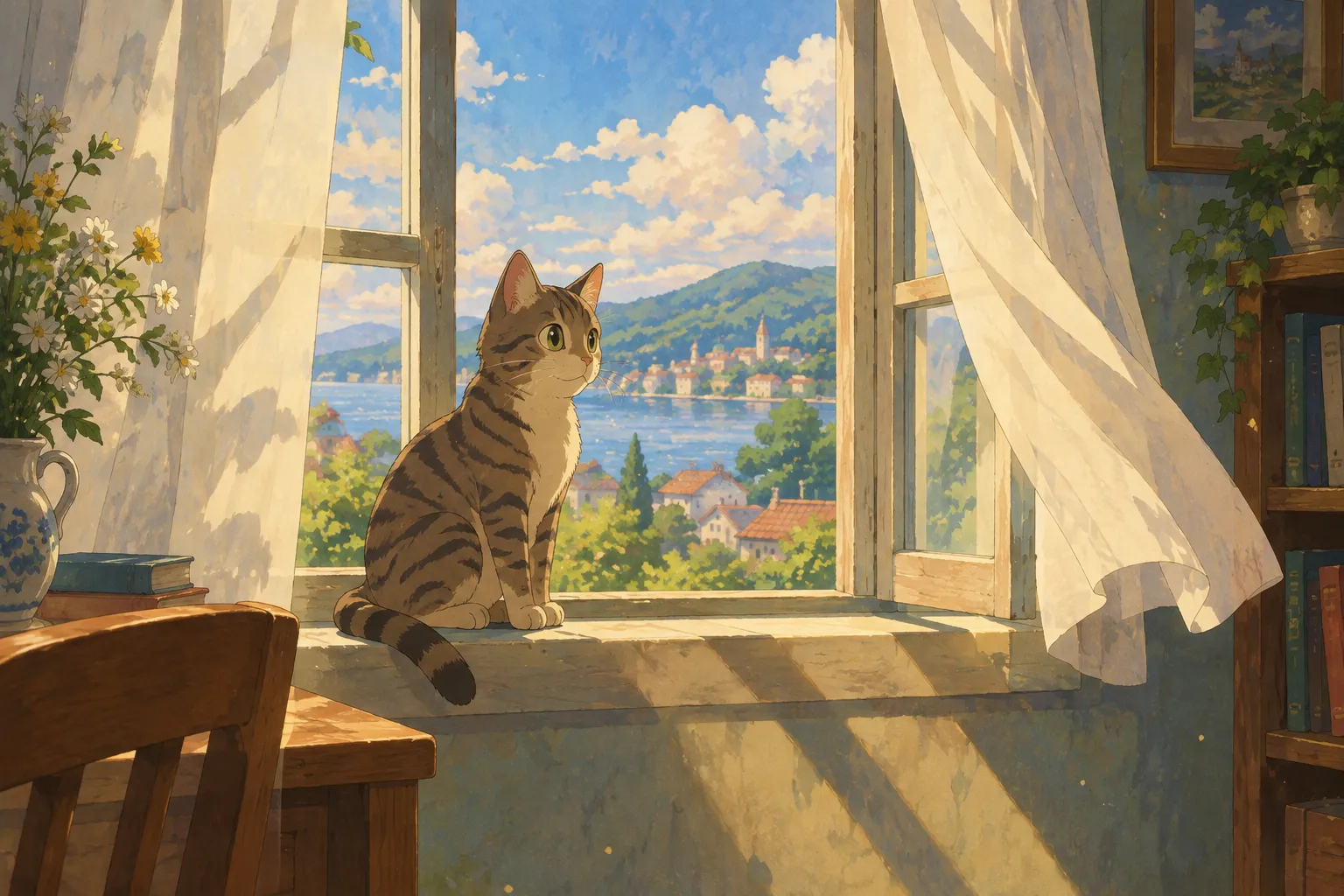
- Everyday magic. Scenes like laundry drying in the wind, a cat on a windowsill, or steam rising from a bowl of noodles are classic touches that add charm.
This takes real practice and patience, which is wonderful if you want to develop the skill, but it's not fast.
Option 2: Using an AI Photo-to-Art Tool
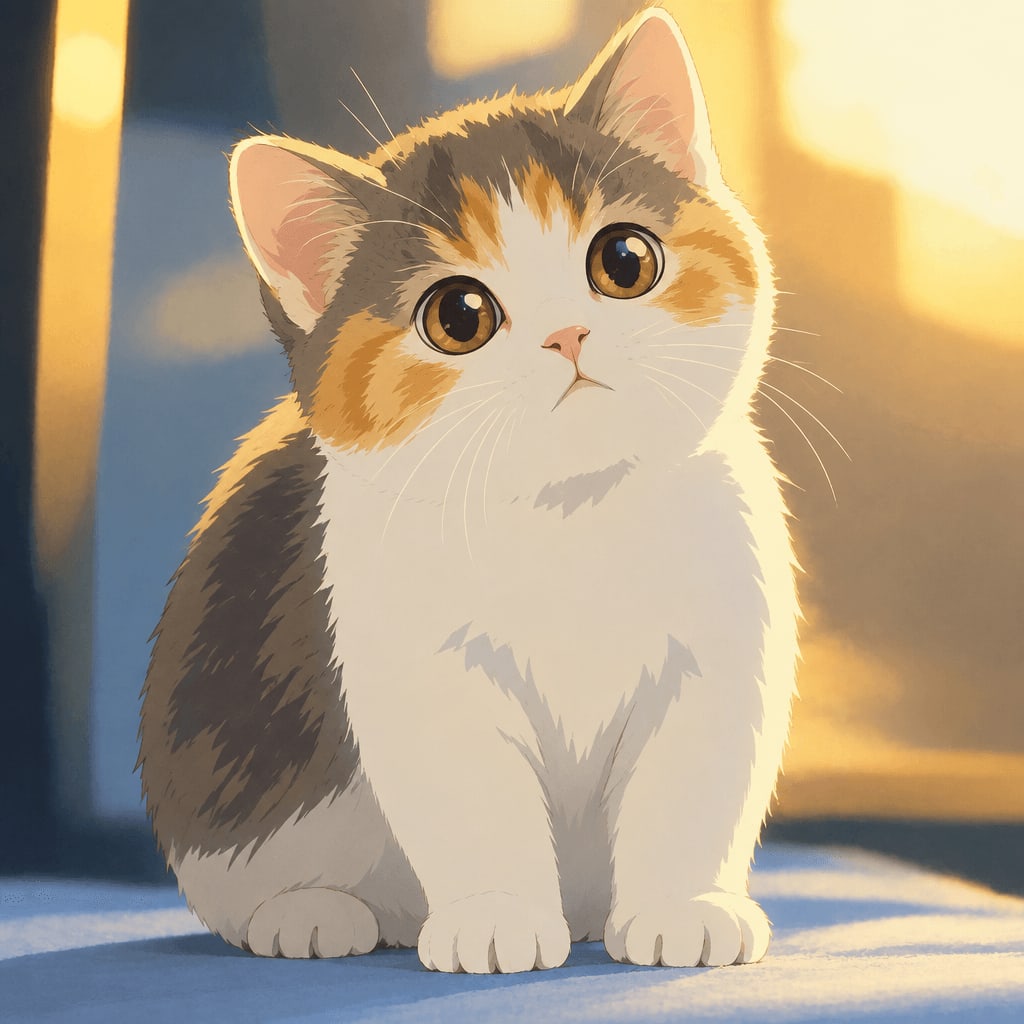
If you want the look applied to an actual photo in moments rather than practicing brushwork for months, an AI image generator built for this style is the quicker route. Ghibli Style is built around exactly this: you upload a photo of a person or a pet, pick a style, and get an image back in about 20 to 30 seconds. The site's default style is its soft, hand-painted Ghibli-inspired look, designed to capture that warm color palette, gentle lighting, and storybook texture from a single photo.
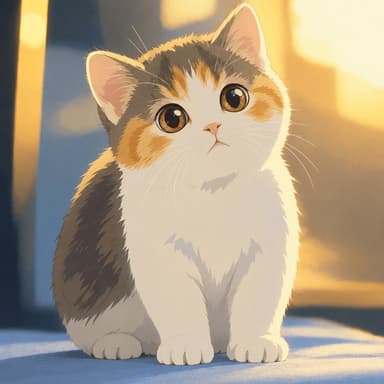
Here's an example of that transformation on a pet photo:
And here's how it looks on a portrait:
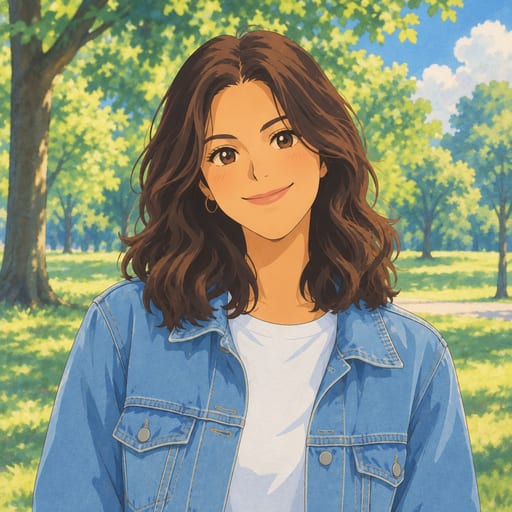
Because it's AI-based, the tool isn't limited to one look. If you want to explore nearby aesthetics, the site offers 42 styles across six categories, including a crisper modern anime look, a watercolor portrait, or an oil painting finish. You can browse the full lineup on the styles page.
Tips for the Best Results
A few things make a big difference in how good your result looks, whether you're painting it yourself or using an AI tool:
- Use a clear, well-lit photo. Natural daylight or soft indoor light works better than dim, grainy, or backlit shots.
- Keep the face (or pet's face) visible and unobstructed. Sunglasses, heavy shadows, or extreme angles make it harder to preserve a recognizable likeness.
- Choose a simple background when possible. Busy, cluttered backgrounds can distract from the painterly effect; a plain wall, open sky, or soft blur gives the style room to shine.
- Think about the final use. A square photo works well for a profile picture, while a vertical shot suits a phone wallpaper. If you want a ready-made wallpaper format, the Ghibli wallpaper tool outputs images in 9:16 or 16:9.
- Try more than one photo. Different angles and lighting can produce noticeably different results, so it's worth testing a couple of images if your first result isn't quite what you imagined.
Frequently Asked Questions
Is "Ghibli look" a style name or a specific brand? It's a popular shorthand for a visual aesthetic — soft, hand-painted, warm, and nostalgic — rather than an official style name. This site describes its matching style as "Ghibli-inspired" or a "hand-painted anime film style," and it has no affiliation with any animation studio.
Can I apply this look to pet photos, not just people? Yes. Pets translate especially well into this style, since soft fur and warm lighting fit the painterly aesthetic naturally.
What if I only want to try it once before paying? New accounts get one free image, so you can test a photo before deciding if you want more. Standard downloads are free; HD downloads use credits. If a generation fails, it never uses up a credit.
How much does it cost if I like the result and want more images? Pricing starts at 10 images for $4.99 as a one-time purchase, with credits lasting 12 months. There's also a 40-image pack for $14.99, and subscription plans at $9.99/month for 30 images or $29.90/month for 150 images if you want to generate regularly. Full details are on the pricing page.
Final Thought
The "Ghibli look" is really about warmth — soft light, gentle color, and a sense of everyday wonder. Whether you want to study the technique and paint it yourself or just want to see your own photo turned into that storybook style in under a minute, both paths are valid. If you're short on time, uploading a photo to Ghibli Style is the fastest way to see your own moment reimagined in that warm, hand-painted world.
Try the Ghibli style generator on your own photo.
Try it free