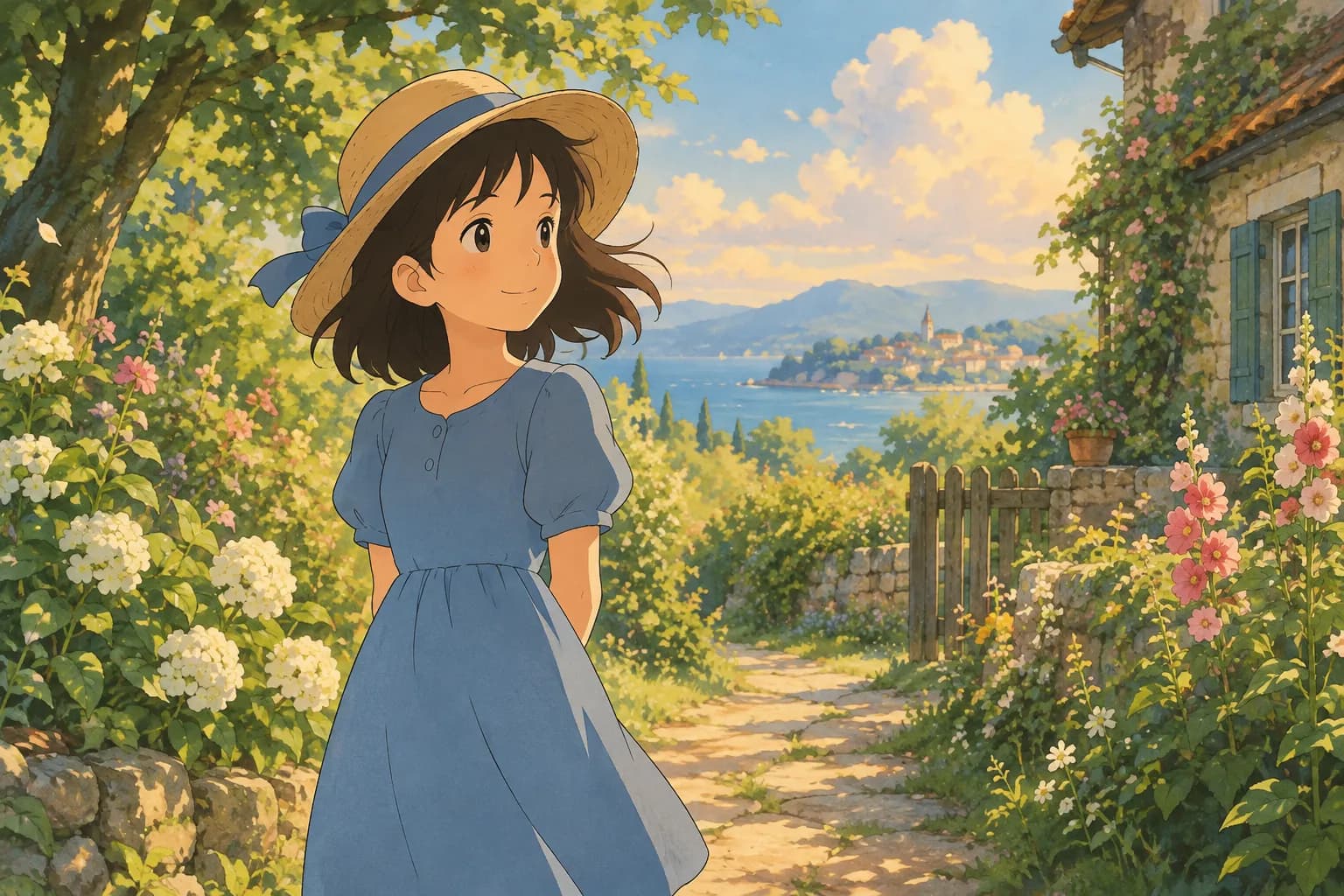
How to Create a Ghibli Image From Your Own Photo
Learn how to create a Ghibli-inspired image from any photo, step by step, with tips on lighting, framing, and which style fits your picture best.
 Ghibli Style Team5 min read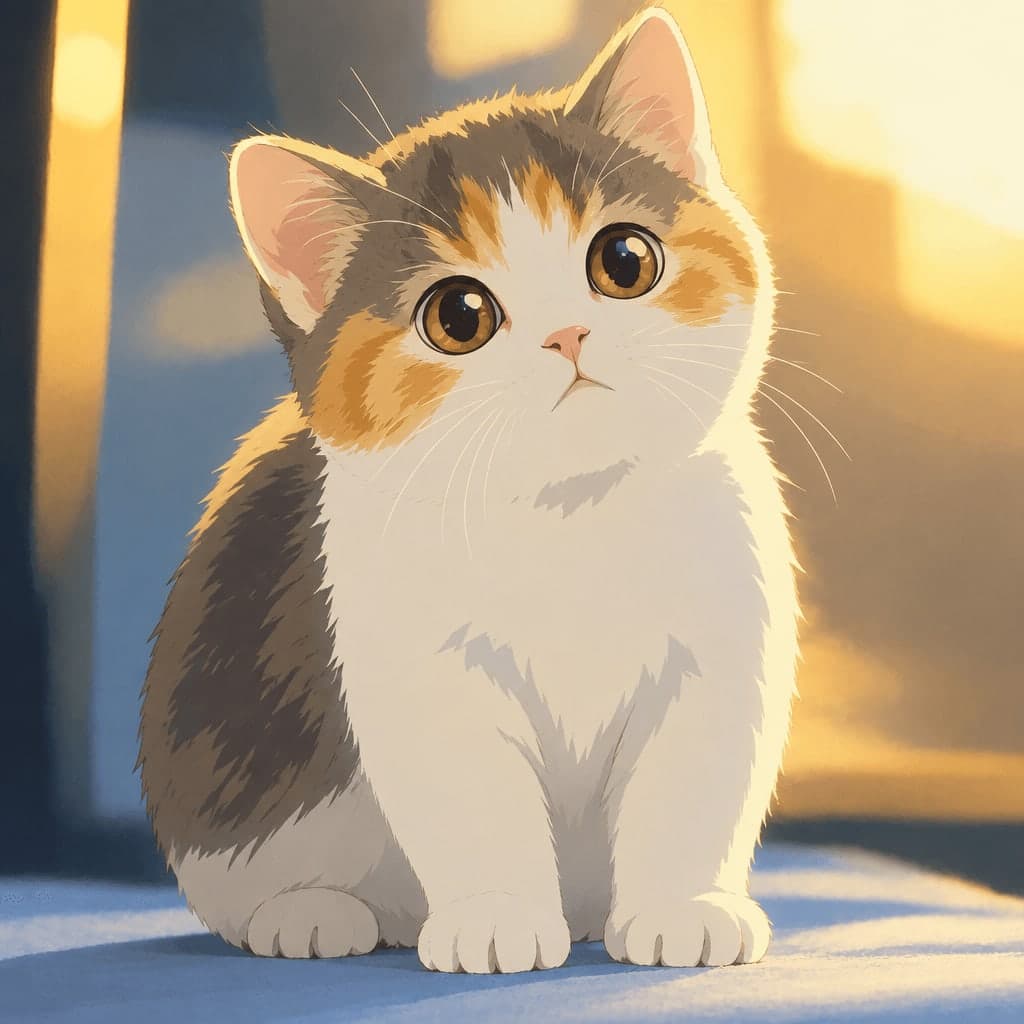
On this page
Ever seen those dreamy, hand-painted portraits that look like they belong in a cozy animated film, and wondered how people turn regular photos into that style? You don't need art school or expensive software. With the right photo and an AI photo-to-art tool, you can create a Ghibli-inspired image in less than a minute. Here's exactly how it works, plus tips to make your result look its best.
What "Ghibli-Inspired" Actually Means
Before we jump in, a quick note: this style is inspired by the soft, hand-painted look of classic Japanese animated films, think warm color palettes, gentle lighting, expressive eyes, and a slightly storybook feel. It's not an official Studio Ghibli product, and no tool on the market is affiliated with the studio. What you're creating is fan-inspired digital art that borrows the feel of that beloved art style, applied to your own photo.
Step 1: Choose the Right Photo
The photo you start with matters more than any setting you'll adjust later. Here's what tends to work best:
- Clear, well-lit faces. Natural daylight or soft indoor lighting gives the AI more detail to work with than harsh shadows or backlighting.
- Simple backgrounds. A plain wall, park, or blurred background lets the style shine without visual clutter competing for attention.
- Front-facing or slight angle shots. Straight-on or three-quarter views translate best into a painterly look. Extreme angles or side profiles can confuse facial features.
- One clear subject. A single person or pet works better than group shots, especially if this is your first try.
- Higher resolution. A crisp photo from a phone camera is plenty; just avoid heavily compressed or blurry images.
Pet photos work wonderfully too. Corgis, cats, and other pets with distinct expressions translate beautifully into the soft, rounded look of this style.
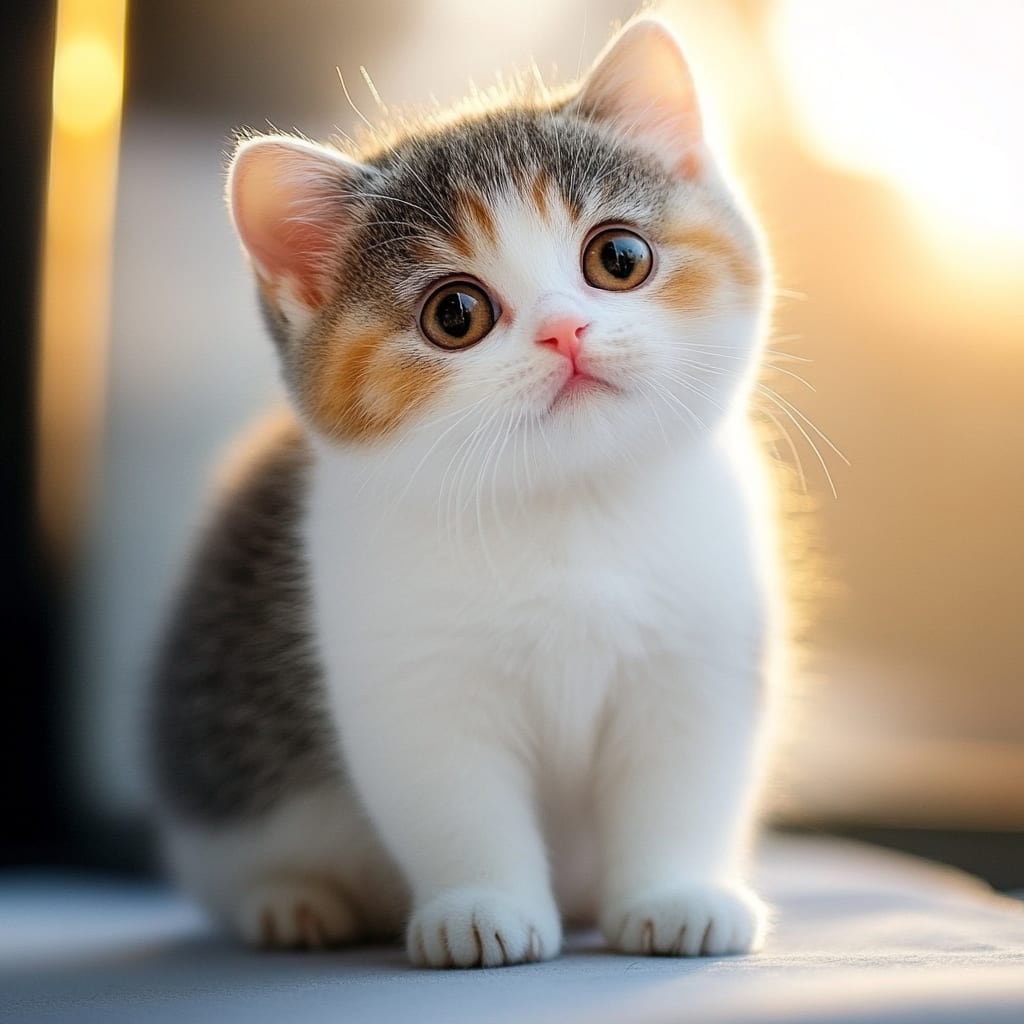
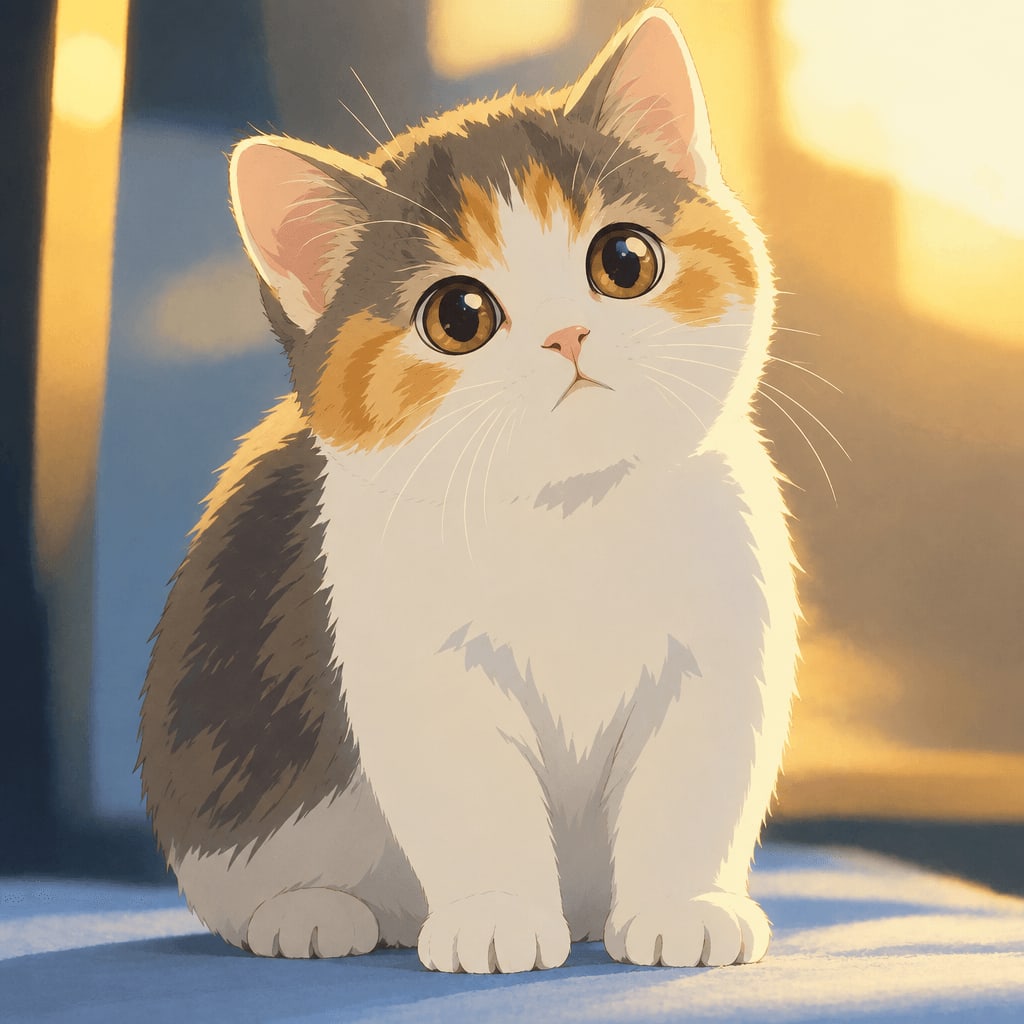
Step 2: Upload and Pick Your Style
On Ghibli Style, you simply upload your photo of a person or pet and choose a style. The site's default look is that signature soft, hand-painted Ghibli-inspired aesthetic, but it's part of a larger collection of 38 styles across five categories: cartoon & anime, art & painting, sketch, digital, and 3D & toys. You can browse the full lineup on the styles page if you want to compare options before committing.
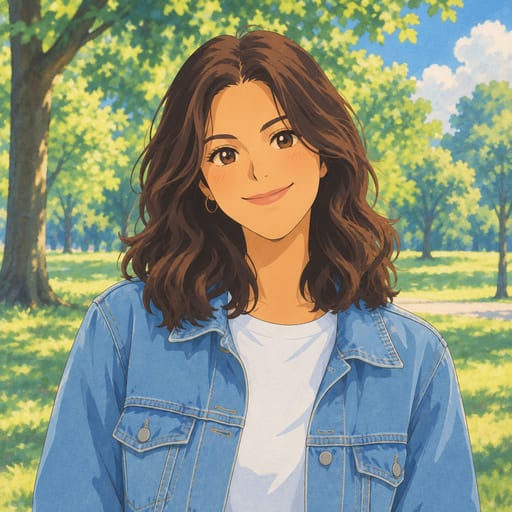
Step 3: Generate and Wait About 20-30 Seconds
Once you hit generate, the AI gets to work analyzing your photo's composition, lighting, and facial features, then repaints it with soft brushwork, warm tones, and that gentle animated-film quality. Most results are ready in 20 to 30 seconds. If a generation ever fails for some technical reason, it won't use up one of your credits, so there's no risk in trying again.
Step 4: Download and Save
Standard downloads are free, so you can grab your image right away. If you want a higher-resolution version for printing or framing, HD downloads use credits. On a phone, you can save the image straight to your Photos app. Every image you create also lives in your private "My Works" page for later, free accounts keep them for 30 days, buying a credit pack extends that to 90 days, and subscribers get a full year.
Tips for Getting a Better Result
- Try more than one photo. Different angles and lighting can produce noticeably different results, so it's worth testing a couple of images if your first attempt isn't quite what you pictured.
- Think about framing for your use case. A close-up portrait works great as a profile picture, while a full-body or scenic shot might suit a printed keepsake better.
- Consider the mood of the original photo. Bright, cheerful photos tend to produce cheerful, storybook-like results, while moodier lighting can create a more atmospheric, cinematic version.
- Don't stop at one style. If you love your pet's photo in the hand-painted look, you might also enjoy seeing the same shot as a chibi illustration or turned into a claymation-style figure for comparison.
Exploring Other Styles Beyond Ghibli-Inspired Art
If you're experimenting with photo-to-art conversions, it's worth knowing what else is possible with the same photo:
- 3D Figurine turns your photo into a realistic collectible figure on a display base, great for a novelty gift.
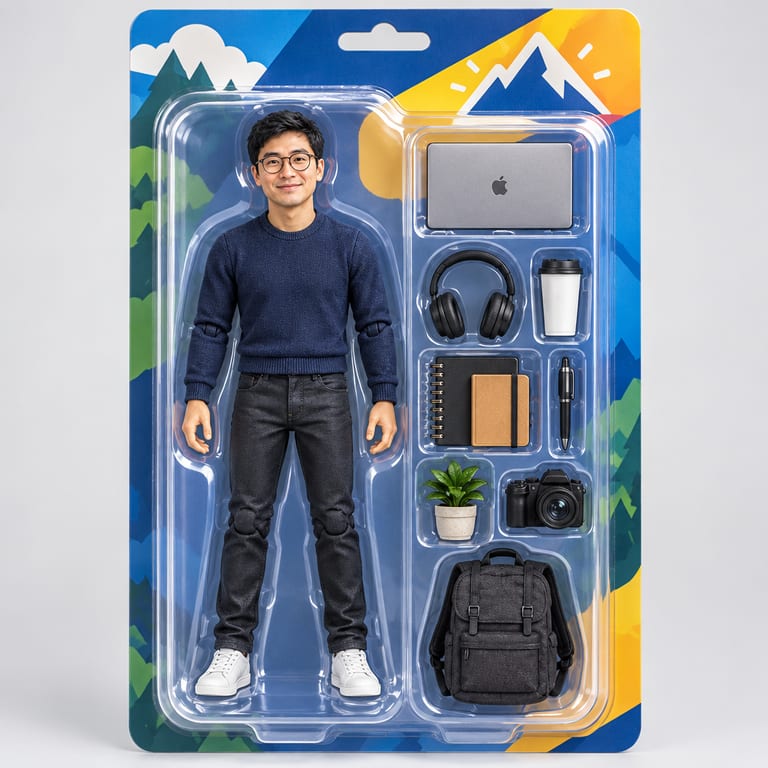
- AI Action Figure Generator packages your photo as a boxed toy figure complete with accessories.
- Photo to Anime gives a crisper, modern anime look with cel shading, a good contrast if you want to compare it against the softer Ghibli-inspired style.
- Photo to Pixel Art creates retro, 16-bit game-style art for a nostalgic touch.
Pricing and Free Options
New accounts get 1 free image to try things out. After that, you can buy credits or subscribe, whichever fits how often you plan to create images:
- 10 images for $4.99 (one-time, credits last 12 months)
- 40 images for $14.99 (one-time, credits last 12 months)
- 30 images per month for $9.99/month (subscription, cancel anytime)
- 150 images per month for $29.90/month (subscription, cancel anytime)
Full details are on the pricing page if you want to compare which option fits your needs.
FAQ
Do I need design skills to create a Ghibli-style image? Not at all. You just upload a photo and pick a style; the AI handles the artistic transformation.
Can I turn a photo of my pet into this style, not just people? Yes, pet photos work great, especially clear, well-lit shots with the animal facing the camera.
Will my photo look exactly like a Studio Ghibli character? No. The result is an original, fan-inspired interpretation with a similar hand-painted feel, not an official character or a copy of any specific film.
What if my first result doesn't look right? Try a different photo with better lighting or a simpler background, and remember a failed generation never uses up a credit, so there's no downside to experimenting.
Creating a Ghibli-inspired image from your own photo is a quick, low-pressure way to see yourself, a friend, or a pet reimagined in a warm, storybook art style. Start with a clear, well-lit photo, pick your favorite style, and let the AI do the rest.
Try the Ghibli style generator on your own photo.
Try it free