Ghibli Image Girl: How to Create Dreamy Ghibli-Style Portraits
Want a Ghibli image of a girl? Learn how to turn any photo into a hand-painted, Ghibli-inspired portrait in seconds, plus tips for the best results.
 Ghibli Style Team6 min read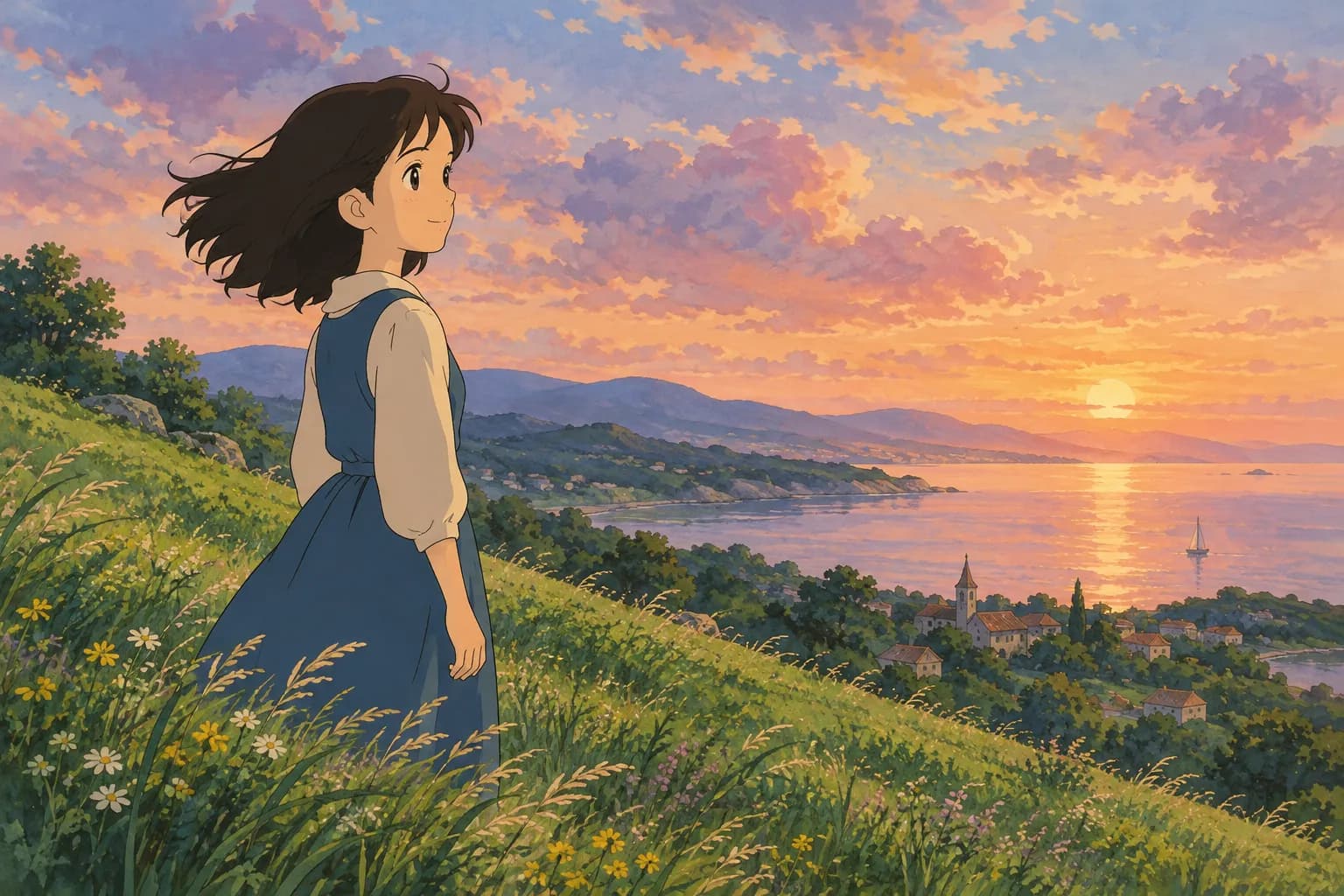
On this page
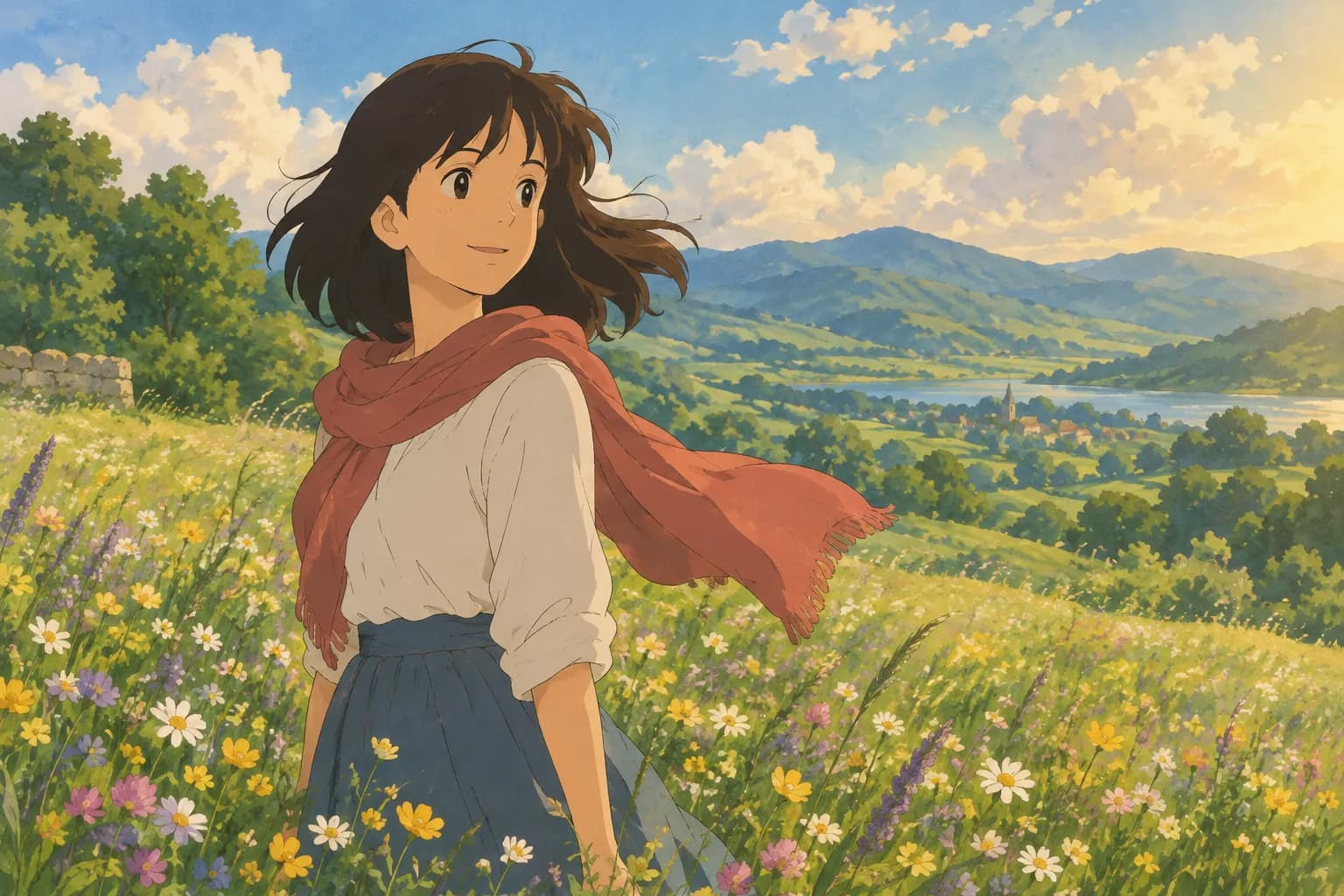
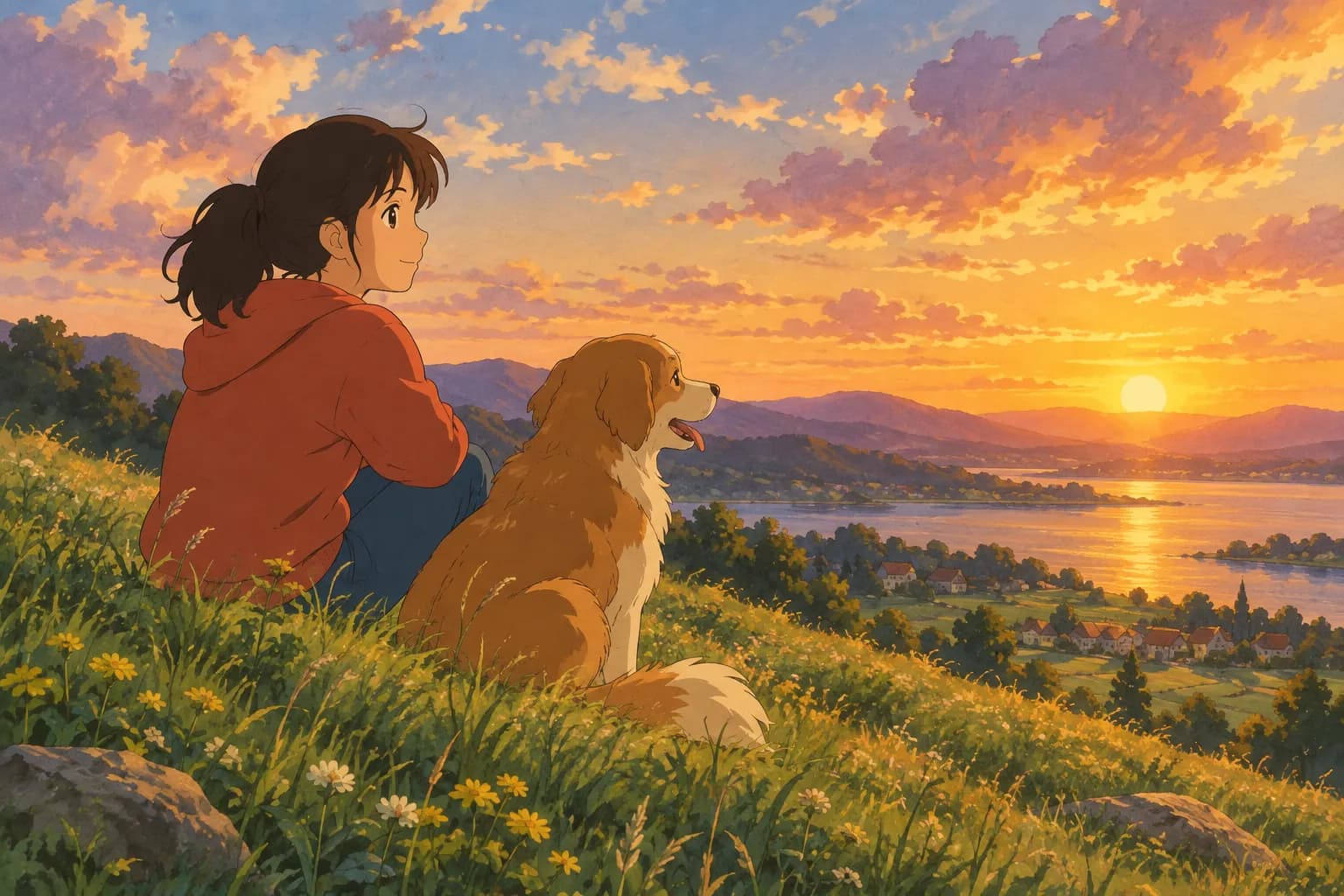
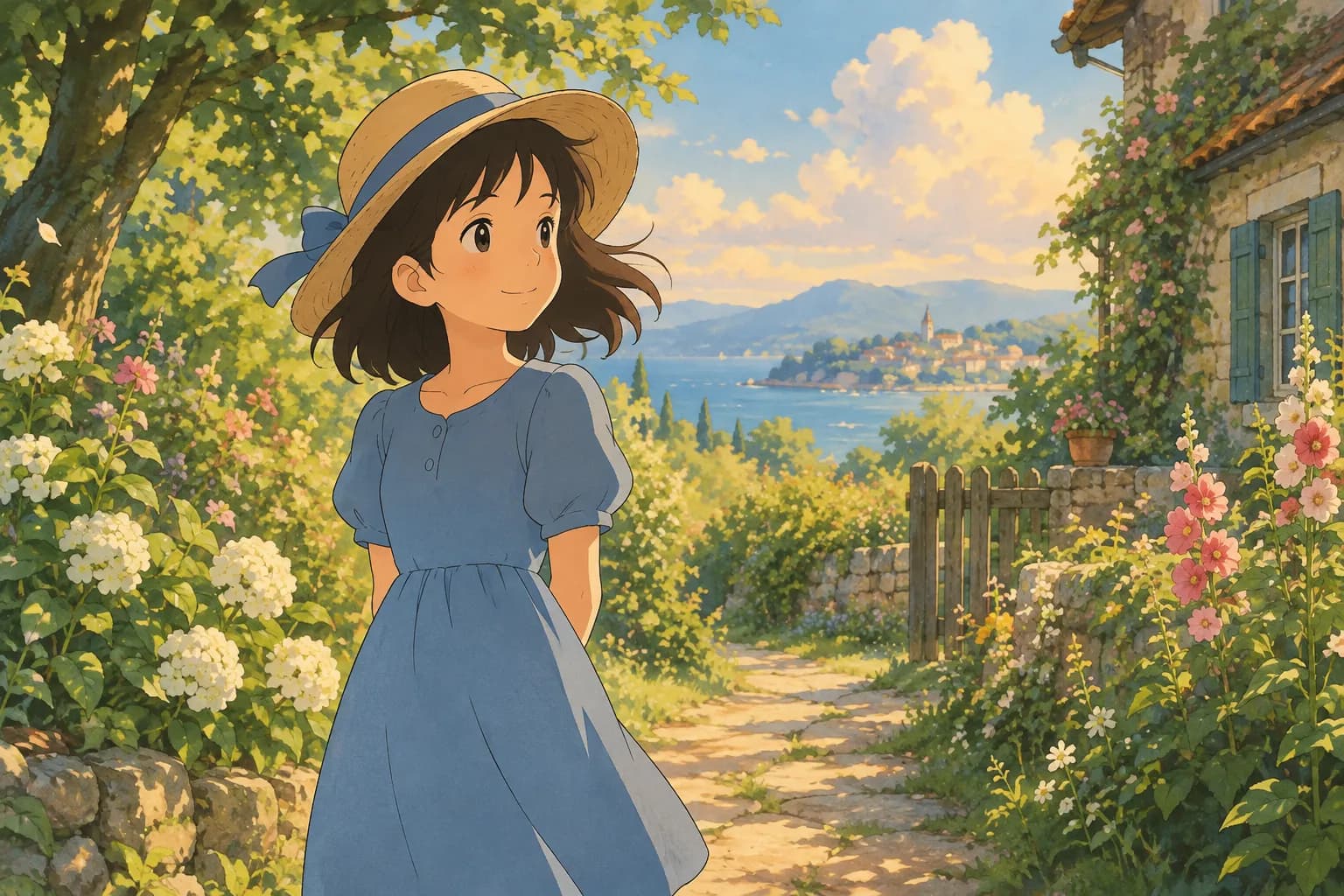
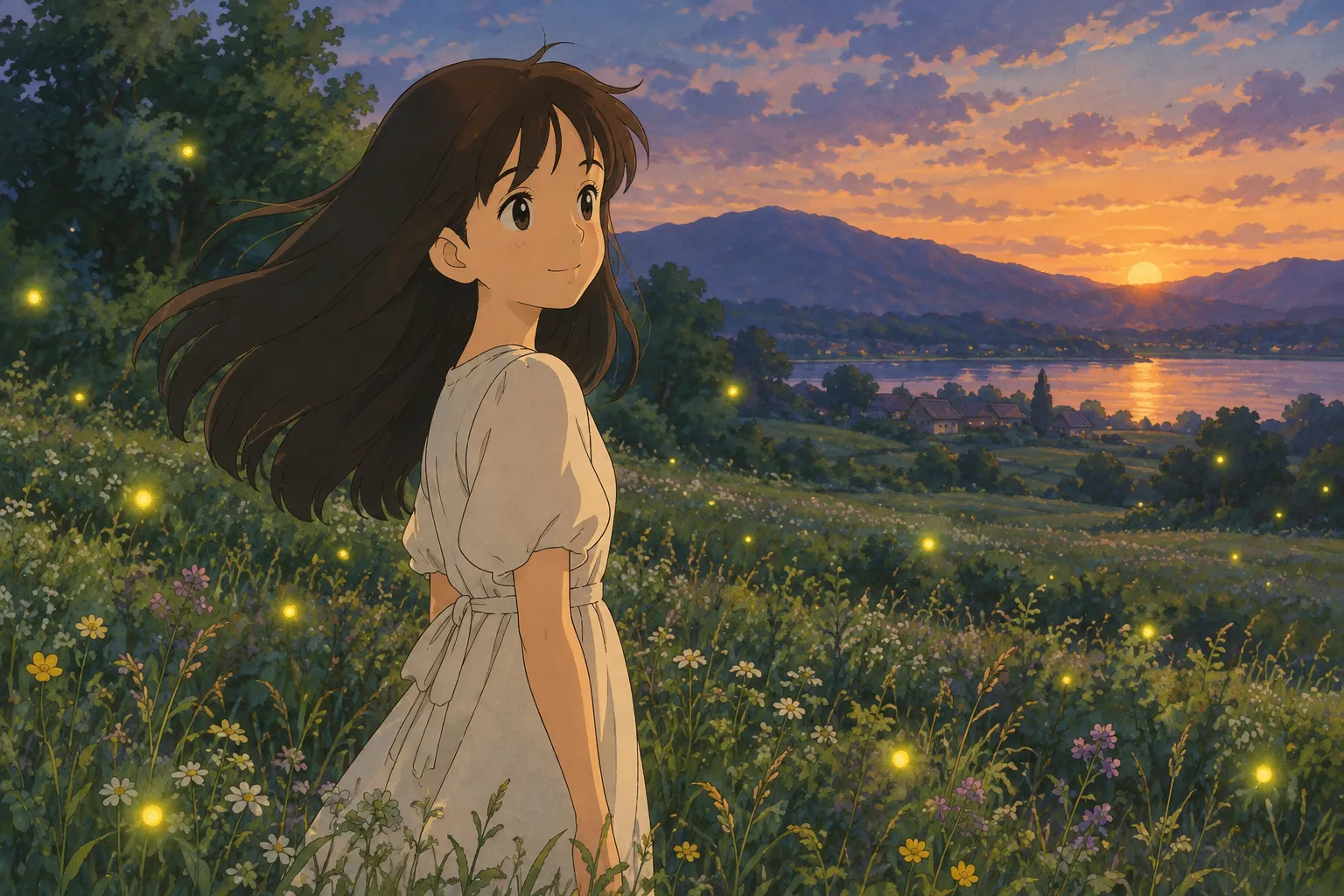
If you've been searching for a "Ghibli image girl," you've probably seen those dreamy, hand-painted portraits floating around social media — soft lighting, big expressive eyes, gentle brushwork, and a warm, storybook feeling. That look comes from the beloved hand-drawn anime film style that many of us grew up watching, and the good news is you don't need any drawing skill to get a similar portrait of yourself, your daughter, a friend, or even a favorite photo of a girl character you love. All you need is a decent photo and the right AI tool.
This guide walks through what makes these images so charming, how to create one from your own photo, and how to pick the best style and settings so your result actually looks like the person in the picture.
What Makes a "Ghibli Image" Look So Special
The hand-painted anime film style that inspired this whole trend has a few signature traits:
- Soft, painterly backgrounds — skies, trees, and buildings look brushed rather than sharply rendered
- Warm, natural lighting — golden hour glows, soft overcast light, or gentle indoor lamplight
- Big, expressive eyes and a slightly simplified, rounded face shape
- Cozy, nostalgic color palettes — muted greens, warm creams, soft blues
- A sense of stillness and wonder, even in an everyday scene
When people search for a "Ghibli image girl," they're usually picturing a portrait of a young woman or girl that captures this exact mood: part memory, part fairy tale.
How to Turn Your Photo Into a Ghibli-Style Portrait
Here's the simple process using an AI photo-to-art tool like Ghibli Style:
- Choose a clear photo. A well-lit portrait where the face is visible and in focus works best. Front-facing or a slight angle (like a three-quarter view) tends to translate better than extreme side profiles.
- Upload the photo to the generator on the home page, where the default style is the signature soft, hand-painted Ghibli-inspired look.
- Pick your style. The classic Ghibli-inspired look is the default, but the site also offers 42 styles across 6 categories if you want to experiment with something different for the same photo.
- Generate and wait about 20-30 seconds. That's roughly how long it takes to turn your photo into the finished artwork.
- Download or save. Standard downloads are free, and on phones you can save the image straight to your camera roll. If you want an HD version, that uses a credit.
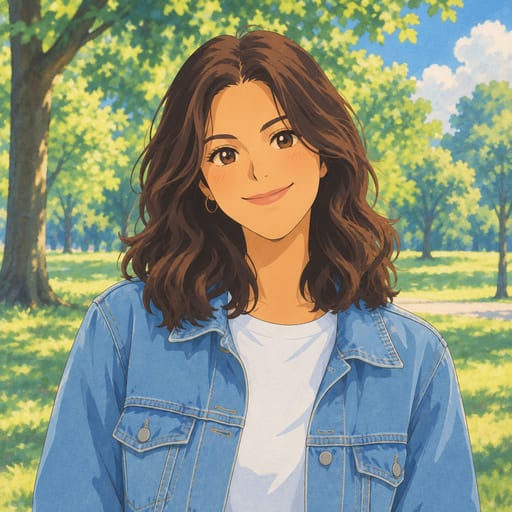
New accounts get 1 free image, so you can test the look on your own photo before deciding whether you want more. And if something goes wrong during generation, you won't lose a credit for a failed attempt.
Tips for the Best Ghibli-Style Result
A few small choices in your source photo make a big difference in the final image:
- Lighting matters more than you'd think. Natural daylight or soft window light gives the AI more detail to work with than harsh flash or very dark rooms.
- Keep the face unobstructed. Sunglasses, heavy shadows, or hair covering the eyes can confuse the result. A clear view of the face usually produces a more recognizable portrait.
- Simple backgrounds help, but aren't required. If there's a lot of clutter behind the subject, the AI will still try to paint it, which can sometimes compete with the main subject for attention.
- Close-up or half-body shots both work. A close-up tends to emphasize the expressive, storybook-eyes effect, while a half-body photo lets the style show off clothing and setting too.
- One person per photo is simplest. If you want a group portrait, use a photo where everyone is clearly visible and well-lit.
Other Styles Worth Trying With the Same Photo
Once you've made your Ghibli-style portrait, it's fun to see the same photo reimagined in other ways. A few popular options:
- Chibi Maker — turns the photo into a cute, big-head chibi illustration, great for stickers or profile pictures
- Anime PFP Maker — a square anime avatar, Ghibli-inspired by default, sized perfectly for social profiles
- Watercolor Portrait — a softer, painterly alternative if you want something more muted and artistic
- Photo to Anime — a crisper, modern anime look with cel shading, for a different energy than the Ghibli feel
- Ghibli Wallpaper — if you want your portrait formatted as a phone or desktop wallpaper, this turns it into a 9:16 or 16:9 image ready to set as your background
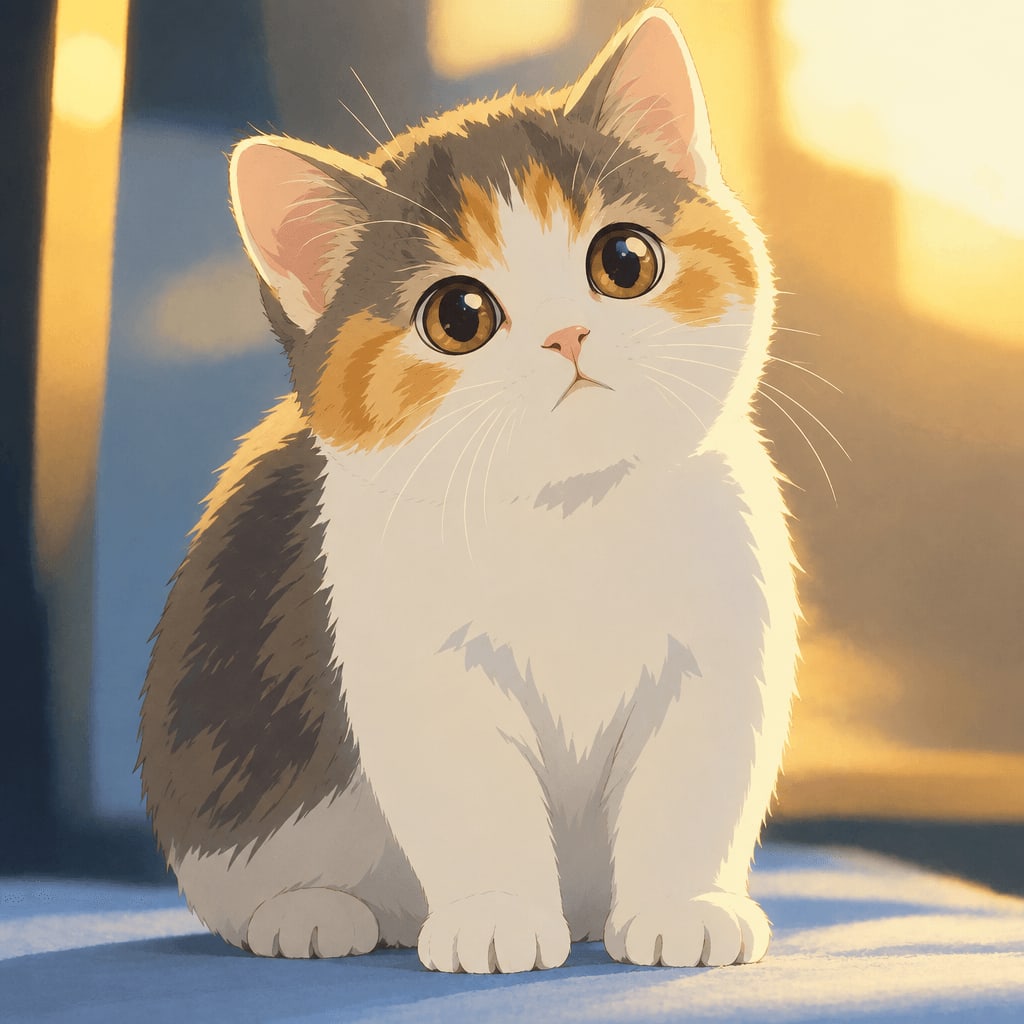
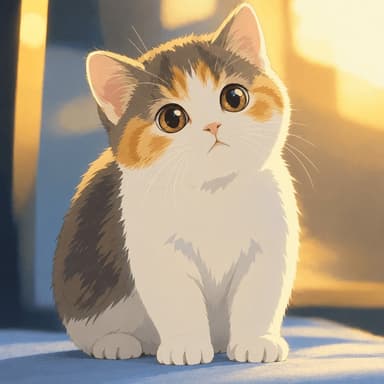
Even pets translate beautifully into this style — if you're making a "Ghibli image girl" for yourself, it's worth doing one of your cat or dog too, since the same soft, storybook treatment works wonderfully on animal portraits.
Pricing and What You Get
You can browse all the options on the pricing page. Here's a quick summary:
- 1 free image for new accounts, no commitment needed
- 10 images for $4.99 — a one-time purchase, credits last 12 months
- 40 images for $14.99 — also one-time, same 12-month credit window
- 30 images per month for $9.99/month — a subscription you can cancel anytime
- 150 images per month for $29.90/month — for heavier use, also cancel anytime
Standard-quality downloads are always free. If you want an HD version for printing or a high-res wallpaper, that's when credits come into play. Your finished images live in your private "My Works" page for 30 days on the free tier, 90 days after buying credits, and a full year if you're subscribed.
FAQ
Can I use any photo to make a Ghibli-style image of a girl? Yes, as long as the face is reasonably clear and well-lit. Selfies, portrait photos, and even casual snapshots all work. Avoid photos where the face is heavily obscured for the most recognizable results.
Is this the same as Studio Ghibli's actual art? No. Ghibli Style is an independent tool that creates images "in a hand-painted anime film style" inspired by that general aesthetic. It is not affiliated with, endorsed by, or connected to Studio Ghibli in any way.
How long does it take to generate an image? Generation typically takes about 20-30 seconds from the moment you upload your photo and choose a style.
What if my generated image doesn't come out right? A failed generation never uses up a credit, so you can try again with a different photo or style without worrying about wasting your purchase.
Final Thoughts
Making a "Ghibli image girl" portrait is less about finding the perfect photo and more about picking one with good lighting and a clear face — the AI handles the painterly transformation from there. Whether you're creating a keepsake portrait, a new profile picture, or just experimenting with different art styles on the same photo, it only takes a minute to see your picture reimagined in that warm, hand-painted world. Head to the styles page to see the full lineup, or jump straight to the home page to try the classic look first.
Try the Ghibli style generator on your own photo.
Try it free