Ghibli Stil: How to Turn Your Photos into Ghibli-Inspired Art
Want to create photos in Ghibli stil? Learn what makes this hand-painted anime look special and how to turn your own pictures into art in seconds.
 Ghibli Style Team5 min read
On this page
What People Mean by "Ghibli Stil"
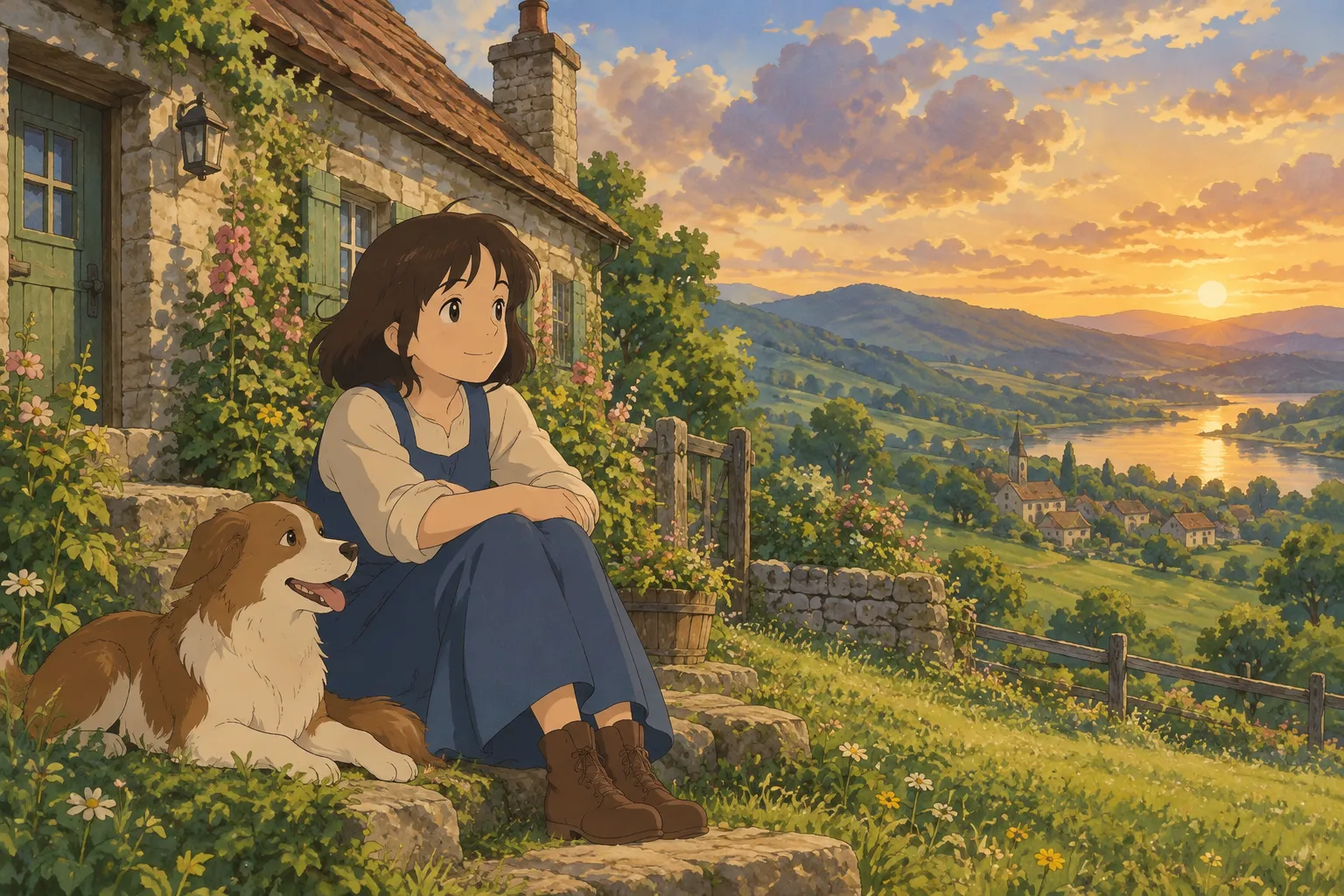
If you've searched for "ghibli stil," you're probably picturing those warm, hand-painted anime movie scenes: soft skies, gentle light, rounded character faces, and a storybook feeling that makes even an everyday photo look like a frame from a beloved animated film. "Stil" is simply the German and Scandinavian word for "style," and it turns out a lot of people across Europe are searching for the same thing in their own language — a way to turn personal photos into that cozy, painterly anime look.
This post explains what actually defines the look, how to get great results whether you draw by hand, use general AI tools, or want a fast one-click option, and the kind of photos that work best for a believable transformation.
What Makes This Art Style Recognizable
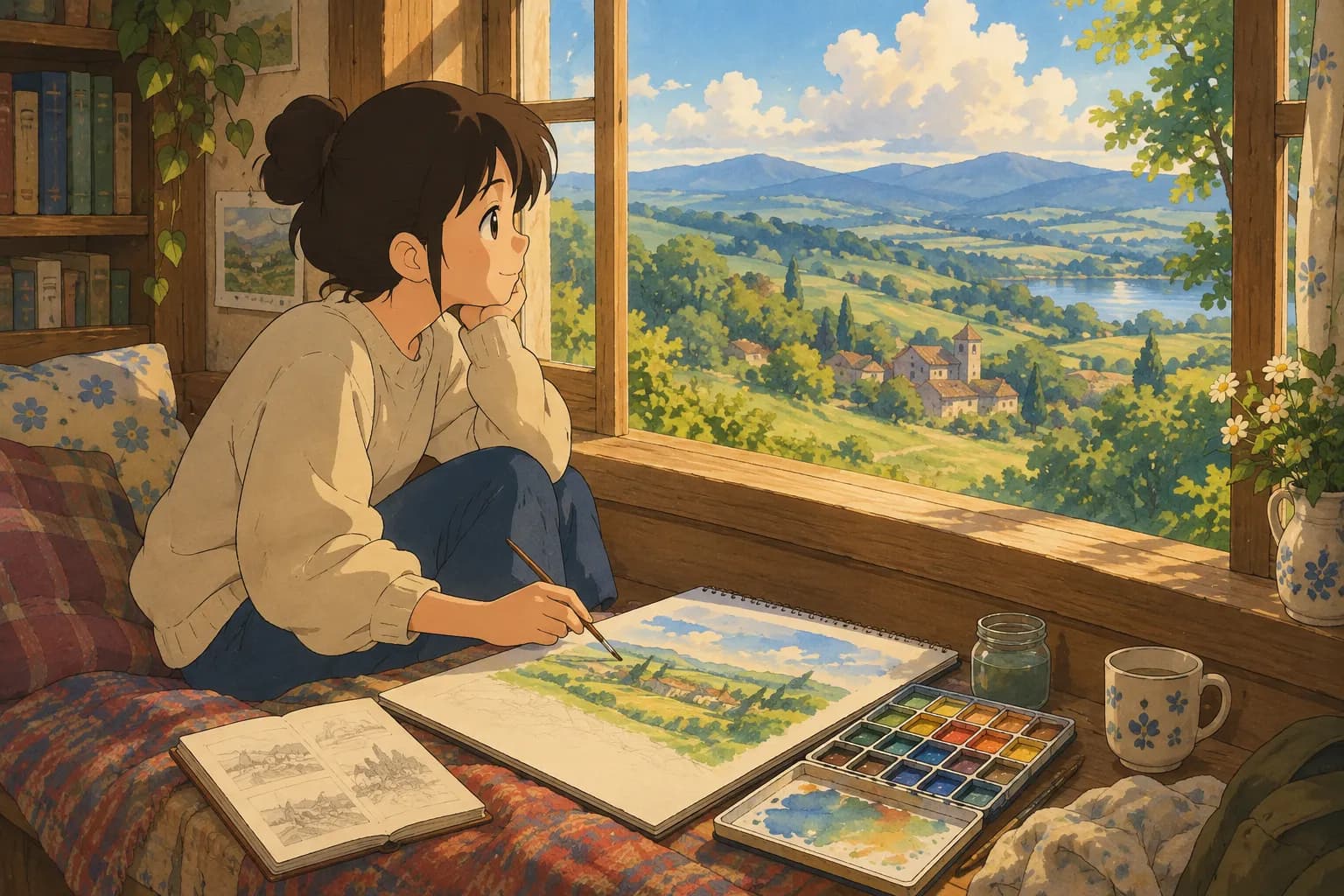
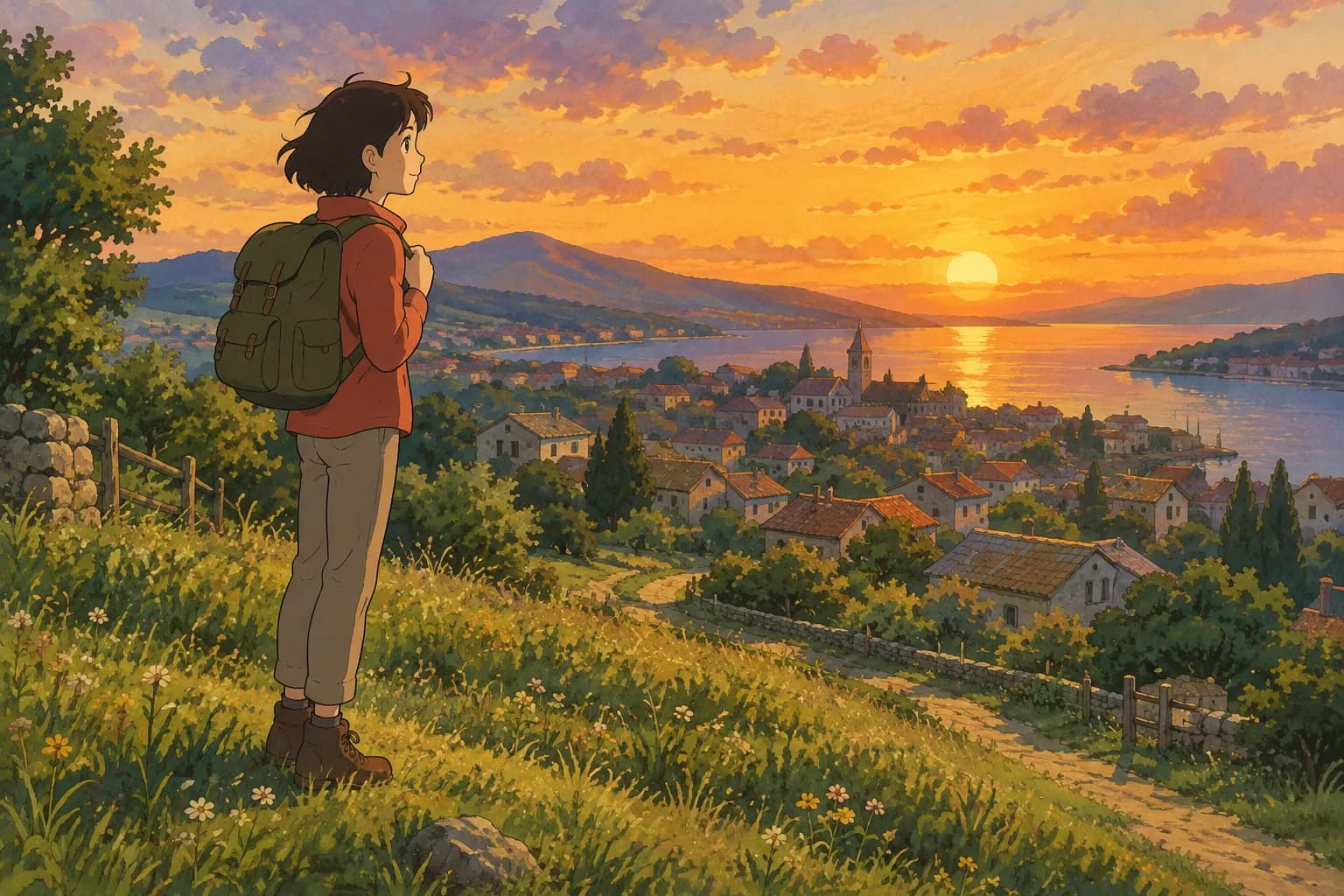
A few visual habits repeat across this hand-painted anime style, and understanding them helps whether you're sketching, prompting an AI image generator, or just picking reference images:
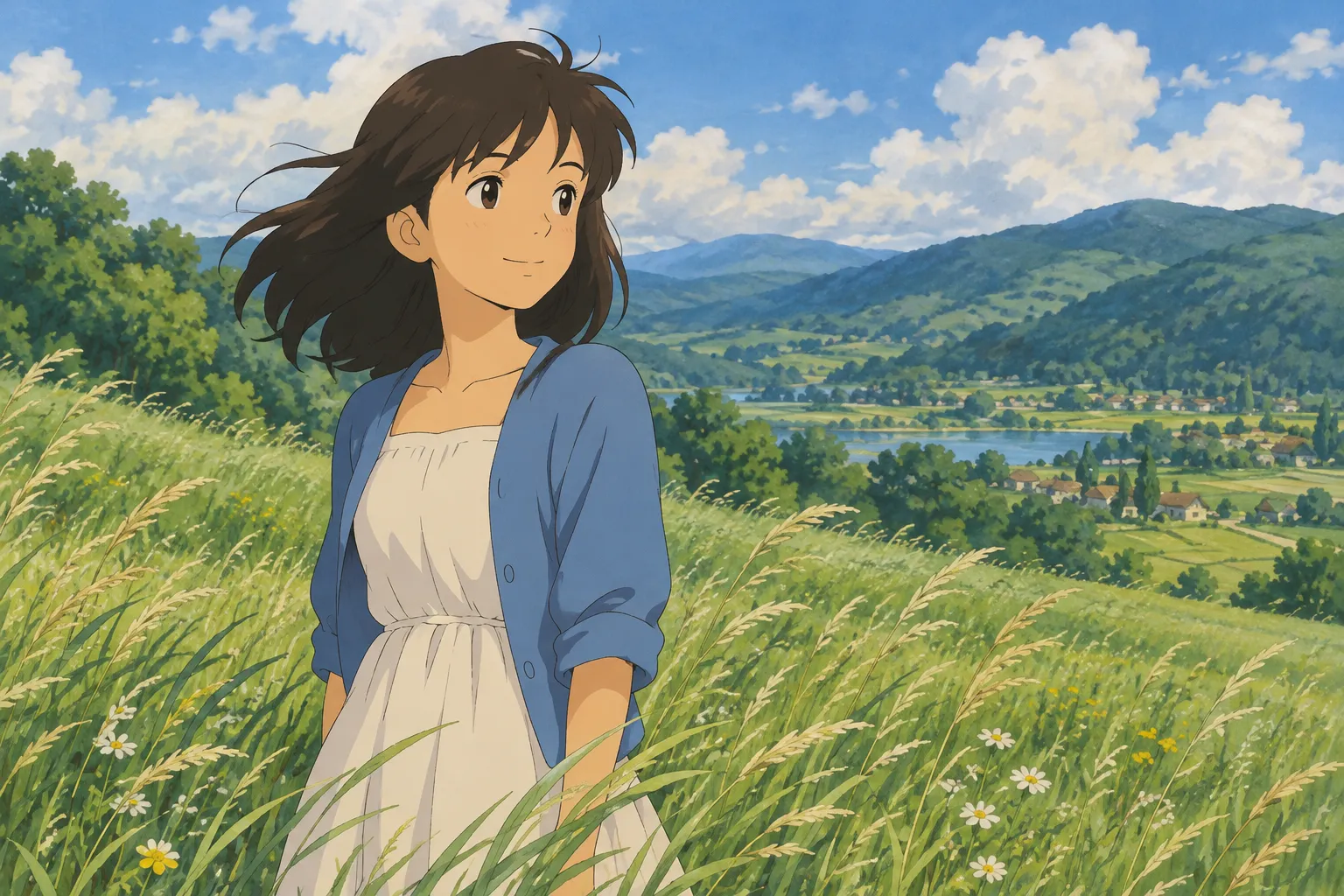
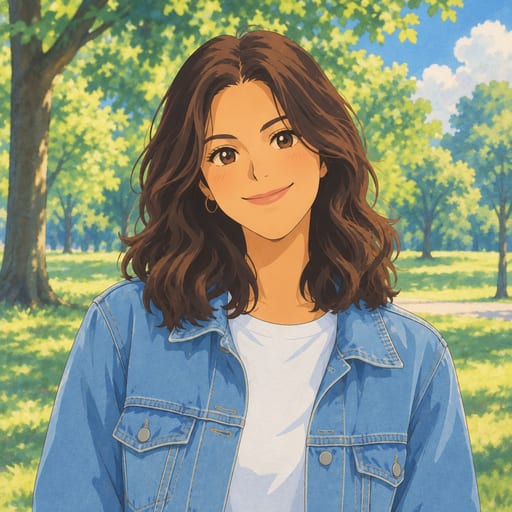
- Soft, painterly backgrounds. Skies, grass, and foliage are rendered with visible brushwork rather than sharp photographic detail.
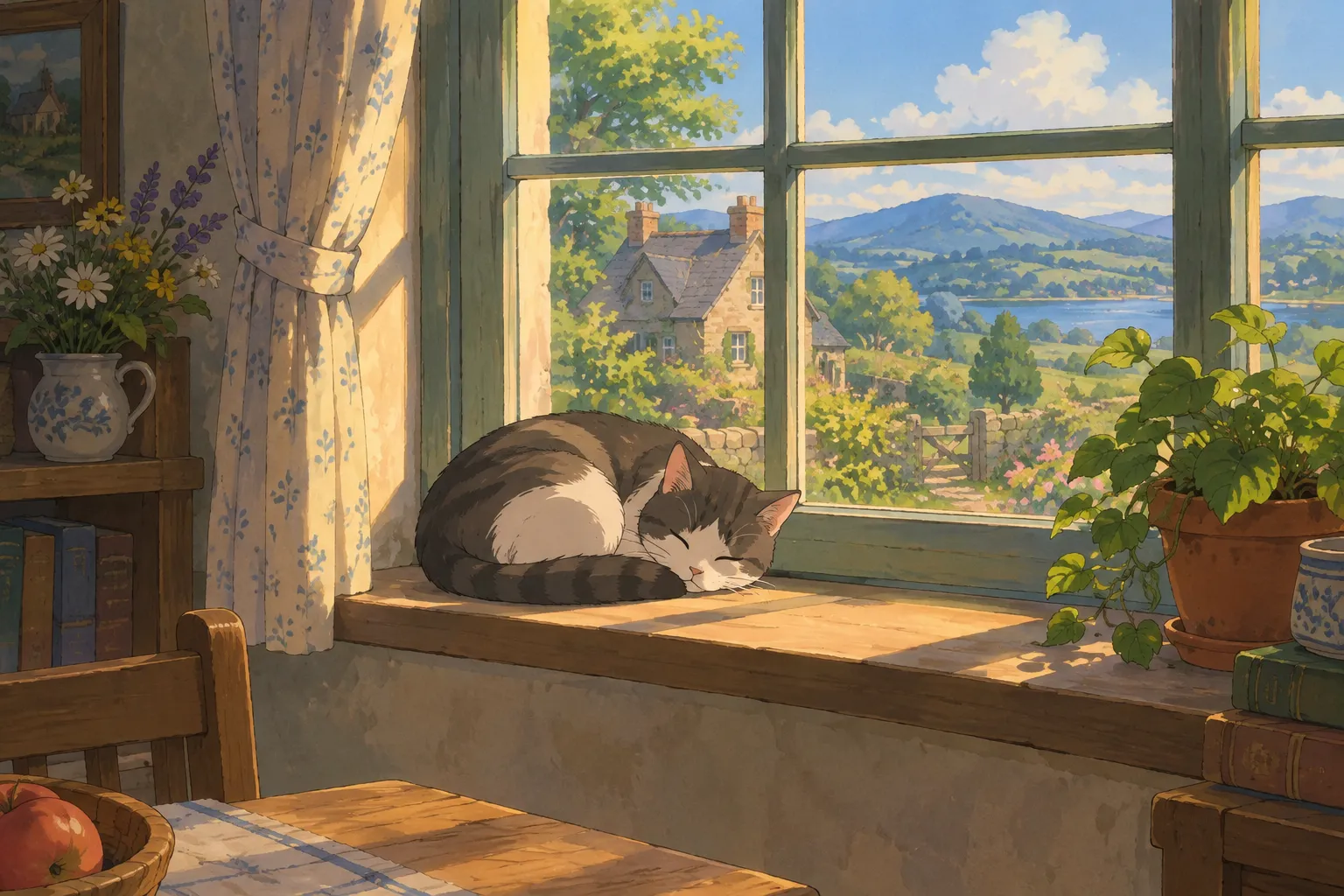
- Warm, natural lighting. Golden hour sun, dappled shade under trees, or the cozy glow of a window are common instead of harsh studio light.
- Rounded, gentle faces. Features are simplified and softened compared to realistic portraits, with expressive but not exaggerated eyes.
- Everyday magic. The subject is often just living a normal moment — walking, sitting with a pet, looking out a window — but the scene feels quietly wondrous.
- Muted but rich color palettes. Think forest greens, sky blues, and warm creams rather than neon or heavily saturated tones.
Turning Your Own Photo Into This Look
There are a few ways to get there, depending on your skills and how much time you want to spend.
1. Learn digital painting. If you already use illustration software, you can study this style's brushwork, color palettes, and lighting choices and recreate a reference photo by hand. This gives you the most control but takes real practice and time.
2. Use a general AI image generator with a detailed prompt. You can describe the subject, pose, lighting, and "hand-painted anime film style" in a text prompt, but results can vary a lot and may not actually resemble your own photo or pet.
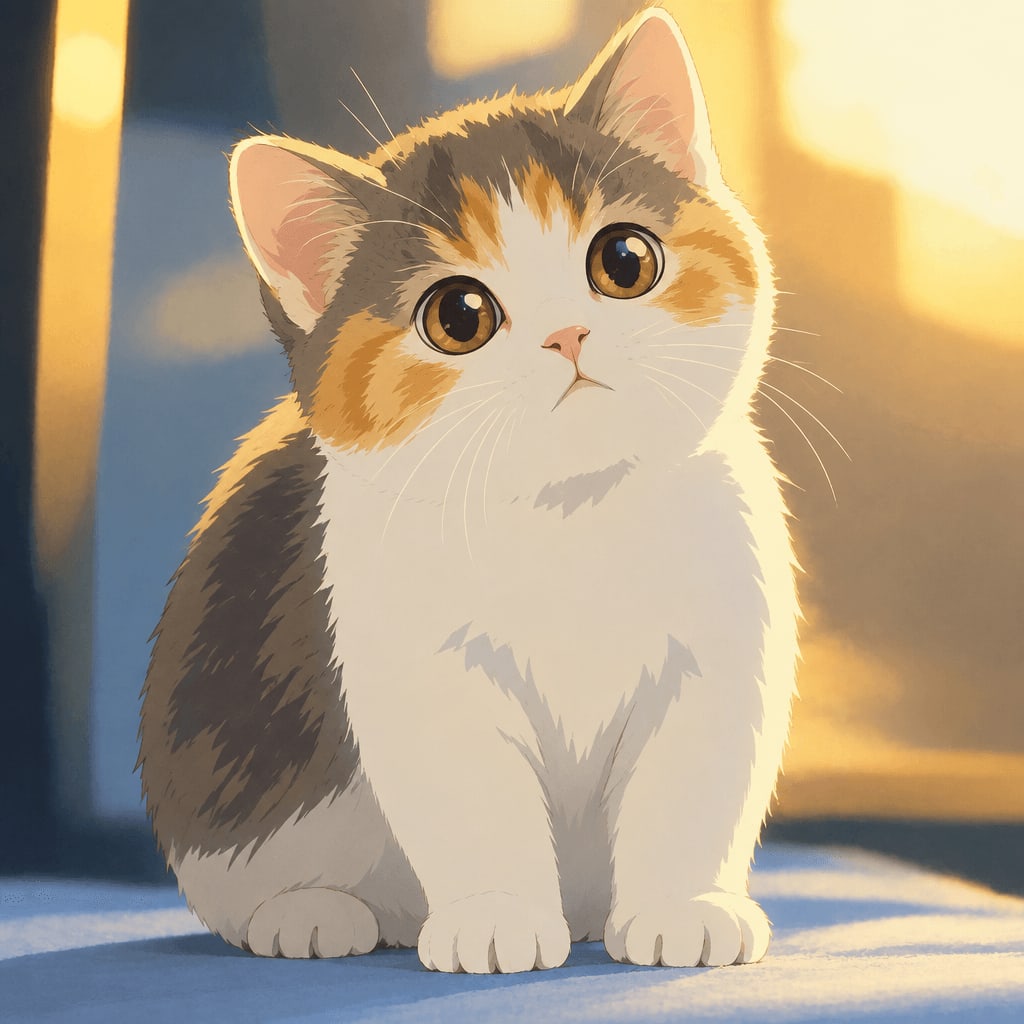
3. Use a photo-to-art tool built for this. This is the fastest route if you want a result that still looks like you (or your pet) rather than a generic illustration. On Ghibli Style, you upload a real photo of a person or a pet, choose the hand-painted style — which is actually the site's default look — and get a result in about 20-30 seconds. No drawing skill or prompt-writing needed.
Tips for a Photo That Transforms Well
Not every photo converts equally well into this painterly look. A few practical tips:
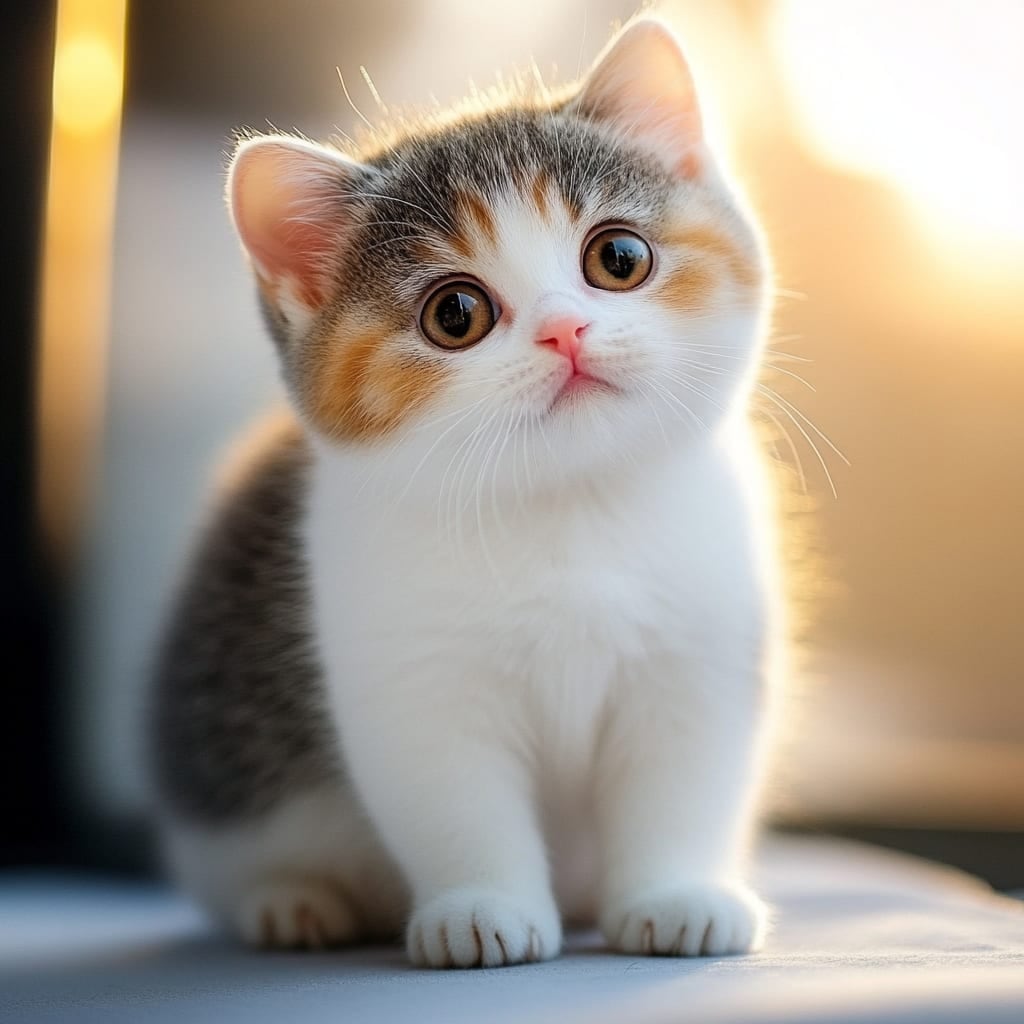
- Use clear, well-lit photos. Natural daylight or soft indoor light works better than dim, grainy, or backlit shots where the face is hard to see.
- Face the camera, mostly. A three-quarter or front-facing shot keeps features recognizable after stylization. Extreme side angles can confuse the result.
- Keep the background simple. Busy, cluttered backgrounds sometimes carry over as visual noise. A plain wall, sky, or garden works nicely.
- One clear subject. Solo portraits or a single pet tend to convert more cleanly than large group shots, though couples and duos can work well too.
- Higher resolution helps. A sharp, uncompressed photo gives the AI more detail to work with than a tiny, blurry thumbnail.
Other Styles Worth Trying
The hand-painted anime look isn't the only option if you want to experiment further. The site offers 42 styles across six categories, and a few pair especially well with portraits and pet photos:
- Watercolor portrait for a softer, more traditional painted feel
- Photo to anime for crisp lines and modern cel shading instead of the painterly look
- Chibi maker for a cute, big-head illustrated version
- 3D figurine to turn a photo into a collectible-looking figure
- Ghibli wallpaper if you want your stylized photo formatted as a phone or desktop wallpaper
You can browse the full lineup on the styles page if you want to compare looks side by side before choosing.
Good Uses for Ghibli-Inspired Portraits
Once you have a stylized image, there's plenty to do with it:
- Set it as a phone or desktop wallpaper
- Use it as a profile picture on social media
- Print it for a desk frame or a small gift
- Turn a pet photo into wall art for a kid's room
- Create a matching set for a couple or a group of friends
FAQ
Is this the same as Studio Ghibli's actual art? No. "Ghibli stil" describes a hand-painted anime film aesthetic that fans associate with that style of animation. Ghibli Style is an independent tool and is not affiliated with Studio Ghibli; results are inspired by that general look, not reproductions of any specific film or character.
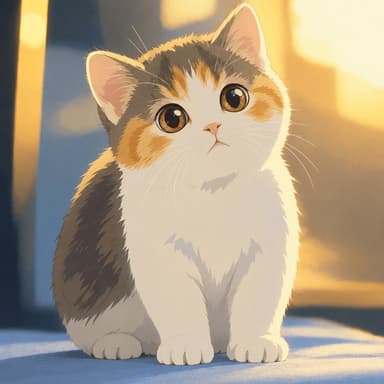
Can I turn a photo of my pet into this style, not just people? Yes. Pet photos — dogs, cats, and other animals — work well as long as the photo is clear and well-lit, following the same tips as for portraits.
How long does it take to get a result? With an automated tool like Ghibli Style, generation typically takes about 20-30 seconds per image after you upload a photo and pick a style.
What if I don't like the result? A failed generation never uses a credit, so you can try again. New accounts also get 1 free image to test the tool before committing to a paid plan, and pricing details are listed on the pricing page.
Try It Yourself
Whether you're chasing a specific "ghibli stil" look for a profile picture, a wallpaper, or just a fun keepsake, the easiest starting point is a clear, well-lit photo and a tool built for this exact transformation. Head to the home page to upload your photo and see your own hand-painted anime version in under a minute.
Try the Ghibli style generator on your own photo.
Try it free