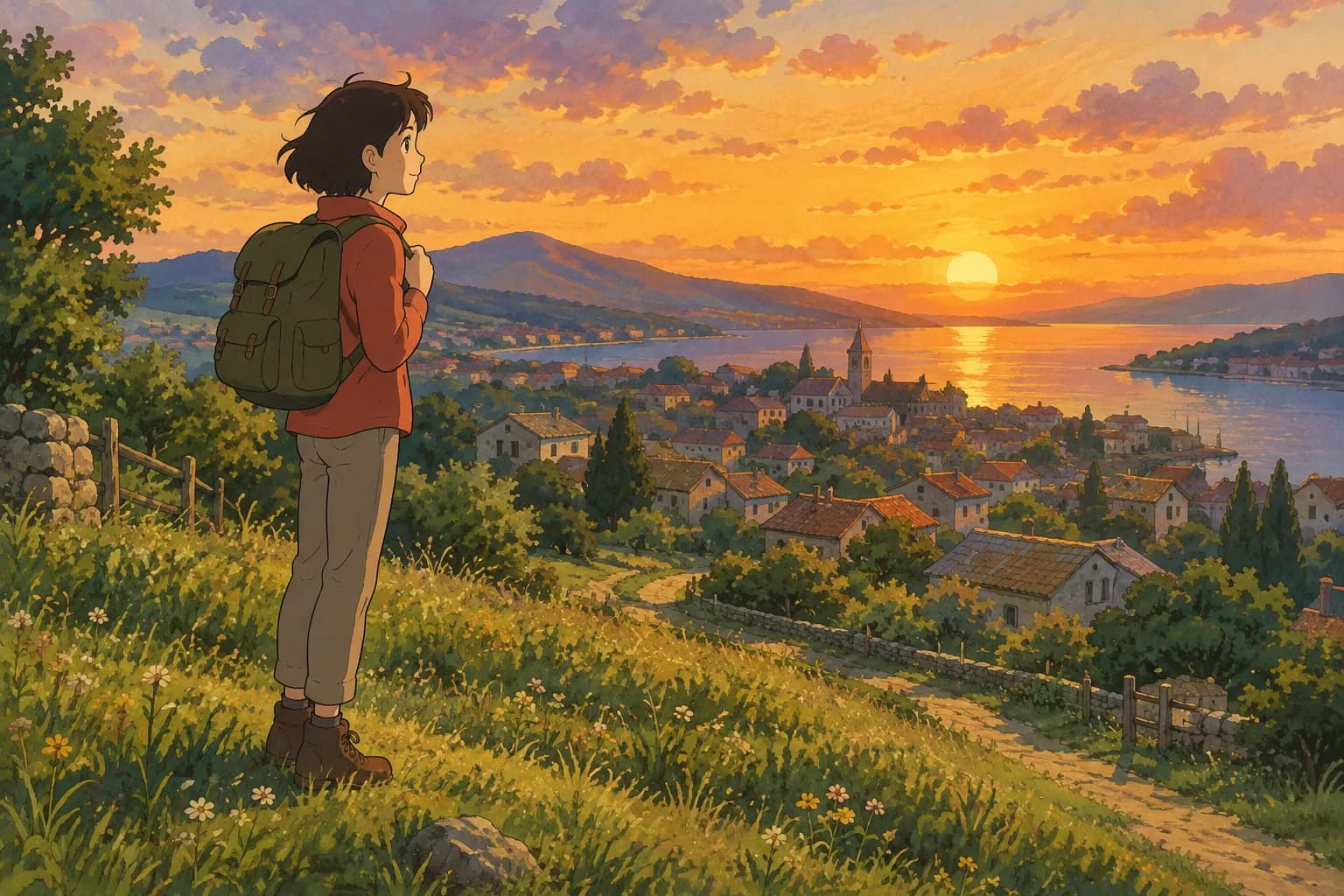
Ghibli Profile Pictures: How to Make Your Own Anime Avatar
Want a Ghibli profile picture? Learn how to turn any selfie into a hand-painted anime avatar, pick the right photo, and get a ready-to-use pfp fast.
 Ghibli Style Team6 min read
On this page
Why a Ghibli Profile Picture Stands Out
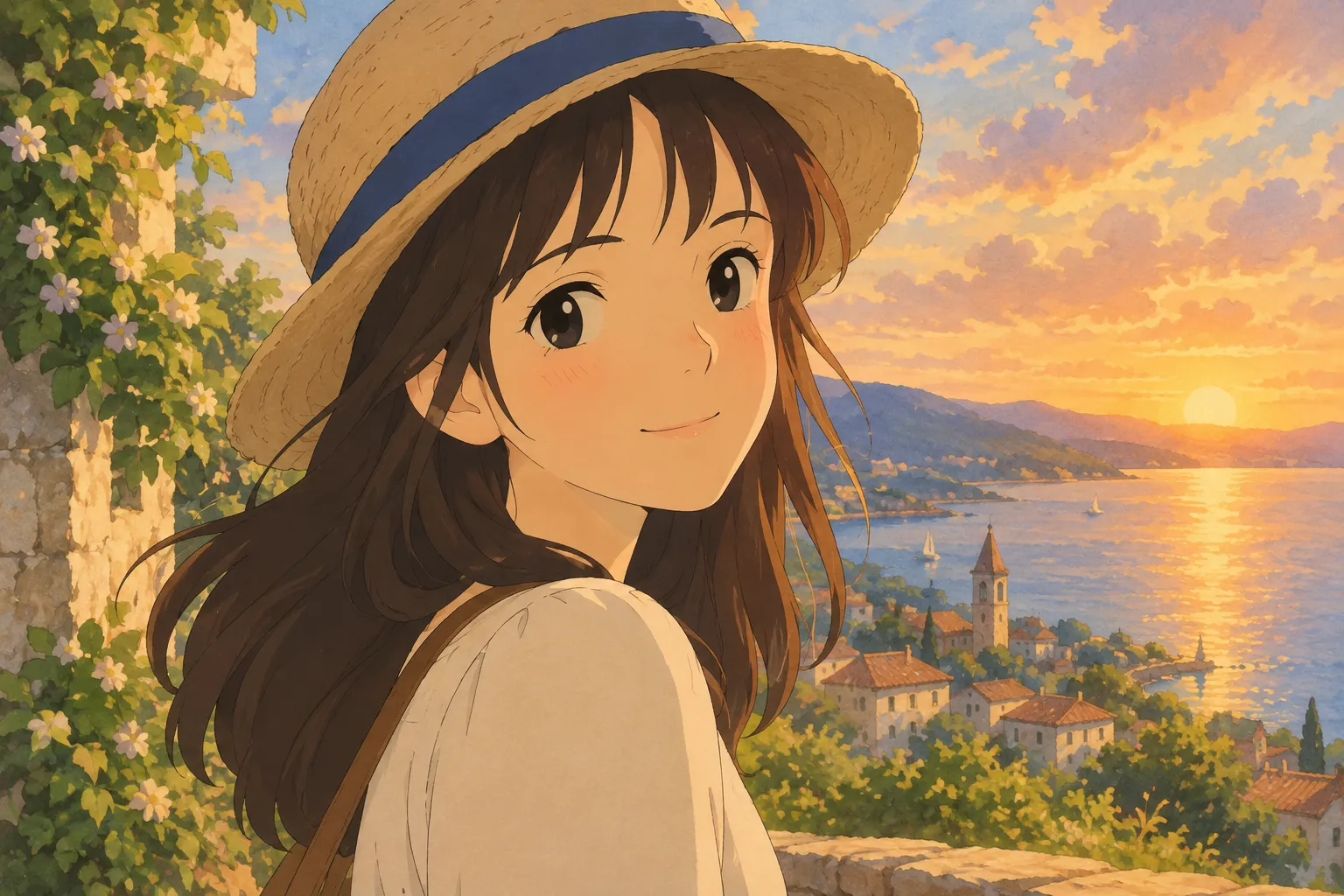
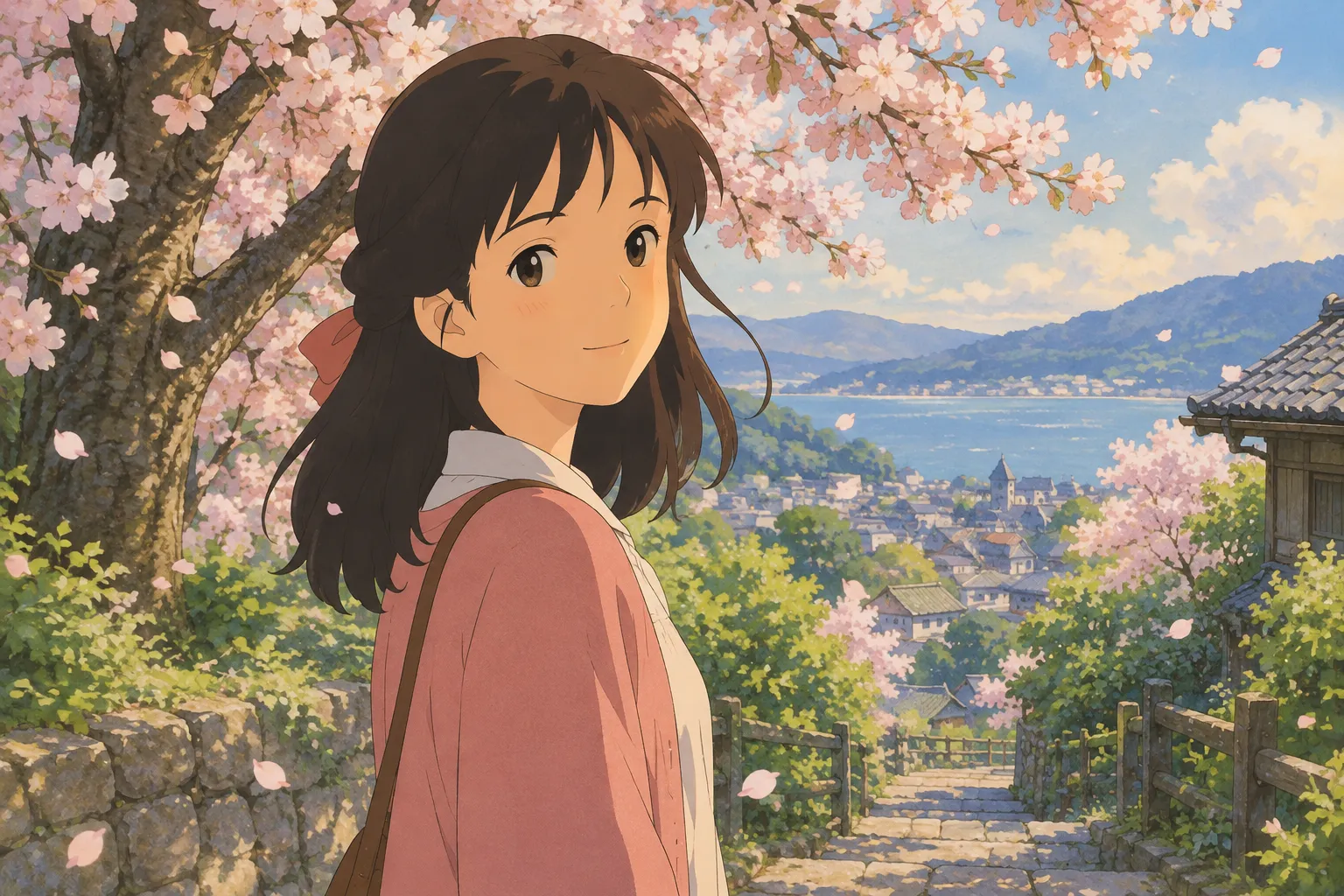
Scroll through almost any social feed and you'll notice the same handful of avatar styles over and over: plain selfies, corporate headshots, maybe a filter or two. A Ghibli-inspired profile picture is different. The soft, hand-painted look, gentle lighting, and warm color palette make an avatar feel like a scene from a cozy animated film instead of just another photo crop. That's exactly why "ghibli profile" and "ghibli profile picture" have become such popular searches — people want an avatar that feels personal, a little magical, and instantly recognizable among a sea of ordinary photos.
The good news is you don't need any drawing skill or design software to get one. With an AI photo-to-art tool, you upload a photo and get a painterly, anime-style portrait back in under a minute.
What Makes a Photo "Ghibli-able"
Not every photo converts equally well into a hand-painted anime look. A few things to keep in mind before you upload:
- Face clearly visible. A front-facing or three-quarter angle works best so the AI can read your features and expression accurately.
- Good, even lighting. Natural daylight near a window or outdoor shade avoids harsh shadows that can confuse the style transfer. Avoid strong backlighting.
- Simple background. A plain wall, sky, or blurred background lets the subject stand out, which matters a lot for a square profile picture where you'll be cropped in tight.
- Medium-to-close framing. Head-and-shoulders or half-body shots translate better into a profile picture than full-body group photos, since social platforms crop avatars into a small circle or square.
- Relaxed expression. A natural smile or calm look tends to read better in the painterly style than an exaggerated expression or a photo mid-laugh.
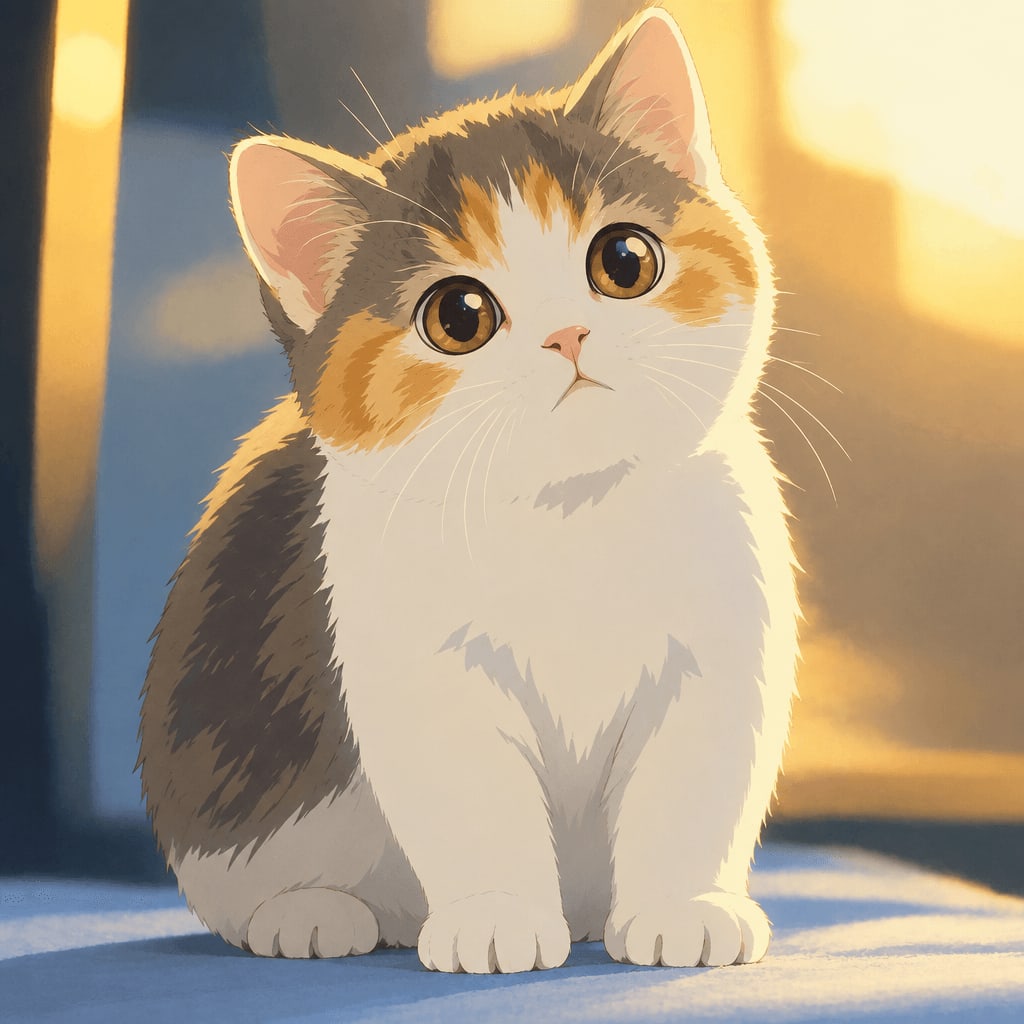
Pets make great subjects too — a sleeping cat, a dog with its ears up, or a close-up of fur detail all translate beautifully into the soft brushstroke style.
How to Turn a Photo Into a Ghibli-Style Profile Picture
Here's the simple process using Ghibli Style:
- Upload a clear photo of yourself, a friend, or a pet.
- Choose the hand-painted Ghibli-inspired look — it's the default style on the home page, so you don't need to dig through menus.
- Wait about 20-30 seconds while the AI generates your portrait.
- Download the result. Standard downloads are free, and on phones you can save straight to your camera roll.
- Crop it square (or let your platform do it) and set it as your avatar.
New accounts get one free image to try it out, so you can test the look before deciding if you want more. If a generation ever fails, it won't use up a credit, so there's no risk in experimenting with different photos to see which one turns out best.
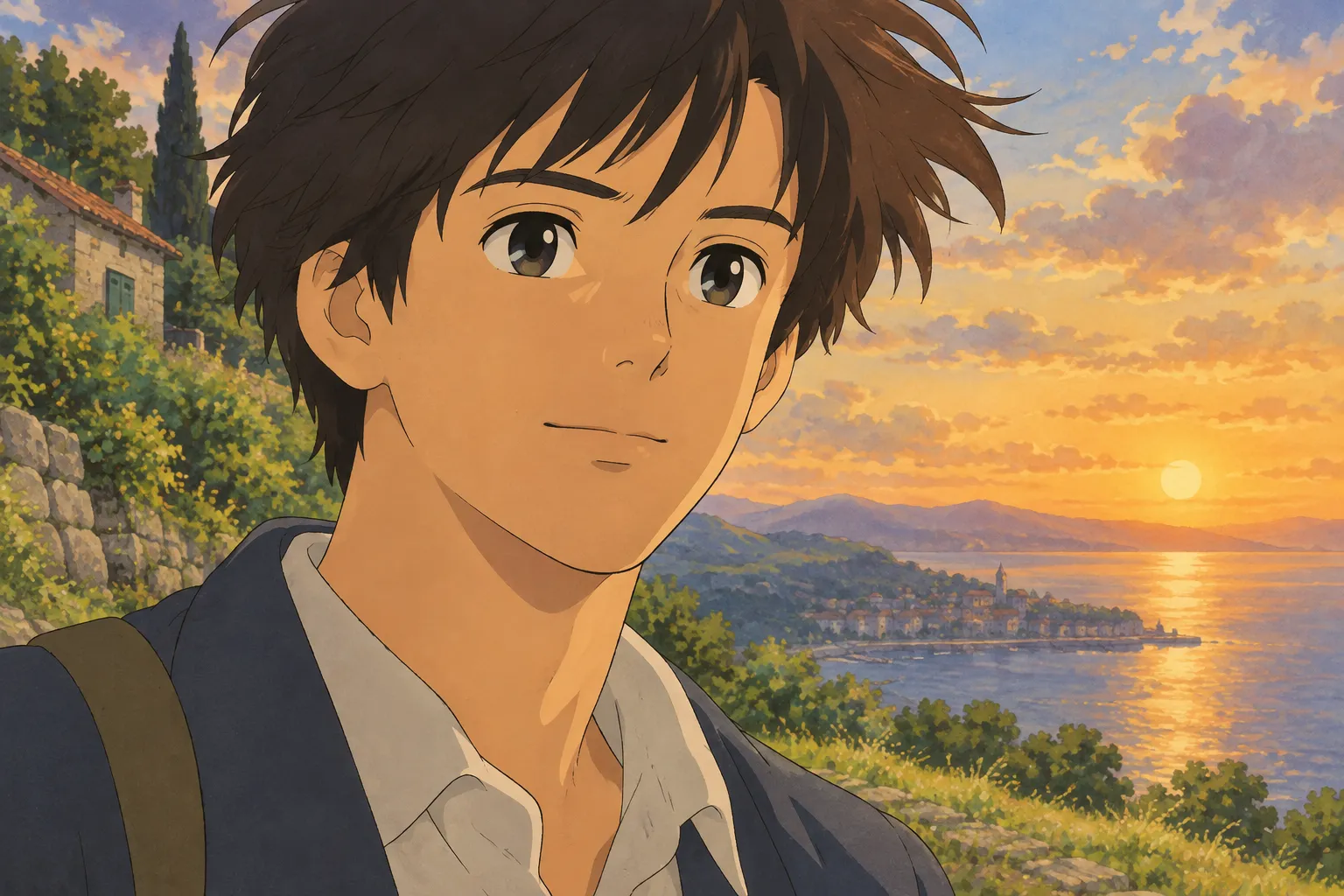
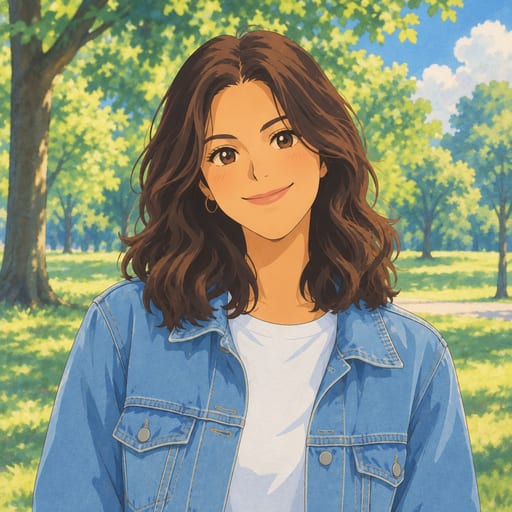
Here's an example of the transformation — a regular portrait photo turned into the signature soft, painterly style:
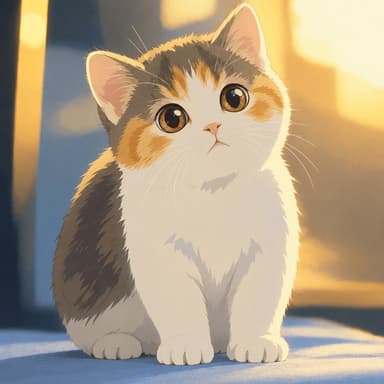
And it works just as well on pets:
Square Avatar Tips
Since most platforms display profile pictures as a circle or rounded square, keep your subject centered and leave a little breathing room around the head and shoulders. If your photo is a tight close-up, the AI-generated art might get cropped awkwardly once the platform applies its own circular mask. A slightly wider frame gives you more flexibility to adjust the crop afterward.
If you specifically want a square-format avatar without manual cropping, the anime pfp maker is built for exactly that — it turns a selfie into a square anime profile picture, Ghibli-inspired by default, so it's ready to drop straight into your social profile.
Other Styles Worth Trying for an Avatar
The hand-painted Ghibli look is the most popular choice for a warm, nostalgic avatar, but depending on your vibe, a few other styles are worth a look:
- Chibi maker — a cute, big-head illustration if you want something playful and less realistic.
- Photo to anime — crisp lines and cel shading for a sharper, more modern anime look rather than the softer painted style.
- Caricature maker — a hand-painted, exaggerated portrait if you want your avatar to be a bit funnier.
- AI sticker maker — turns your photo into a die-cut sticker with a white border, which can look great as a chat or messaging avatar.
You can browse the full lineup on the styles page if you want to compare looks side by side before committing to one for your profile picture.
Pricing and Saving Your Images
If you only need one avatar, the free image on signup might be all you want. If you're planning to make a few versions — maybe one for each social platform, or one for yourself and one for a pet — the paid options give you more credits to work with:
- 10 images for $4.99 (one-time, credits last 12 months)
- 40 images for $14.99 (one-time, credits last 12 months)
- 30 images per month for $9.99/month (subscription, cancel anytime)
- 150 images per month for $29.90/month (subscription, cancel anytime)
Standard downloads are free; HD downloads use credits if you want a sharper version for a larger display. Everything you generate is saved to your private "My Works" page for at least 30 days, longer if you've purchased credits or subscribed, so you can come back and download or re-crop your avatar later. See the pricing page for full details.
FAQ
Is this an official Studio Ghibli tool? No. Ghibli Style is an independent AI photo-to-art tool and is not affiliated with Studio Ghibli. The "Ghibli-inspired" label refers to the general hand-painted anime film aesthetic, not any official product.
What's the best photo to use for a Ghibli profile picture? A clear, well-lit, front-facing photo with a simple background works best. Head-and-shoulders framing gives you the most flexibility when cropping the result into a square or circular avatar.
Can I make a Ghibli-style profile picture from a pet photo? Yes. Pet photos convert just as well as portraits of people — upload a clear photo of your cat or dog and choose the same hand-painted style.
How long does it take to generate an avatar? Generation typically takes about 20-30 seconds per image, so you can try a few different photos in just a few minutes to find the one you like best.
Once you've got a photo you're happy with, head to the home page and try the default Ghibli-inspired style — it only takes a minute to see your new profile picture.
Try the Ghibli style generator on your own photo.
Try it free