How to Make a Ghibli Avatar from Your Photo
Learn how to turn any photo into a Ghibli-inspired avatar for social media, with tips on photo choice, framing, and the best style picks.
 Ghibli Style Team6 min read

On this page
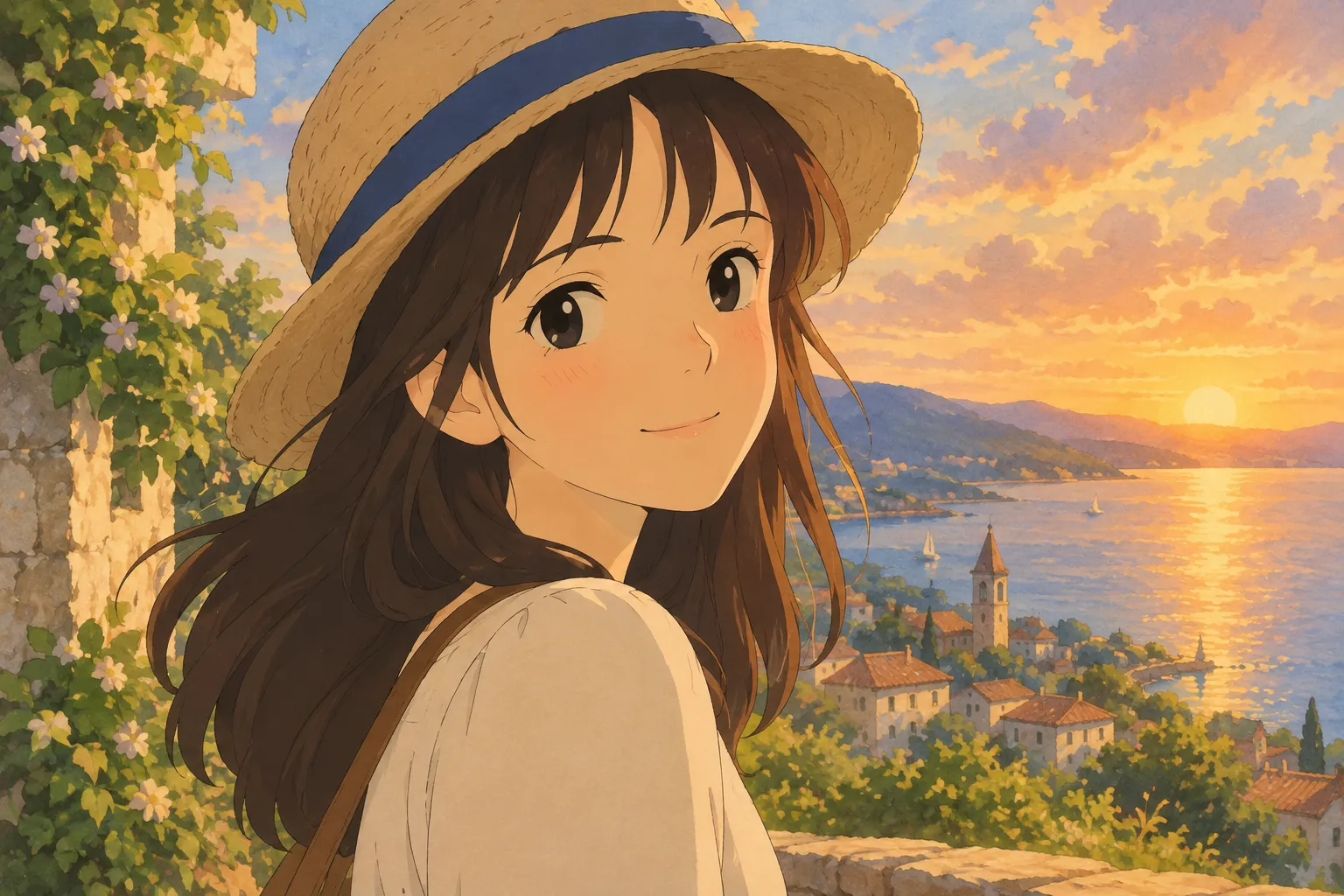
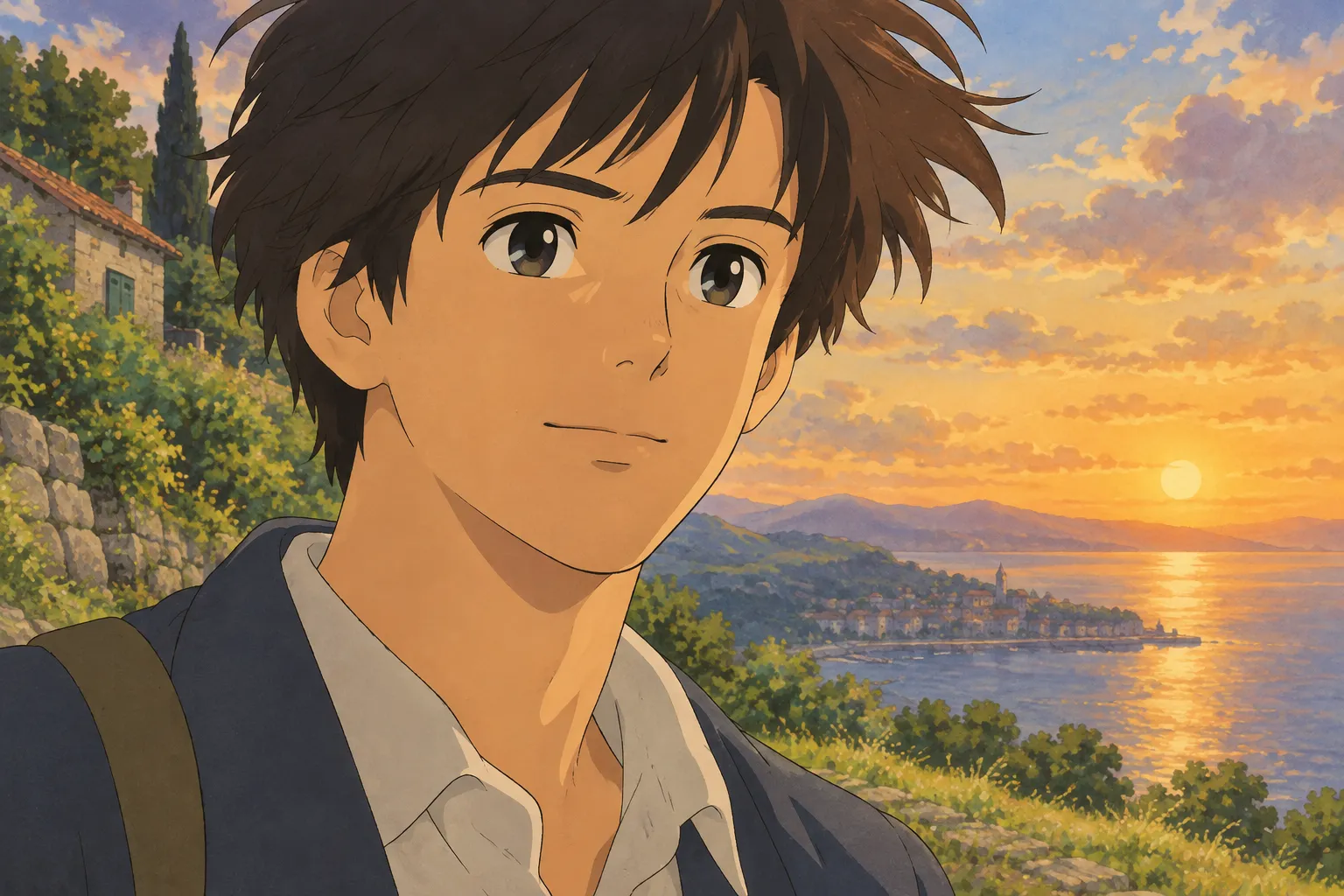
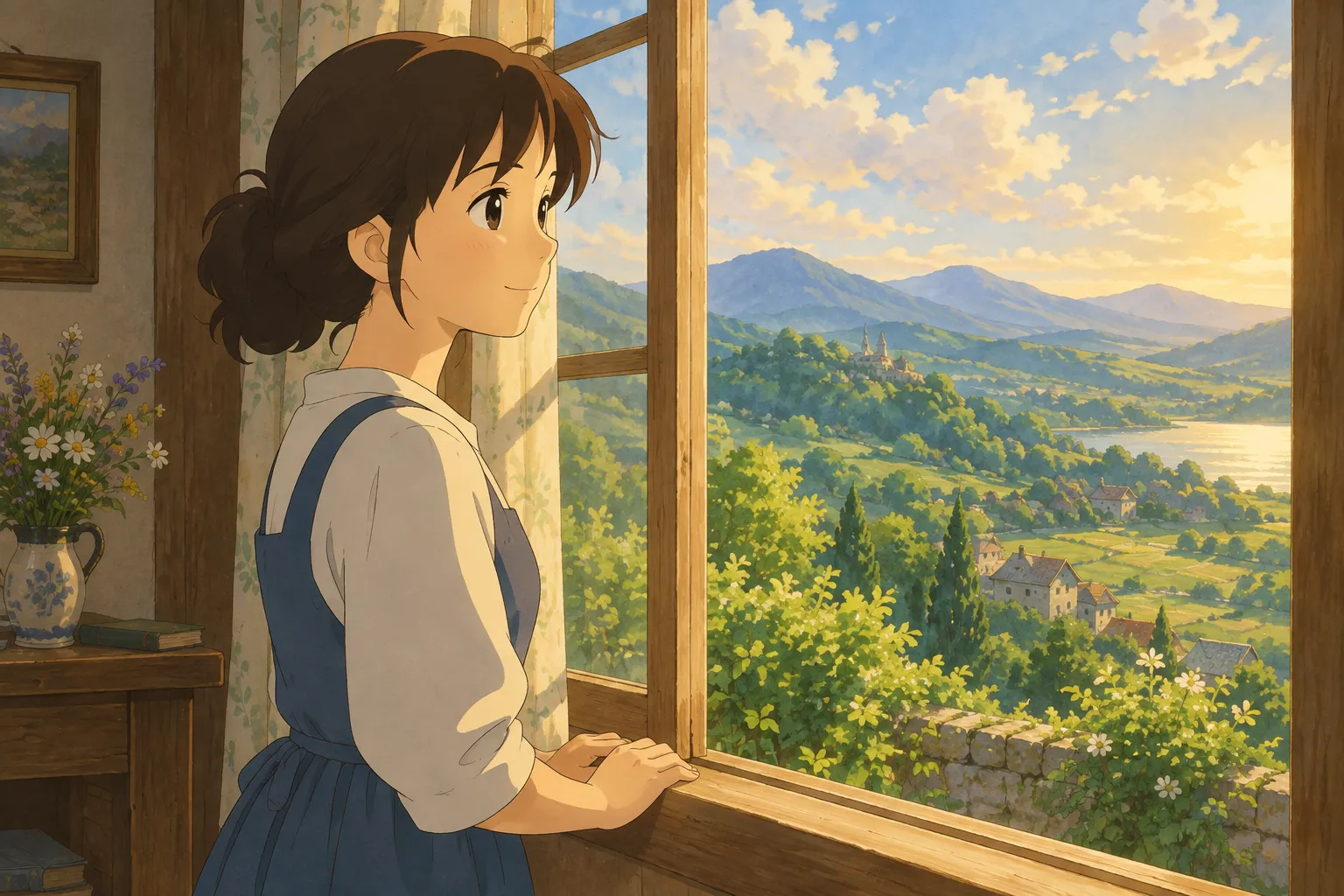
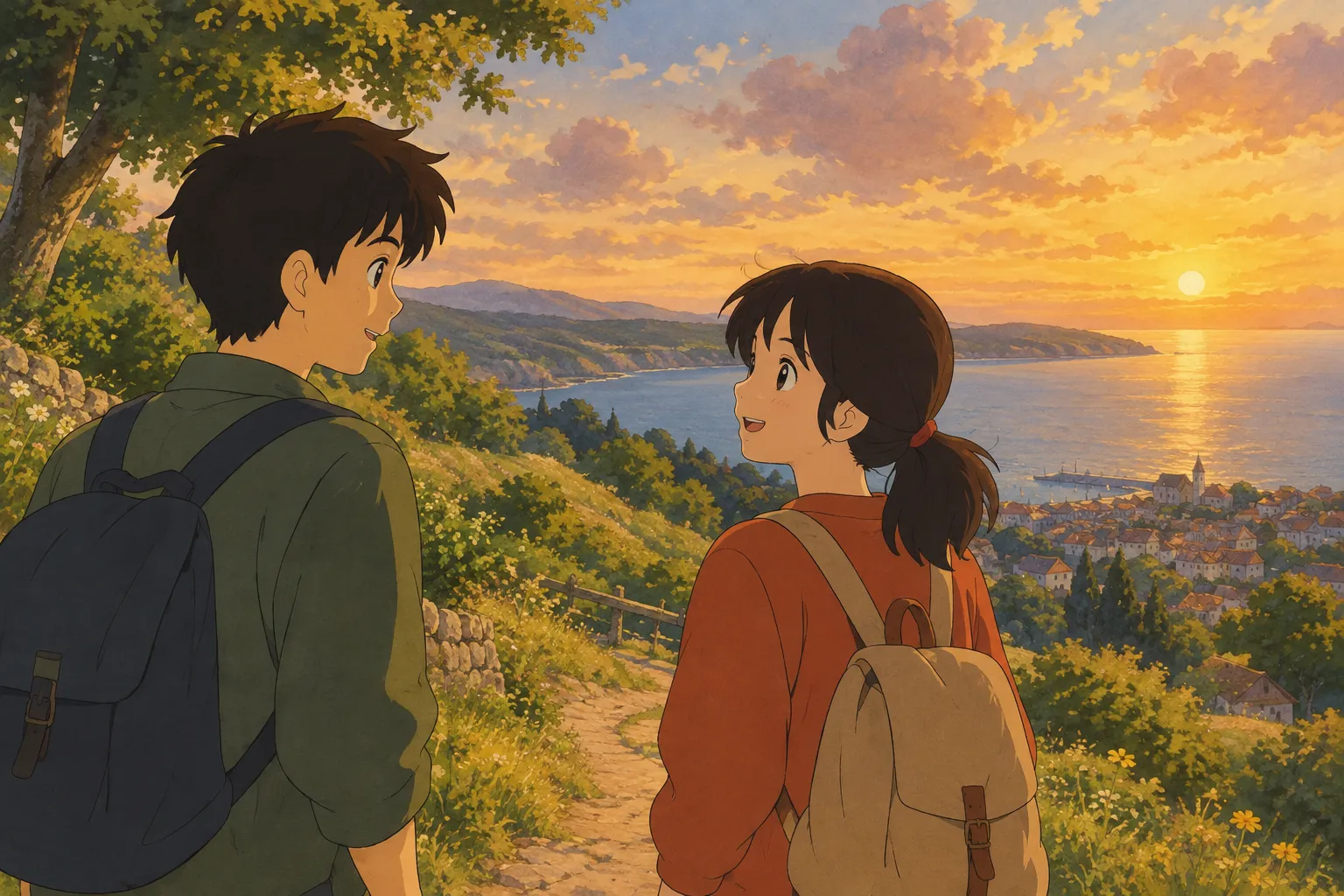
If you've spotted those dreamy, hand-painted anime portraits popping up as profile pictures and wondered how people make them, you're in the right place. A "Ghibli avatar" is a profile picture rendered in the soft, storybook style made famous by classic Japanese animation studios — warm colors, gentle linework, and a painterly background that feels like a frame from an animated film. Lots of people search for "studio ghibli avatar" hoping to turn their own selfie or pet photo into that look. Below, we'll walk through exactly how to do it, what makes a great source photo, and a few style variations worth trying.
A quick note before we dive in: Ghibli Style (ghiblistyle.co) is an independent AI photo-to-art tool inspired by that hand-painted aesthetic. It isn't affiliated with Studio Ghibli, and this guide won't use any of that studio's characters or logos — just the general look of soft, hand-painted anime art applied to your own photos.
What Makes an Avatar "Ghibli-Inspired"
The style people are chasing usually includes a few recognizable traits:
- Soft, slightly muted color palettes with warm lighting
- Rounded, gentle facial features rather than sharp cel-shaded lines
- Painterly backgrounds — skies, leaves, or clouds that look brushed rather than photographic
- A calm, nostalgic mood, even in an everyday photo
That combination is different from a crisp modern anime look (sharper lines, bolder shading), so if you want the cozy, storybook feel specifically, look for a tool or filter labeled as the hand-painted or "Ghibli-inspired" style rather than general "anime" style.
Step-by-Step: Turning a Photo into an Avatar
- Pick a clear, well-lit photo. Natural daylight or soft indoor lighting works best. Avoid heavy shadows across the face, since the AI uses facial shading to build the painted look.
- Use a simple pose and background. A head-and-shoulders shot, facing mostly forward or at a slight angle, gives the clearest result. Busy backgrounds can confuse the output, so a plain wall, a park, or blurred scenery works well.
- Make sure the face is in focus and not too small in the frame. Cropped close-ups (think passport-photo distance) translate best into avatar-sized art.
- Upload the photo to an AI photo-to-art generator. On the Ghibli Style home page, you upload your photo, choose the signature soft, hand-painted style (it's the default look), and get a result in about 20-30 seconds.
- Download and set it as your profile picture. Standard downloads are free; if you want a higher-resolution HD version for printing or a larger display, that uses one credit.
Photos That Work Especially Well
Not every photo converts equally well into a painted avatar. Here's what tends to give the best results:
- Selfies with good lighting — window light or outdoor shade is more flattering than harsh overhead light or flash.
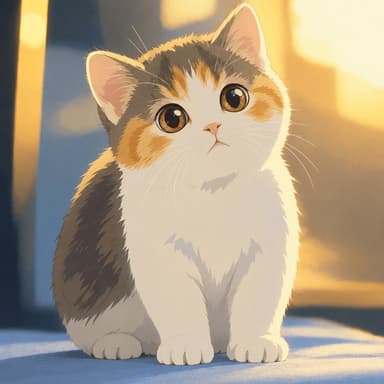
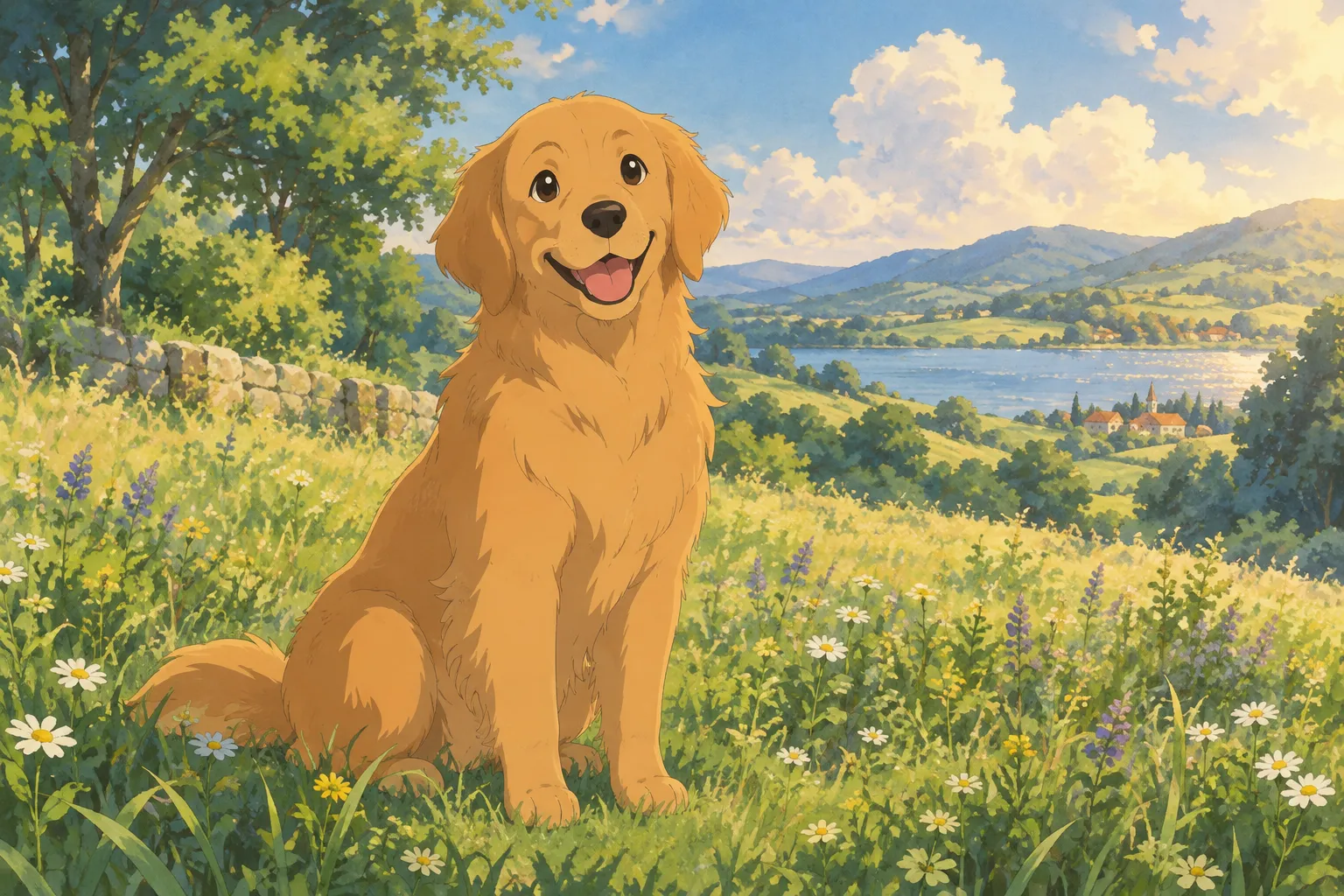
- Pet portraits — a dog or cat looking toward the camera, with its whole face visible, often turns into a particularly charming avatar.
- Couple or friend photos — if you want a matching pair of avatars, a photo where both faces are clearly visible works great.
- Avoid sunglasses, heavy filters, or group shots with many small faces — the AI needs to read individual features clearly to paint them well.
Example: Before and After
Here's what the transformation looks like in practice — an everyday portrait turned into a hand-painted anime-style piece:
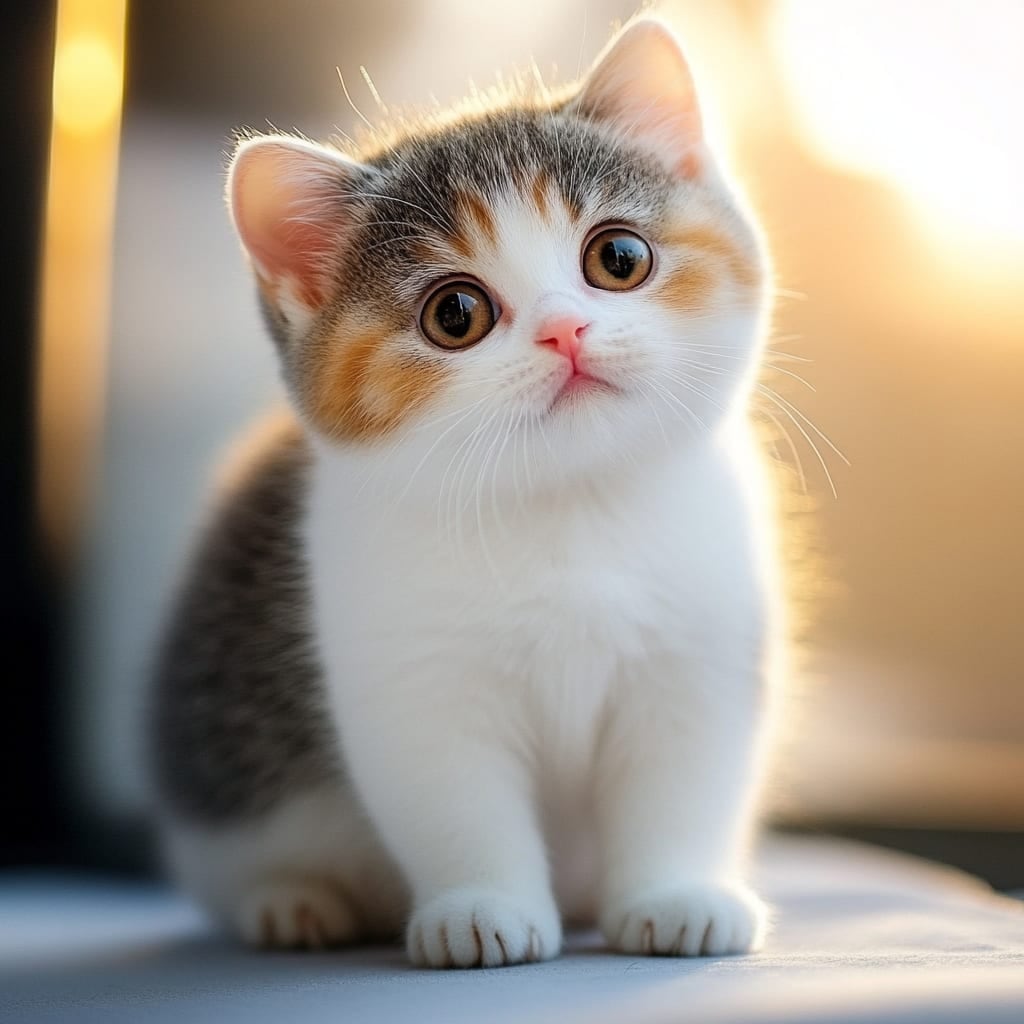
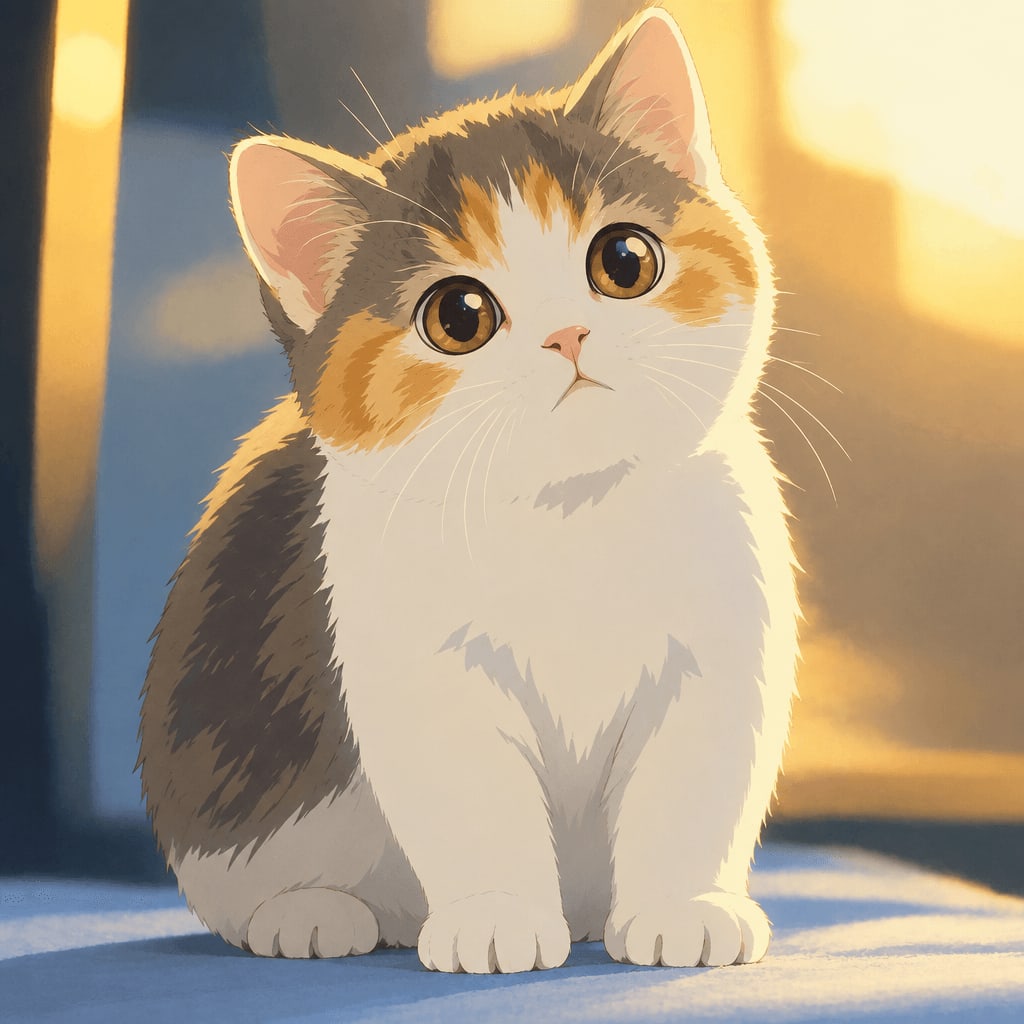
You can try this with your own photo of a person or pet on the home page, where the default style is that same soft, painterly look.
Other Avatar Styles Worth Trying
The Ghibli-inspired look is just one option among 42 styles across 6 categories (cartoon & anime, art & painting, sketch, digital, 3D & toys, and photo & portrait). If you want an avatar with a different mood, a few popular alternatives include:
- Anime PFP Maker — a square anime profile picture made from a selfie, Ghibli-inspired by default, sized perfectly for social platforms.
- Chibi Maker — a cute, big-head chibi version if you want something playful rather than cinematic.
- Photo to Anime — a crisper, modern TV/film anime look with bold cel shading, if you prefer sharper lines over the soft painted style.
- Watercolor Portrait — a softer, painterly option if you want something more artistic than anime but still hand-crafted looking.
You can browse the full lineup on the styles page to compare looks side by side before choosing one.
Tips for a Great Result
- Square crop your source photo if your avatar slot is square (most social platforms are), so the subject stays centered after stylization.
- Try more than one photo. Lighting and angle make a bigger difference than you'd expect — a second attempt often looks noticeably better.
- Keep a copy of the original. Generated images land in a private "My Works" page, kept for 30 days on a free account, 90 days after buying credits, or a full year for subscribers — but it's smart to save your favorite locally too.
- A failed generation doesn't cost you anything. If a result doesn't come out right, you can simply try again without losing a credit.
FAQ
Is this officially a Studio Ghibli avatar maker? No. Ghibli Style is an independent tool that creates art "in a hand-painted anime film style" inspired by that aesthetic. It has no affiliation with Studio Ghibli and doesn't use its characters or logos.
How much does it cost to make an avatar? New accounts get 1 free image to try. Beyond that, one-time credit packs start at 10 images for $4.99, and there are monthly subscription options too — you can see all current options on the pricing page.
Can I turn a pet photo into an avatar, not just a person? Yes. The tool works with photos of people or pets — a clear photo of your dog or cat with its face visible usually produces a great result.
What's the difference between the Ghibli-inspired style and the anime style? The Ghibli-inspired style is softer and more painterly, with muted colors and gentle lighting — closer to a storybook illustration. The anime style uses crisper lines and bolder cel shading, closer to a modern anime series. Both make great avatars; it just depends on the mood you want.
Final Thoughts
A Ghibli-inspired avatar is a quick, low-stakes way to try AI art on a photo you already love — your own portrait, a selfie with a friend, or your pet's best angle. Start with a clear, well-lit photo, pick the soft hand-painted style, and you'll have a new profile picture in under a minute. If you want to experiment further, the wider style library has plenty of other looks worth exploring once you've got your first avatar sorted.
Try the Ghibli style generator on your own photo.
Try it free