How to Make a Ghibli Portrait From Your Own Photo
Want a Ghibli portrait from your own photo? Learn what makes the style work, how to pick the best picture, and how to generate one in seconds.
 Ghibli Style Team5 min read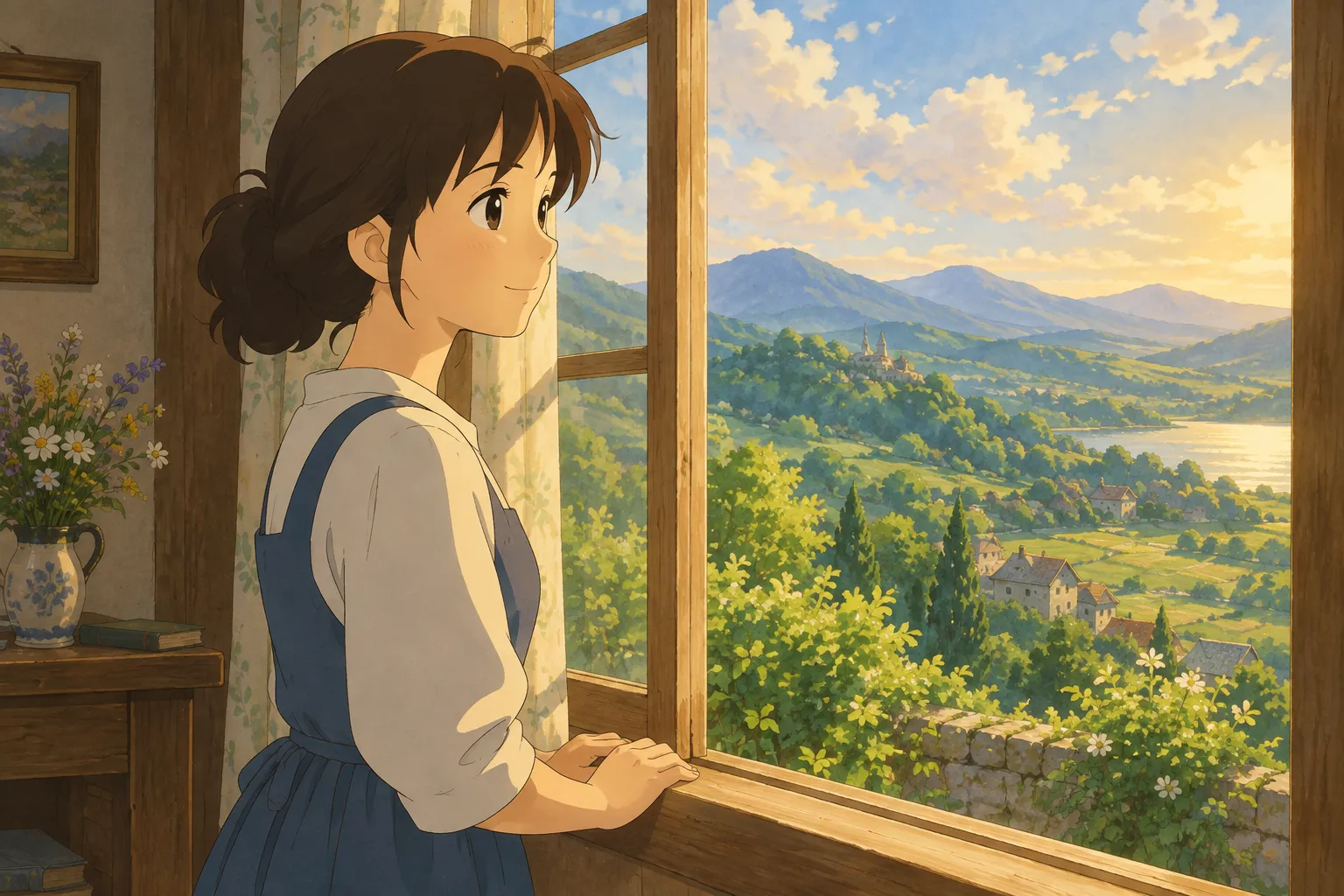
On this page
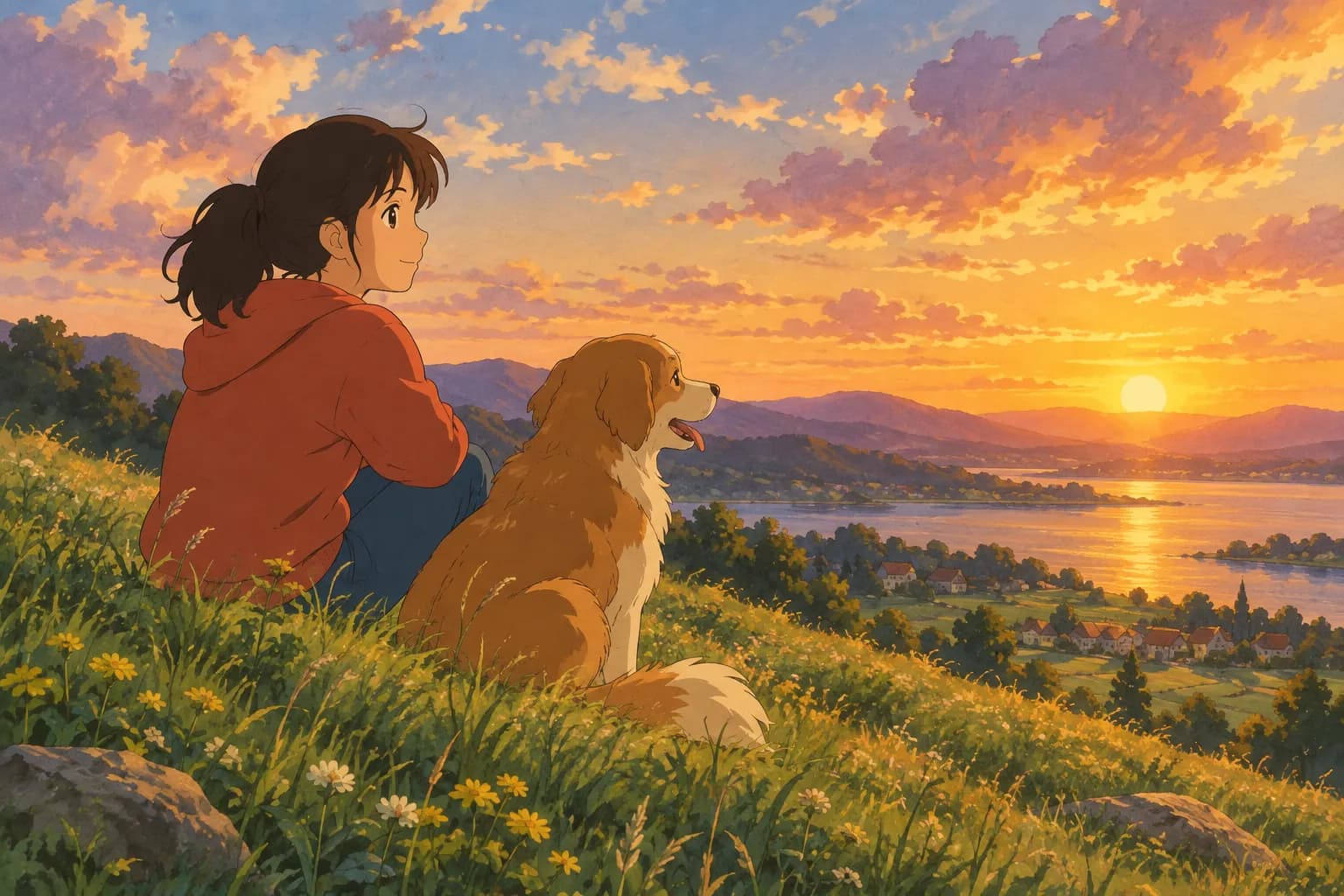
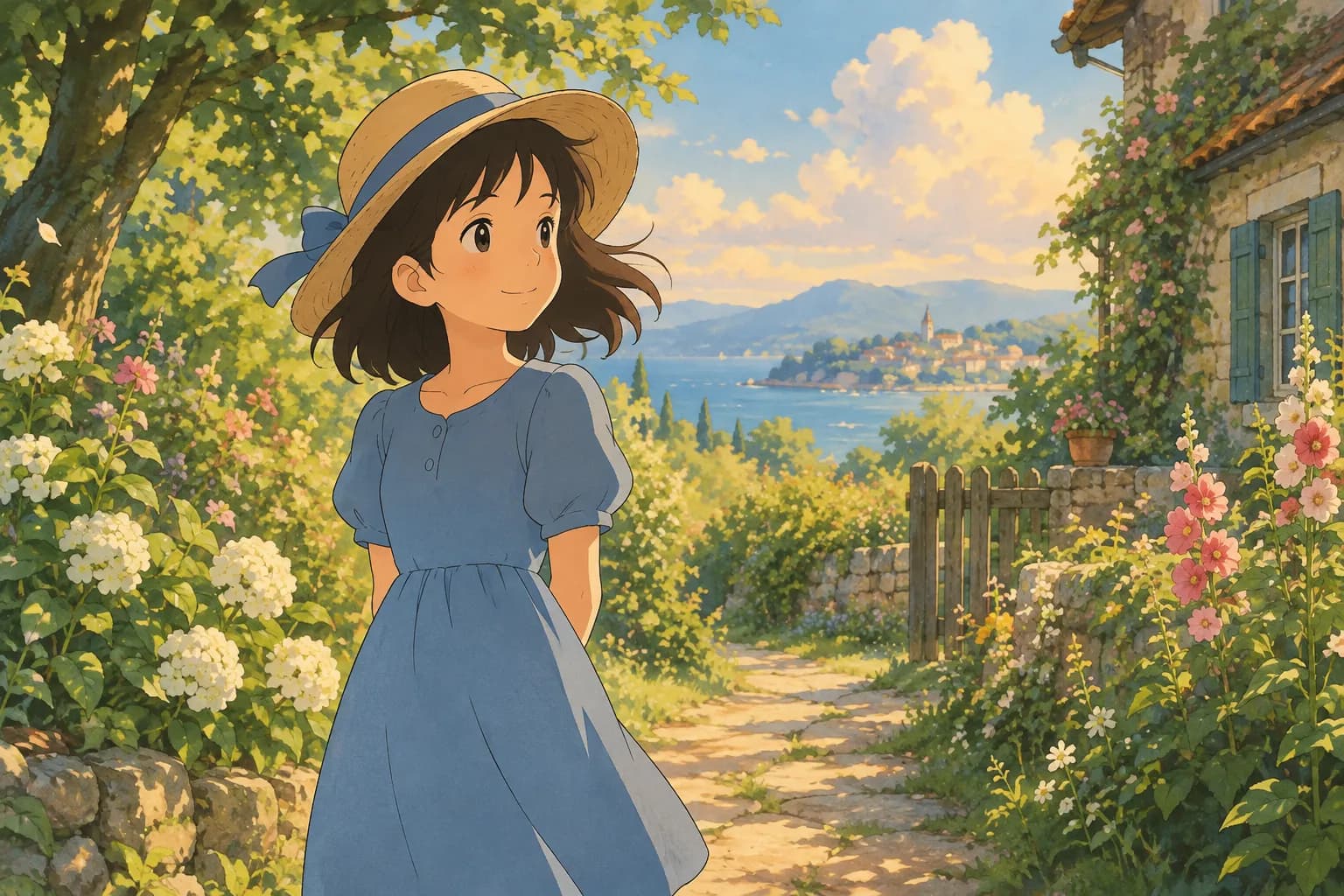
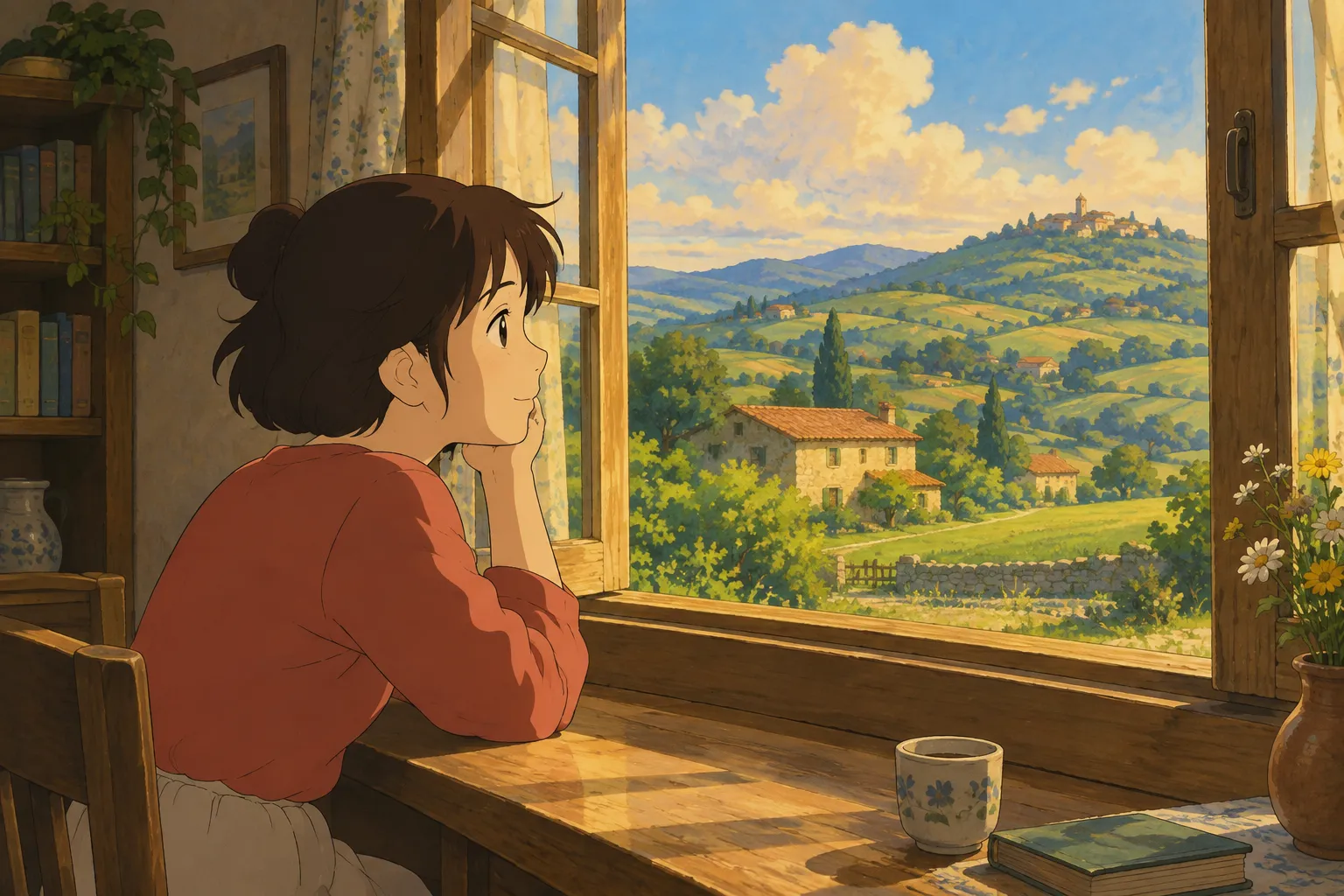
If you've spent any time scrolling social media lately, you've probably seen portraits with that soft, hand-painted look: warm watercolor skies, gentle linework, cozy lighting that feels like a frame pulled from a beloved animated film. That dreamy, storybook aesthetic is what most people mean when they search for a "Ghibli portrait" — a photo reimagined in a hand-painted anime film style, with soft edges, warm color grading, and a touch of nostalgic magic.
This guide walks through what actually makes a portrait look "Ghibli-inspired," what kind of source photo gives the best results, and how to generate one yourself in under a minute.
What Makes a Portrait "Ghibli-Style"
The look that people chase usually shares a few visual traits:
- Soft, hand-painted textures instead of sharp digital lines — brushstroke-like shading on skin, hair, and clothing
- Warm, slightly muted color palettes, often golden hour tones or soft overcast light
- Expressive, rounded eyes and gentle facial features that keep the subject recognizable but softened
- Painterly backgrounds — rolling hills, cozy interiors, or dappled light through leaves, rather than photorealistic detail
- A calm, wholesome mood, even in an otherwise ordinary photo
It's less about copying any single artwork and more about capturing that feeling of a frame from a classic hand-drawn animated film — cozy, nostalgic, and a little whimsical.
How to Generate a Ghibli Portrait
You don't need illustration skills or editing software to get this look anymore. With an AI photo-to-art tool, the process is just three steps:
- Upload a photo of yourself, a friend, or even your pet
- Choose the Ghibli-inspired style (it's the default look on the home page of Ghibli Style)
- Wait about 20-30 seconds for the image to generate, then download it
That's it — no prompt writing required if you're using a dedicated tool, since the style, lighting, and painterly treatment are already built in. You just supply the photo and let the tool handle the rest. New accounts get one free image to try it out, so you can test the result before deciding if you want more.
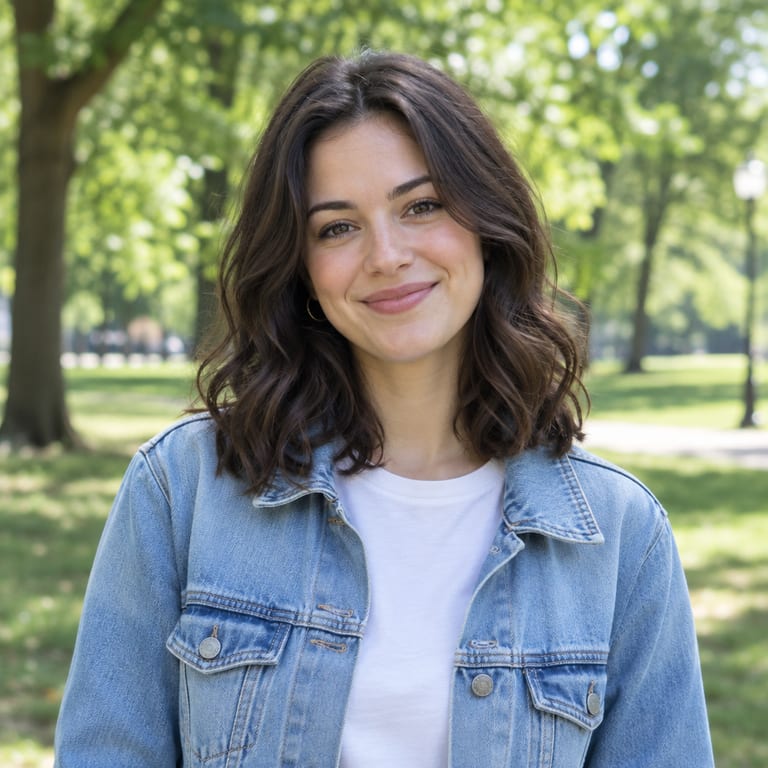
Before and After: See the Style in Action
Here's an example of a real portrait transformed into the Ghibli-inspired look:
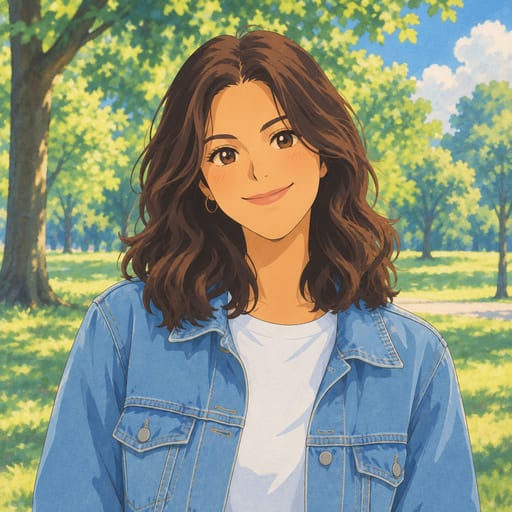
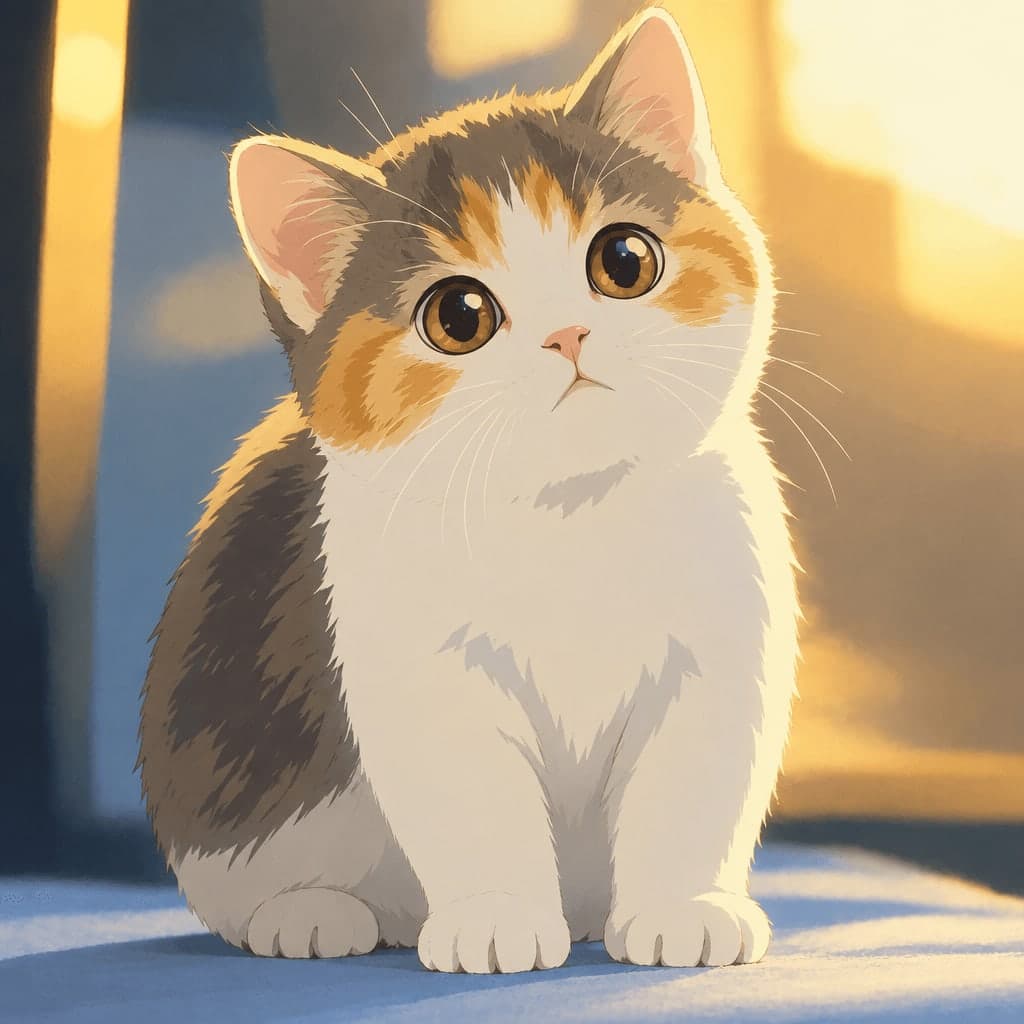
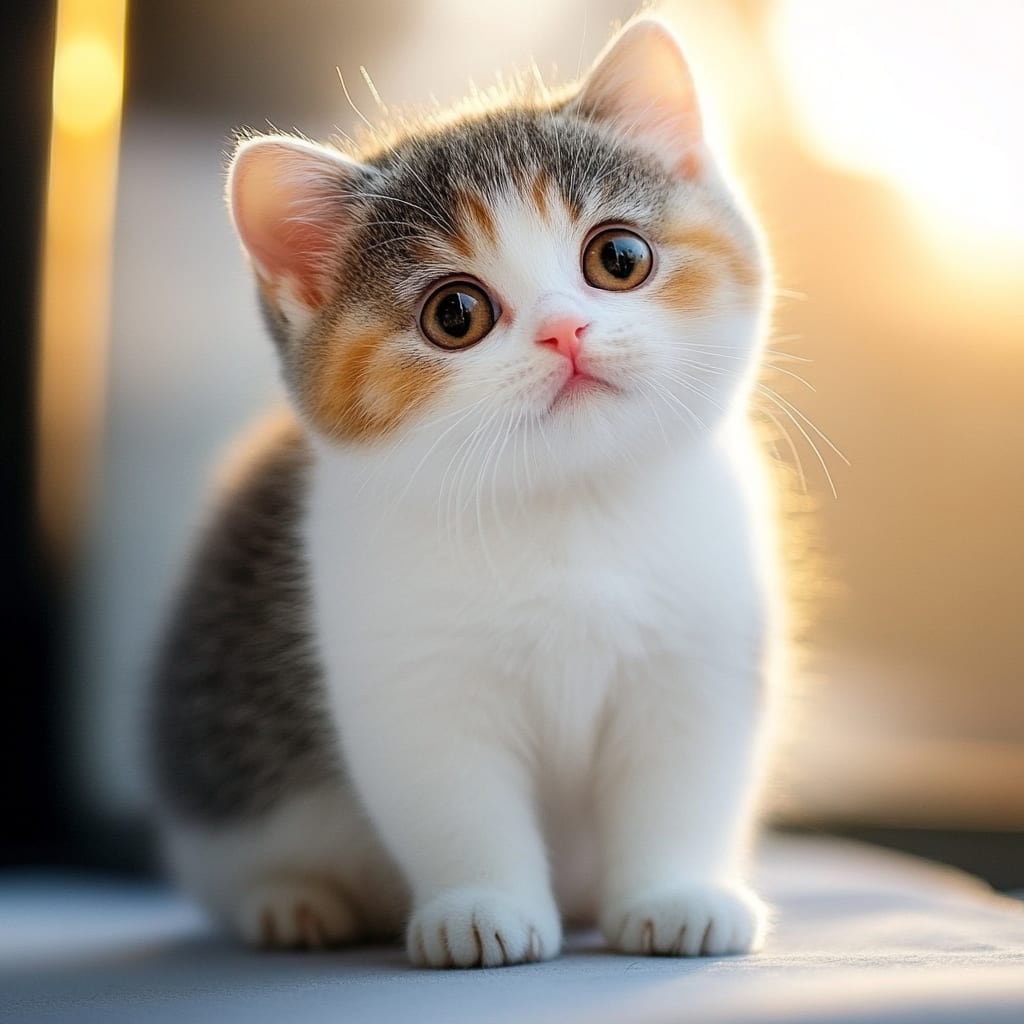
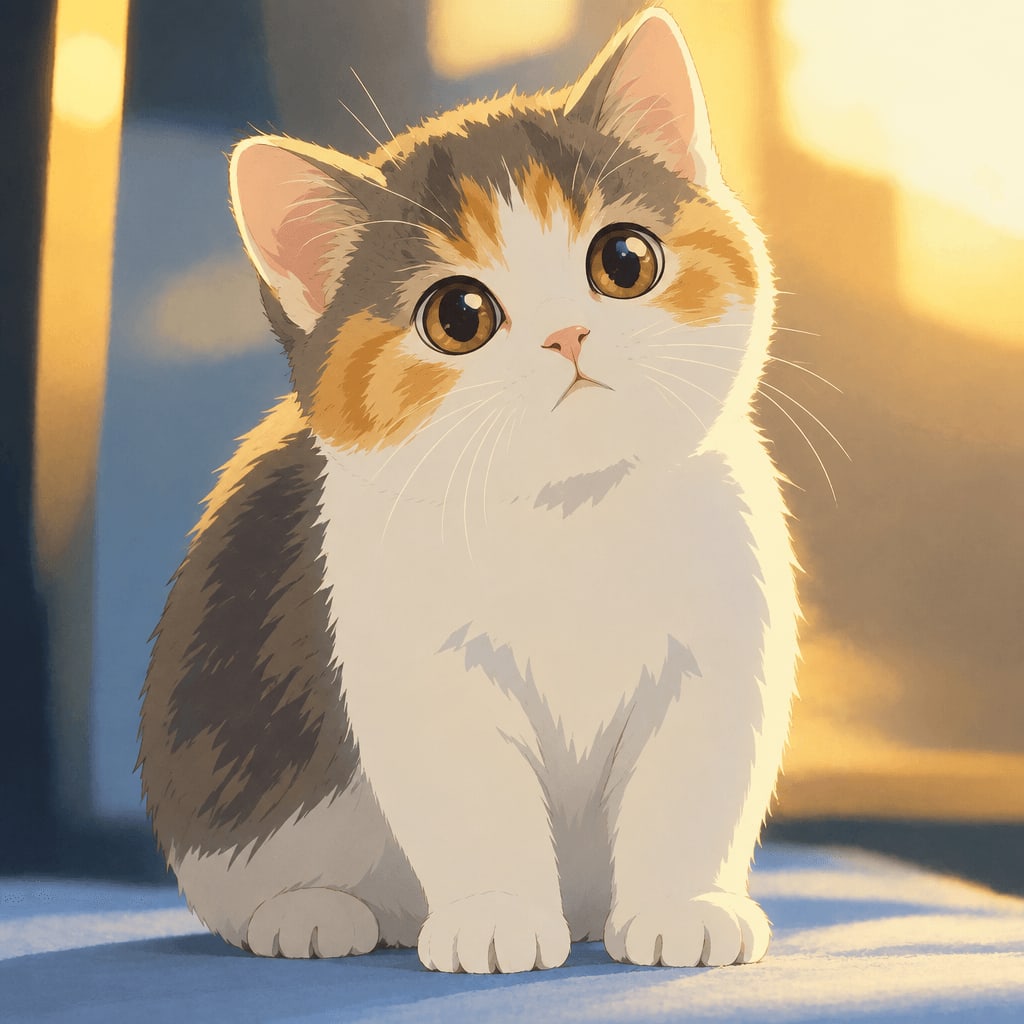
And it's not just for people — pets translate beautifully into this style too:
Tips for Choosing the Best Source Photo
The quality of your Ghibli portrait depends a lot on the photo you start with. A few tips:
Use good, even lighting. Natural daylight or soft indoor lighting works best. Harsh shadows or strong backlighting can confuse the AI and distort facial features.
Face the camera, or close to it. A three-quarter or front-facing shot gives the clearest result. Extreme side profiles or photos where the face is partially hidden tend to translate less accurately.
Keep the subject in focus and reasonably large in the frame. A tight crop around the head and shoulders, or a half-body shot, usually works better than a tiny figure in a huge landscape.
Skip heavy filters on the original. Start from a clean, unedited photo — the AI needs to read actual facial structure and expression, and existing filters can introduce artifacts.
Pets work great too. Clear, well-lit shots of your dog or cat looking toward the camera often produce surprisingly charming results.
What to Do With Your Ghibli Portrait
Once you've generated one, there's plenty you can do with it:
- Set it as a phone or desktop wallpaper — the site even has a dedicated Ghibli wallpaper tool that formats your portrait for 9:16 or 16:9 screens
- Use it as a profile picture — if you want something more avatar-shaped, the anime pfp maker crops and polishes a square version, Ghibli-inspired by default
- Print it for a gift or keepsake, especially pet portraits or couple photos
- Download the free standard version for casual sharing, or use credits for an HD download if you want print-quality detail
Other Styles Worth Exploring
The Ghibli-inspired look is the signature style, but it's one of 42 options across 6 categories on the site. If you want to compare looks before settling on one, the styles overview page shows them all side by side. A few popular alternatives:
- Photo to anime — a crisper, modern anime look with cel shading, different from the softer Ghibli-inspired style
- Watercolor portrait — for a more traditional painted feel
- Chibi maker — a cute, big-head illustrated version, great for stickers or gifts
- 3D figurine — turns your photo into a realistic collectible figure on a display base
Pricing and Credits
Standard downloads are free. If you want HD quality or plan to make a batch of portraits, credits are affordable: 10 images for $4.99, or 40 images for $14.99, both one-time purchases with credits valid for 12 months. If you're planning to generate images regularly, the monthly plans (30 images for $9.99/month or 150 images for $29.90/month) work out well, and you can cancel anytime. Full details are on the pricing page. A failed generation never uses up a credit, so you're only charged for results you actually get.
FAQ
Is this an official Studio Ghibli product? No. Ghibli Style is an independent AI tool inspired by that hand-painted animation aesthetic. It isn't affiliated with or endorsed by Studio Ghibli.
How long does it take to generate a Ghibli portrait? Typically about 20-30 seconds from upload to finished image.
Can I use a photo of my pet instead of a person? Yes — the style works for both people and pets. Clear, well-lit photos with the face visible tend to give the best results either way.
Where are my generated images stored? They're saved privately in your "My Works" page — for 30 days on a free account, 90 days after buying credits, or a full year if you're on a subscription plan.
Final Thoughts
A Ghibli portrait is really about capturing a feeling — that warm, hand-painted nostalgia that makes an ordinary photo feel like a scene from a storybook. With the right source photo and a tool built for the job, you can turn a regular selfie or pet photo into that look in less time than it takes to make coffee. Give it a try on the home page and see what your own photo looks like in that soft, painterly world.
Try the Ghibli style generator on your own photo.
Try it free