Ghibli Art Prompt Ideas: Write Prompts That Actually Work
Looking for the perfect ghibli art prompt? Get copy-paste prompt examples, photo tips, and an easy way to turn your own pictures into Ghibli-style art.
 Ghibli Style Team6 min read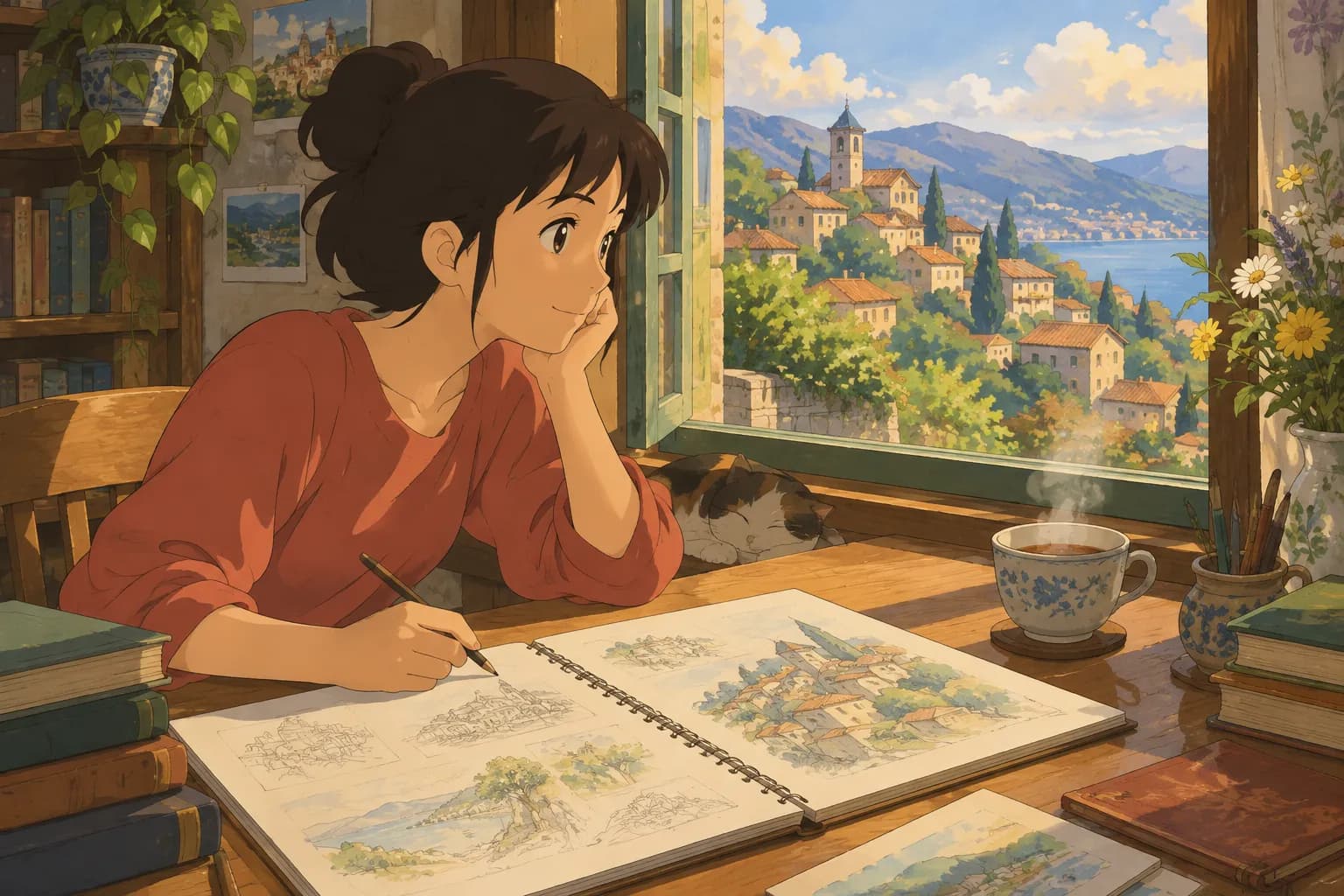
On this page
If you've typed "ghibli art prompt" into a search bar, you're probably trying to get an AI image generator to produce that dreamy, hand-painted anime look: soft watercolor skies, warm golden light, cozy countryside houses, and characters with big expressive eyes. The tricky part is that a vague prompt like "ghibli style picture" often gives you something that looks more like generic anime than the warm, painterly feel you're after.
This guide covers two things: how to write a strong Ghibli-inspired art prompt from scratch (for text-to-image tools), and a faster option if you already have a photo you want turned into that same style — a Ghibli-style photo converter that skips the prompt-writing entirely.
What makes a "Ghibli" prompt actually work
The hand-painted anime film look isn't just "anime." It has a specific set of ingredients that your prompt needs to call out:
- Soft, painterly textures — not crisp vector lines, but visible brushwork, like gouache or watercolor
- Warm, natural lighting — golden hour sun, dappled shade under trees, soft overcast skies
- Lush, detailed backgrounds — rolling hills, old wooden buildings, overgrown gardens, steam from a kettle
- Gentle color palettes — muted greens, warm ochres, soft blues, rather than neon or oversaturated tones
- Expressive but simple character design — round faces, large eyes, minimal shading, a slightly nostalgic feel
A good prompt names the subject, the setting, the lighting, and the art style together, instead of just tacking "Ghibli style" onto the end.
Copy-and-adapt prompt examples
Here are a few templates you can tweak for your own scene. Swap in your own subject, location, or mood:
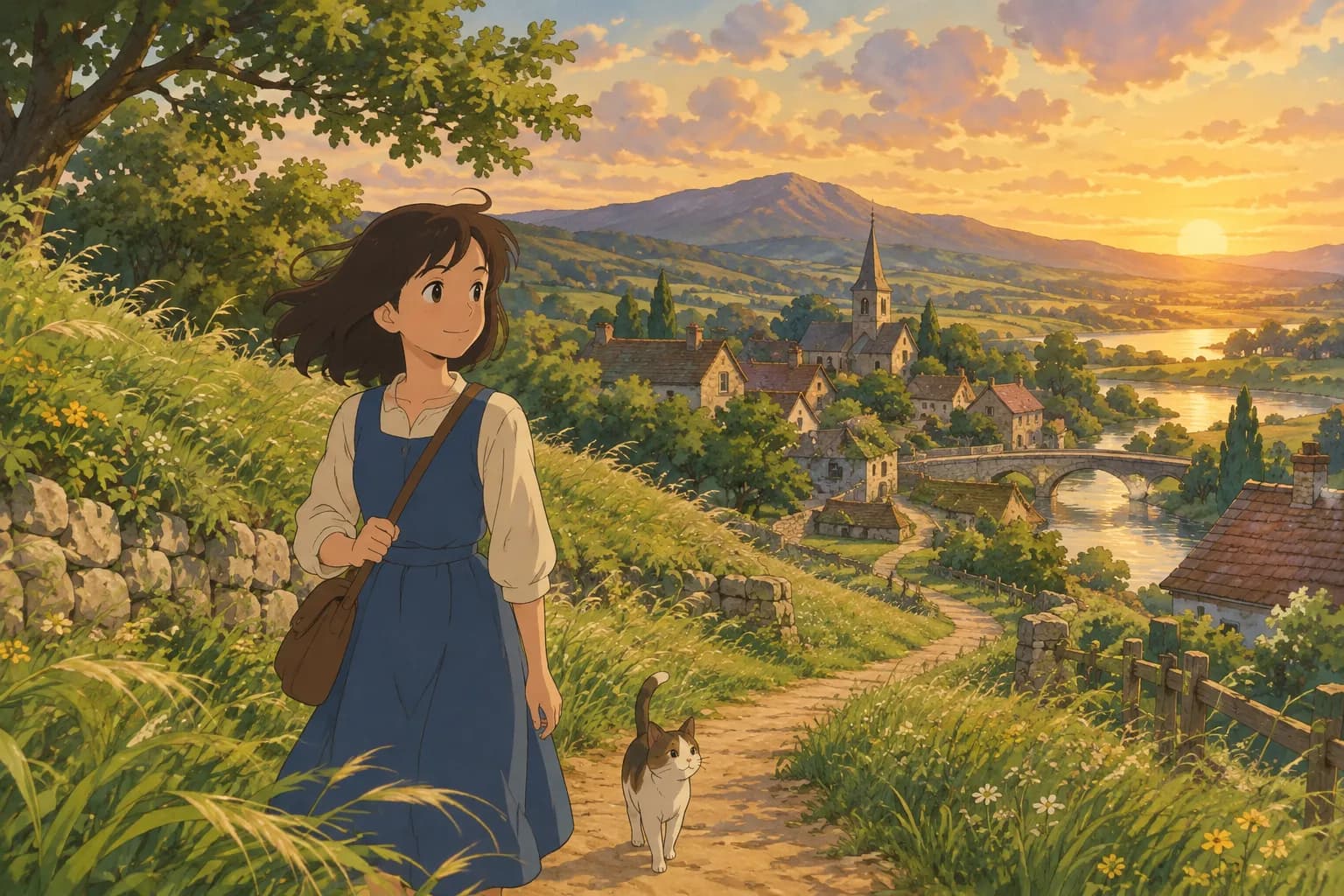
Portrait / character prompt: "A young woman with short brown hair standing in a sunlit meadow, wind blowing through tall grass, hand-painted anime film style, soft watercolor textures, warm afternoon light, gentle expression, detailed clouds in the background"
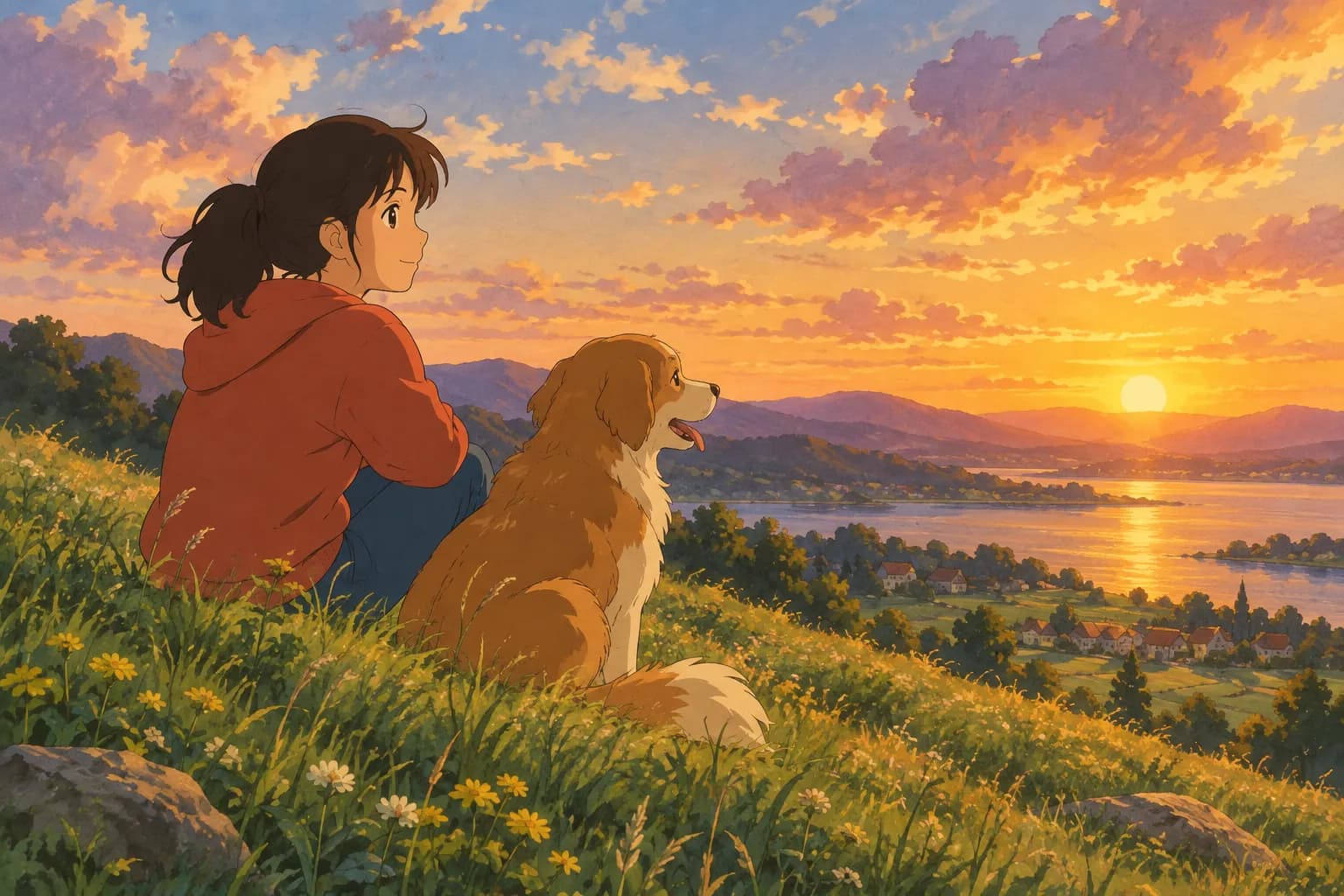
Pet or animal prompt: "A fluffy corgi sitting on a wooden porch overlooking a quiet countryside town, morning mist, hand-painted anime style, warm pastel colors, cozy and peaceful mood"
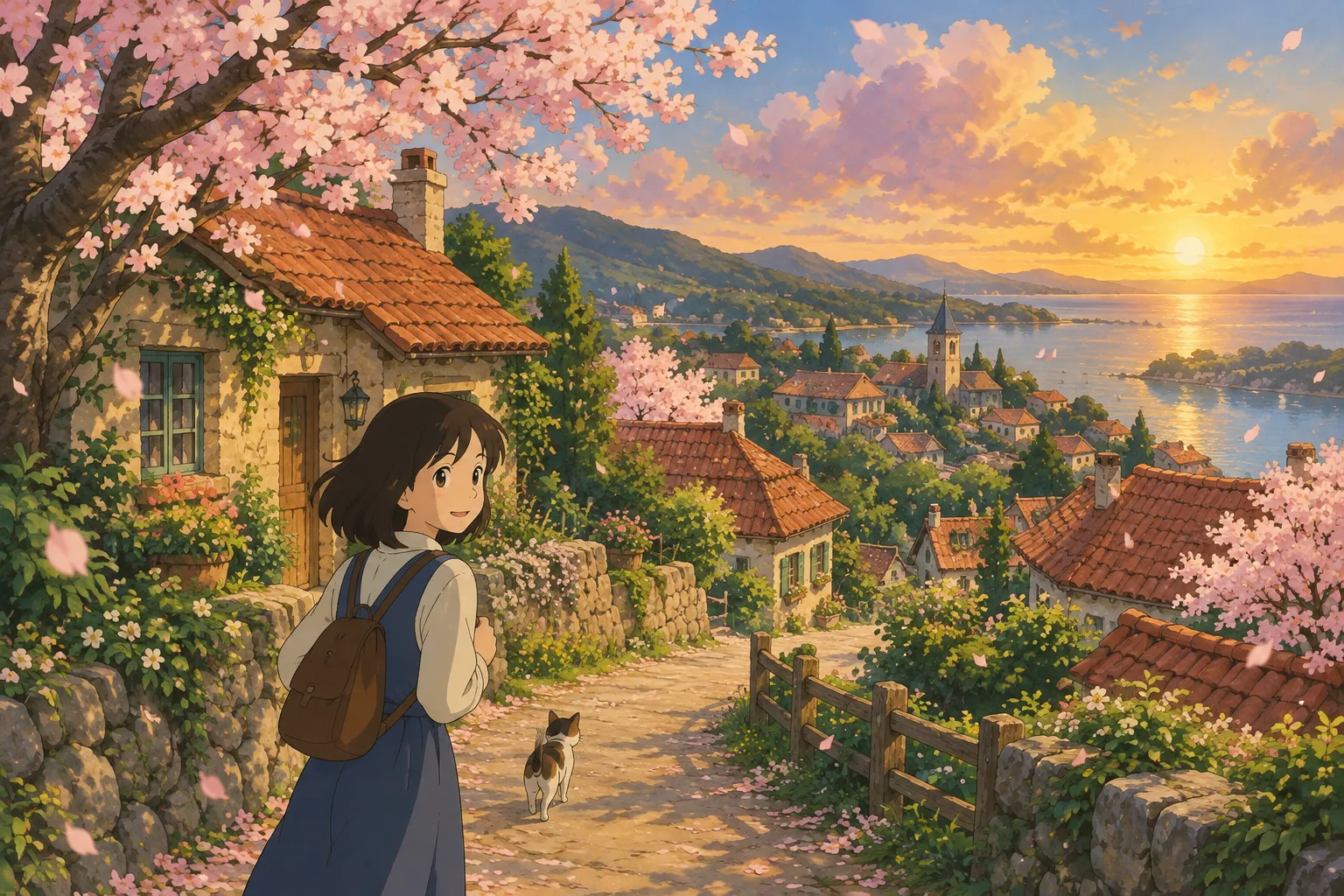
Landscape / background prompt: "A small hillside village with red-roofed cottages, a winding dirt path, cherry blossom trees in bloom, soft painterly clouds, golden hour lighting, hand-painted anime film style"
Everyday scene prompt: "An elderly man reading on a porch swing, steam rising from a teacup beside him, cat curled up nearby, warm late-afternoon light, hand-painted illustration style, soft brushstrokes"
Notice the pattern: subject + action + setting + lighting + "hand-painted anime style" (or "hand-painted, Ghibli-inspired illustration style"). The more specific the lighting and setting details, the less generic the result tends to look.
Prompting tips that make a real difference
- Describe light, not just color. "Soft morning light through a window" works better than just "bright."
- Add texture words. "Visible brushstrokes," "watercolor washes," or "gouache painting" push the result away from flat digital art.
- Keep backgrounds alive. Mention small details — steam, falling leaves, laundry on a line — these little touches are a big part of the style's charm.
- Avoid over-stuffing the prompt. Five or six well-chosen details usually beat twenty vague ones.
- Iterate in small steps. If a result is close but not quite right, change one element (lighting, pose, or background) at a time rather than rewriting the whole prompt.
Already have a photo? Skip the prompt entirely
Writing prompts is great when you're imagining a brand-new scene. But if you want your own portrait or pet turned into Ghibli-style art, text prompting gets frustrating fast — describing a specific face in words rarely gives you back a recognizable likeness.
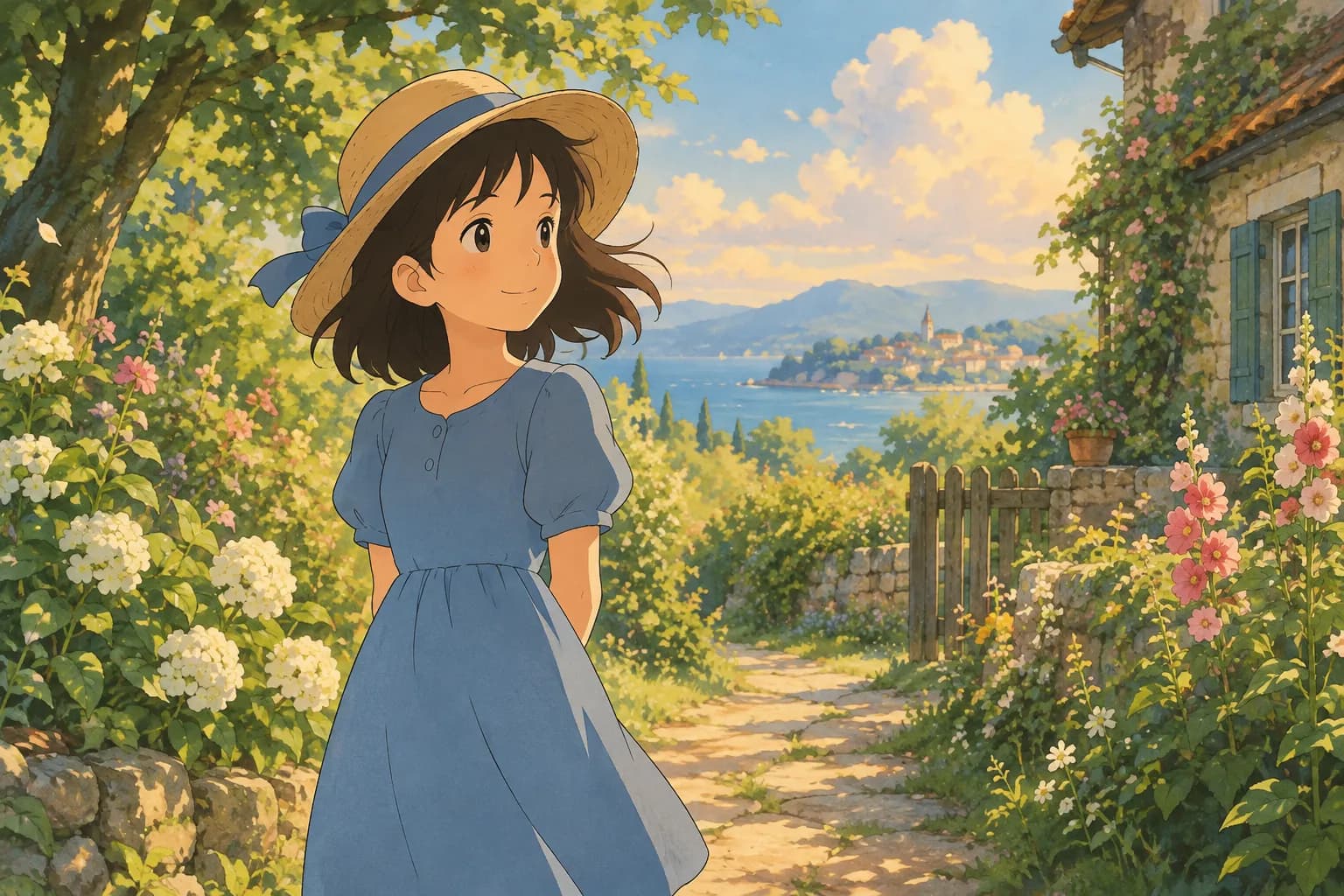
That's exactly the gap a photo-to-art tool like Ghibli Style fills. Instead of describing your photo in words, you upload it directly, pick a style, and the AI repaints your actual photo in the hand-painted look — keeping your face, pose, and outfit recognizable instead of guessing from a text description.
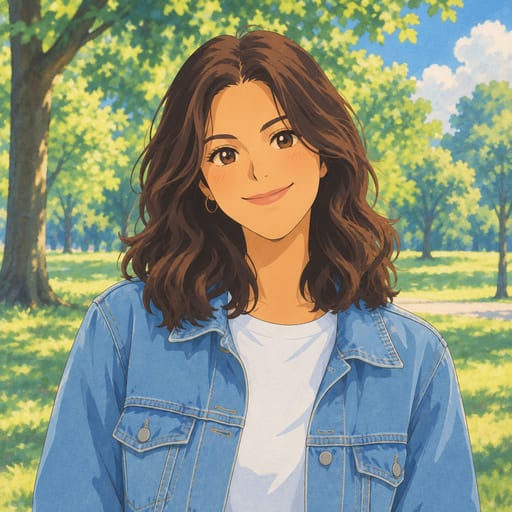
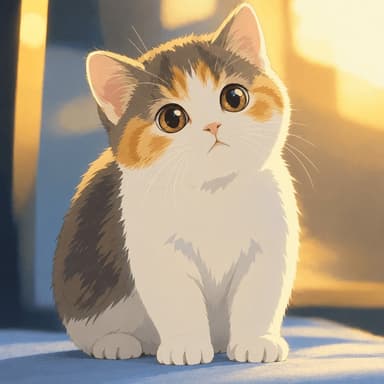
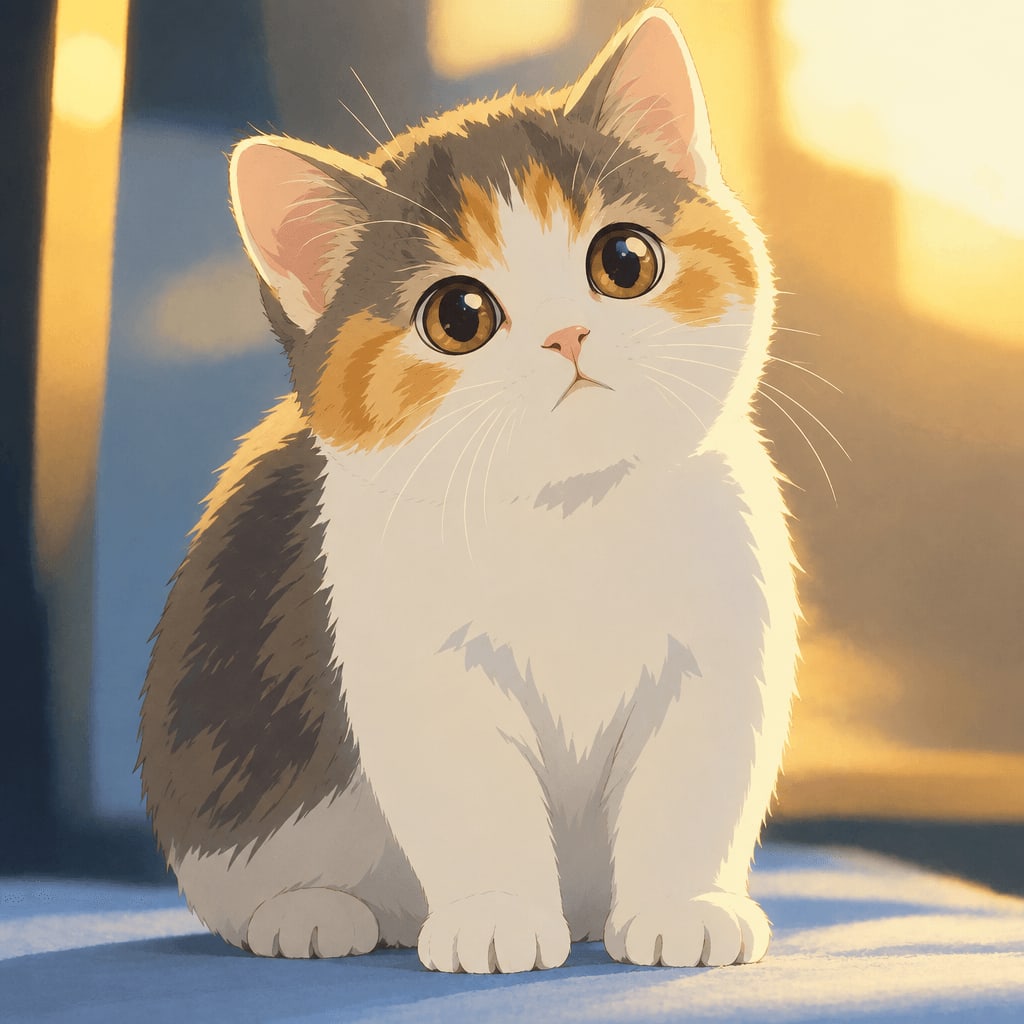
The signature soft, hand-painted look is the default style on the home page, so it only takes a photo and one click to get a result like the one above. Here's another example, this time with a pet:
Tips for photos that convert well
If you're going the photo-upload route, a few things help the AI produce a cleaner result:
- Use good lighting. Natural daylight or soft indoor light works better than harsh flash or heavy shadows on the face.
- Keep the face clear and front-facing. Avoid sunglasses, heavy hats, or extreme angles if you want the likeness to come through.
- Simple backgrounds help. A plain or uncluttered background lets the style focus on the subject.
- Pets work too. Clear, well-lit photos of cats, dogs, and other pets convert just as well as portraits.
- Higher resolution photos give better detail. Blurry or very low-res images limit how much detail the AI can add.
Beyond the classic Ghibli look
The hand-painted style is just one option. If you want to explore related looks, the full styles overview covers 42 styles across six categories, including a few close cousins worth trying:
- Photo to anime — crisper lines and cel shading, for a modern TV/film anime look instead of the softer painted style
- Watercolor portrait — a looser, painterly watercolor finish
- Ghibli-style wallpaper — turns a photo into a ready-to-use 9:16 or 16:9 phone or desktop wallpaper
- Anime pfp maker — a square profile picture version, Ghibli-inspired by default
FAQ
Can I get an exact "Ghibli" image from a text prompt? You can get close with detailed prompts describing hand-painted textures, warm lighting, and soft color palettes. For an exact likeness of a specific person or pet, uploading a photo to a photo-to-art tool usually works better than describing a face in text.
What's the difference between "ghibli art prompt" and "ghibli art with prompt"? Both searches are usually looking for the same thing: wording that helps an AI generator produce the hand-painted anime look. The prompt examples above work for either phrasing.
Do I need a powerful AI tool to use these prompts? No — the text prompts in this guide work with most general-purpose AI image generators. If you want to transform an actual photo instead of generating a new scene, you'll need a photo-to-art tool instead of a text-only generator.
Is this style affiliated with Studio Ghibli? No. "Ghibli-inspired" and "hand-painted anime film style" describe a visual style, not an official product. Ghibli Style is an independent tool and is not affiliated with Studio Ghibli.
How much does it cost to try a photo-to-art tool like this? New accounts get 1 free image to try. After that, pricing starts at 10 images for $4.99, with monthly subscription options available if you plan to make a lot of images.
Try it yourself
Whether you write your own prompt for a brand-new scene or upload a photo to keep your own face and pet recognizable, the hand-painted Ghibli-inspired look is easy to experiment with. If you'd rather skip the trial-and-error of prompt writing, head to the home page, upload a photo, and see your result in about 20-30 seconds.
Try the Ghibli style generator on your own photo.
Try it free