Ghibli Prompt Guide: Best Prompts for That Hand-Painted Anime Look
Looking for the perfect Ghibli prompt? Get tested prompt examples, photo tips, and an easy no-prompt option for a hand-painted anime look.
 Ghibli Style Team6 min read
On this page
If you've been typing things like "ghibli prompt" into an AI image generator and getting mixed results, you're not alone. The Ghibli-inspired look is one of the most requested art styles online, but getting it right with a text prompt alone can be tricky. This guide covers what actually works, with real prompt examples, photo tips, and a simpler alternative if you'd rather skip the trial and error.
What Makes a Prompt "Ghibli-Inspired"
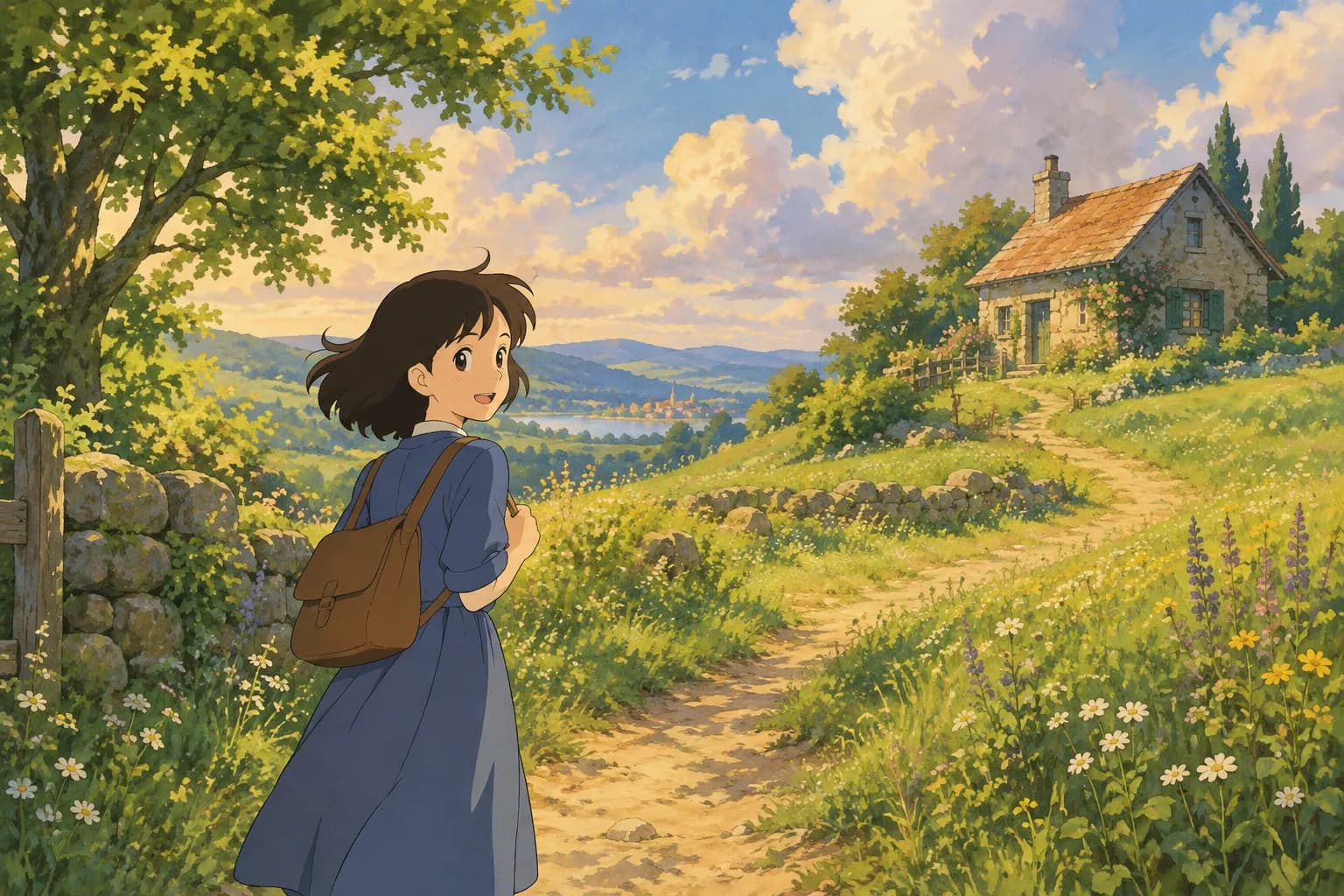
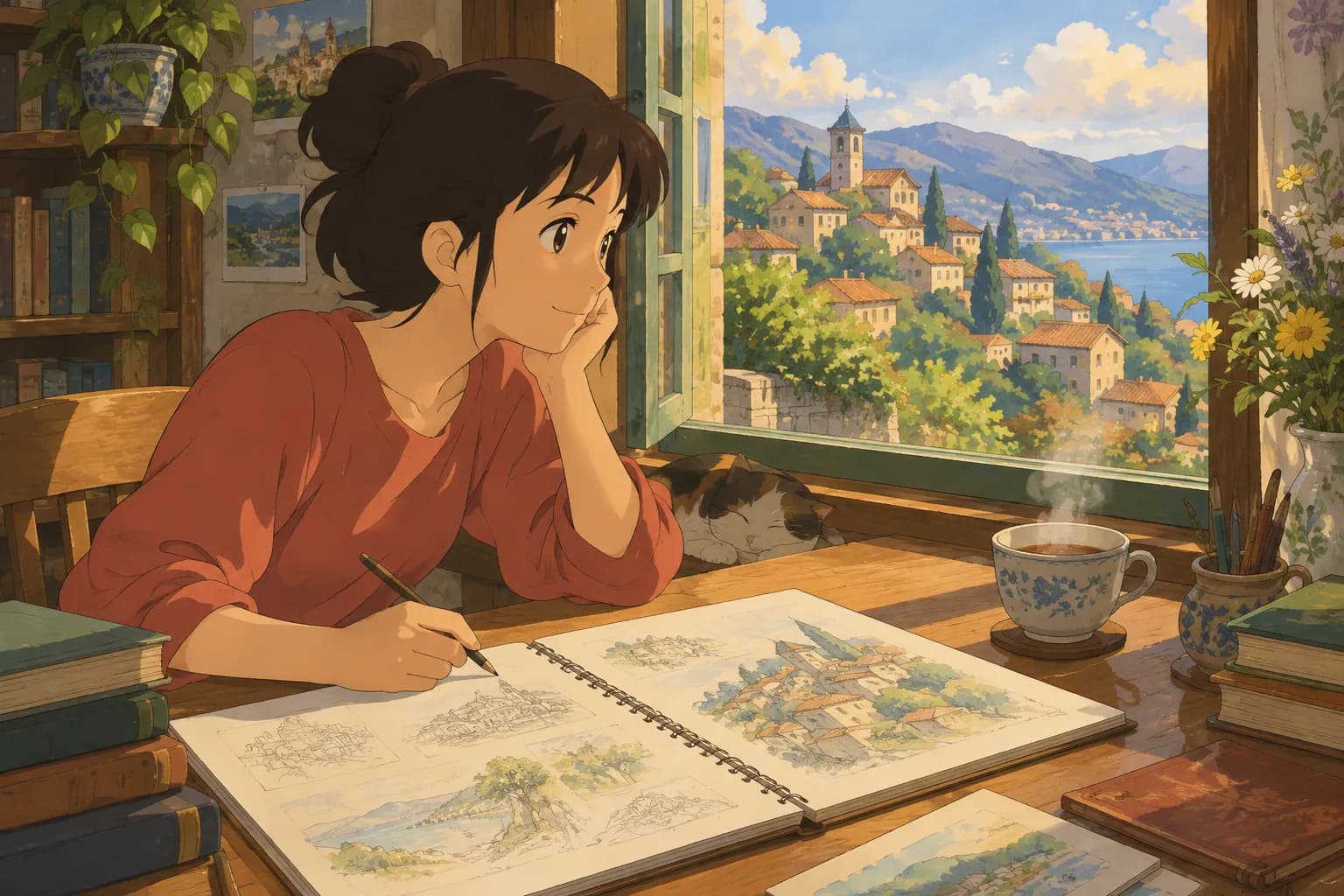
The hand-painted anime film style that people search for usually shares a few visual traits: soft, painterly backgrounds, warm natural light, gentle color grading (lots of greens, golden hour oranges, and sky blues), expressive but simple character faces, and a cozy, nostalgic mood. Good prompts describe these qualities directly instead of just naming a studio, since naming a studio or specific film often gets inconsistent or blocked results depending on the tool you're using.
Core Prompt Formula
A reliable structure for a Ghibli-style prompt looks like this:
[Subject] + [action/pose] + [setting] + [lighting] + [art style descriptors]
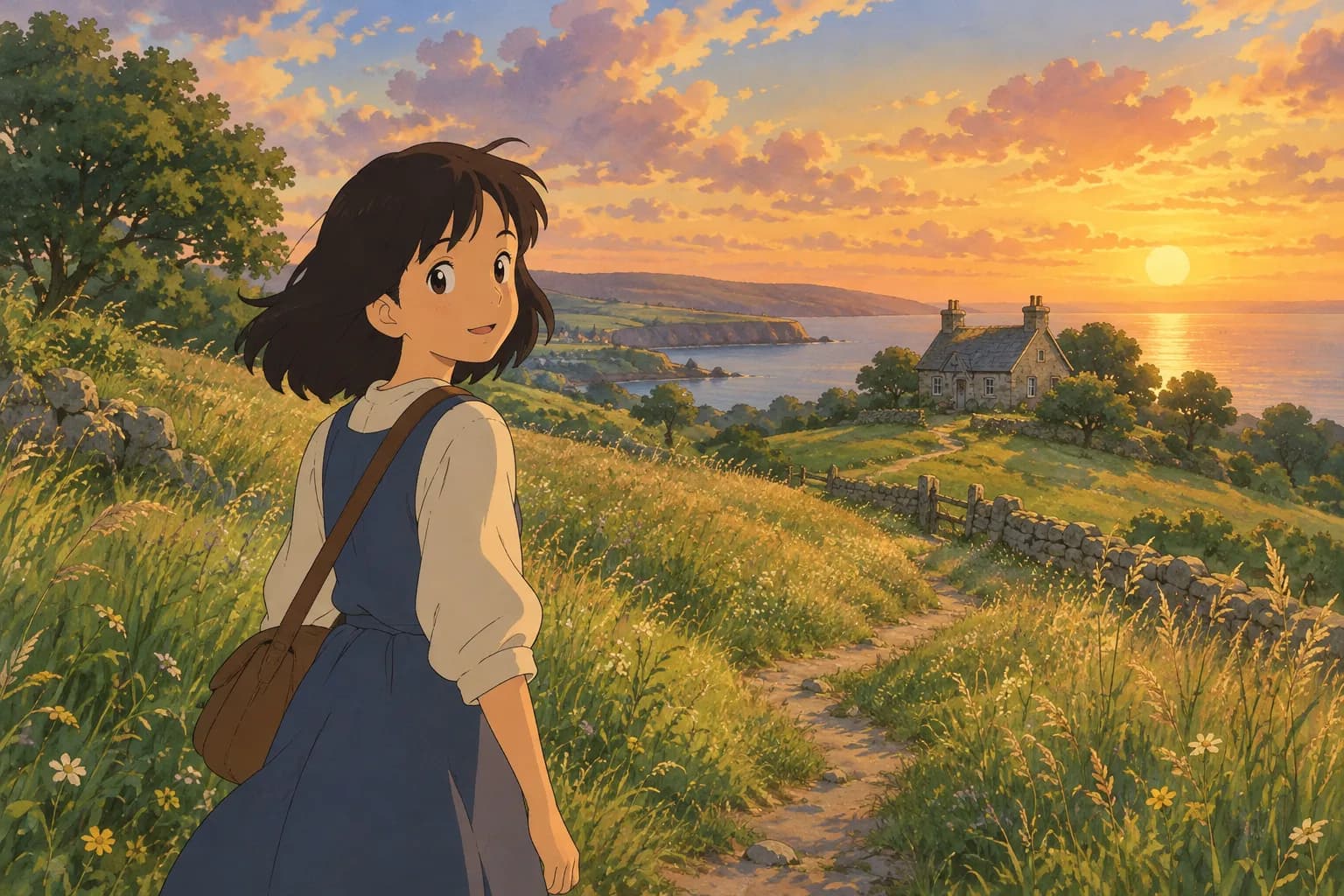
For example: "A young woman standing in a sunlit meadow, wind blowing through tall grass, hand-painted anime film style, soft brush strokes, warm golden light, detailed clouds, nostalgic watercolor background"
Prompt Examples You Can Adapt
- "A boy walking a bicycle down a quiet countryside road, cherry blossom petals in the air, hand-painted anime background art, soft pastel colors, late afternoon light"
- "A cozy cottage kitchen with steam rising from a pot, warm lantern light, hand-painted anime film style, detailed wood textures, peaceful atmosphere"
- "A small corgi sitting on a mossy stone wall overlooking a valley, painterly anime background, soft clouds, early morning mist"
- "A girl in a raincoat holding an umbrella, standing at a bus stop in gentle rain, hand-painted anime style, muted blues and greens, soft reflections on wet pavement"
- "An old fishing village by the sea, laundry hanging between buildings, hand-painted anime film style, warm sunset light, detailed rooftops"
Notice the pattern: concrete subject, a simple action, a specific setting, named lighting, and style words like "hand-painted," "painterly," and "soft brush strokes." Vague prompts like "ghibli style girl" tend to produce generic results because the model has too little to work with.
Lighting and Color Words That Help
Certain lighting phrases consistently nudge generators toward that warm, nostalgic feel:
- "golden hour light" or "late afternoon sun"
- "soft diffused daylight"
- "warm lantern glow"
- "misty morning light"
- "gentle overcast sky"
Pair these with color notes like "warm earth tones," "muted pastels," or "lush greens" for backgrounds, and you'll get closer to the look most people mean by "ghibli prompt."
When Prompting From Scratch Isn't the Goal
A lot of people searching "ghibli prompt" don't actually want to generate a brand-new imaginary scene — they want to turn a real photo of themselves, a family member, or a pet into that same hand-painted style. That's a different task than text-to-image prompting, and it's where a dedicated photo-to-art tool can save a lot of trial and error.
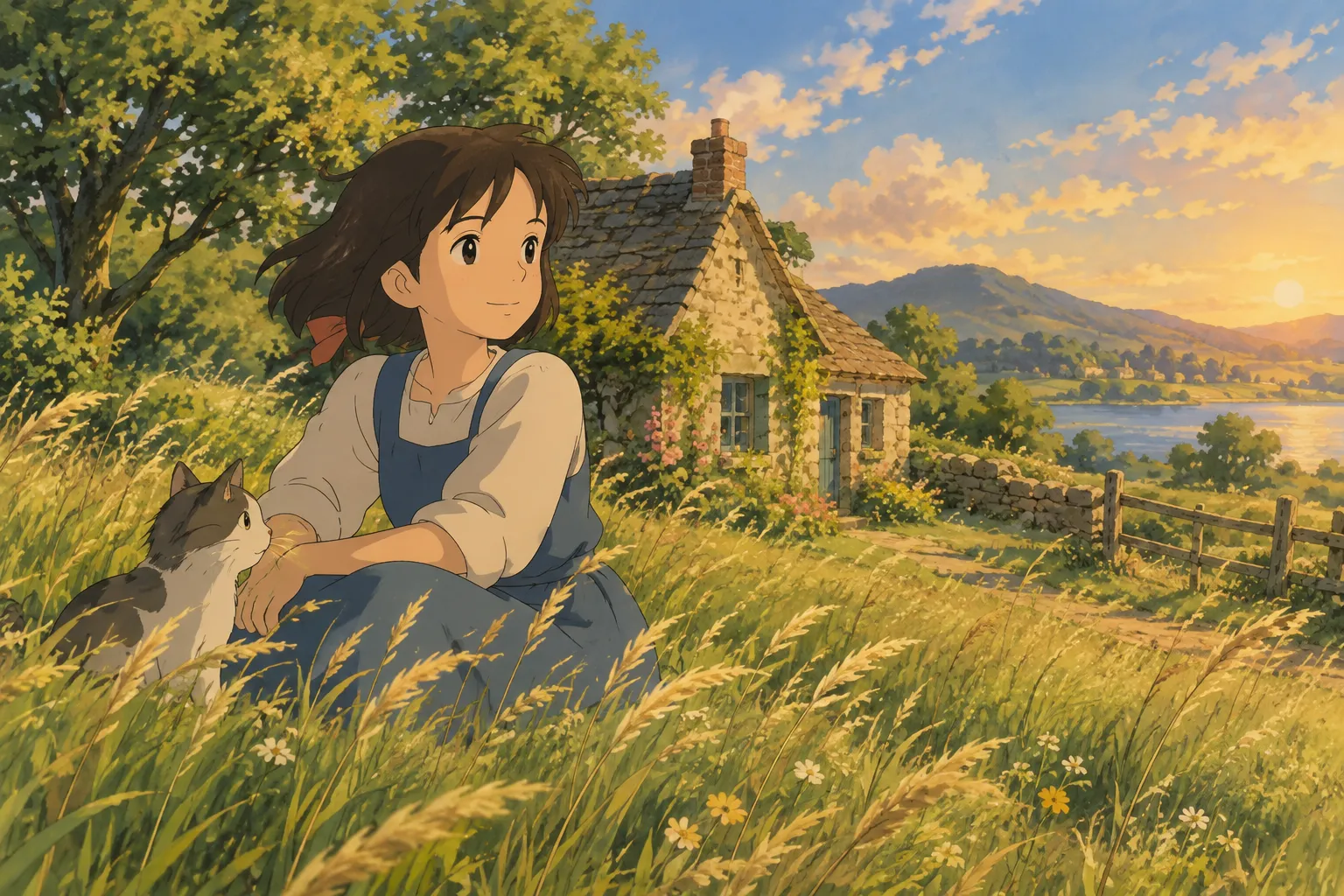
On Ghibli Style (/), you skip the prompt-writing entirely. You upload a photo of a person or a pet, choose the style, and get a result in about 20-30 seconds. The site's default home page style is the signature soft, hand-painted Ghibli-inspired look, built specifically for converting real photos rather than generating scenes from text.
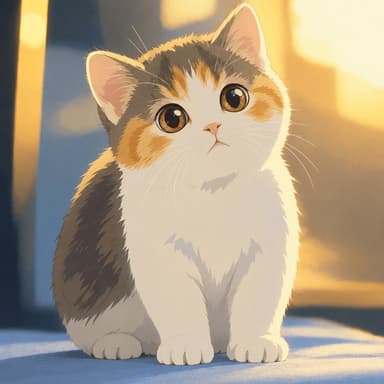
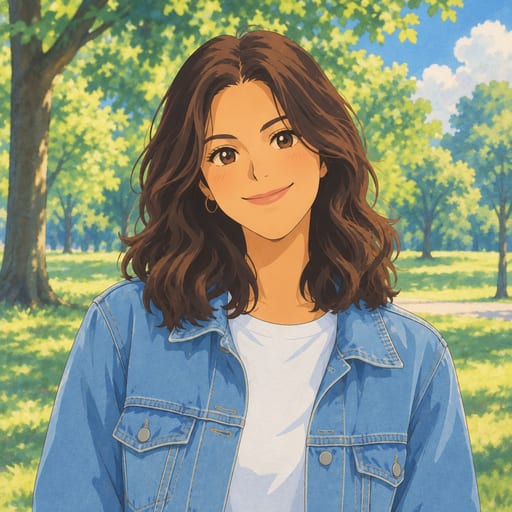
Here's an example of what that conversion looks like:
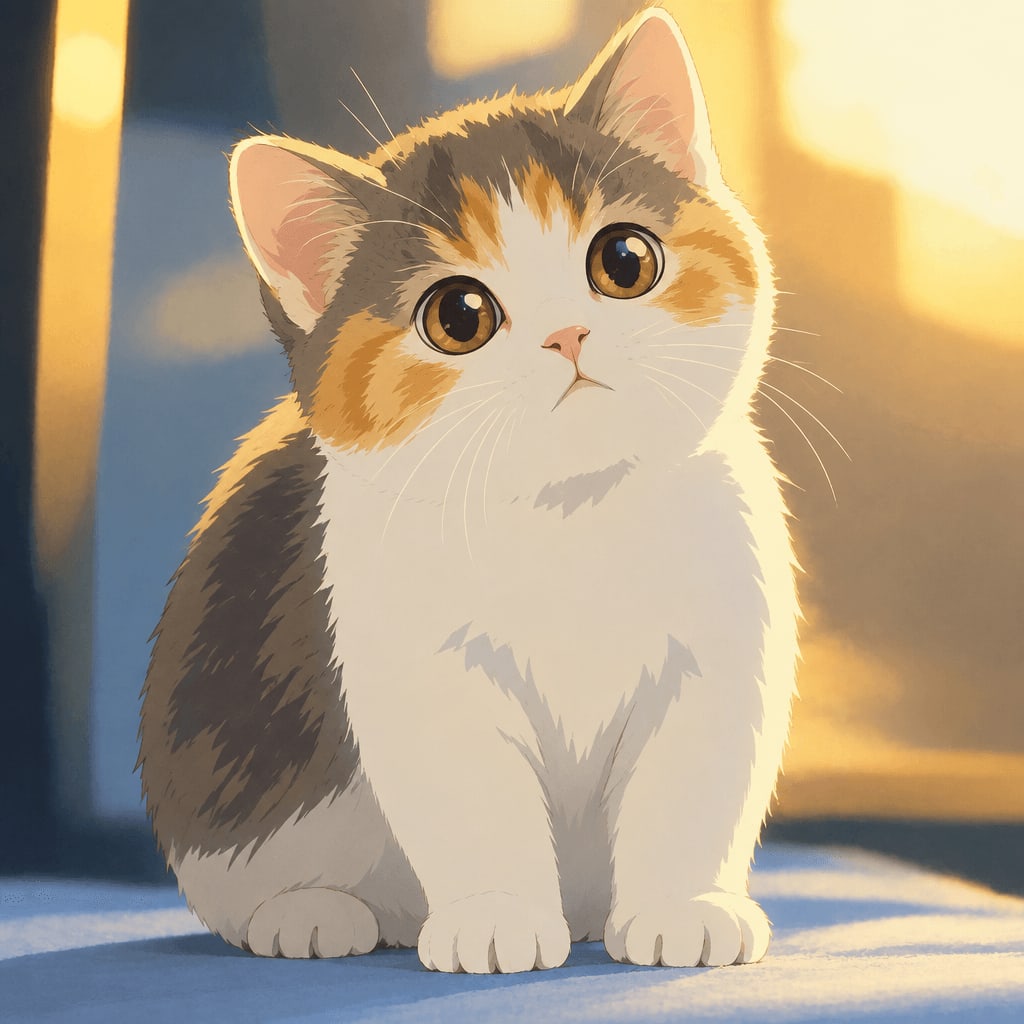
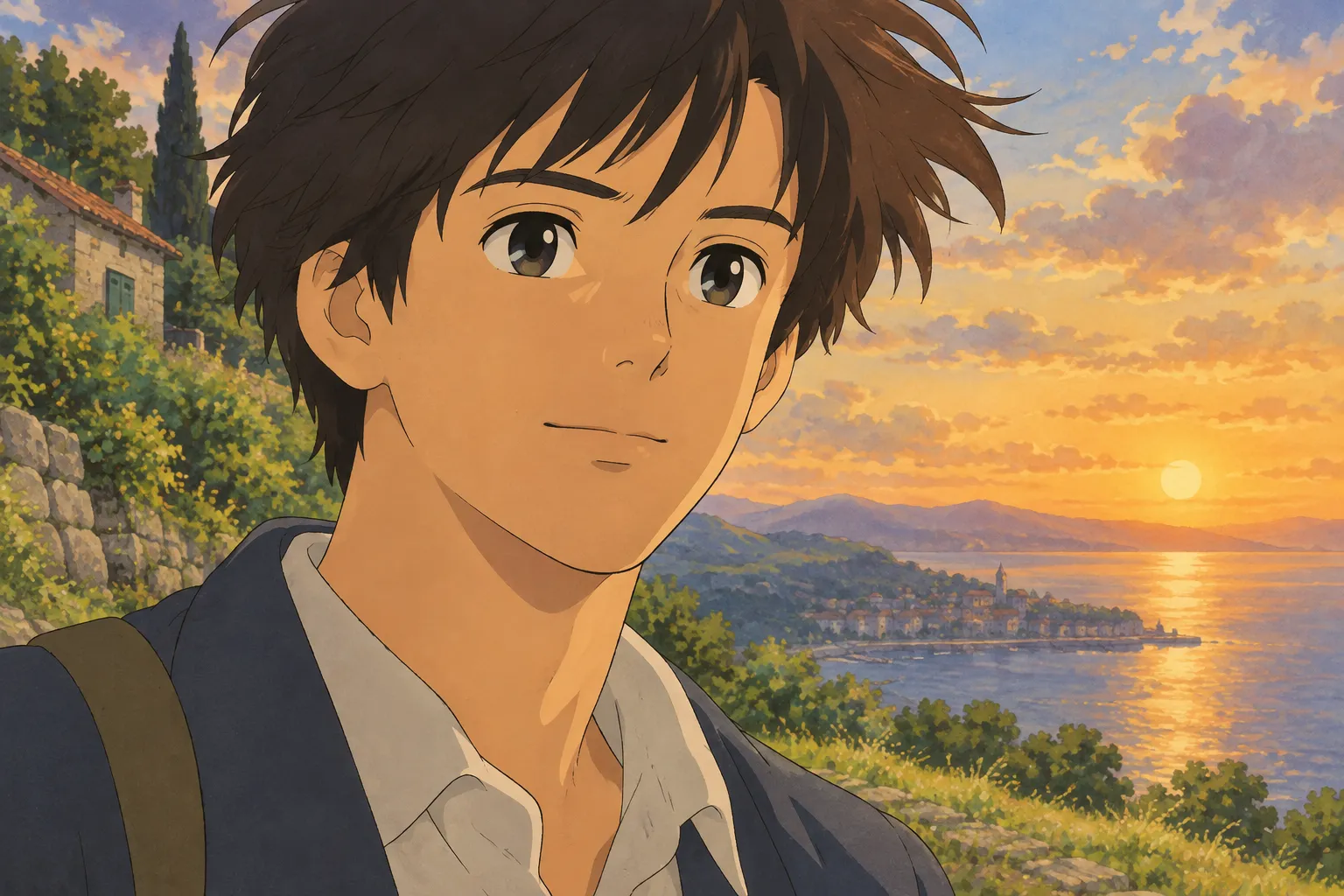
And a portrait example:
Tips for Photos That Convert Well
Whether you're prompting a generator or using a photo-to-art tool, the source image (or the mental image you're prompting toward) matters a lot. A few things that consistently help:
- Use good, even lighting. Natural daylight near a window works better than harsh overhead light or heavy shadows on the face.
- Keep the face clearly visible. Avoid sunglasses, hats that cover the eyes, or extreme angles — straight-on or slight three-quarter angles work best.
- Simple backgrounds help. A cluttered background can confuse style transfer; plain or outdoor settings tend to look cleaner in the final art.
- Higher resolution photos produce better detail. A blurry or heavily compressed photo limits how much detail the final piece can have.
- For pets, a calm, front-facing shot works best. Mid-motion shots can blur key features like eyes and ears.
Other Styles Worth Trying
If you like the general idea of turning photos into stylized art but want to explore beyond the classic hand-painted look, there's a full range of options. The (/styles) page has an overview, but a few popular picks include the modern cel-shaded (/styles/photo-to-anime) look (crisper lines, more saturated colors, a different feel from the Ghibli style), a soft (/styles/watercolor-portrait) treatment, or a fun (/styles/chibi-maker) big-head illustration. There's also a dedicated (/styles/ghibli-wallpaper) option if your goal is specifically a phone or desktop wallpaper in that style, sized correctly for your screen.
FAQ
Can I use the word "Ghibli" directly in my prompt? Many people do, but results vary a lot depending on the generator, and some tools filter studio names entirely. Describing the visual qualities — hand-painted, soft lighting, painterly backgrounds — tends to be more reliable and consistent than relying on a single keyword.
Why do my prompts give me generic anime art instead of the warm, painterly look I want? This usually means the prompt is too short or too focused on the subject alone. Add specific lighting words, background details, and texture words like "brush strokes" or "painted background" to push the result toward that cozy, hand-painted feel.
Is there a way to get this style without writing prompts at all? Yes. If your goal is turning an actual photo into this style rather than generating a new scene, a photo-to-art tool like the one on this site handles the style translation for you — you just upload and pick a style instead of describing one in text.
What if I want a specific aspect ratio, like a phone wallpaper? General prompting tools don't always give consistent aspect ratios for background art. A dedicated option like (/styles/ghibli-wallpaper) is built to output properly sized 9:16 or 16:9 wallpapers from a photo.
Getting Started
If you want to experiment with prompts, start with the formula above and adjust one element at a time — lighting, then setting, then color palette — until you find a combination you like. And if you'd rather turn an actual photo into the look directly, you can try it on the (/) home page; new accounts get one free image to test it out, and plans on the (/#pricing) page scale up from there if you want to convert more photos.
Try the Ghibli style generator on your own photo.
Try it free