Big Head Small Body Cartoon Maker: Turn Any Photo into Chibi Art
Looking for a big head small body cartoon maker? Learn how chibi-style AI art works, what photos work best, and try it free in under a minute.
 Ghibli Style Team5 min read
On this page
If you've ever seen those adorable cartoons with an oversized head, huge sparkly eyes, and a tiny body, you've met "chibi" style. It's one of the most fun ways to turn a regular photo into something playful and shareable — and you don't need to know how to draw to make one. This guide covers what a big head small body cartoon maker actually does, the kind of photo that gets the best results, and a few other styles worth trying if chibi isn't quite the vibe you're after.
What Is a "Big Head Small Body" Cartoon?
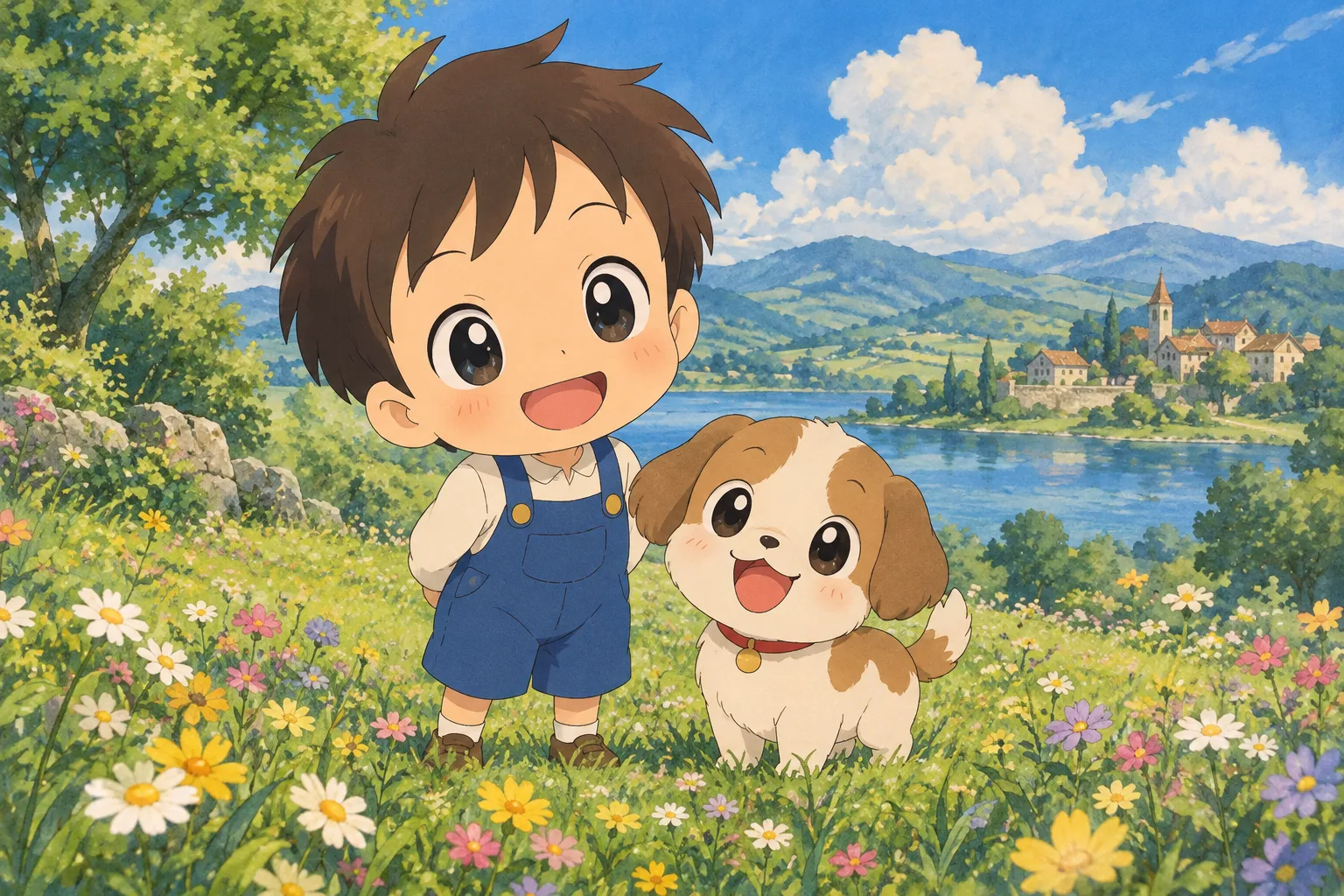
The term describes a specific art style, often called "chibi" (from the Japanese word for "small"), that's a staple of anime and manga culture. The proportions are exaggerated on purpose: the head takes up a large portion of the body, the eyes are big and expressive, and the limbs are short and rounded. The effect is instantly cute and a little comedic, which is exactly why it's so popular for profile pictures, stickers, gifts, and social media avatars.
Traditionally, artists drew these by hand, studying a photo and redrawing the subject with squashed proportions. Today, AI tools can do the same transformation in seconds by analyzing a photo and generating a new chibi-style illustration based on it — keeping recognizable features like hairstyle, outfit colors, and facial expression while reshaping the body.
How an AI Big Head Small Body Cartoon Maker Works
Most tools follow the same basic steps:
- Upload a photo of a person or a pet.
- Pick the chibi style (sometimes labeled "big head," "super deformed," or "chibi maker").
- Wait a short moment while the AI redraws the image with the exaggerated proportions.
- Download or save the result.
On Ghibli Style, this process uses the chibi maker style, one of 42 styles available across categories like cartoon & anime, sketch, digital art, and 3D. You upload a photo, choose the chibi look, and the image is typically ready in about 20-30 seconds. New accounts get one free image to try it before buying any credits, and a failed generation never uses up a credit.
Tips for the Best Chibi Result
Since the AI is working from your photo to decide facial features, hairstyle, and outfit details, a clearer source photo generally gives a cleaner cartoon. A few things help:
- Face clearly visible. Front-facing or slight angle shots work better than extreme profiles, since the chibi style leans heavily on big expressive eyes.
- Good, even lighting. Natural daylight or soft indoor light avoids harsh shadows that can confuse small details like glasses or jewelry.
- Simple background. A plain wall or uncluttered scene helps the AI focus on the subject rather than guessing what to keep or remove.
- One clear subject per photo. Solo portraits convert most predictably. Group photos can work too, but results are more consistent one person (or pet) at a time.
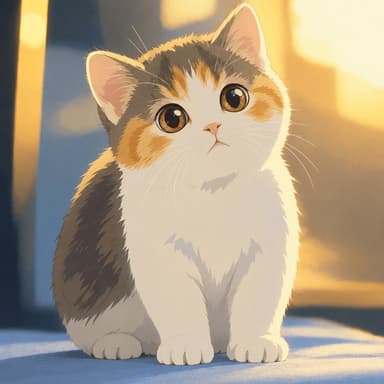
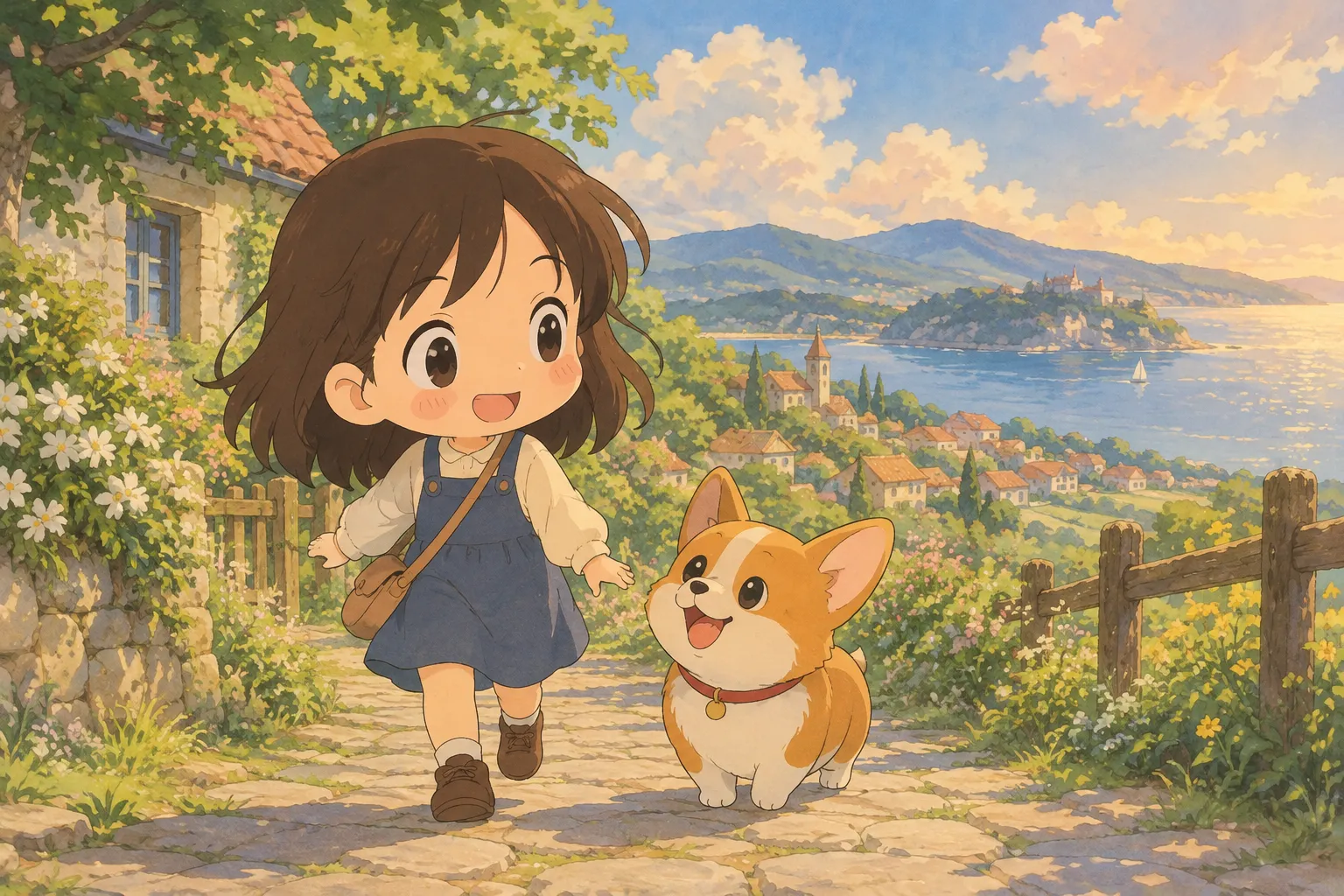
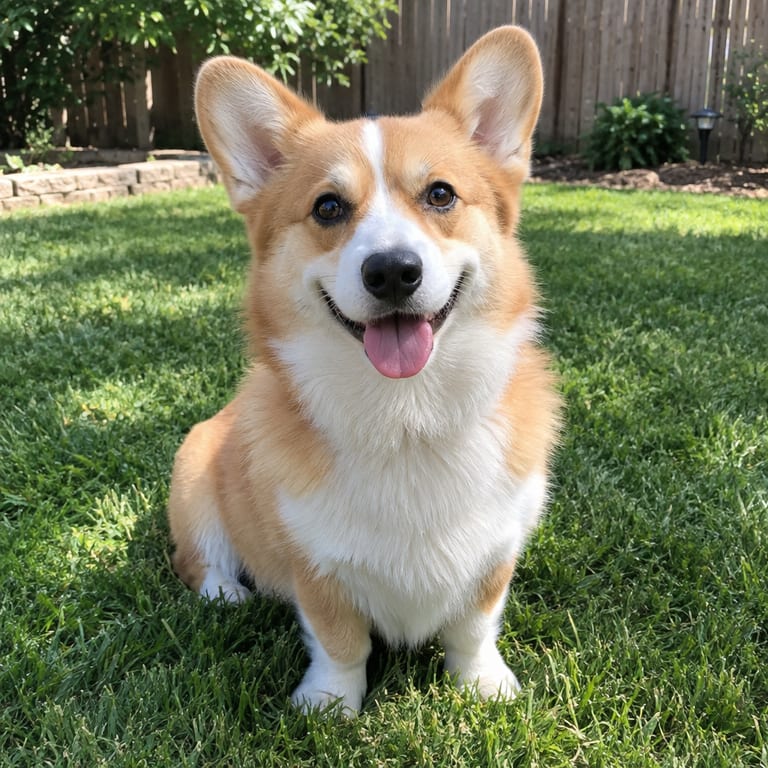
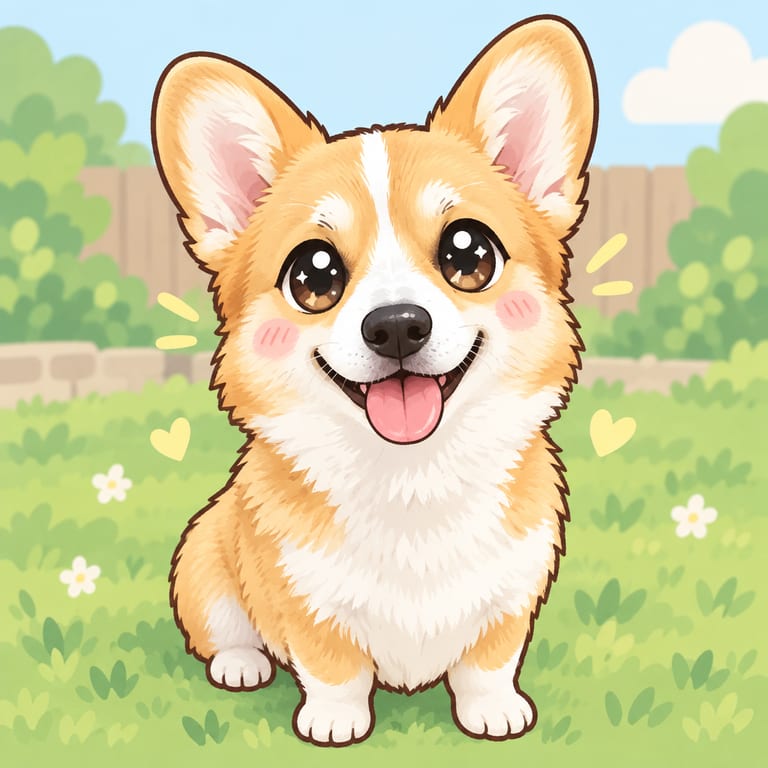
- Pets count too. Dogs, cats, and other pets translate into chibi style just as well as people — big round eyes and a stubby little body can make for an especially charming version of your furry friend.
Example: Before and After
Other Fun Options If Chibi Isn't Quite Right
Chibi is just one of many ways to turn a photo into art. Depending on what you're going for, a few related styles might fit better:
- Caricature maker — also a big-head style, but playfully exaggerated in a hand-painted caricature way rather than anime-cute.
- 3D figurine — turns your photo into a realistic collectible figure on a display base, great for a desk shelf look.
- AI action figure generator — puts you in a toy box with accessories, like a packaged collectible.
- Anime pfp maker — makes a clean square avatar for social media, Ghibli-inspired by default.
- Claymation filter — gives your photo a handmade stop-motion clay puppet texture.
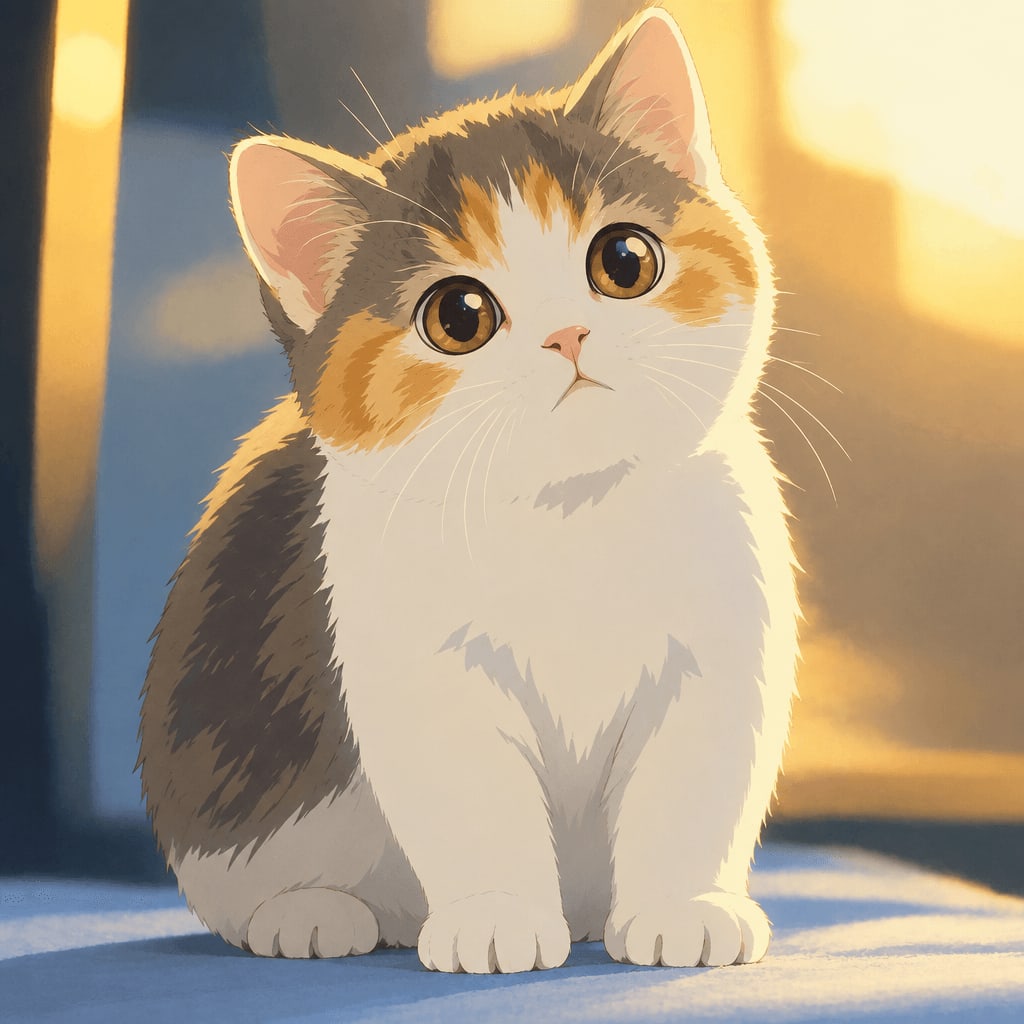
If you'd rather keep the proportions realistic but still want that hand-painted anime film look, the home page's default style turns a photo into a soft, Ghibli-inspired scene instead of a chibi character — worth a look if you want something gentler and more atmospheric.
Where to Use Your Chibi Cartoon
Once you've made one, there are plenty of places it can go:
- Social media avatars — chibi style stands out in a feed of regular photos.
- Messaging stickers — pair it with the sticker maker style for a die-cut version with a white border.
- Printed gifts — mugs, phone cases, or greeting cards featuring a chibi version of a pet or loved one.
- Group chat icons — a lighthearted way to represent yourself or your pet in a friend group.
FAQ
Do I need design skills to use a big head small body cartoon maker? No. The AI handles the redrawing. You just upload a photo, pick the chibi style, and download the result.
Will the cartoon still look like me (or my pet)? Good AI chibi tools aim to keep recognizable features — hair color, outfit, expression — while exaggerating the proportions, so the result should still feel like a clear, cute version of the original photo.
Can I use a photo of my pet instead of a person? Yes. Dogs, cats, and other pets work well with chibi style, since the big-eyed, rounded look suits animals naturally.
What if I don't like the result? On Ghibli Style, a failed generation never costs a credit, and you can try a different style or photo. Check pricing for credit packs and monthly plans if you want to make more than the one free image new accounts get.
Try It Yourself
Turning a photo into a chibi cartoon takes less time than brewing a cup of coffee. Browse the full styles page to compare chibi against caricature, 3D figurine, and other options, or head straight to the chibi maker to upload a photo and see your big-head, small-body version come to life.
Try the Ghibli style generator on your own photo.
Try it free