AI Headshot for LinkedIn
A good profile photo gets more profile views. The headshot is square with your face centered, so it fits LinkedIn's round crop; use the round preview after generating to check it.
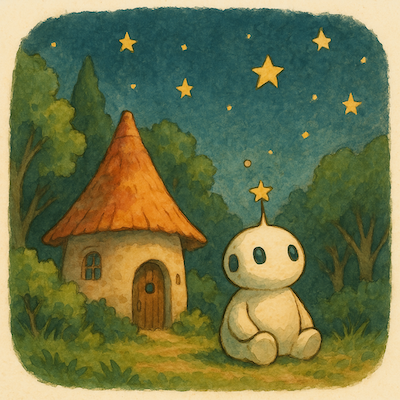 Ghibli Style
Turn a casual selfie into a professional headshot for LinkedIn, your resume or your team page. Same face, studio look, first image free.
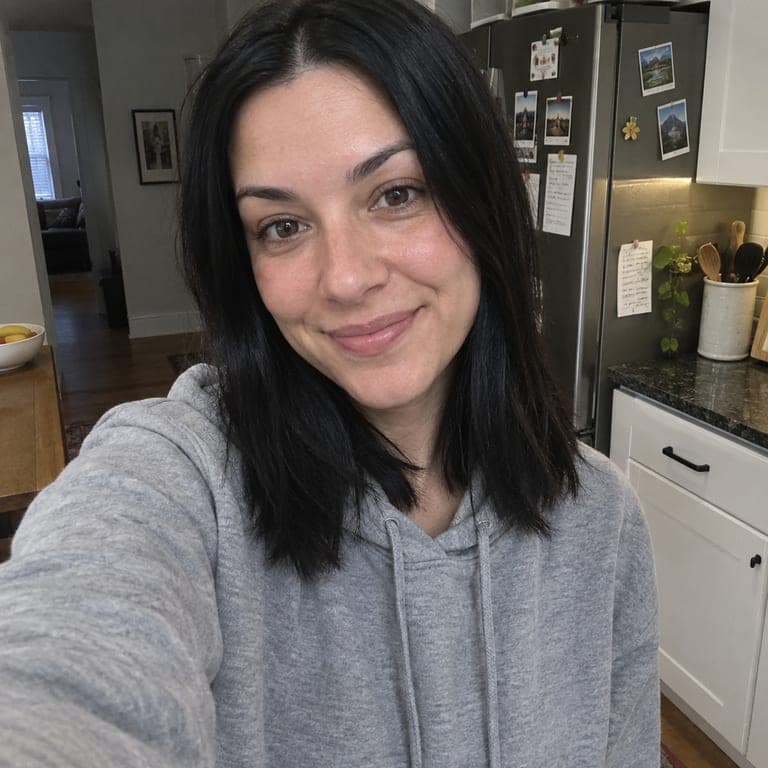
@yourname
or drag image here
Try one of these examples
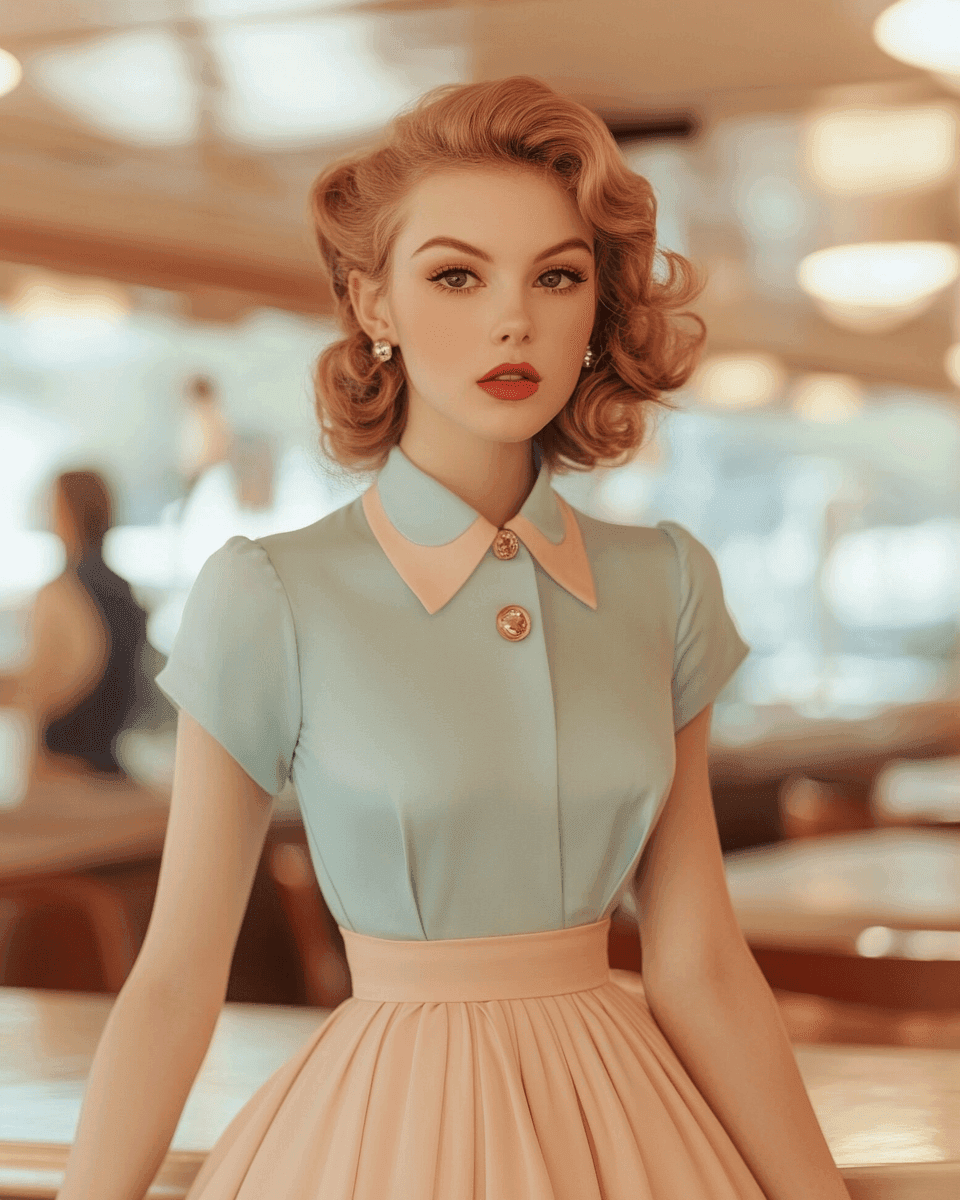
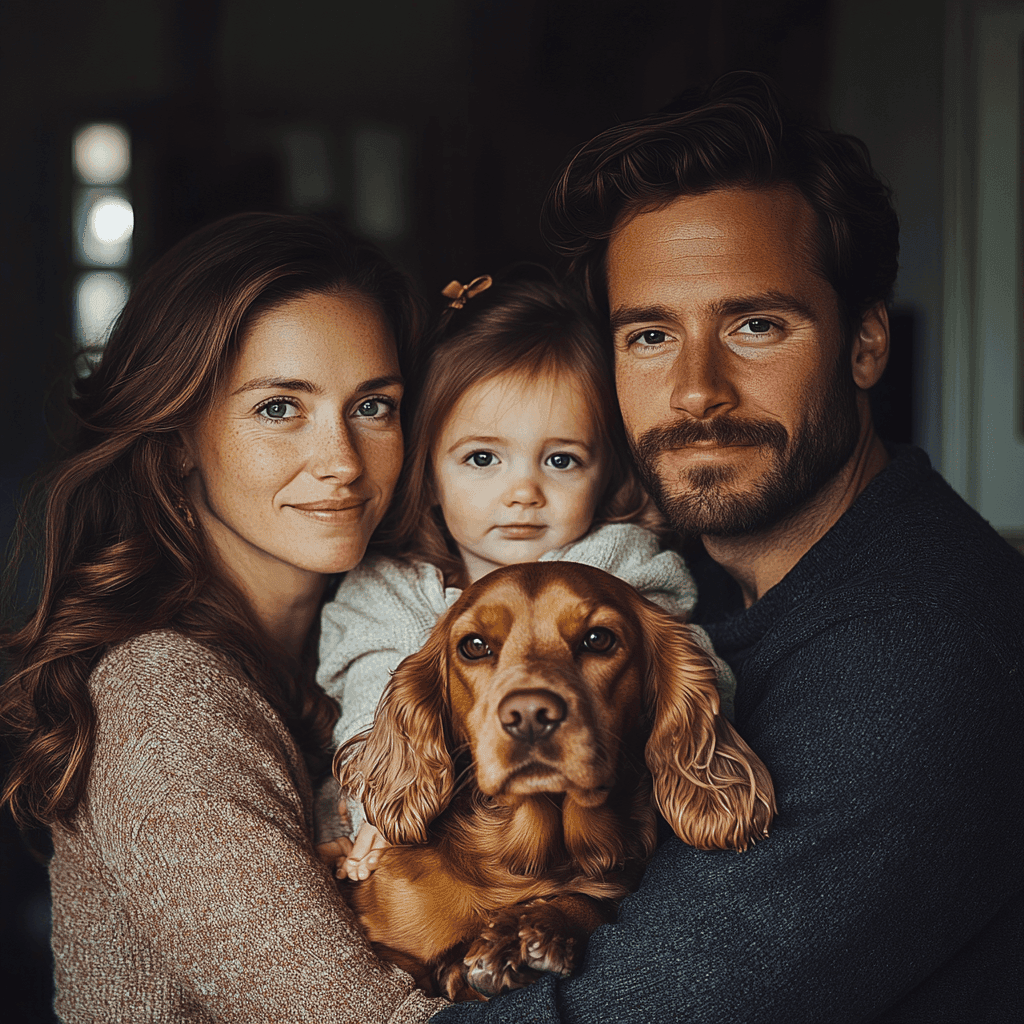
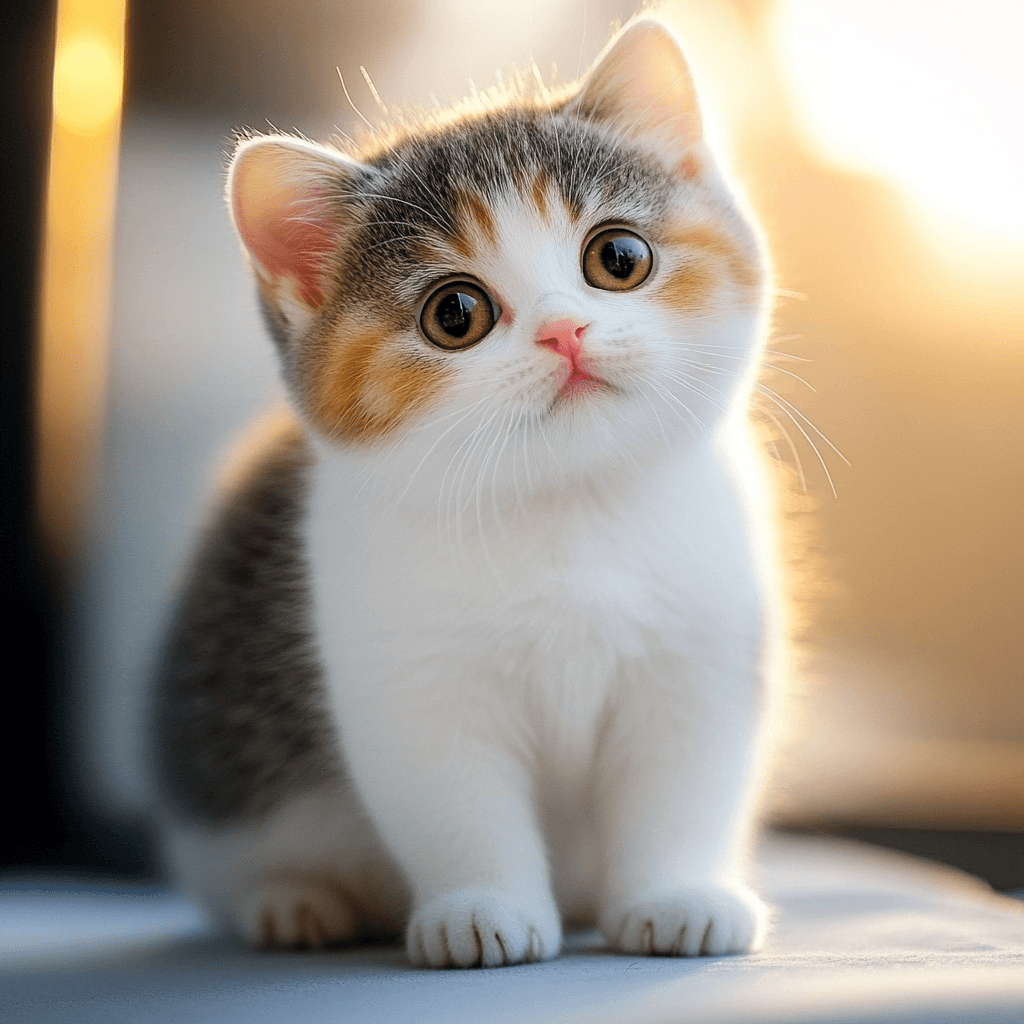

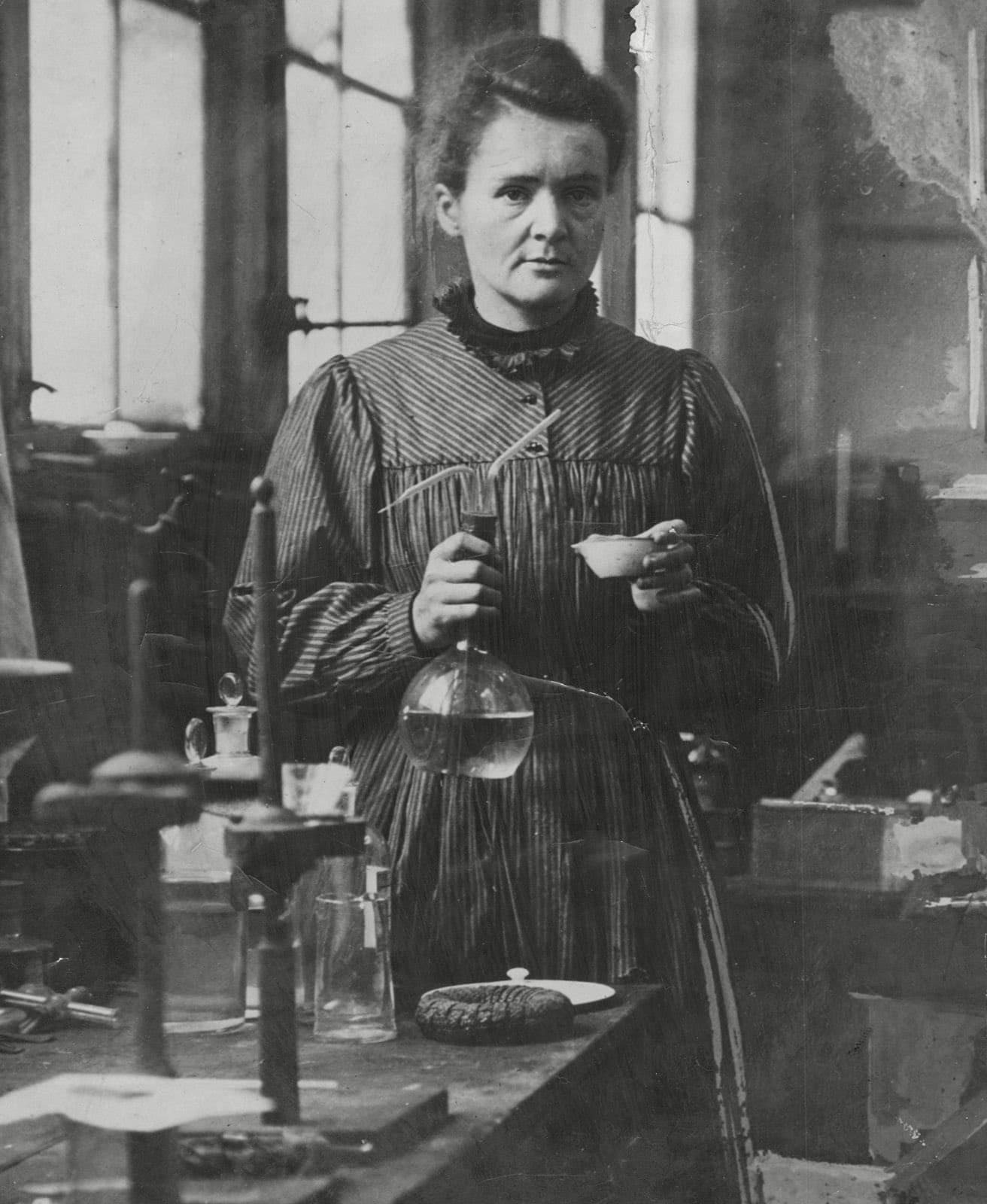
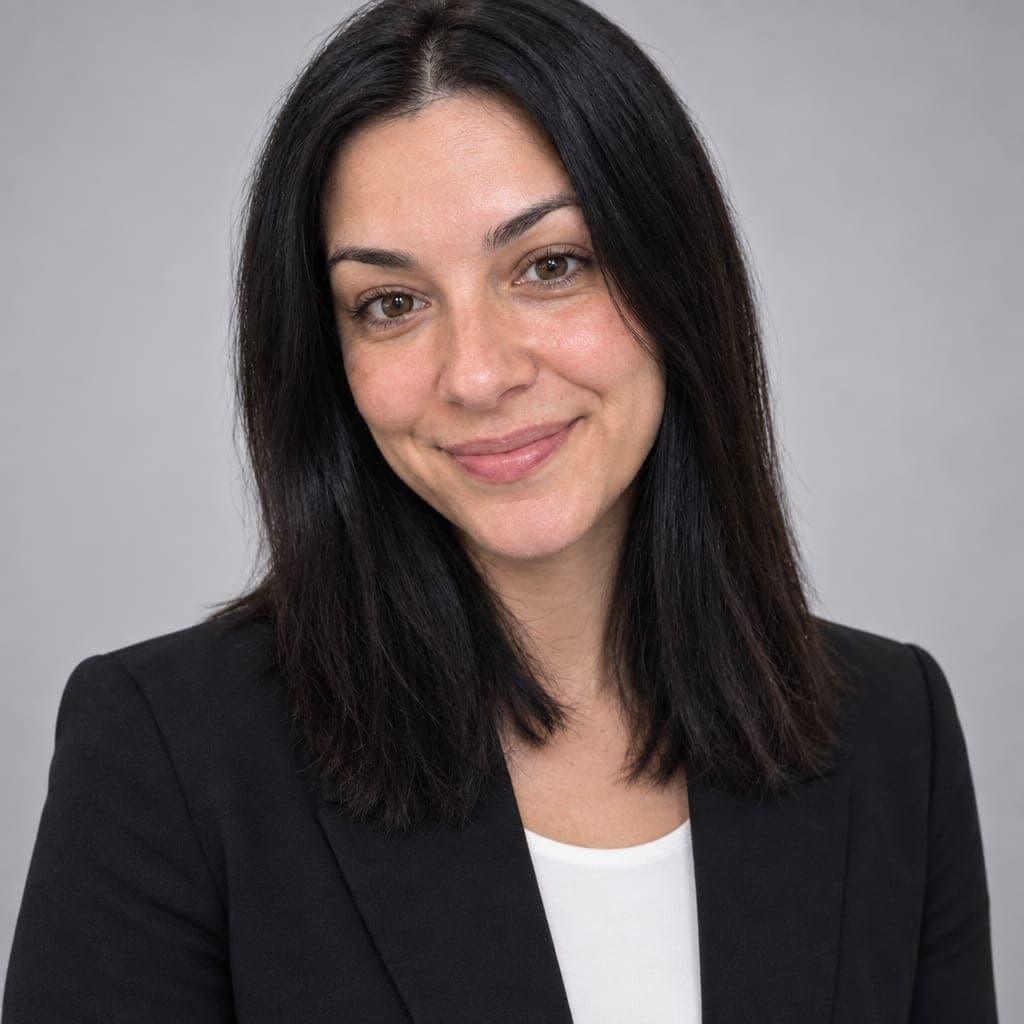
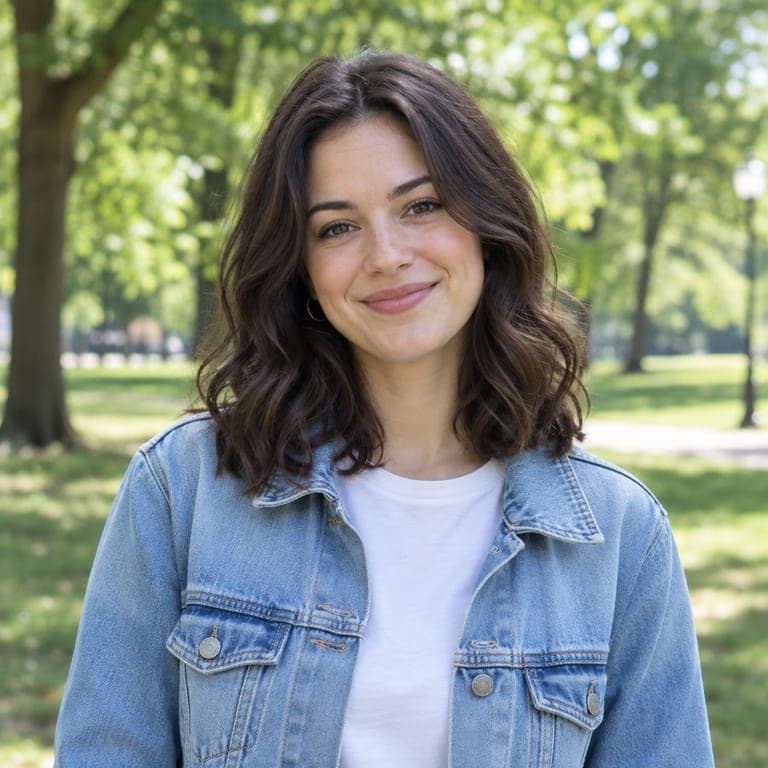
Upload a clear selfie and get a photorealistic professional headshot: head-and-shoulders framing, a dark blazer, soft studio lighting and a neutral grey backdrop. The AI keeps your real face, skin tone and hairstyle, so it looks like you on a good day at a photo studio, not like someone else.
Real results from the tool. Drag the handle to compare.

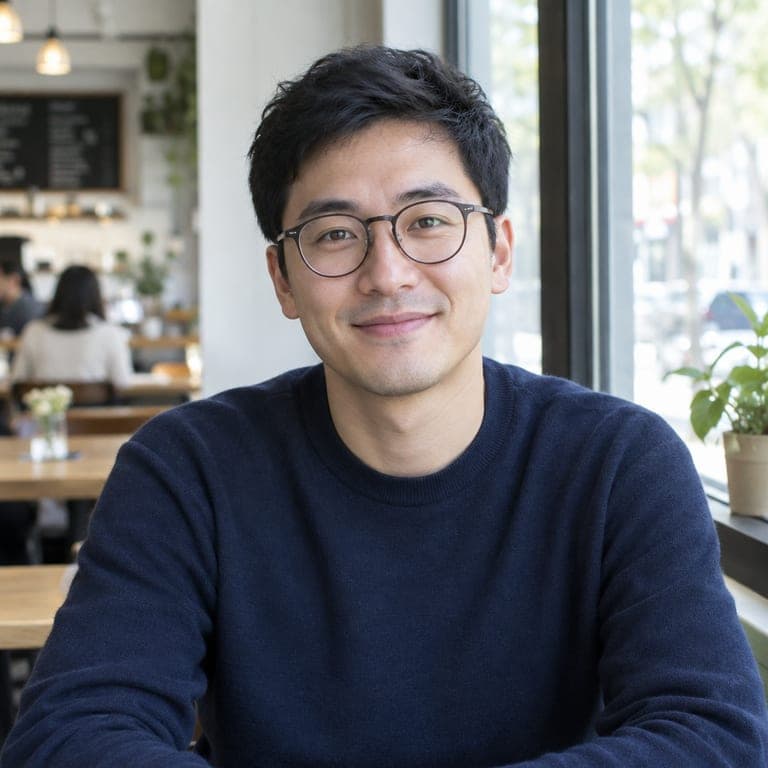

A clear photo of a person or a pet. JPG, PNG or HEIC from your phone all work.
It is already picked for you. You can switch to any of the other styles too.
Get the result in about 20 seconds. Save it to your phone, or download it in HD.
A good profile photo gets more profile views. The headshot is square with your face centered, so it fits LinkedIn's round crop; use the round preview after generating to check it.
No photographer or studio booking needed: a phone selfie at home is enough. The AI replaces the background, lighting and outfit and keeps your face.
Use the same clean, neutral look on your resume, personal website, speaker bio or company team page, so every profile matches.
Every new account gets 1 free image, so you can try the AI headshot generator before paying. Failed generations are never charged.
Yes. The prompt asks the AI to keep exactly the same face, features and skin tone, without beautifying or aging you. Clear, front-facing selfies give the most accurate results.
Yes, the image is yours to use on LinkedIn, your resume or your website. It is AI-generated, so check it looks like you before you use it.
The headshot style uses business attire and a neutral grey studio backdrop, the look most recruiters expect. For a different look, pick another style in the list.
Your first image is free with a new account. After that you can buy a small credit pack or subscribe. Failed generations are never charged.
Your photo is only used to create the headshot. Results are kept in your private My Works page and deleted after the retention period.